Sales Agent Form For Woocommerce
Description

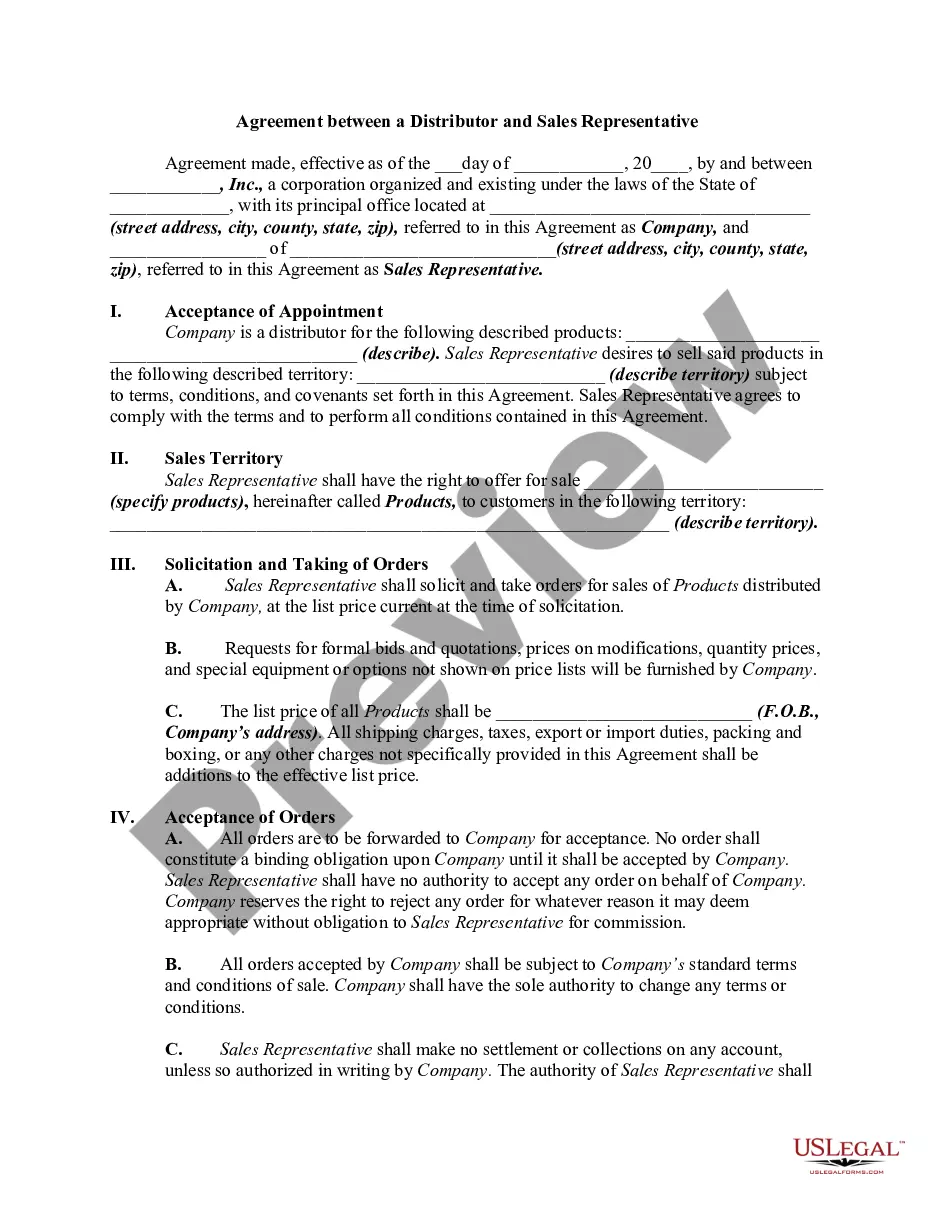
Get your form ready online
Our built-in tools help you complete, sign, share, and store your documents in one place.
Make edits, fill in missing information, and update formatting in US Legal Forms—just like you would in MS Word.
Download a copy, print it, send it by email, or mail it via USPS—whatever works best for your next step.
Sign and collect signatures with our SignNow integration. Send to multiple recipients, set reminders, and more. Go Premium to unlock E-Sign.
If this form requires notarization, complete it online through a secure video call—no need to meet a notary in person or wait for an appointment.
We protect your documents and personal data by following strict security and privacy standards.

Make edits, fill in missing information, and update formatting in US Legal Forms—just like you would in MS Word.

Download a copy, print it, send it by email, or mail it via USPS—whatever works best for your next step.

Sign and collect signatures with our SignNow integration. Send to multiple recipients, set reminders, and more. Go Premium to unlock E-Sign.

If this form requires notarization, complete it online through a secure video call—no need to meet a notary in person or wait for an appointment.

We protect your documents and personal data by following strict security and privacy standards.
Looking for another form?
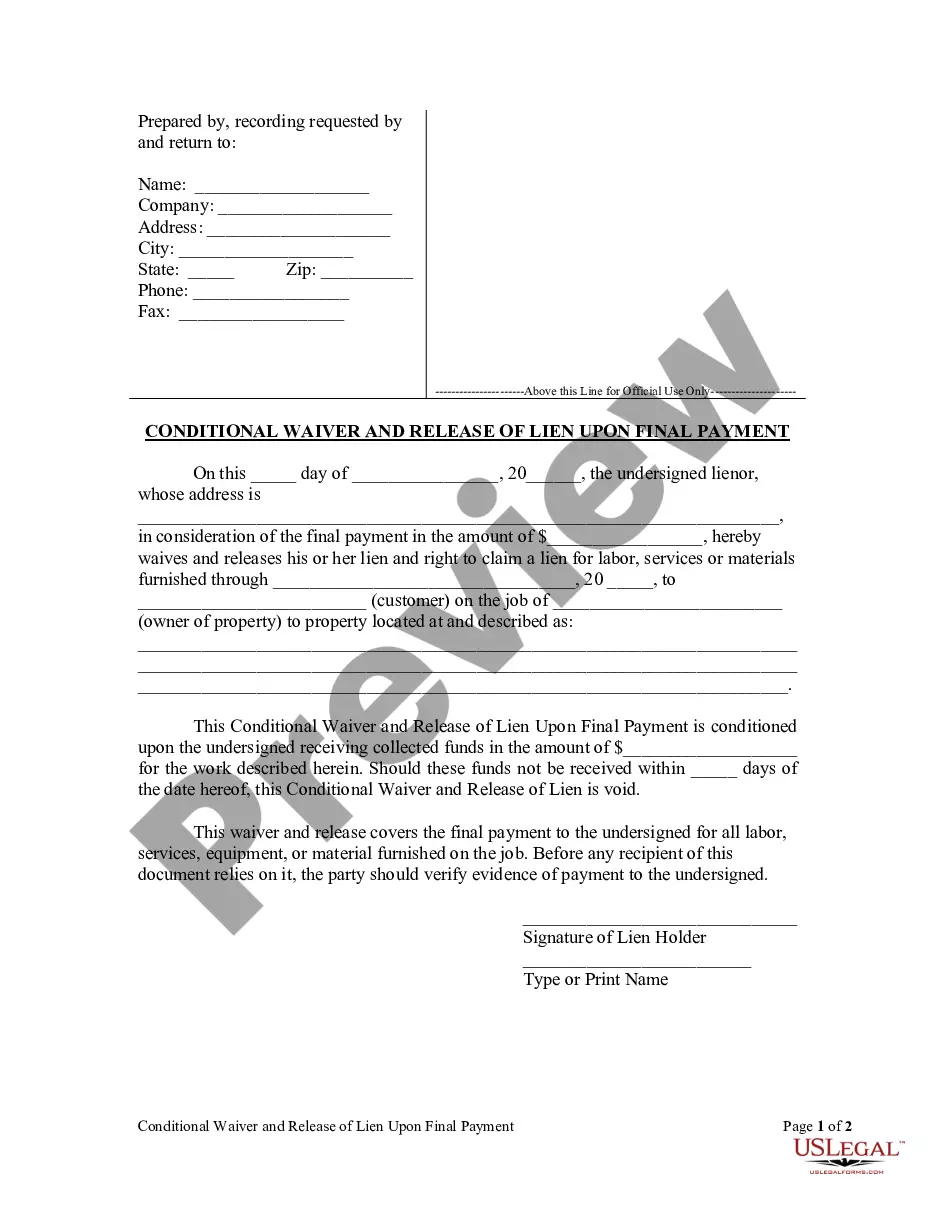









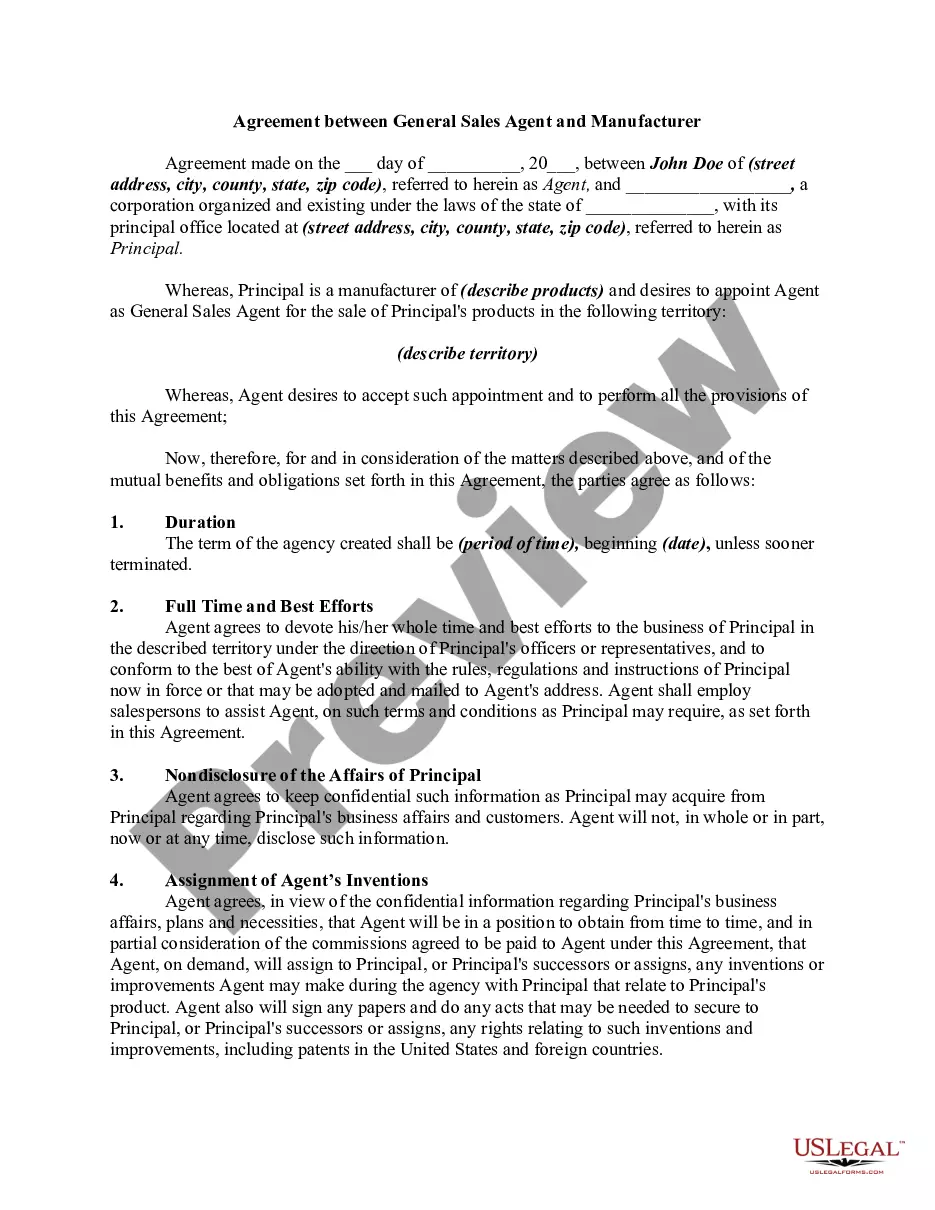
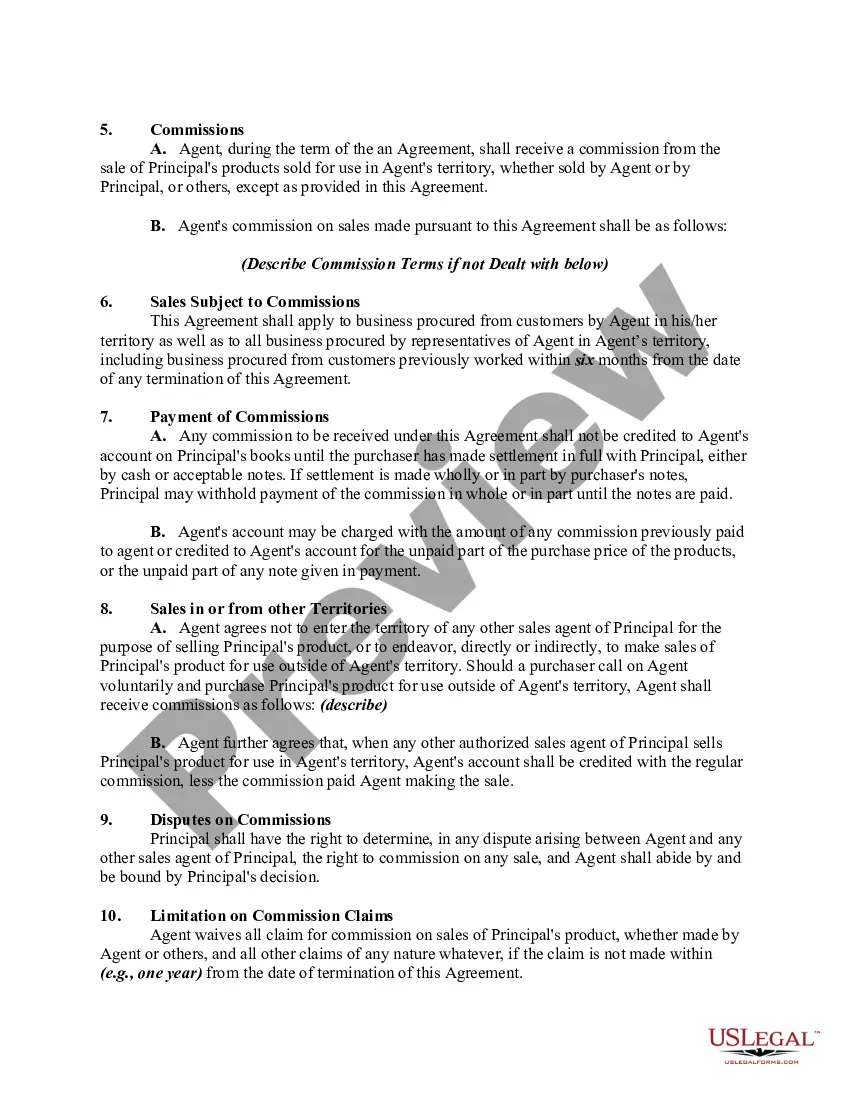
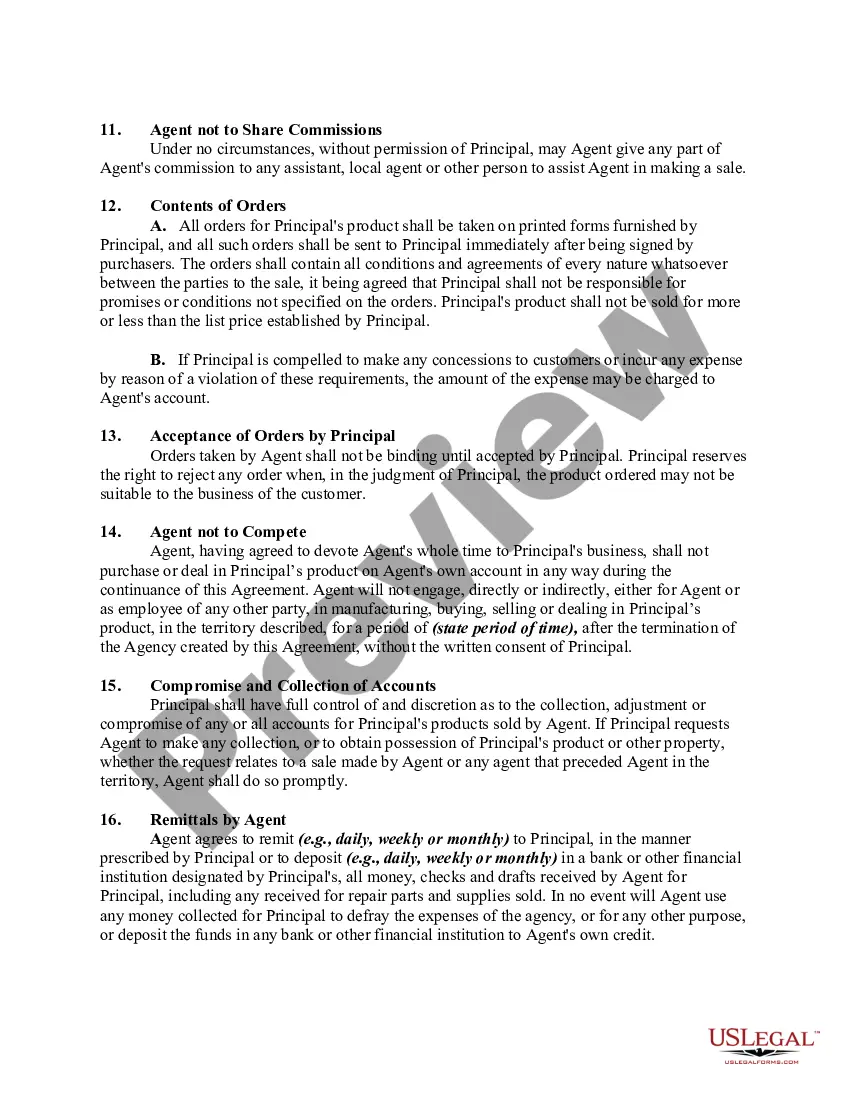
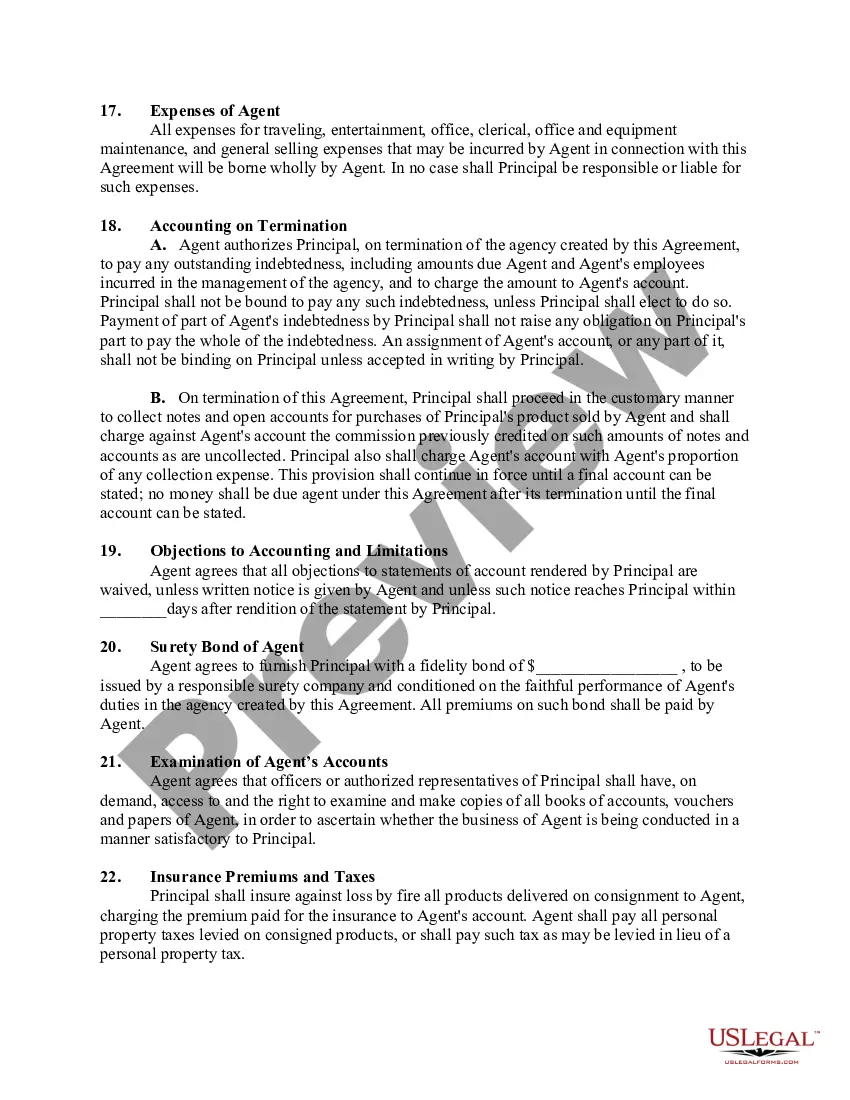
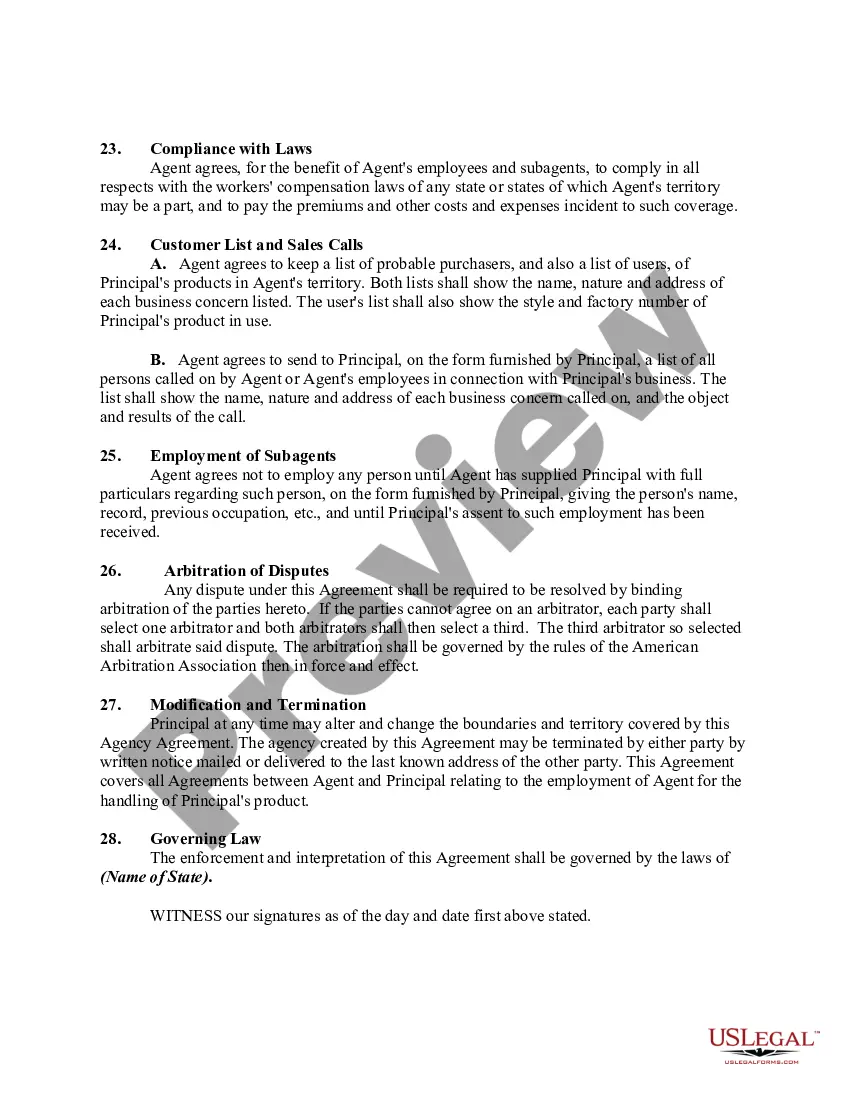
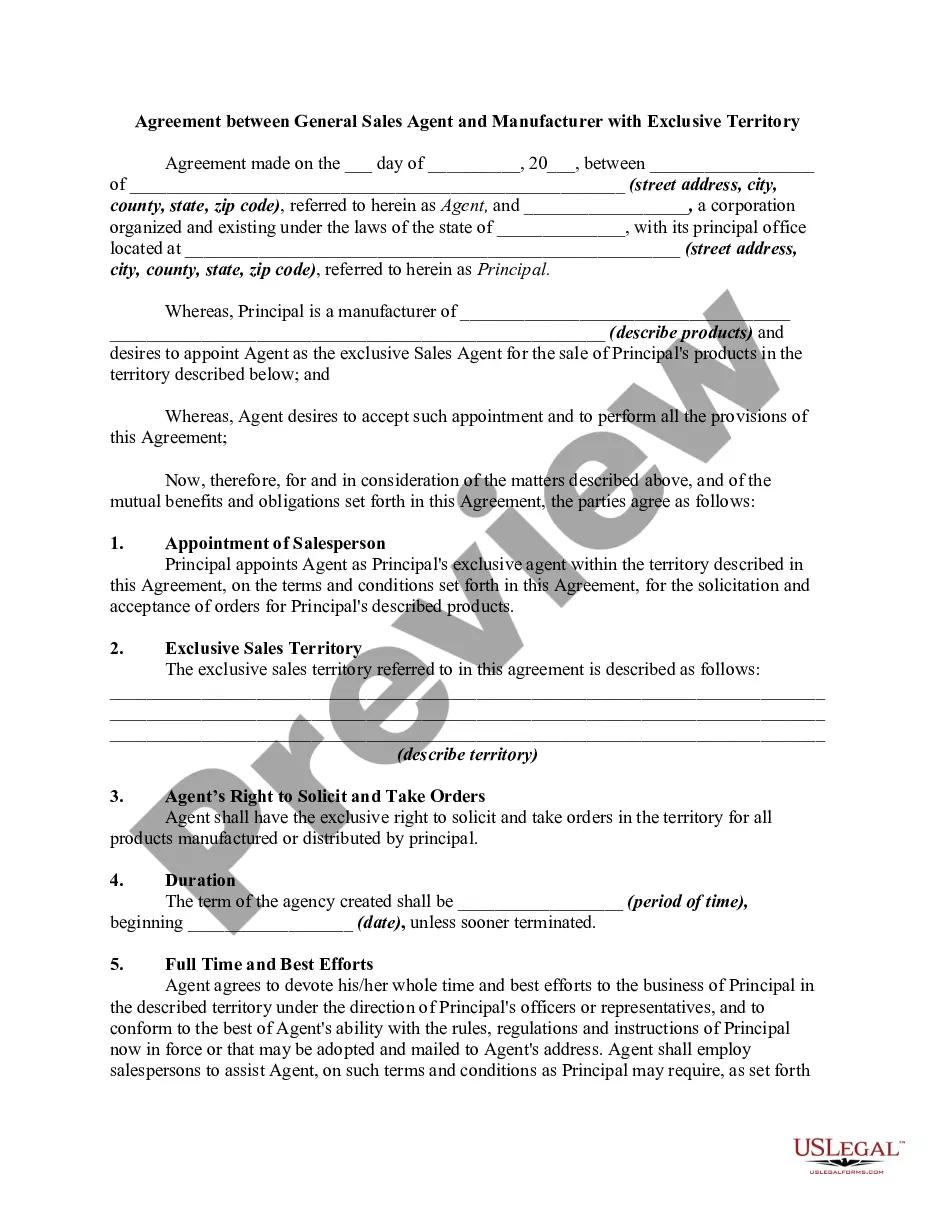
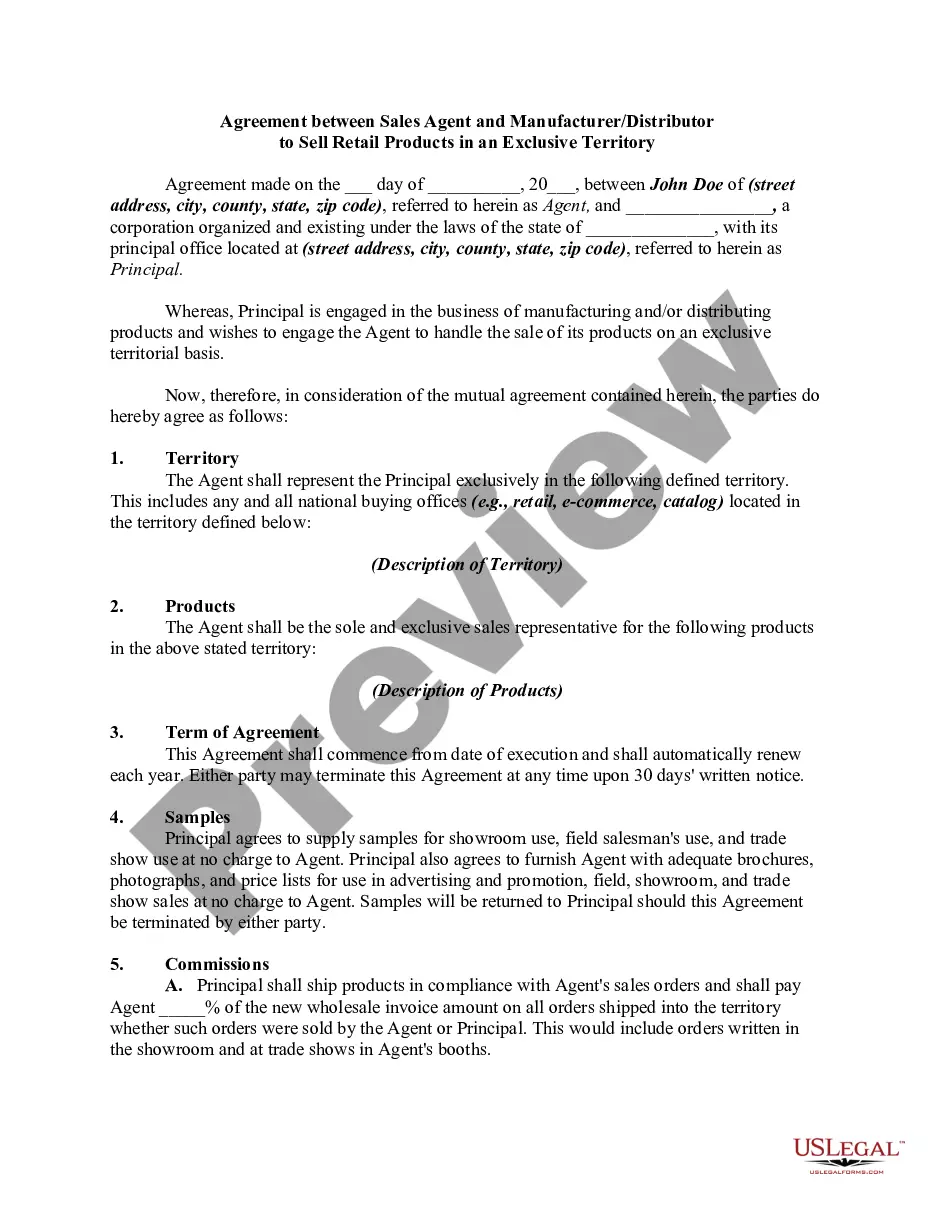
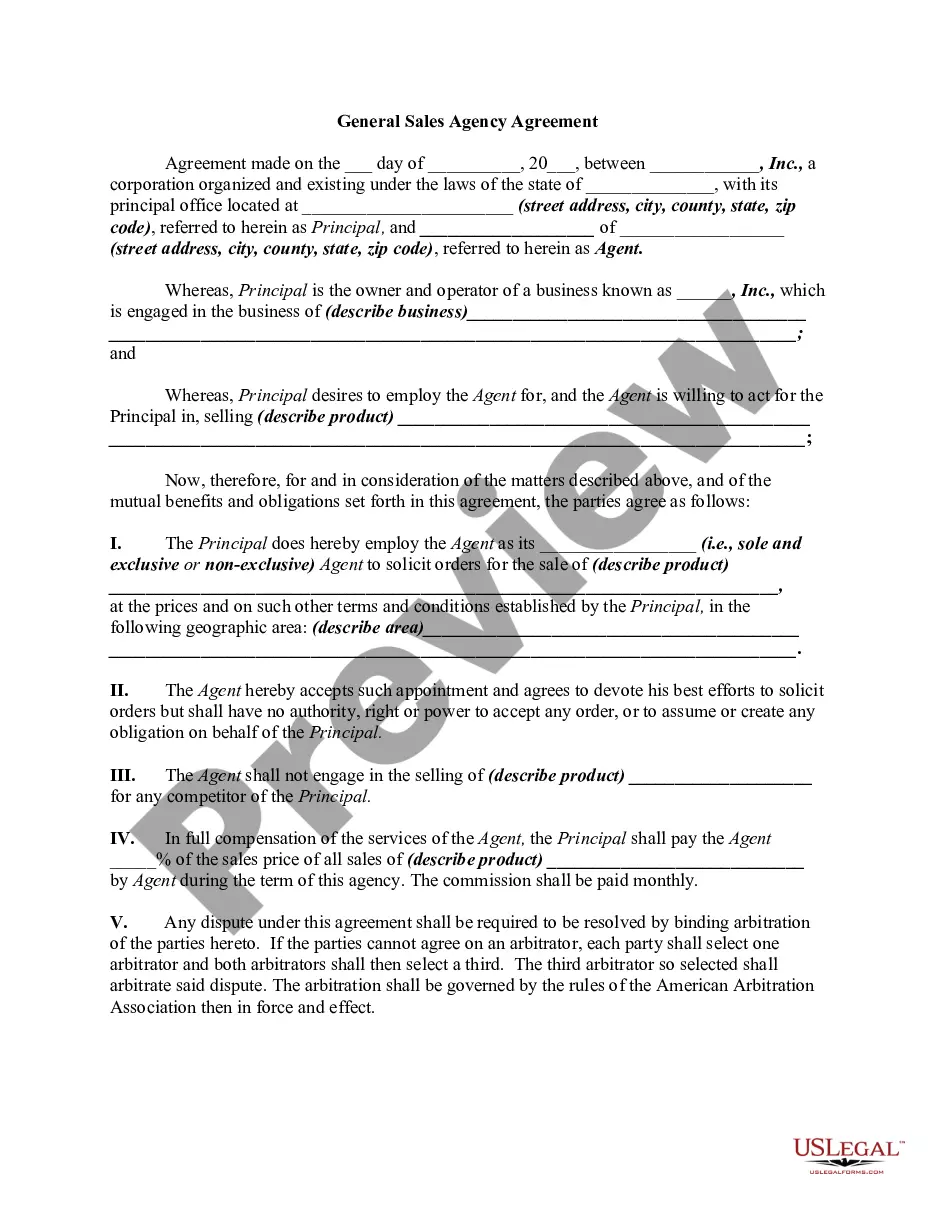
How to fill out Agreement Between General Sales Agent And Manufacturer?
Handling legal documents and processes can be a lengthy addition to the day.
Sales Agent Form For Woocommerce and similar forms usually require you to look for them and comprehend how to fill them out accurately.
Thus, whether you are managing financial, legal, or personal affairs, having a comprehensive and user-friendly online directory of forms at your disposal will significantly help.
US Legal Forms is the leading online platform for legal templates, providing over 85,000 state-specific forms and various resources to assist you in completing your documents effortlessly.
Is this your first time using US Legal Forms? Sign up and establish your account in a few minutes to gain access to the form directory and Sales Agent Form For Woocommerce. Then, follow the steps outlined below to complete your form: Ensure you have located the correct form using the Preview feature and reviewing the form details. Select Buy Now when ready, and choose the monthly subscription plan that suits your requirements. Click Download then fill out, eSign, and print the form. US Legal Forms has 25 years of expertise helping users manage their legal documents. Obtain the form you need right now and simplify any procedure without effort.
- Explore the directory of relevant documents available to you with just a single click.
- US Legal Forms offers state- and county-specific forms accessible at any time for download.
- Protect your document management processes with a premium service that enables you to prepare any form within minutes without any extra or concealed fees.
- Simply Log In to your account, find Sales Agent Form For Woocommerce and download it directly from the My documents section.
- You can also access previously saved forms.
Form popularity
FAQ
Creating New Registration Form To create a new registration form, go to WP Admin Panel > WooCommerce > Registration Forms > Add New Form. You can create and customize multiple registration forms with the following options: Add form title. Use ?Add Default Field? to display a default billing or shipping field on form.
Adding a form to a WooCommerce product is easy! Simply click on the WS Form tab under 'Product data' and choose a template or choose an existing form. You can also start with a blank template and create a fully customized form for your product. Managing your product customization is easy.
How can I boost WooCommerce sales? Optimize your WooCommerce store's UX. Offer personalized discounts and coupons. Highlight product benefits (not just features) Improve your checkout process. Use SEO best practices to increase traffic and conversion rates. Send cart recovery emails.
What is the difference between sales rep and sales agent? A sales rep's job is very different from that of a sales agent. The first distinction between these roles is that a sales representative works directly for a company. In contrast, a sales agent is typically self-employed and works as an independent contractor.
The main difference between the two is that a sales representative works directly for your organization and an agent is an independent contractor who may have multiple clients.