Employment Form Employee Format
Description

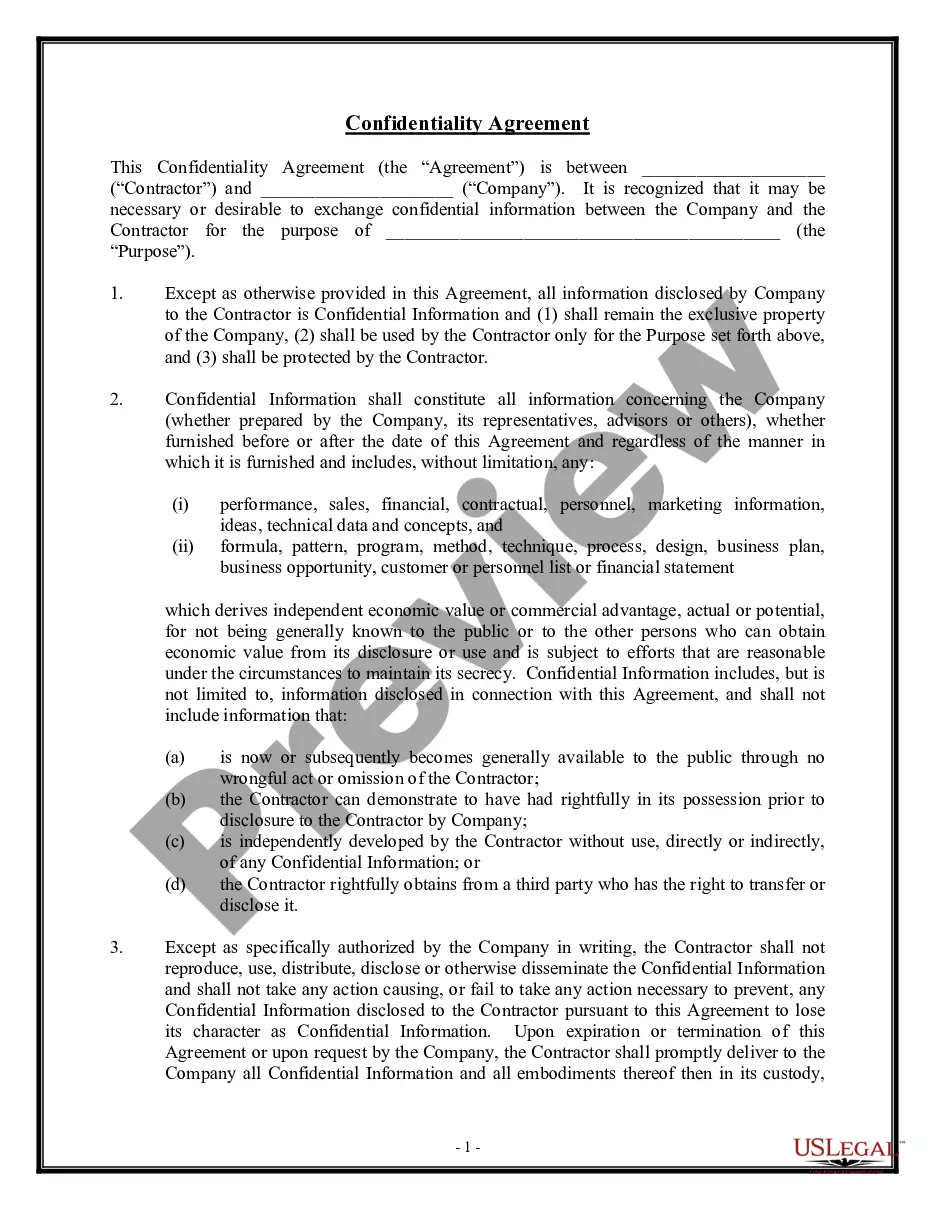
Get your form ready online
Our built-in tools help you complete, sign, share, and store your documents in one place.
Make edits, fill in missing information, and update formatting in US Legal Forms—just like you would in MS Word.
Download a copy, print it, send it by email, or mail it via USPS—whatever works best for your next step.
Sign and collect signatures with our SignNow integration. Send to multiple recipients, set reminders, and more. Go Premium to unlock E-Sign.
If this form requires notarization, complete it online through a secure video call—no need to meet a notary in person or wait for an appointment.
We protect your documents and personal data by following strict security and privacy standards.

Make edits, fill in missing information, and update formatting in US Legal Forms—just like you would in MS Word.

Download a copy, print it, send it by email, or mail it via USPS—whatever works best for your next step.

Sign and collect signatures with our SignNow integration. Send to multiple recipients, set reminders, and more. Go Premium to unlock E-Sign.

If this form requires notarization, complete it online through a secure video call—no need to meet a notary in person or wait for an appointment.

We protect your documents and personal data by following strict security and privacy standards.
Looking for another form?

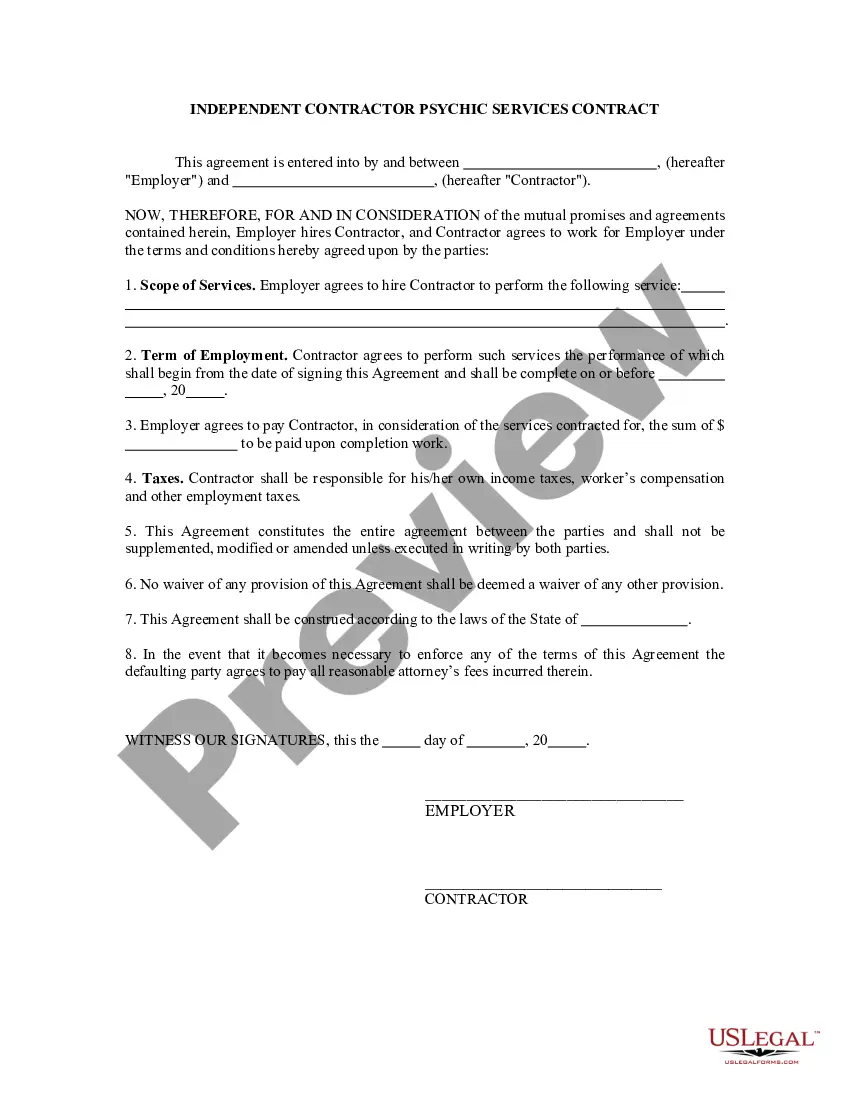






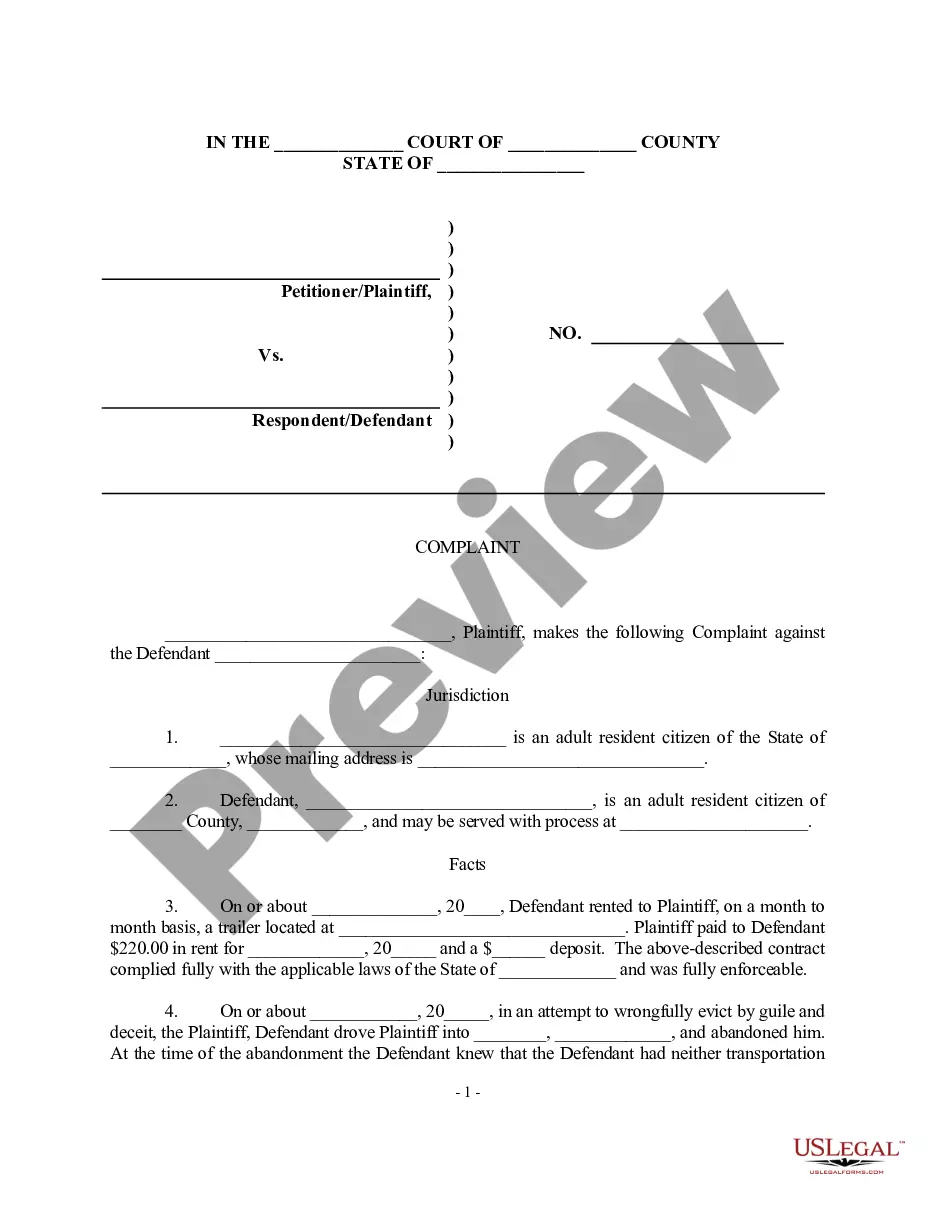

How to fill out Confidentiality Agreements - Noncompetition In Employment?
The Job Application Template you observe on this page is a reusable formal format created by expert attorneys in accordance with federal and state laws.
For over 25 years, US Legal Forms has offered individuals, companies, and lawyers more than 85,000 validated, state-specific documents for any business and personal needs. It’s the quickest, easiest, and most dependable way to acquire the documents you require, as the service ensures the highest level of data protection and anti-malware security.
Register for US Legal Forms to have validated legal templates for every facet of life readily available.
- Search for the document you require and review it.
- Examine the sample you found and preview it or read the form description to ensure it meets your necessities. If it doesn’t, utilize the search bar to locate the correct one. Click Buy Now when you have discovered the format you need.
- Select and access your account.
- Choose the payment plan that works for you and sign up for an account. Use PayPal or a credit card for swift payment. If you already possess an account, Log In and verify your subscription to proceed.
- Acquire the editable template.
- Choose the format you prefer for your Job Application Template (PDF, Word, RTF) and download the sample onto your device.
- Fill out and sign the documents.
- Print the format to complete it manually. Alternatively, employ an online versatile PDF editor to swiftly and accurately fill in and sign your form with a valid.
- Download your documents again.
- Reuse the same document whenever necessary. Access the My Documents tab in your profile to redownload any previously purchased forms.
Form popularity
FAQ
A Nonresident withholding and Composite Income Tax Return is filed on form 740NP-WH (with copy A of PTE-WH completed for each partner, member, or shareholder) by the 15th day of the fourth month following the close of the tax year. The withholding rate is at the maximum rate provided in KRS 141.020 or KRS 141.040.
Most importantly, you must have no more than 100 shareholders to qualify as an S-corporation. You must also only have what the IRS defines as ?eligible shareholders,? meaning shareholders must be individuals, certain trusts or estates. Shareholders also must be U.S. citizens or legal residents.
Can I set up an S corp myself? While it is possible to file articles of incorporation and go through the S corporation election process alone, S corp requirements are both strict and complex. To ensure you're following the rules, we recommend consulting an attorney or tax professional.
Form 720EXT grants an automatic 6-month extension of time to file Form 720. Kentucky State General Business S Corporation tax extension Form 720EXT is due within 4 months and 15 days following the end of the corporation reporting period.
To amend your Kentucky Articles of Incorporation, submit the Articles of Amendment and an exact copy to the Kentucky Secretary of State (SOS). The form is in your online account when you sign up for registered agent service with Northwest. You can also find the form on the SOS website.
Is There a Minimum Salary for S Corp? No, there is not a minimum salary for S Corp. The IRS can't require a minimum salary for self-employed workers.
Note: The IRS won't object if your S Corp pays you nothing if your business is earning little to no income. However, when your S Corp starts making money, the first thing you need to do is pay yourself reasonable employee compensation. If there's money left over after that, you can pay yourself distributions.
Starting a Kentucky S Corporation: The Basics Step 1: Form a business entity. ... Step 2: Nominate a registered agent. ... Step 3: Get an Employer Identification Number (EIN). ... Step 4: Issue stocks and prepare initial documents. ... Step 5: Elect the Subchapter S Corporation.