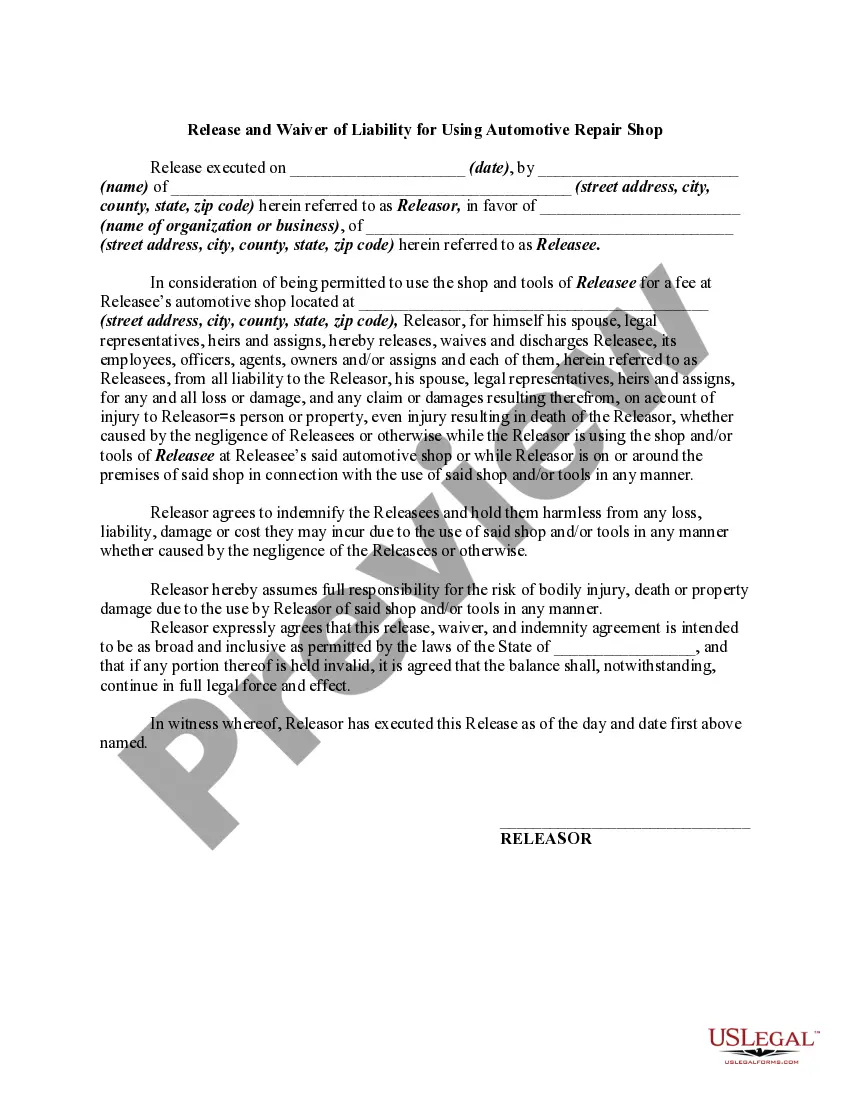
Waiver Automotive Withdrawal
Description
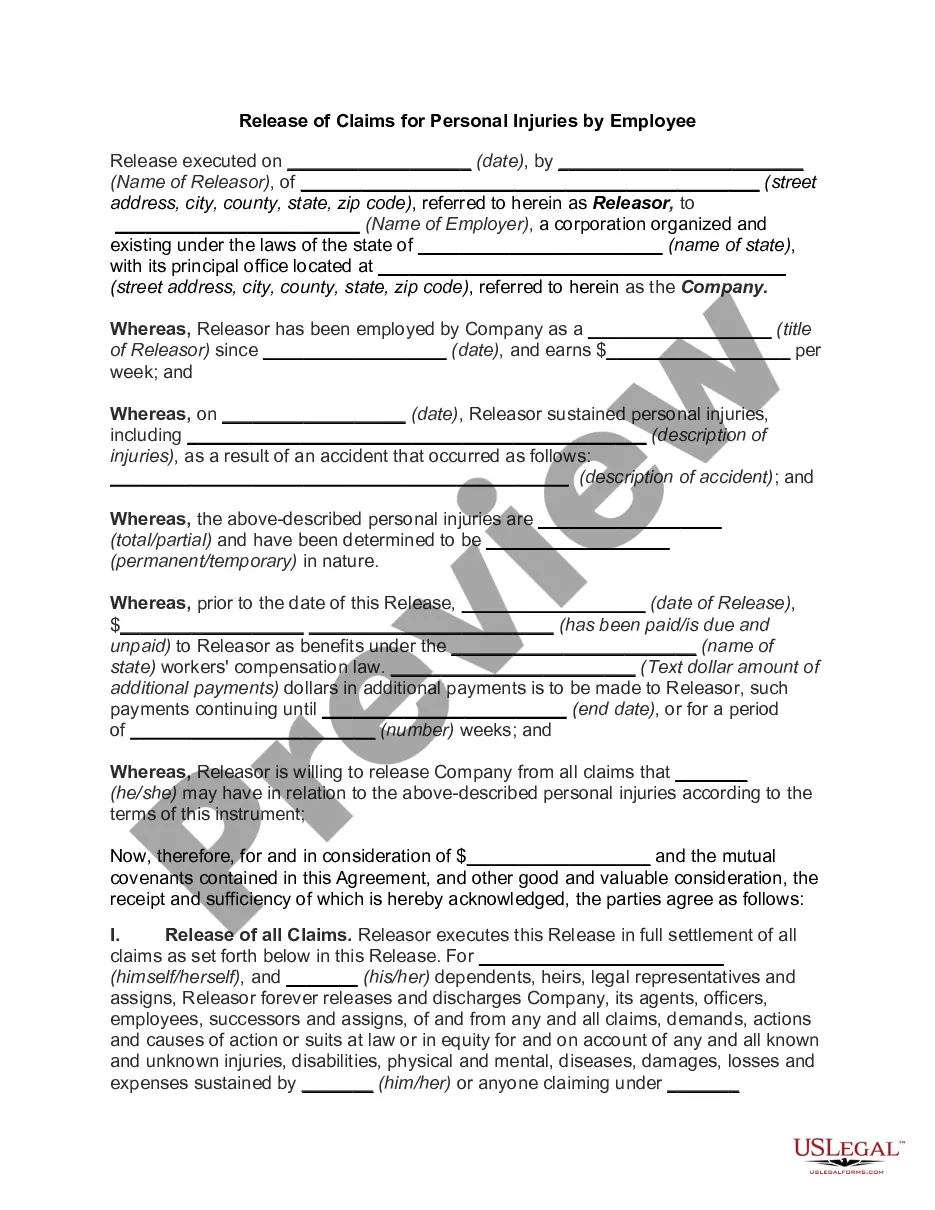
Get your form ready online
Our built-in tools help you complete, sign, share, and store your documents in one place.
Make edits, fill in missing information, and update formatting in US Legal Forms—just like you would in MS Word.
Download a copy, print it, send it by email, or mail it via USPS—whatever works best for your next step.
Sign and collect signatures with our SignNow integration. Send to multiple recipients, set reminders, and more. Go Premium to unlock E-Sign.
If this form requires notarization, complete it online through a secure video call—no need to meet a notary in person or wait for an appointment.
We protect your documents and personal data by following strict security and privacy standards.

Make edits, fill in missing information, and update formatting in US Legal Forms—just like you would in MS Word.

Download a copy, print it, send it by email, or mail it via USPS—whatever works best for your next step.

Sign and collect signatures with our SignNow integration. Send to multiple recipients, set reminders, and more. Go Premium to unlock E-Sign.

If this form requires notarization, complete it online through a secure video call—no need to meet a notary in person or wait for an appointment.

We protect your documents and personal data by following strict security and privacy standards.
Looking for another form?
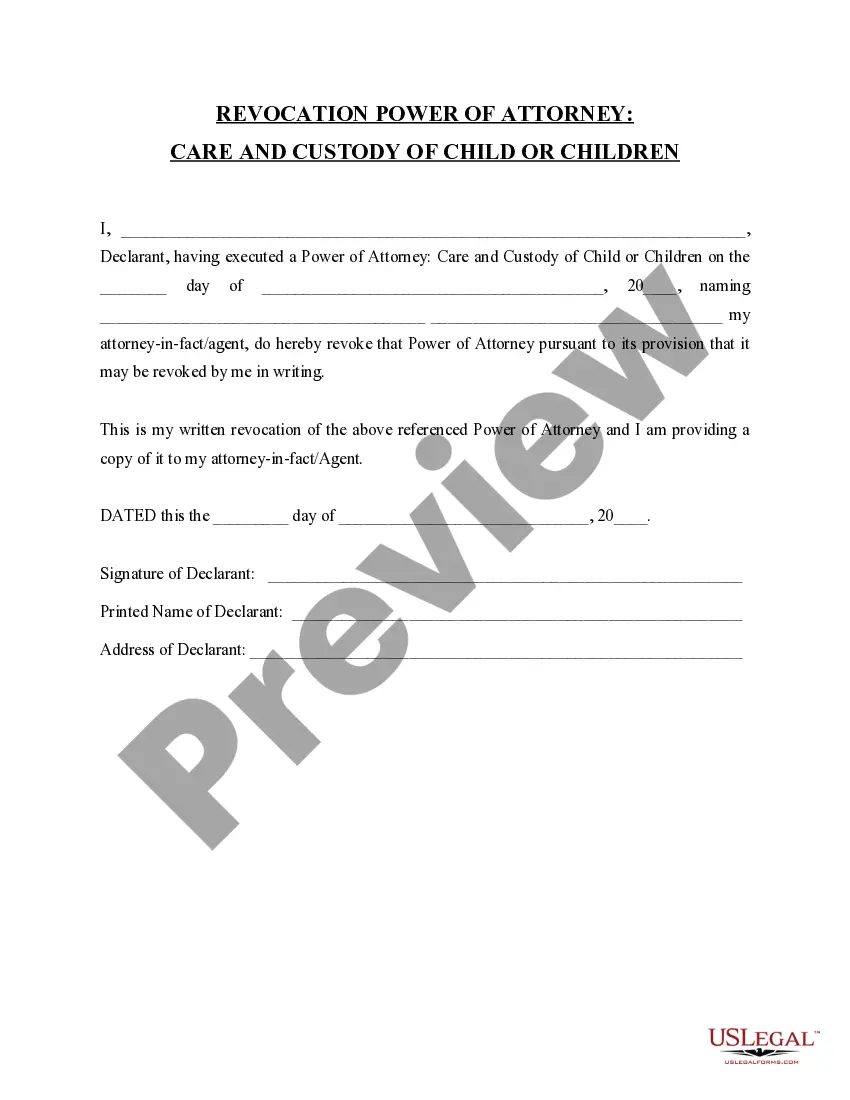





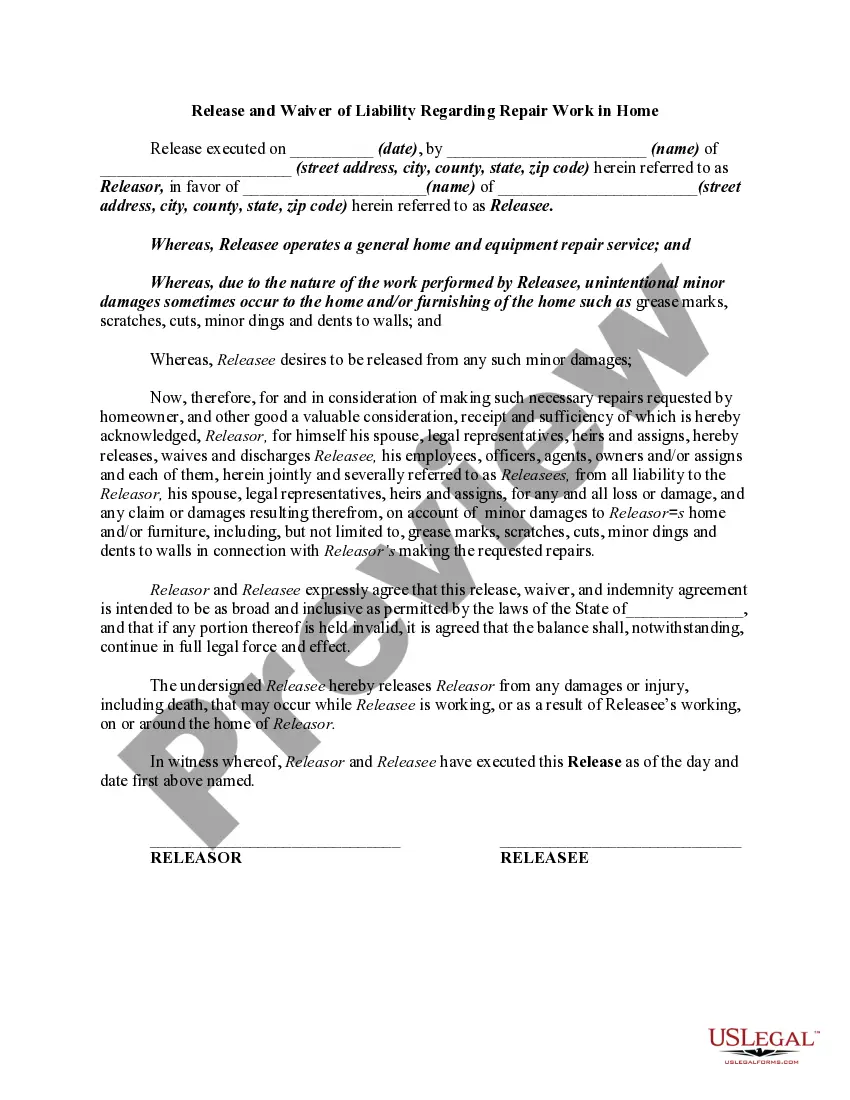
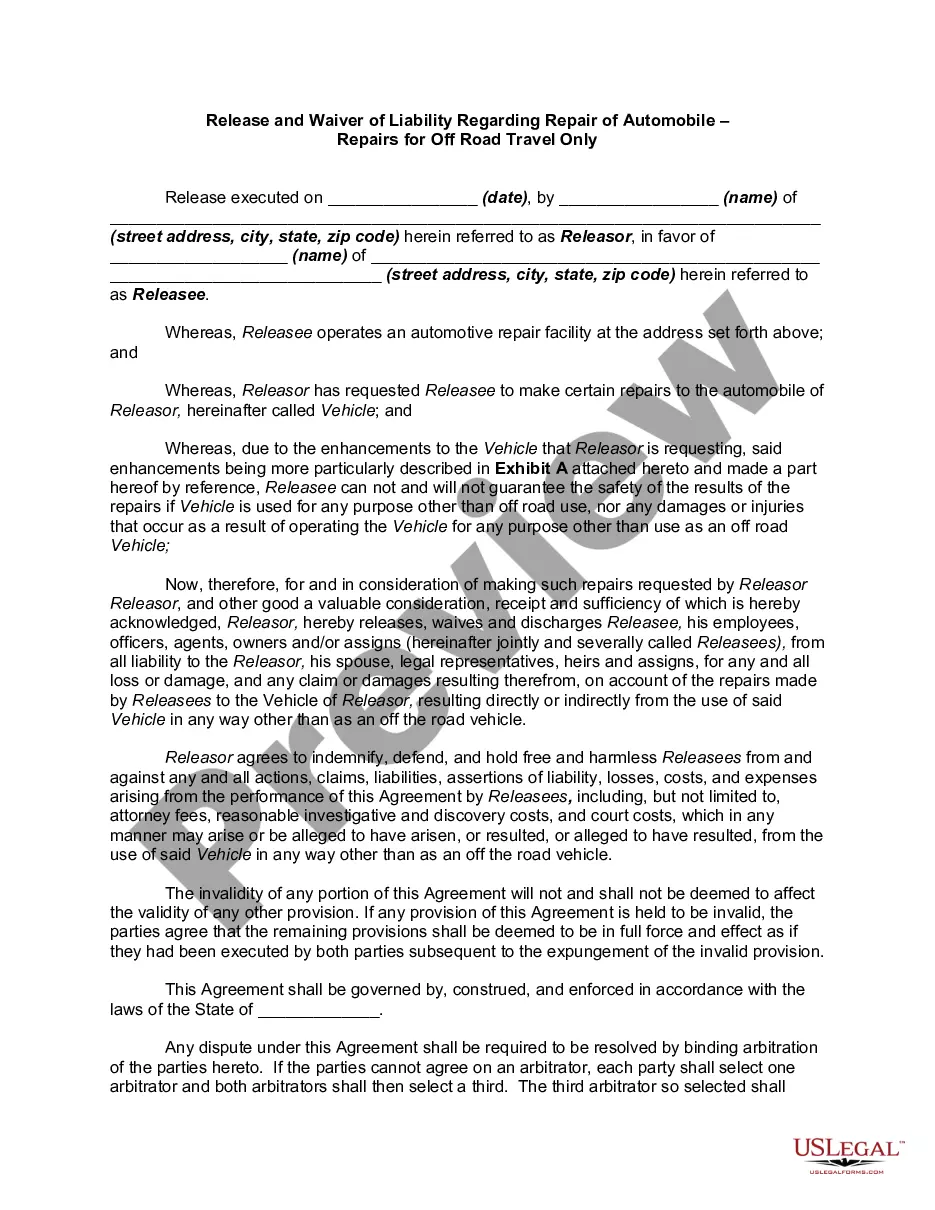
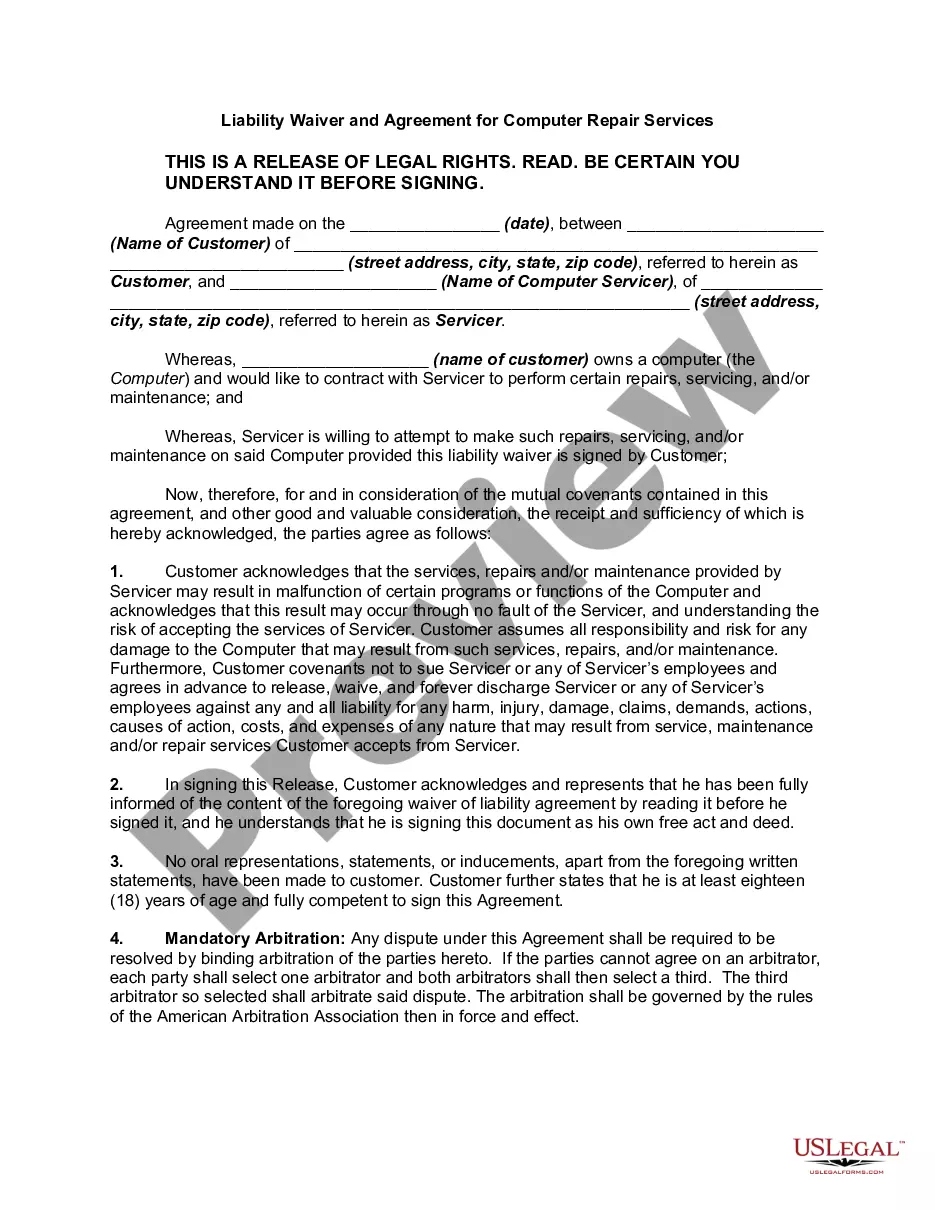
How to fill out Release And Waiver Of Liability And Personal Injury For Using Automotive Repair Shop?
The Waiver Automotive Withdrawal displayed on this page is a reusable legal template crafted by qualified attorneys in accordance with federal and local regulations. For over 25 years, US Legal Forms has offered individuals, enterprises, and lawyers access to more than 85,000 authenticated, jurisdiction-specific documents for any business and personal situation. It’s the quickest, most uncomplicated, and most reliable method to acquire the papers you require, as the service ensures the highest degree of data protection and anti-malware security.
Obtaining this Waiver Automotive Withdrawal will involve just a few easy steps.
Register for US Legal Forms to have verified legal templates for all of life’s situations at your fingertips.
- Search for the document you require and examine it. Review the file you searched and preview it or check the form description to ensure it meets your requirements. If it doesn't, utilize the search feature to locate the suitable one. Click Buy Now after you have identified the template you need.
- Subscribe and Log In. Select the pricing plan that fits you and create an account. Use PayPal or a credit card for a swift payment. If you already have an account, Log In and verify your subscription to continue.
- Obtain the fillable template. Select the format you prefer for your Waiver Automotive Withdrawal (PDF, Word, RTF) and store the sample on your device.
- Fill out and sign the document. Print the template to complete it by hand. Alternatively, employ an online multifunctional PDF editor to swiftly and accurately fill in and sign your form using an eSignature.
- Download your document again. Use the same file again whenever necessary. Access the My documents tab in your profile to redownload any previously retrieved forms.
Form popularity
FAQ
Good reasons to request an abatement of IRS penalties often include serious illness, natural disasters, or other significant hardships that impacted your ability to comply. Additionally, if you have a history of timely payments and good compliance, this can strengthen your case for a waiver automotive withdrawal. Documenting your circumstances clearly can help the IRS understand your situation. Utilizing a platform like uslegalforms can provide guidance and templates to streamline the process.
When writing a letter to the IRS to request a penalty waiver, start by clearly stating your request at the top. Include your tax identification number, the type of penalty you are contesting, and a brief explanation of why you believe the waiver automotive withdrawal should apply to your situation. Ensure you provide any relevant documentation that supports your case, such as proof of hardship or a clean tax history. A well-organized letter increases your chances of approval.
Exception to 10% Additional Tax ExceptionThe distribution will NOT be subject to the 10% additional early distribution tax in the following circumstances:Educationqualified higher education expensesEqual Paymentsseries of substantially equal paymentsESOPdividend pass through from an ESOP15 more rows ?
The IRS is clear as to what counts as a hardship: The event must pose ?an immediate and heavy financial need of the employee.? The agency lays out some guidelines that qualify: Certain medical expenses. Costs relating to the purchase of a principal residence. Tuition and related educational expenses.
If your plan allows hardship withdrawals, you may need to prove to your employer or self-certify that you meet your plan's requirements.
How to Make a 401(k) Hardship Withdrawal. To make a 401(k) hardship withdrawal, you will need to contact your employer and plan administrator and request the withdrawal. The administrator will likely require you to provide evidence of the hardship, such as medical bills or a notice of eviction.
Immediate and heavy expenses include the following: Certain expenses to repair casualty losses to a principal residence (such as losses from fires, earthquakes, or floods) Expenses to prevent being foreclosed on or evicted. Home-buying expenses for a principal residence.