Loan Form Download For Mac
Description
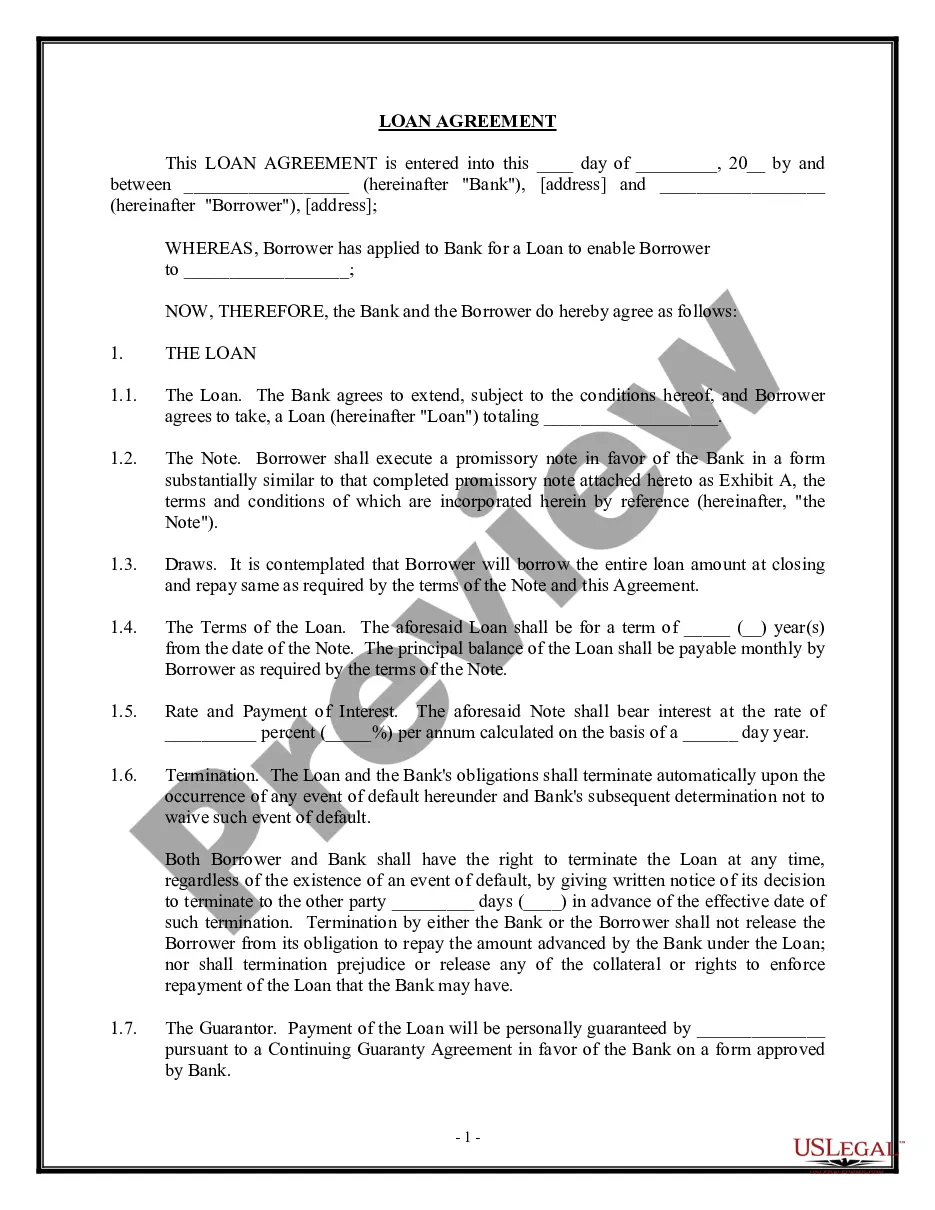
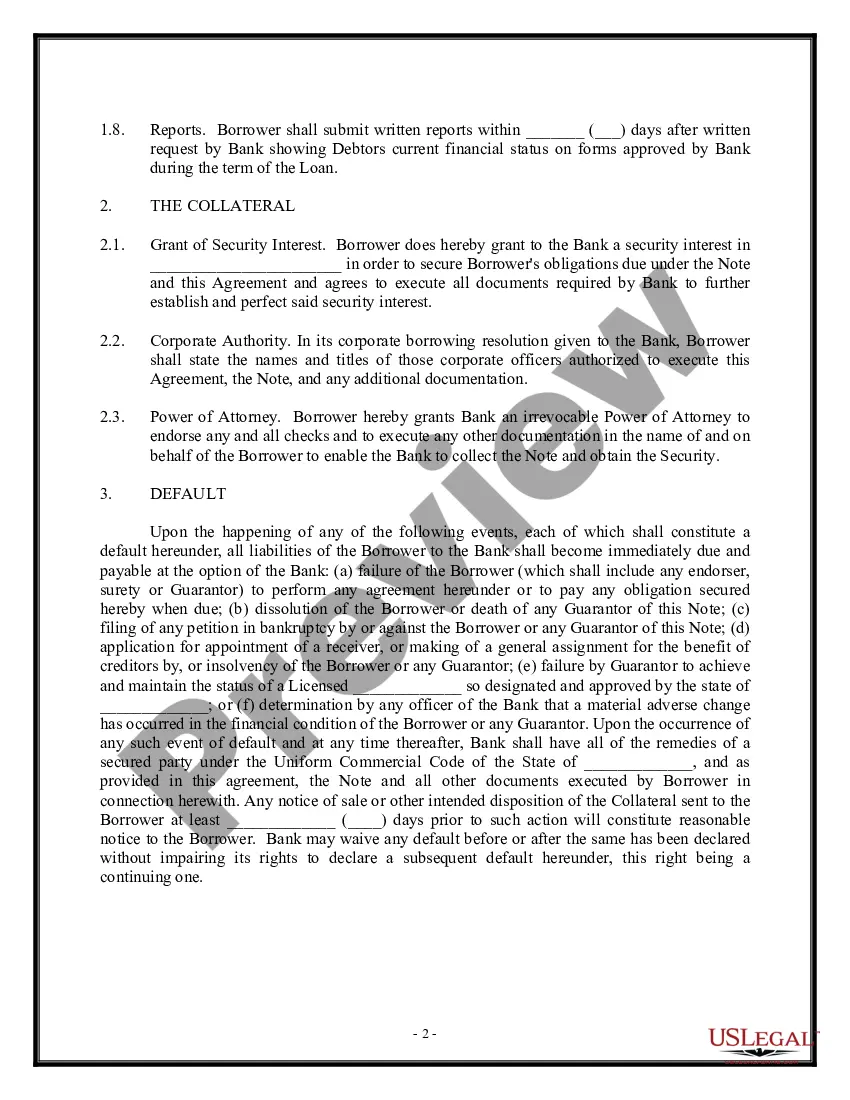
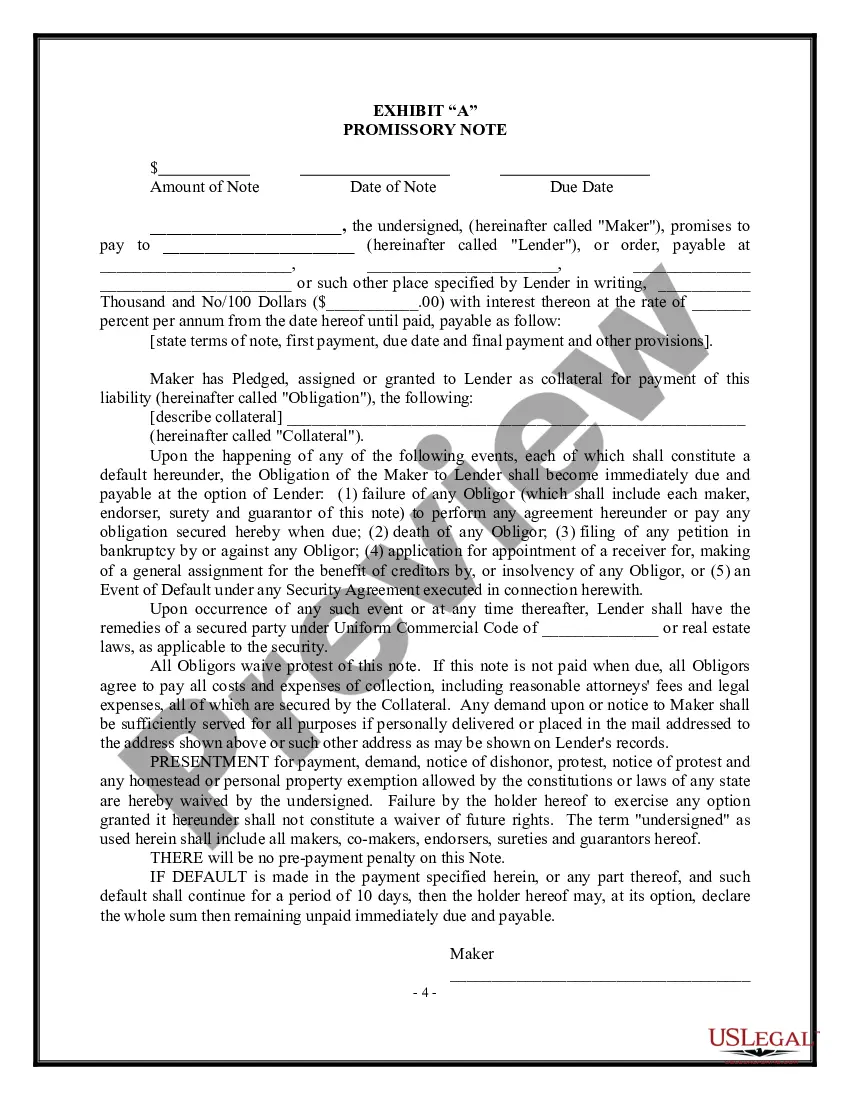
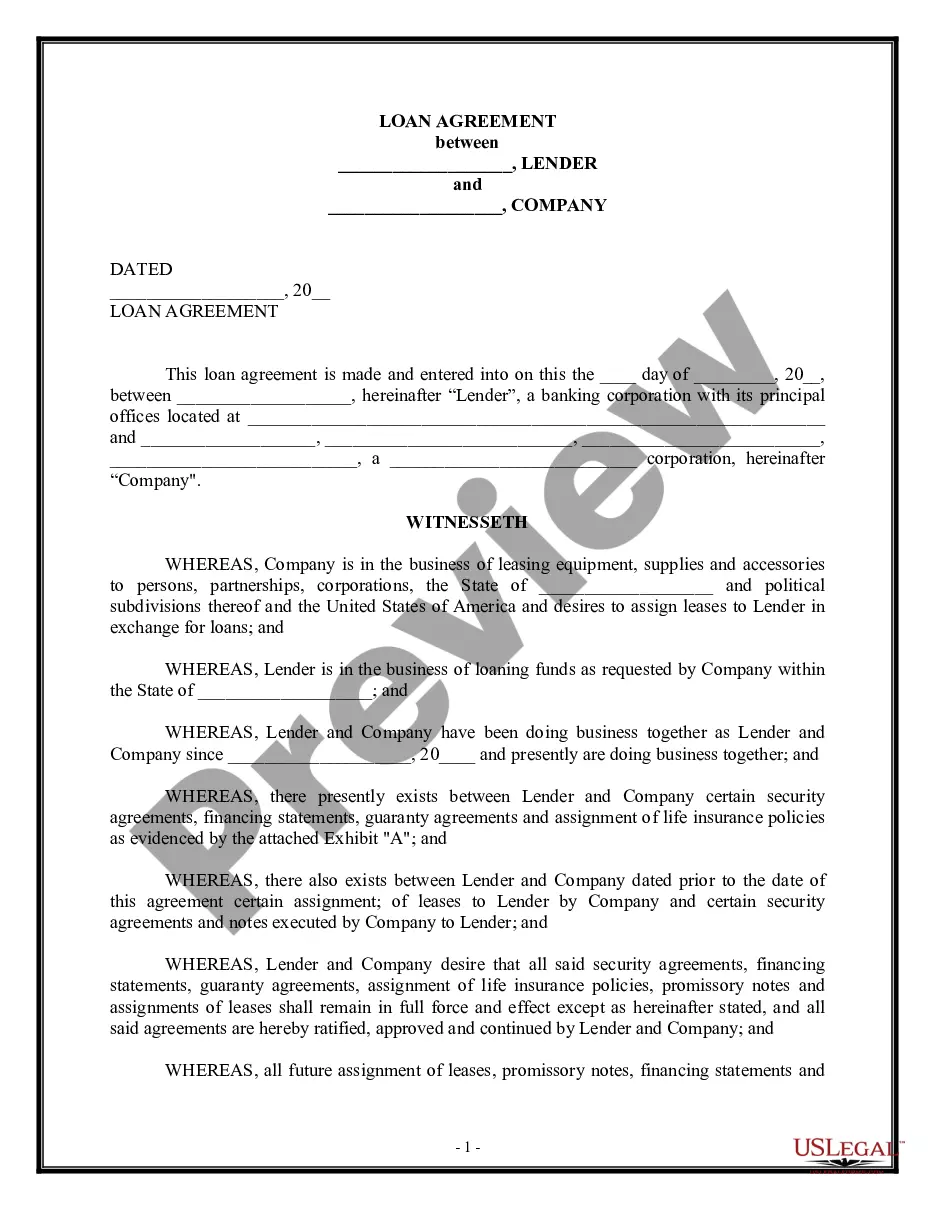



How to fill out Loan Agreement - Short Form?
The Loan Form Download For Mac that you observe on this page is a reusable formal template crafted by experienced attorneys in accordance with federal and state laws and regulations.
For over 25 years, US Legal Forms has supplied individuals, organizations, and legal experts with more than 85,000 authenticated, state-specific forms for any business and personal situation. It’s the quickest, most direct, and most reliable method to acquire the documents you require, as the service ensures the utmost level of data security and anti-malware safeguards.
Subscribe to US Legal Forms to have certified legal templates for every aspect of life readily available.
- Search for the document you need and evaluate it.
- Sign up and Log In.
- Acquire the fillable template.
- Complete and sign the paperwork.
- Download your documents once again.
Form popularity
FAQ
Fill in PDF forms in Google Drive On your Android device, open the Google Drive app. Tap the PDF that you want to fill in. At the bottom right, tap Edit. Form filling . ... Enter your information in the PDF form. At the top right, tap Save. To save as a copy, click More.
Make sure that the security settings allow form filling. (See File > Properties > Security.) Make sure that the PDF includes interactive, or fillable, form fields. Sometimes form creators forget to convert their PDFs to interactive forms, or they intentionally design a form you can only fill in by hand.
It's easy to build your own form in Adobe Acrobat. Open Acrobat. Click on the Tools tab and select Prepare Form. Select a file or scan a document. Acrobat will automatically analyze your document and add form fields. Add new form fields. ... Save your fillable PDF.
Open a PDF document in Acrobat DC. Click the ?Fill & Sign? tool in the right pane. Fill in your form: Complete form filling by clicking a text field and typing or adding a text box.
Here's a list of simple steps to help you fill out a PDF Mac. Open any browser on your Mac computer. Drag and drop or select a fillable PDF file, and open it. Use the toolbar to fill in the form fields and add your PDF signature. Download the completed form to store or share it.