Hunter Agreement Form Withdrawal
Description
Get your form ready online
Our built-in tools help you complete, sign, share, and store your documents in one place.
Make edits, fill in missing information, and update formatting in US Legal Forms—just like you would in MS Word.
Download a copy, print it, send it by email, or mail it via USPS—whatever works best for your next step.
Sign and collect signatures with our SignNow integration. Send to multiple recipients, set reminders, and more. Go Premium to unlock E-Sign.
If this form requires notarization, complete it online through a secure video call—no need to meet a notary in person or wait for an appointment.
We protect your documents and personal data by following strict security and privacy standards.

Make edits, fill in missing information, and update formatting in US Legal Forms—just like you would in MS Word.

Download a copy, print it, send it by email, or mail it via USPS—whatever works best for your next step.

Sign and collect signatures with our SignNow integration. Send to multiple recipients, set reminders, and more. Go Premium to unlock E-Sign.

If this form requires notarization, complete it online through a secure video call—no need to meet a notary in person or wait for an appointment.

We protect your documents and personal data by following strict security and privacy standards.
Looking for another form?

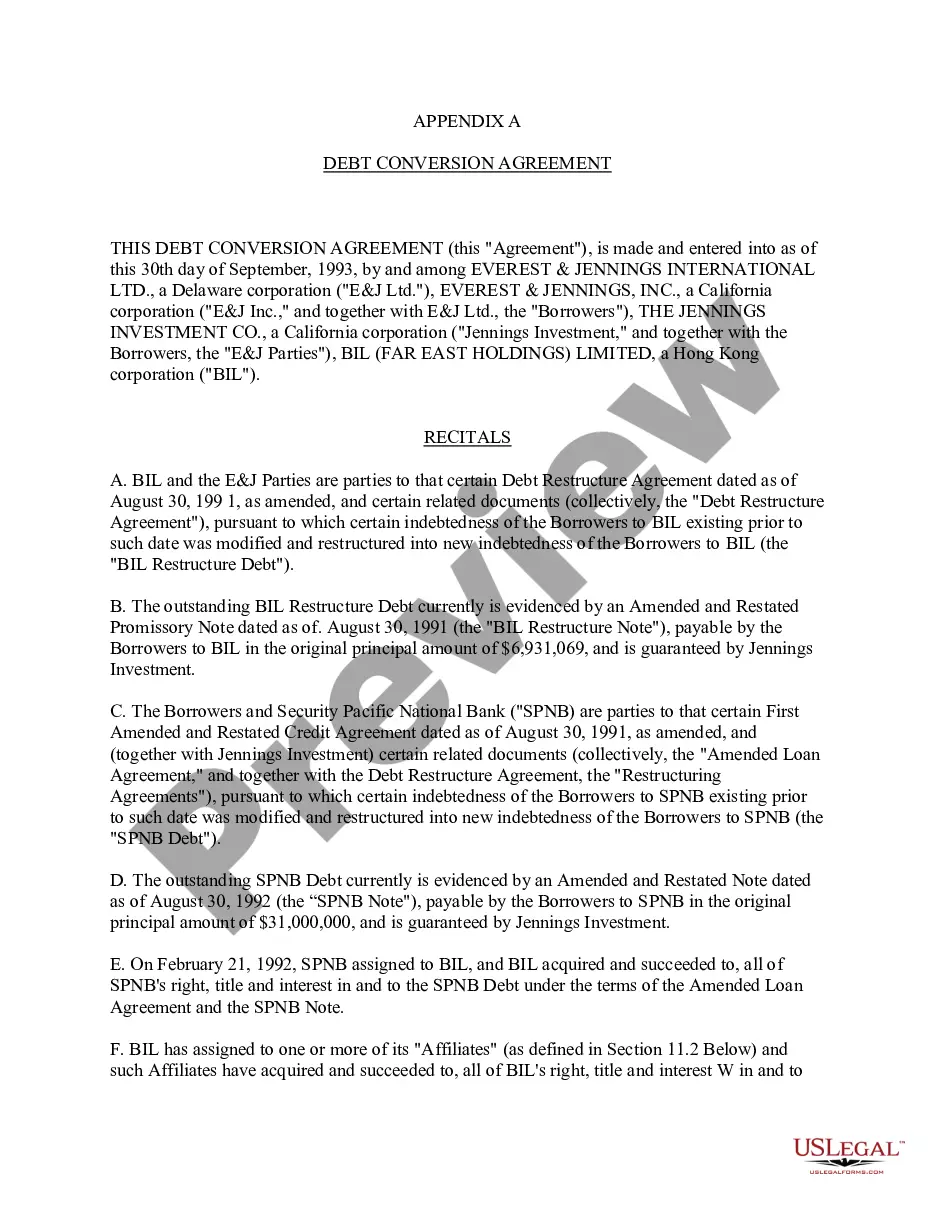
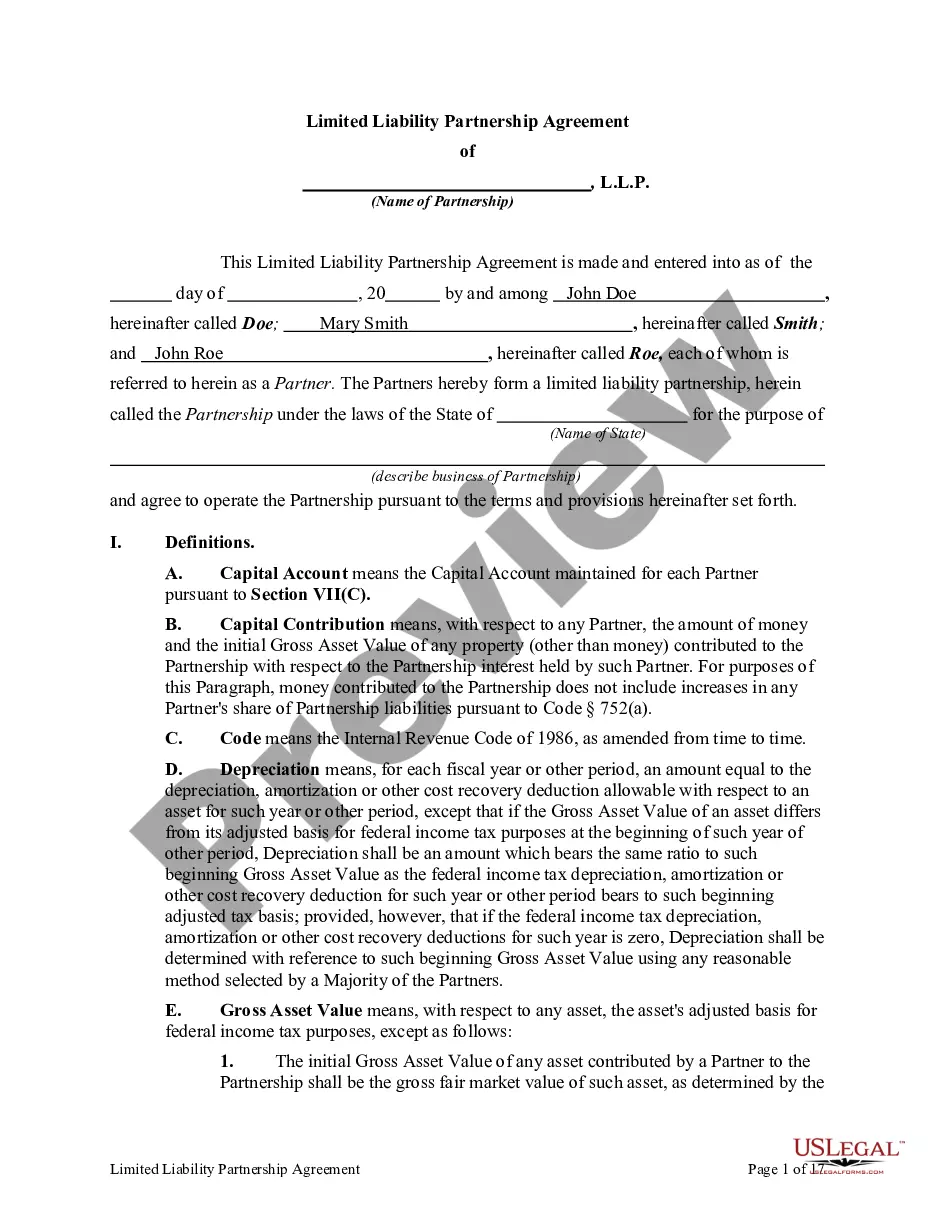

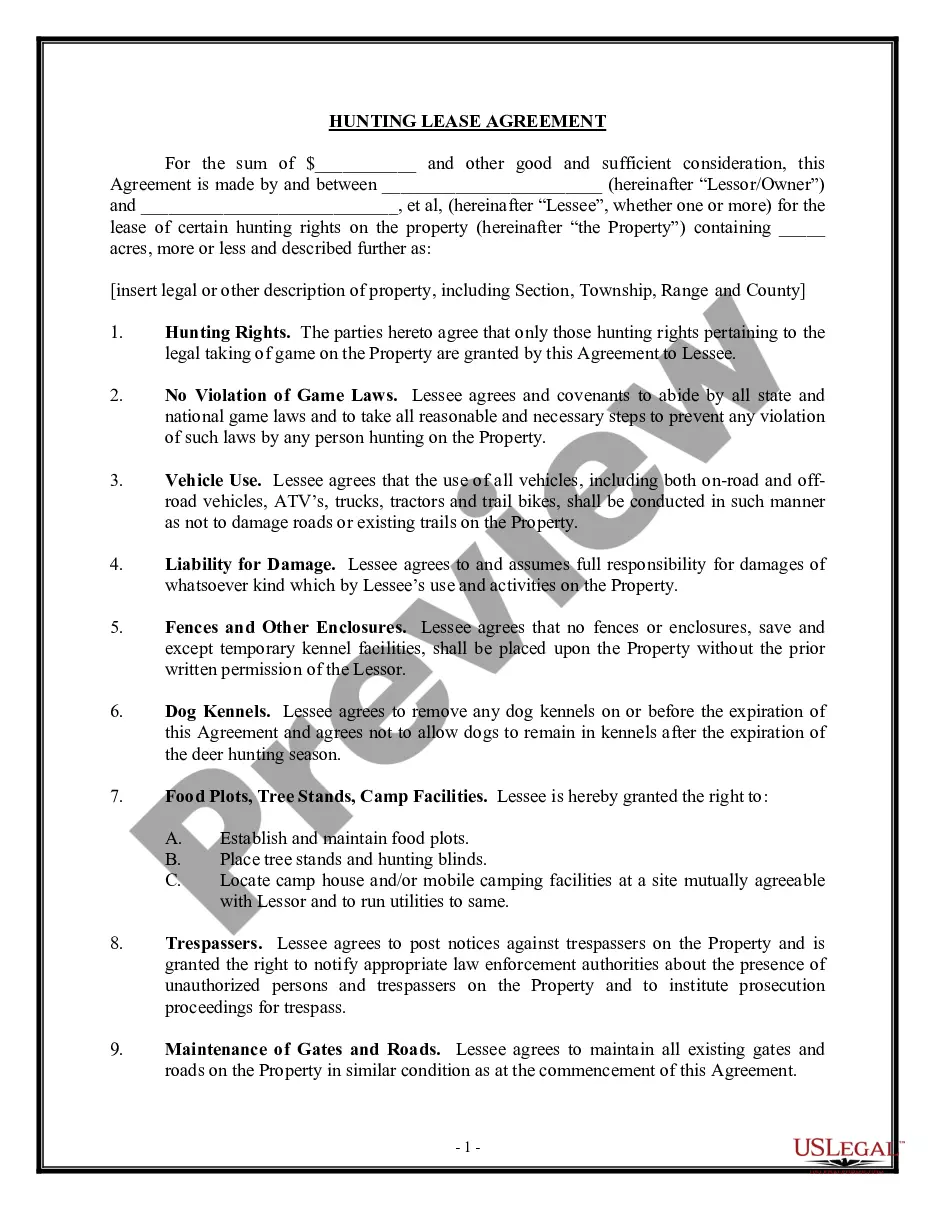
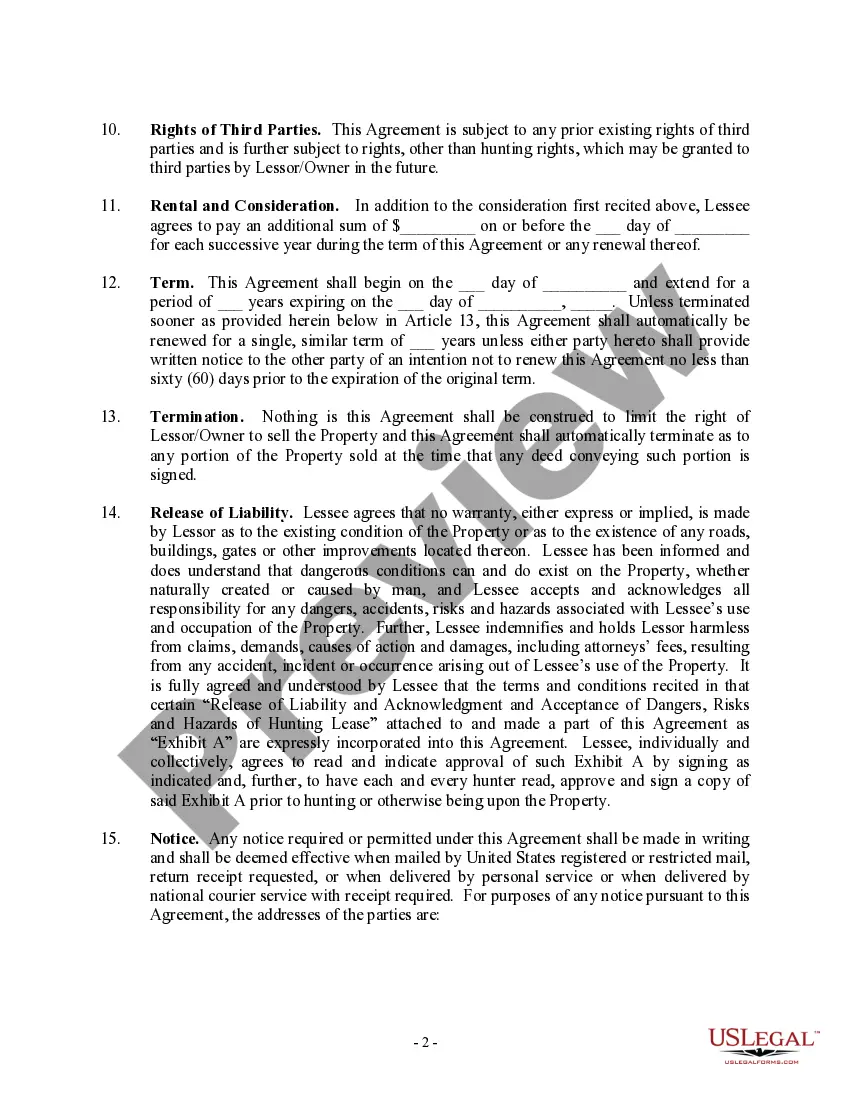
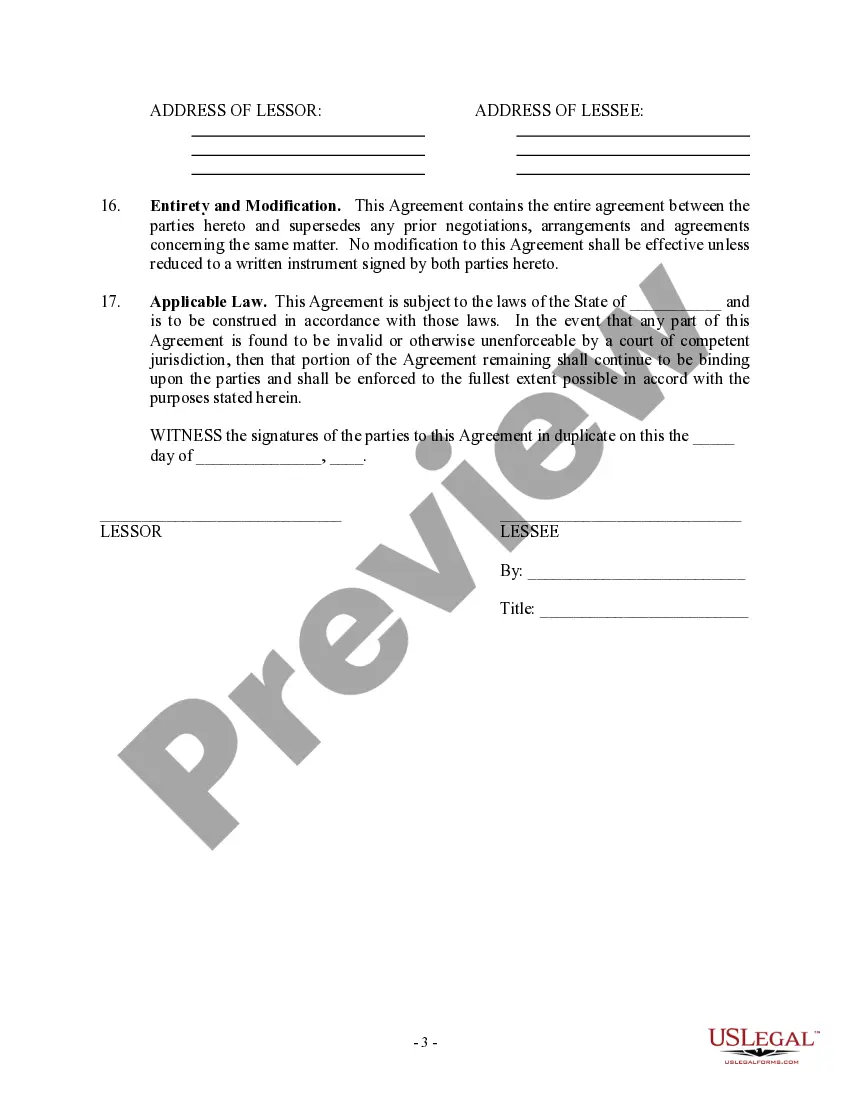
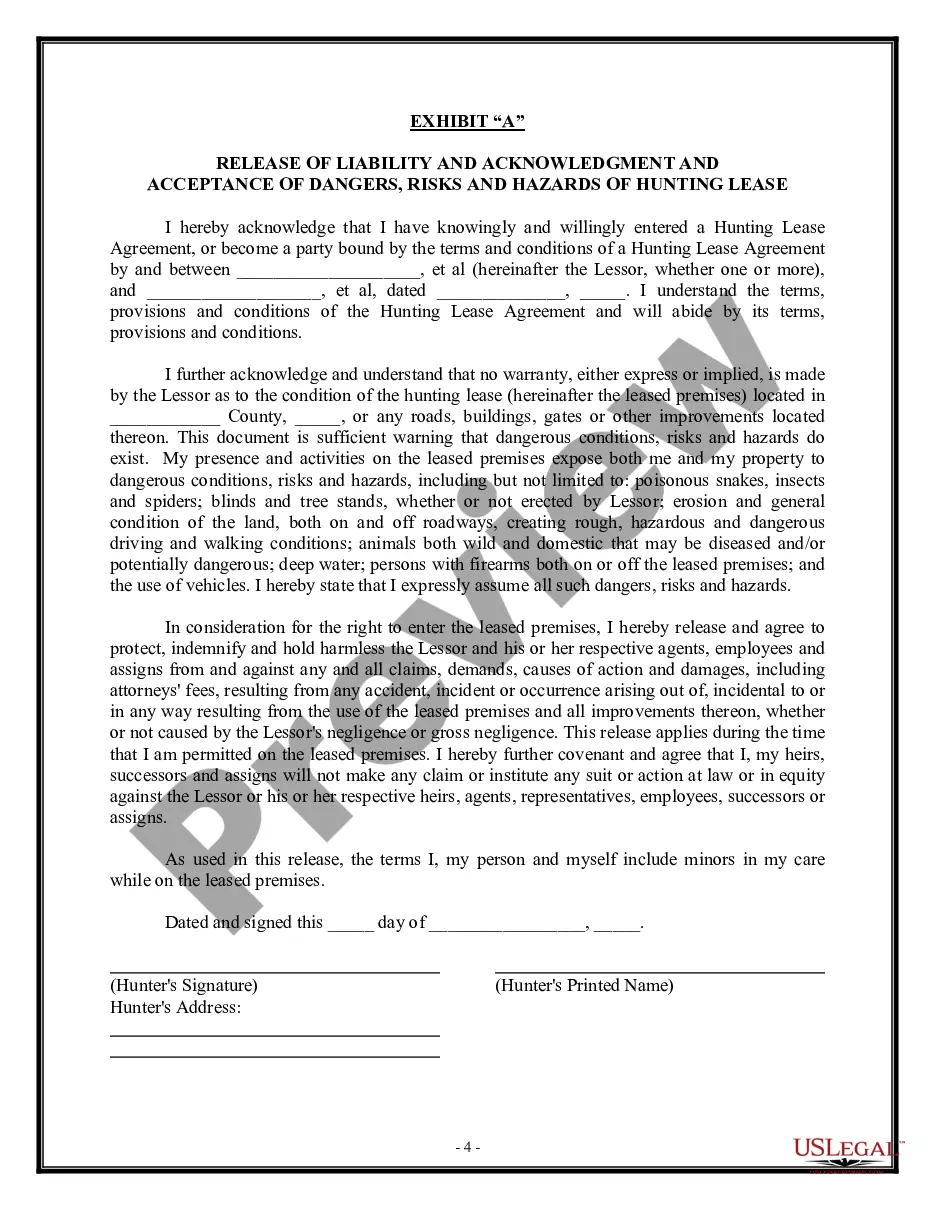
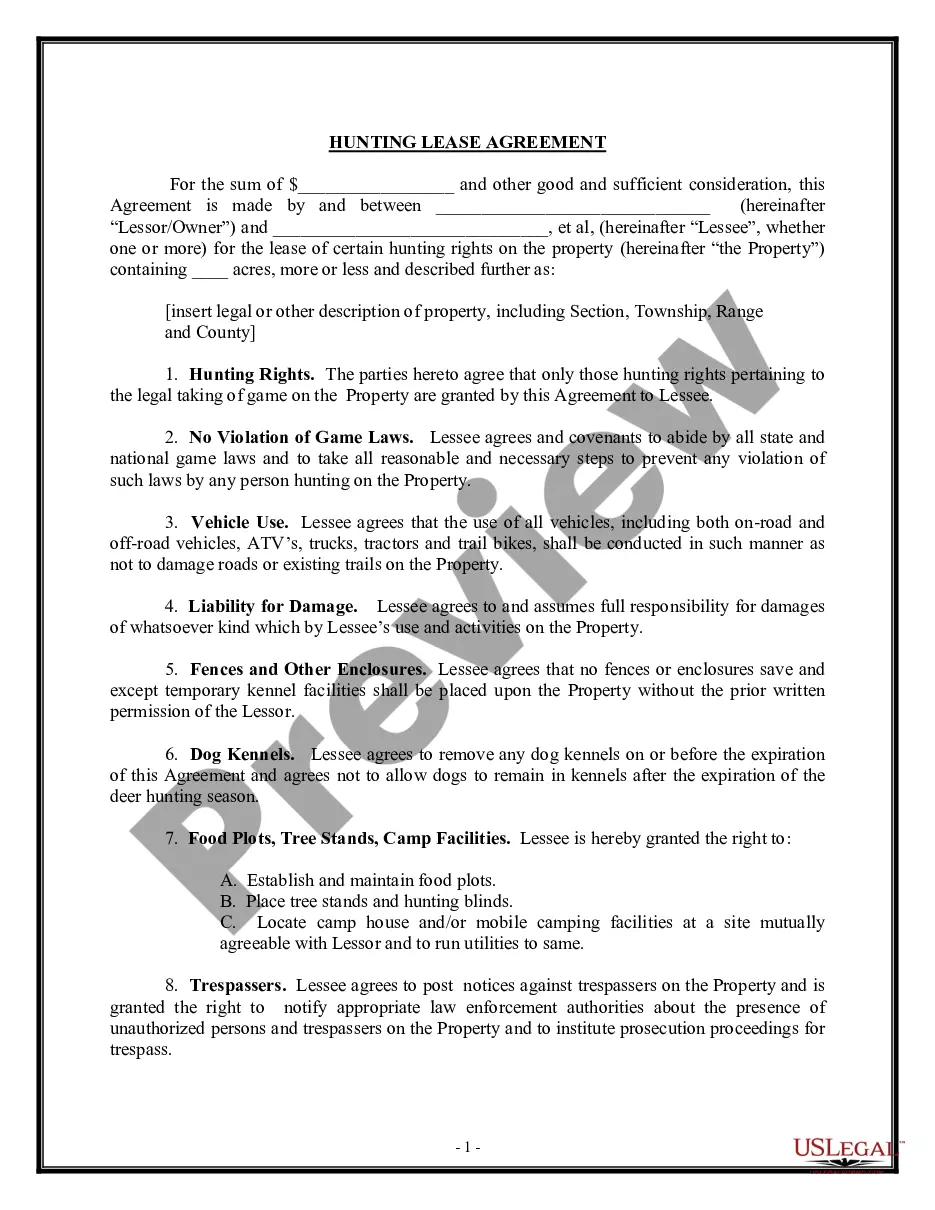
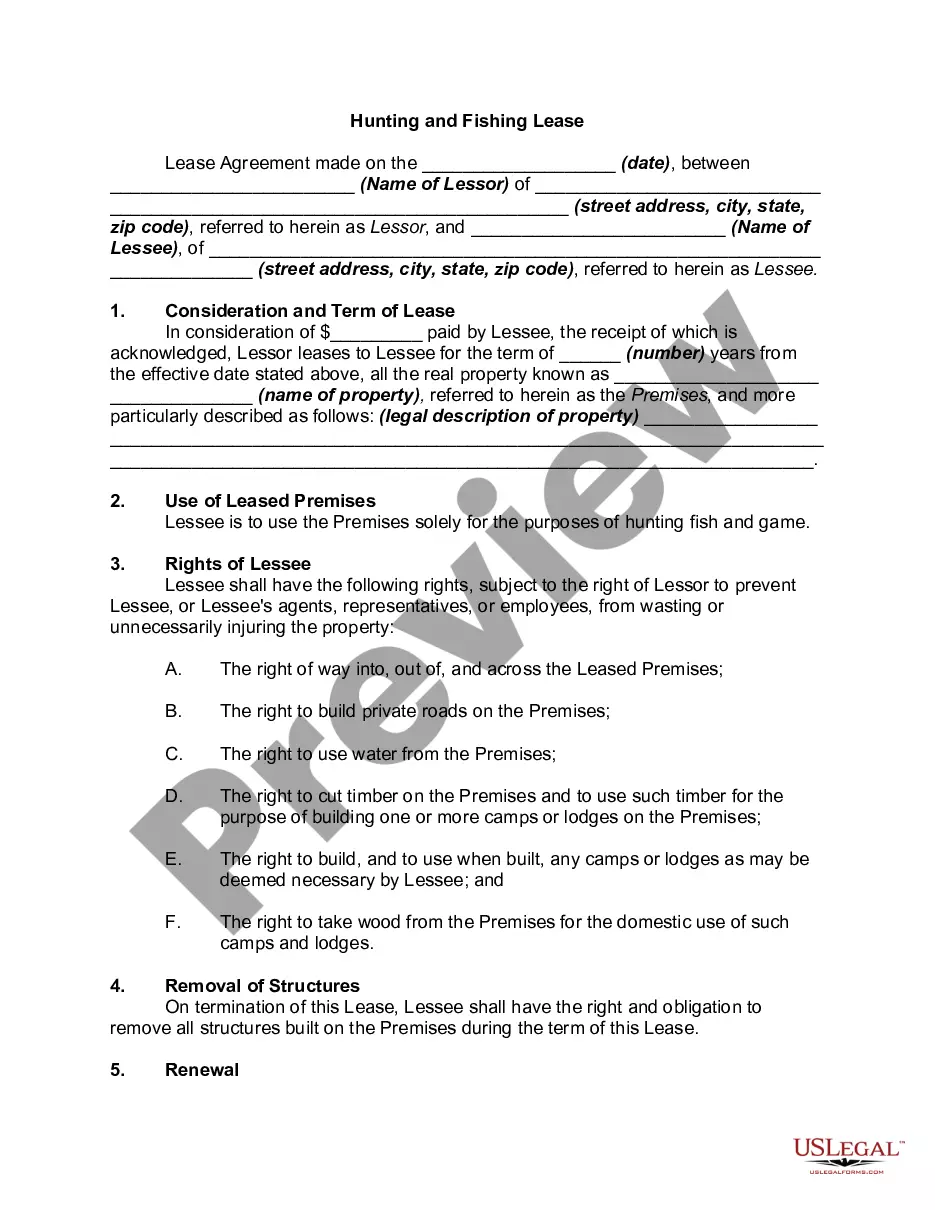
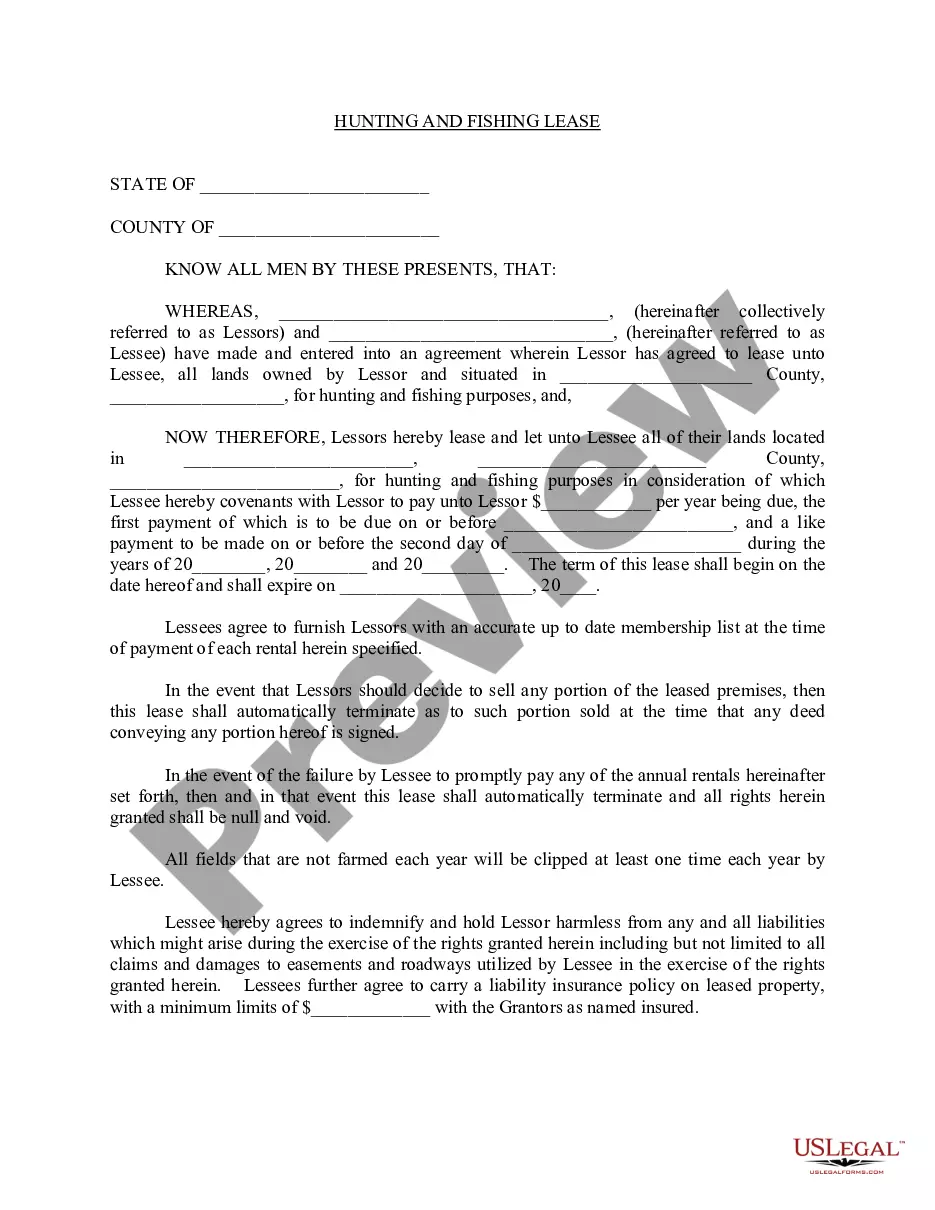
How to fill out Hunting Lease - Land Or Property?
It’s well known that you can’t transform into a legal authority instantly, nor can you quickly devise a Hunter Agreement Form Withdrawal without a particular set of expertise.
Assembling legal documents is a lengthy task that necessitates specific education and abilities. So why not entrust the drafting of the Hunter Agreement Form Withdrawal to the professionals.
With US Legal Forms, one of the most extensive legal template collections, you can access everything from court documents to templates for internal corporate communications.
If you need a different form, restart your search.
Sign up for a free account and select a subscription option to purchase the form. Click Buy now. Once the transaction is complete, you can access the Hunter Agreement Form Withdrawal, complete it, print it, and send or mail it to the intended recipients or organizations.
- We understand how crucial compliance and adherence to federal and state laws and regulations are.
- That’s why, on our platform, all forms are location-specific and current.
- Here’s how to start with our website and obtain the document you need in just minutes.
- Find the form you require using the search bar at the top of the page.
- Preview it (if this option is available) and read the supporting description to determine if the Hunter Agreement Form Withdrawal meets your needs.
Form popularity
FAQ
Croskey notes that dropping a class is better than withdrawing, but withdrawing is better than failing. ?A failing grade will lower the student's GPA, which may prevent a student from participating in a particular major that has a GPA requirement,? Croskey says.
To do so, a student should obtain a withdrawal form from the OASIS, Room 217 HN. After the deadline, official withdrawals will be considered for approval by the Office of Advising. Approval will be granted only when it is clear that the student has good and sufficient reason for withdrawing.
?Dear Professor XYZ, ?I wanted to let you know that I have decided to drop your class on ABC on Tuesday/Thursday mornings. I enjoyed the class, but for X reason, I've decided it would be best to drop that course so I can focus on Y. ?Thank you for your time in creating the class, and I hope you have a great semester.
Important Definitions Course Drop: Removal of a course from your schedule prior to the end of the first week of class. Course Withdrawal: Any removal of a course from your schedule after the end of week one using the online form provided.
Steps to Follow 1) After logging into CUNYfirst, view your Student Center page, and select ?Course Planning & Enrollment: ... 2) Click on ?Drop Classes.? ... 3) Select the term of the course you would like to drop: ... 4) Click on the Trash Can symbol next to the course you are dropping. ... 5) Click on the ?Get this Schedule? button.