Employee Incentive Plan Form Sample With Excel
Description
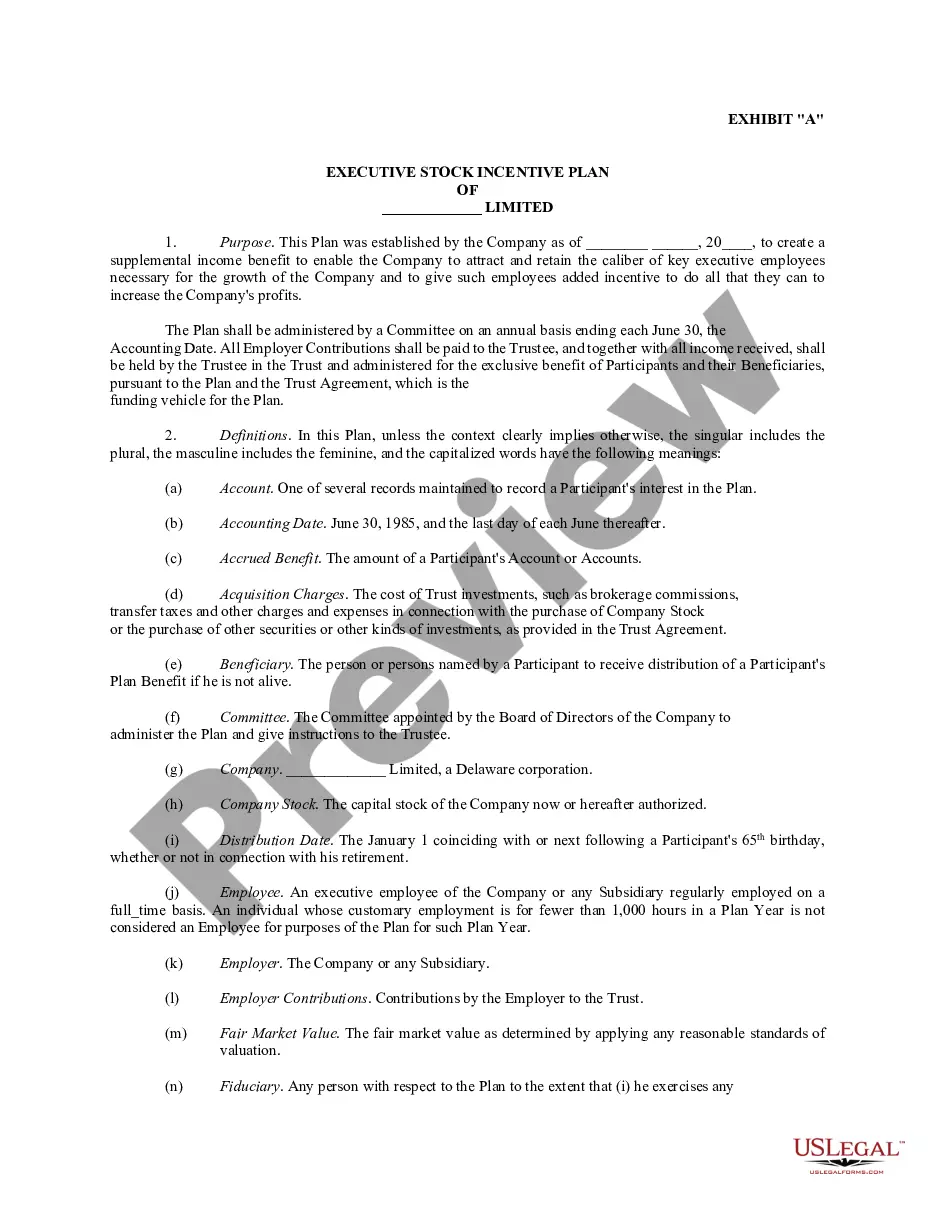
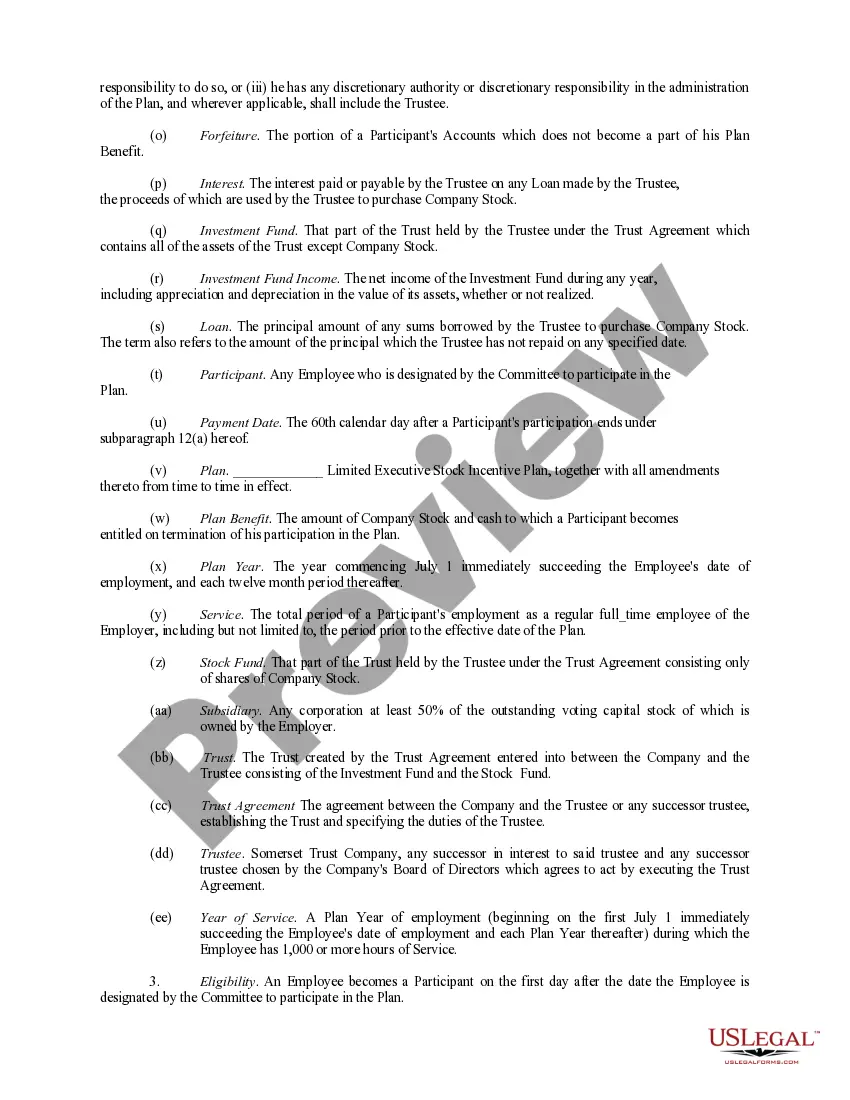
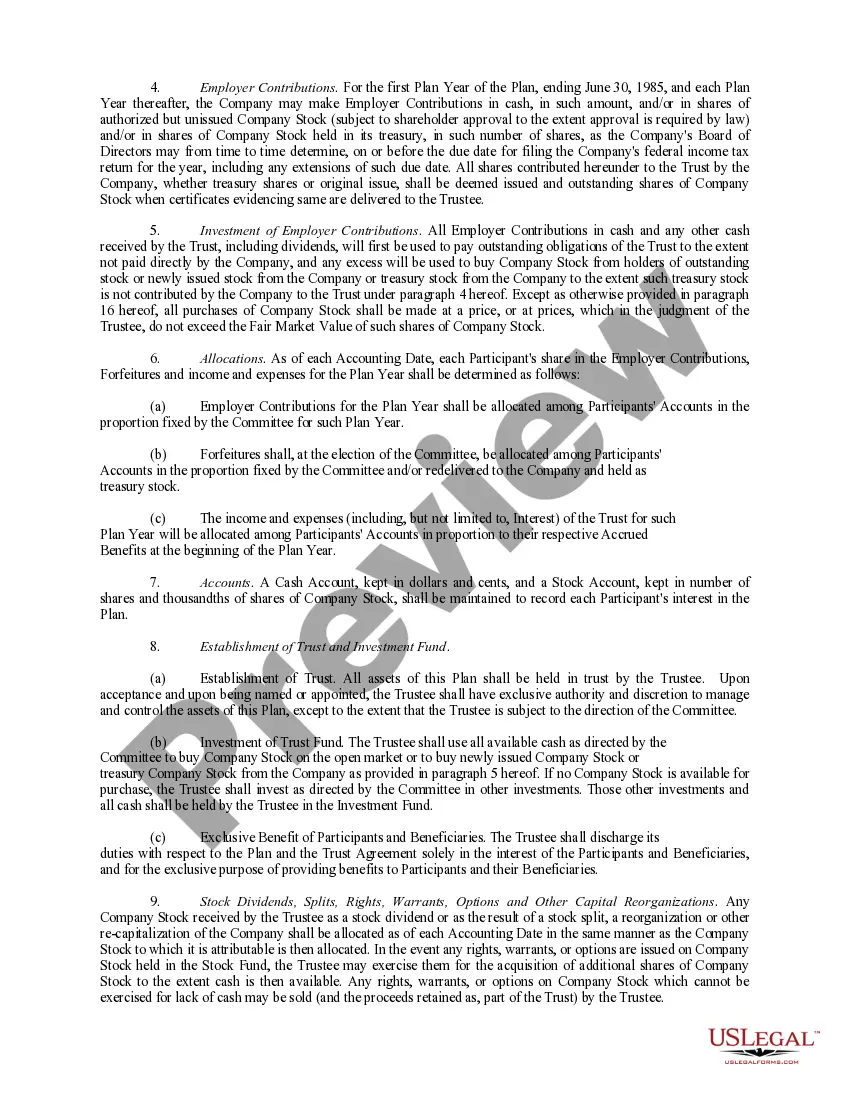
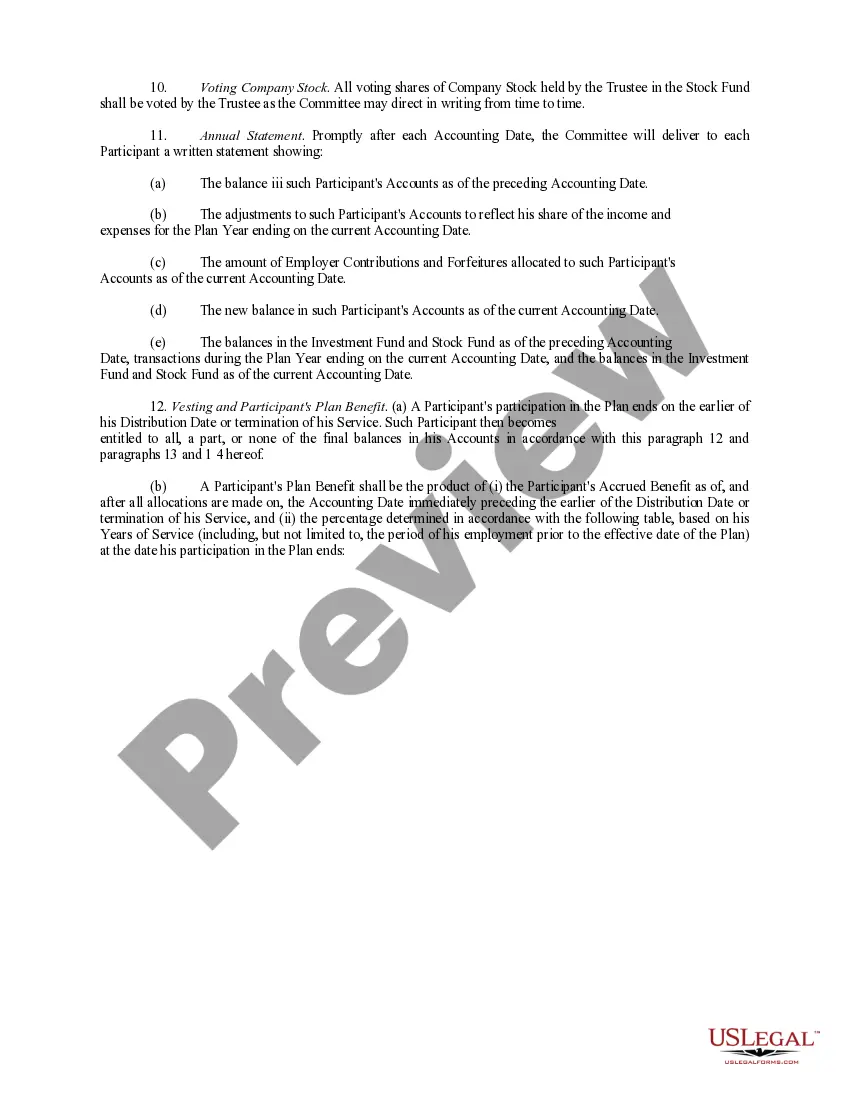

Get your form ready online
Our built-in tools help you complete, sign, share, and store your documents in one place.
Make edits, fill in missing information, and update formatting in US Legal Forms—just like you would in MS Word.
Download a copy, print it, send it by email, or mail it via USPS—whatever works best for your next step.
Sign and collect signatures with our SignNow integration. Send to multiple recipients, set reminders, and more. Go Premium to unlock E-Sign.
If this form requires notarization, complete it online through a secure video call—no need to meet a notary in person or wait for an appointment.
We protect your documents and personal data by following strict security and privacy standards.

Make edits, fill in missing information, and update formatting in US Legal Forms—just like you would in MS Word.

Download a copy, print it, send it by email, or mail it via USPS—whatever works best for your next step.

Sign and collect signatures with our SignNow integration. Send to multiple recipients, set reminders, and more. Go Premium to unlock E-Sign.

If this form requires notarization, complete it online through a secure video call—no need to meet a notary in person or wait for an appointment.

We protect your documents and personal data by following strict security and privacy standards.
Looking for another form?



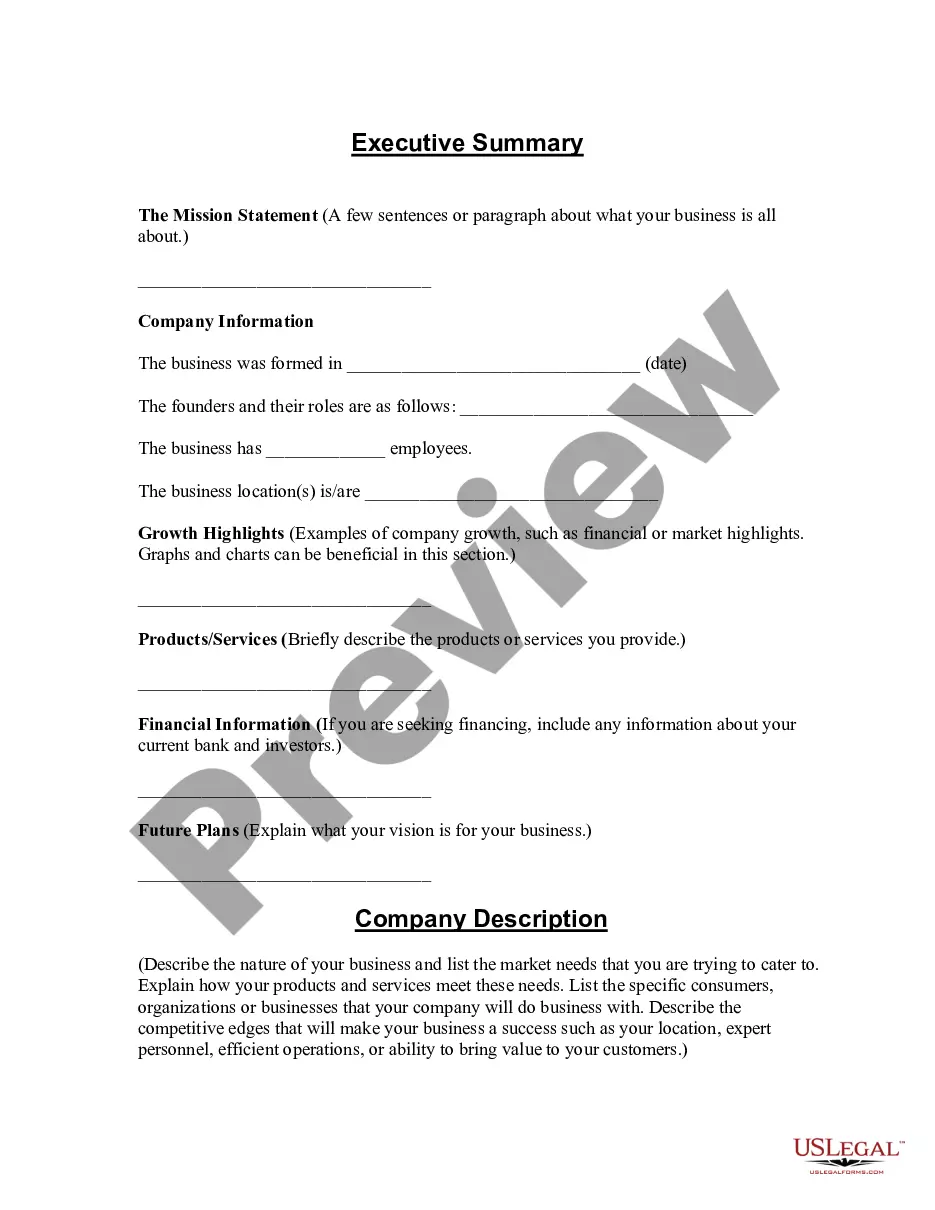


How to fill out Executive Employee Stock Incentive Plan?
Managing legal paperwork and tasks can be a lengthy addition to your entire day.
Employee Incentive Plan Form Example With Excel and similar documents generally require that you locate them and comprehend how to fill them out correctly.
For this reason, whether you are dealing with financial, legal, or personal issues, utilizing a comprehensive and user-friendly online directory of forms at your disposal will be very beneficial.
US Legal Forms is the leading online platform for legal templates, providing over 85,000 state-specific forms and a range of tools to help you finalize your documents swiftly.
Simply Log In to your account, locate Employee Incentive Plan Form Example With Excel, and obtain it promptly from the My documents section. You can also retrieve previously saved forms.
- Explore the collection of relevant documents available to you with just a single click.
- US Legal Forms provides you with state- and county-specific forms accessible at any time for download.
- Safeguard your document management processes with a premium service that enables you to create any form within minutes without additional or hidden fees.
Form popularity
FAQ
There are three main types of incentive plans: performance-based, commission-based, and profit-sharing plans. Performance-based plans reward employees for meeting specific goals or targets, making them ideal for motivating achievement. Commission-based plans are common in sales roles, where employees earn a percentage of the sales they generate, encouraging them to increase their productivity. Profit-sharing plans provide employees with a share of the company's profits, fostering a sense of ownership and teamwork. By examining an employee incentive plan form sample with excel, you can see how to structure these types of plans effectively.
The formula for calculating incentives often includes variables like the target amount, actual performance, and the incentive rate. For instance, you could express it as: Incentive = (Actual Performance - Target) x Incentive Rate. Using an employee incentive plan form sample with excel allows you to manage these calculations effortlessly, ensuring both transparency and accuracy in incentive distribution.
The incentive formula typically requires determining a base measure, such as sales or performance metrics, and applying a multiplier or percentage. For example, if an employee exceeds a sales target, you can multiply the excess amount by a predetermined incentive rate. By referring to an employee incentive plan form sample with excel, you can visualize different scenarios and track calculations effectively.
To calculate the incentive percentage in Excel, you can use a simple formula. Start by determining the total amount of incentives, then divide that amount by the total revenue or sales. Finally, multiply the result by 100 to get the percentage. Using an employee incentive plan form sample with excel can help streamline this process, making calculations clearer and more efficient.
Making Excel calculate a percentage is straightforward; divide the part by the whole and then format the cell to display as a percentage. For instance, to find 20% of $100, you would enter =10020% in a cell. To see the process in action, an employee incentive plan form sample with Excel may demonstrate how percentages apply to salary and incentives across various scenarios.
The formula for bonus calculation in Excel can be expressed as: Bonus = Base Salary Bonus Percentage. For example, if an employee earns $40,000 and qualifies for a 15% bonus, the formula would yield a $6,000 bonus. Including an employee incentive plan form sample with Excel can provide additional context and examples for effectively setting up these calculations.
To create an incentive plan, outline your objectives and determine how you will measure employee performance. Develop a system in Excel that tracks relevant data accurately, adjusting the incentive amounts based on performance results. Using an employee incentive plan form sample with Excel can significantly enhance your planning process by providing a structured approach to design and implementation.
Creating an employee incentive program involves defining clear goals, eligibility criteria, and incentive types based on employee performance. You can utilize Excel to track progress and performance against set objectives. An employee incentive plan form sample with Excel can serve as a robust template, ensuring your program is both effective and easy to manage.
The formula for incentive typically involves multiplying a base amount by a performance factor, which can be expressed as a percentage. For instance, if an employee's base salary is $50,000, and their performance factor is 10%, the incentive will be $5,000. To enhance clarity, consider consulting an employee incentive plan form sample with Excel, which provides clear examples of incentive calculations.
To record employee details in Excel, create a structured format with headers such as Name, Position, Salary, and Performance Metrics. Input information for each employee in separate rows, keeping your data organized and easy to read. Utilizing an employee incentive plan form sample with Excel can also help you integrate performance tracking alongside employee details.