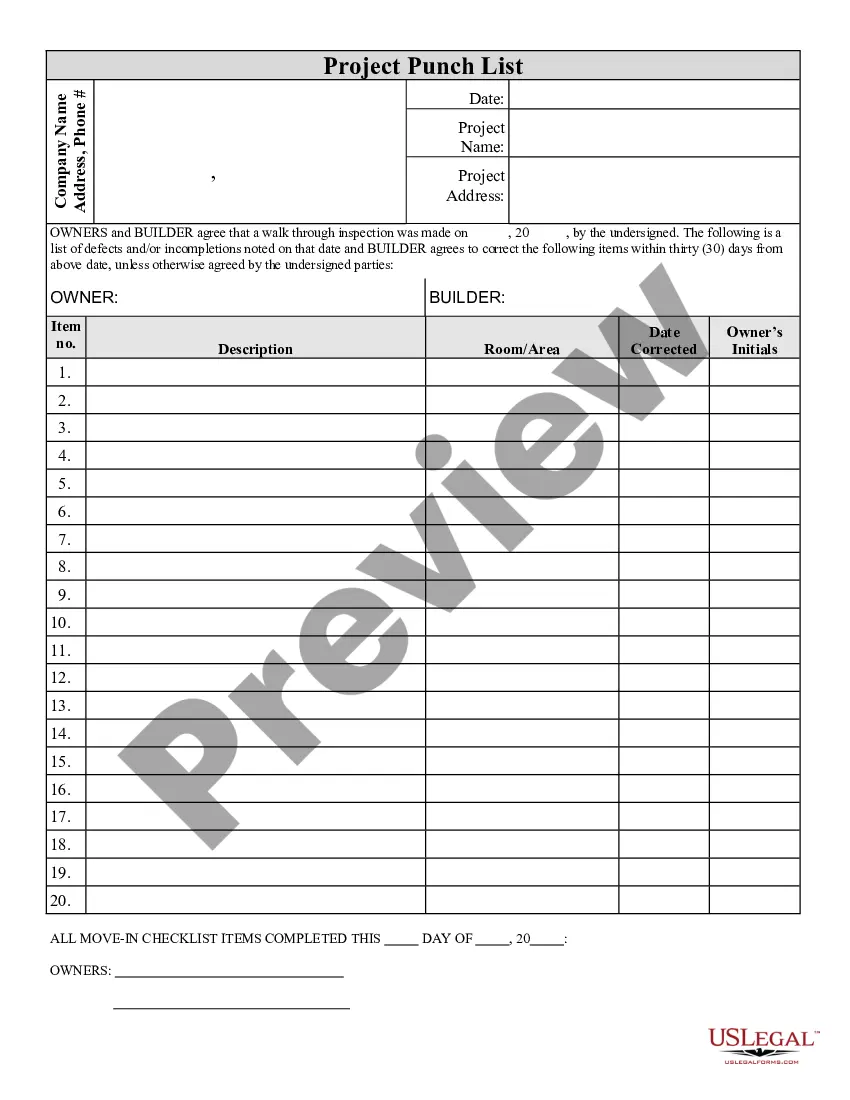
Project Builder Name For Resume
Description
Get your form ready online
Our built-in tools help you complete, sign, share, and store your documents in one place.
Make edits, fill in missing information, and update formatting in US Legal Forms—just like you would in MS Word.
Download a copy, print it, send it by email, or mail it via USPS—whatever works best for your next step.
Sign and collect signatures with our SignNow integration. Send to multiple recipients, set reminders, and more. Go Premium to unlock E-Sign.
If this form requires notarization, complete it online through a secure video call—no need to meet a notary in person or wait for an appointment.
We protect your documents and personal data by following strict security and privacy standards.

Make edits, fill in missing information, and update formatting in US Legal Forms—just like you would in MS Word.

Download a copy, print it, send it by email, or mail it via USPS—whatever works best for your next step.

Sign and collect signatures with our SignNow integration. Send to multiple recipients, set reminders, and more. Go Premium to unlock E-Sign.

If this form requires notarization, complete it online through a secure video call—no need to meet a notary in person or wait for an appointment.

We protect your documents and personal data by following strict security and privacy standards.
Looking for another form?










How to fill out Contractor's Final Punch List?
It’s obvious that you can’t become a law professional overnight, nor can you learn how to quickly prepare Project Builder Name For Resume without the need of a specialized background. Creating legal forms is a time-consuming process requiring a specific training and skills. So why not leave the preparation of the Project Builder Name For Resume to the specialists?
With US Legal Forms, one of the most comprehensive legal document libraries, you can access anything from court paperwork to templates for in-office communication. We understand how important compliance and adherence to federal and state laws and regulations are. That’s why, on our website, all templates are location specific and up to date.
Here’s how you can get started with our website and get the document you require in mere minutes:
- Discover the form you need by using the search bar at the top of the page.
- Preview it (if this option provided) and check the supporting description to determine whether Project Builder Name For Resume is what you’re searching for.
- Start your search again if you need any other form.
- Register for a free account and select a subscription option to buy the form.
- Choose Buy now. As soon as the payment is complete, you can download the Project Builder Name For Resume, fill it out, print it, and send or mail it to the necessary people or organizations.
You can re-access your forms from the My Forms tab at any time. If you’re an existing client, you can simply log in, and find and download the template from the same tab.
Regardless of the purpose of your paperwork-be it financial and legal, or personal-our website has you covered. Try US Legal Forms now!
Form popularity
FAQ
How to write project details in a resume. In your Work Experience, Projects, or Additional section, create a ?Key Projects? subheading. Write the project name and/or a brief description of what it did. List your employer, staffing agency, or consulting firm.
Under the experience section: You can list the projects under the experience section along with your job duties. This is ideal when the project needs only a brief explanation. In a separate project section: You can make a separate section when you have multiple projects and each needs a detailed description.
A resume headline (resume title) is a short sentence which shows a candidate's experience and skills. The purpose of a resume title is to make a first impression, catch the hiring manager's attention, and make them read on. Good resume headlines are snappy one-liners that summarize the job seeker's industry career.
Project Planner Resume Samples Planned and Managed projects using both Waterfall and Agile/SCRUM methodologies. Updated Project Dashboard with various reports (Earned Value, Burn rate, Resource allocations, Key Milestones, etc.)
It's one thing to list a project on your resume when it has already gone public, but mentioning a confidential project is a good way to wreck your chances of getting the job.