Contractor Time Limit
Description
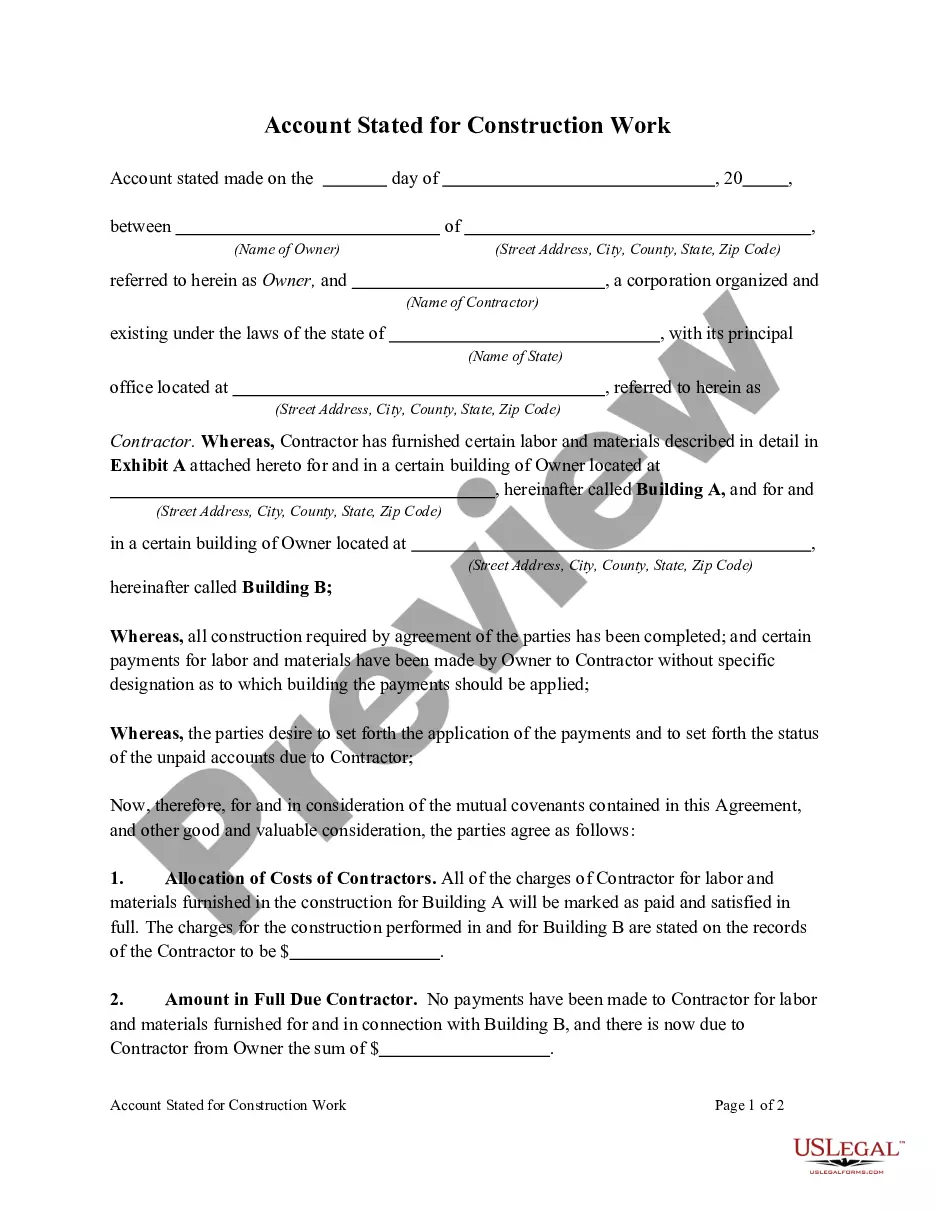
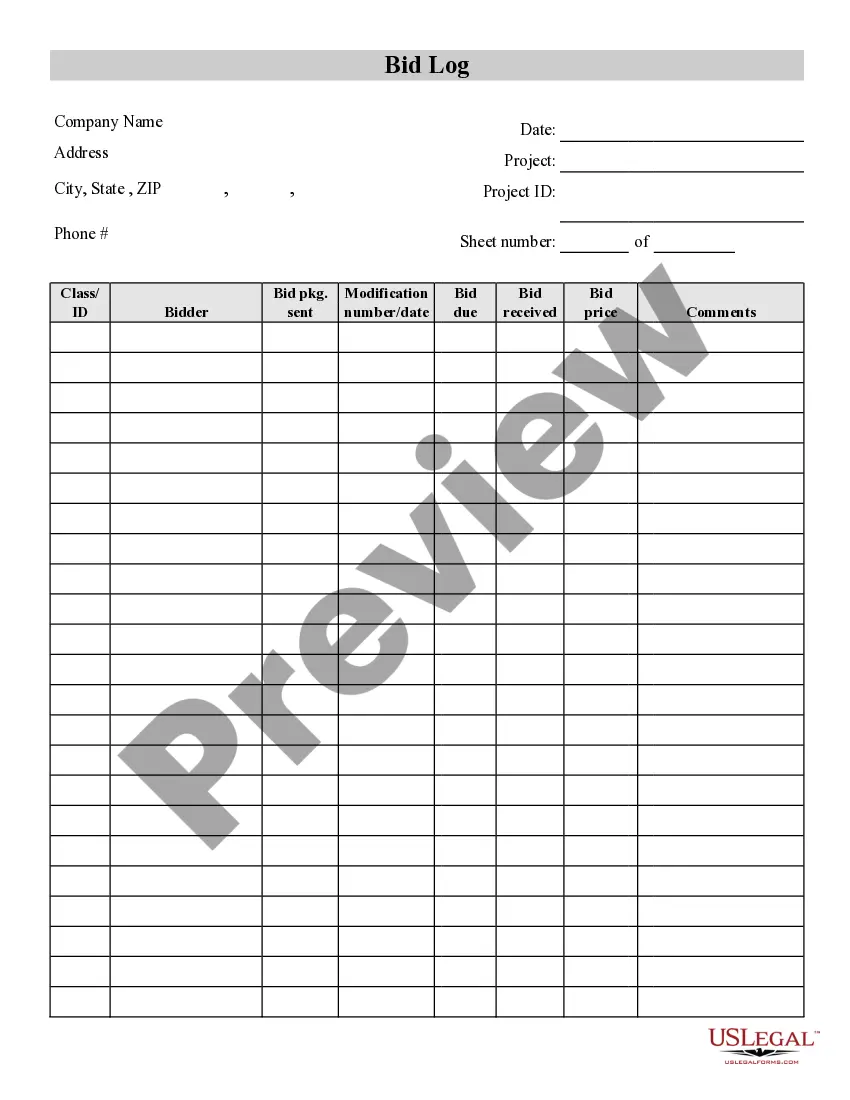
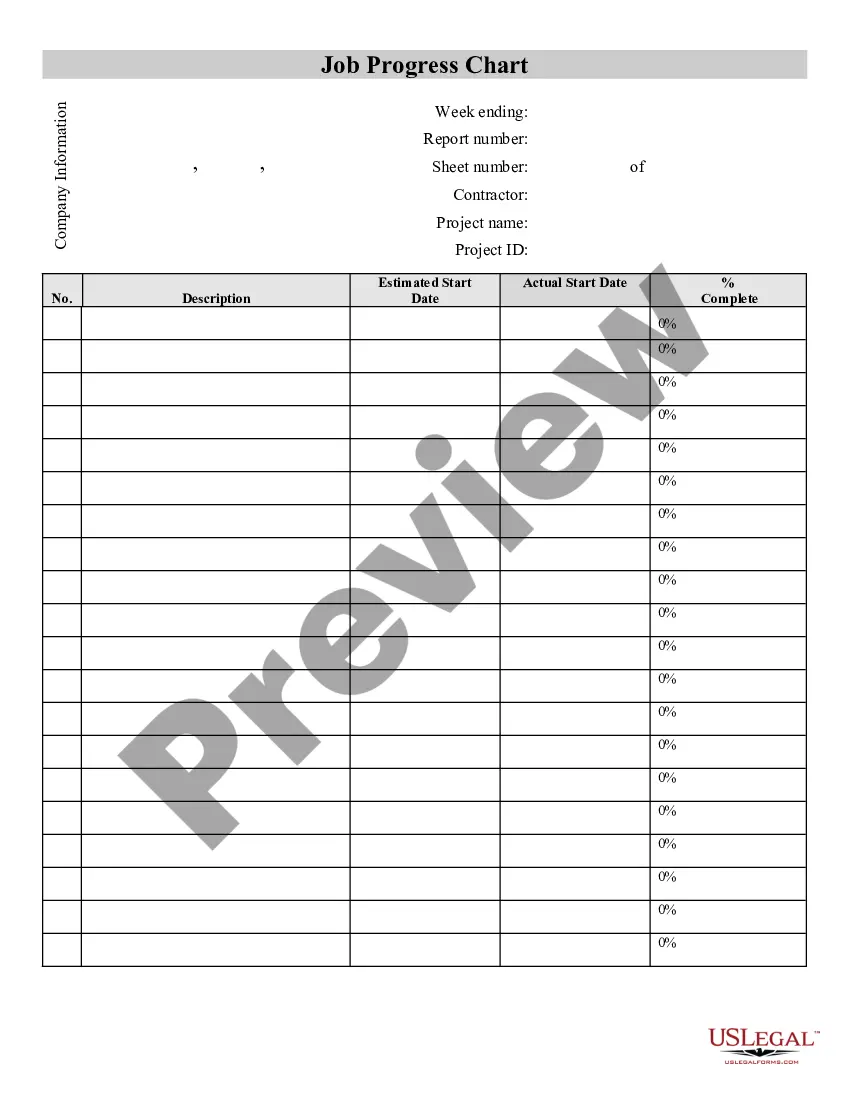

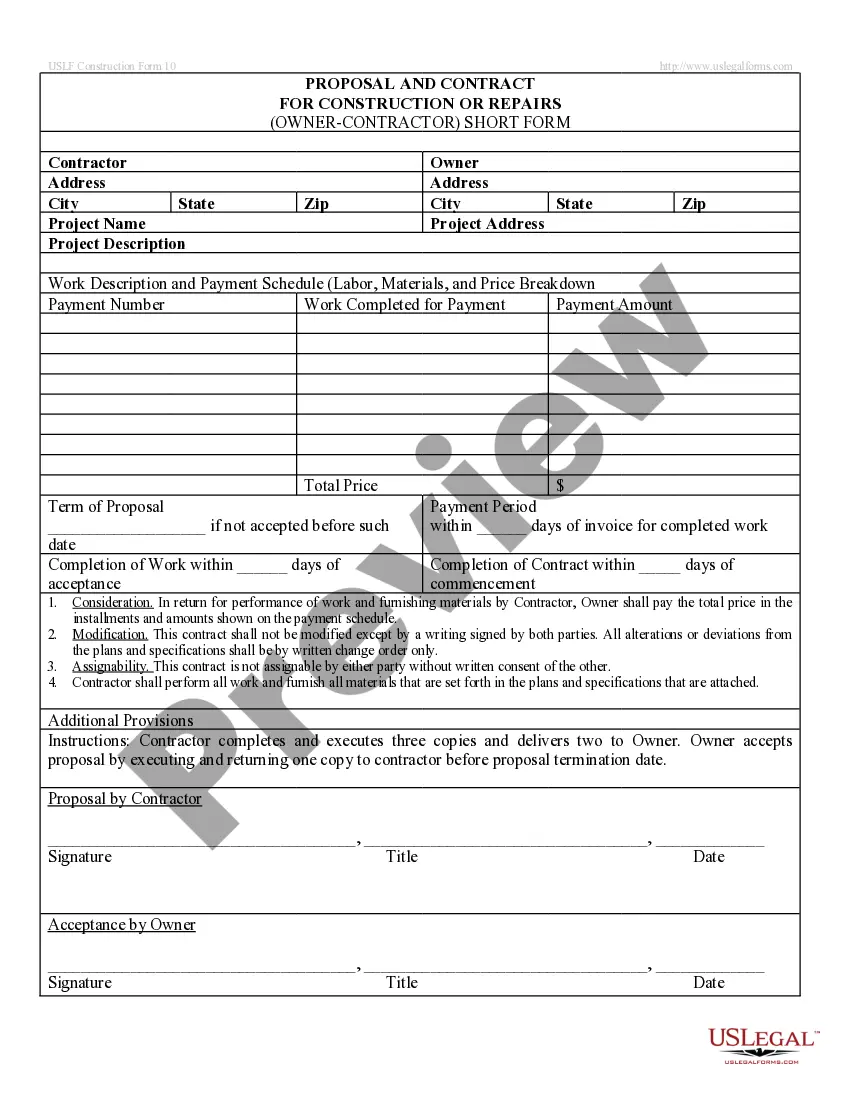
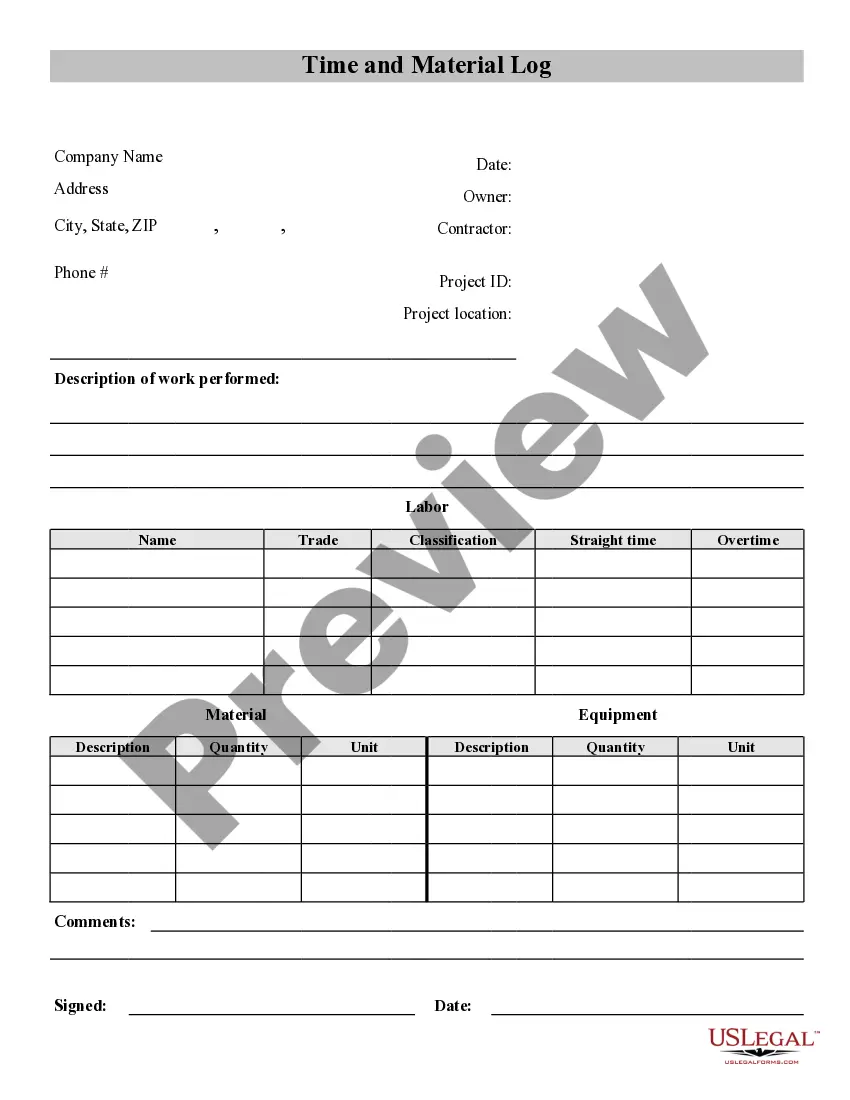
How to fill out Contractor's Time And Materials Log?
Creating legal documents from the ground up can occasionally feel a bit daunting.
Certain situations may require extensive investigation and significant financial investment.
If you're seeking a more straightforward and economical method of producing Contractor Time Limit or any other documentation without the hassle, US Legal Forms is always available to assist you.
Our online library of over 85,000 current legal forms encompasses nearly every aspect of your financial, legal, and personal matters.
Examine the form preview and descriptions to confirm that you are on the correct form you seek. Verify if the template you select adheres to the laws and regulations of your state and county. Choose the appropriate subscription option to acquire the Contractor Time Limit. Download the form, then fill it out, sign it, and print it. US Legal Forms has a stellar reputation and over 25 years of expertise. Join us today and make document completion a simple and efficient process!
- With just a few clicks, you can swiftly find state- and county-compliant templates meticulously crafted for you by our legal experts.
- Utilize our website whenever you require dependable and trustworthy services to swiftly locate and download the Contractor Time Limit.
- If you're familiar with our site and have previously registered an account with us, simply Log In to your account, select the template, and download it or re-download it anytime later in the My documents section.
- Not registered yet? No worries. Setting it up takes minimal time and allows you to browse the catalog.
- However, before proceeding directly to downloading Contractor Time Limit, consider these suggestions.
Form popularity
FAQ
How to fill out a timesheet (step-by-step guide) Step 1: Enter the employee's name. ... Step 2: Add the date or date range. ... Step 3: Fill in the project and task details. ... Step 4: Add working hours for each day of the week. ... Step 5: Calculate the total hours. ... Step 6: Add notes if required. ... Step 7: Get approval. ... Daily timesheets.
How to Fill Out a Timesheet Enter the Employee's Name. Here you should fill out the employee's full, legal name whose hours you are recording. Provide the Date or the Date Range. Next up you need to add the date. ... Fill in the Task Details. ... Add Hours Worked. ... Calculate Your Total Hours. ... Approve the Timesheet.
Filling Out a Weekly, Bi-Weekly, or Monthly Timesheet Step 1: Write down your name and the date range. Again: it's best practice to write your full name (first and last). ... Step 2: Record your ?in? time. ... Step 3: Record your break. ... Step 4: Record your shift end time. ... Step 5: Repeat steps 2-4. ... Step 6: Total up the hours.
Contractors need timesheets for: Accurate billing. Before you can send an invoice to your client, you need to ensure it has all the details about your work hours, billing rate, and any additional info that your client might request.
Under the Fair Labor Standards Act (FLSA), it is the employer's obligation to keep record of the hours worked by employees, and, while many employers rely on employees' assistance via a timesheet or time clock, the employer is ultimately responsible.