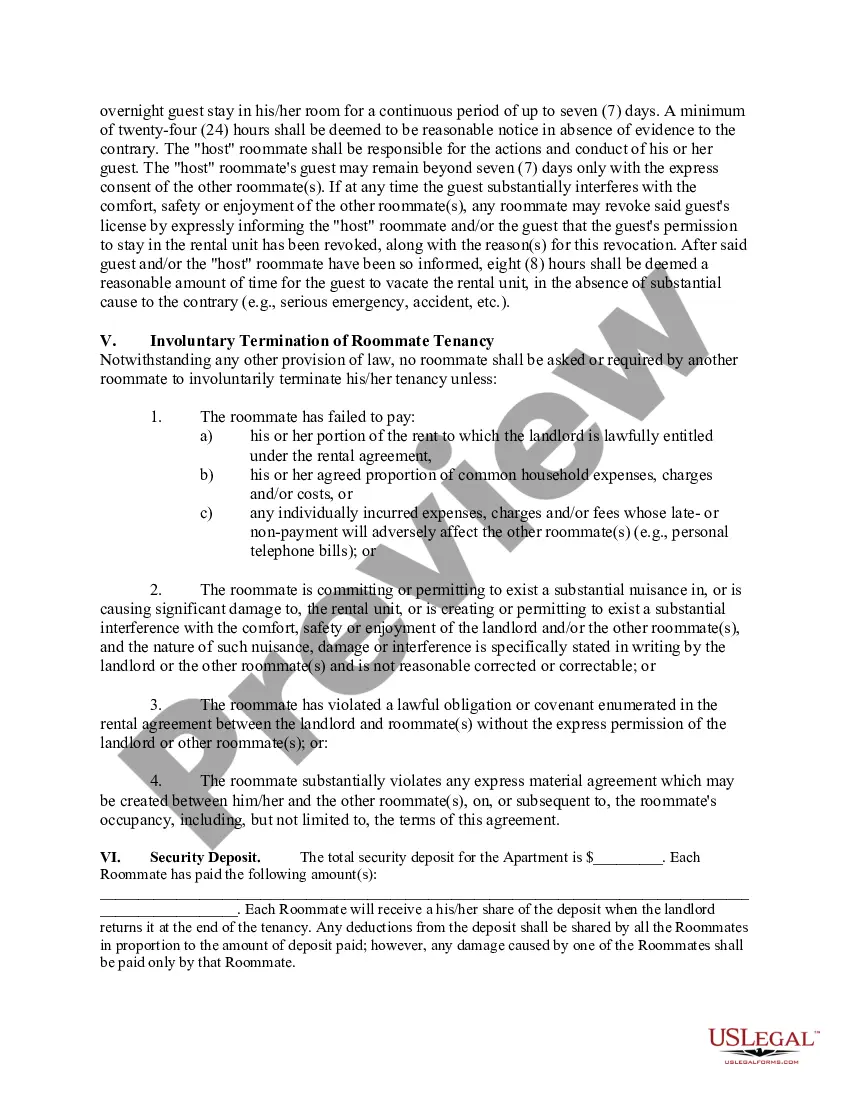
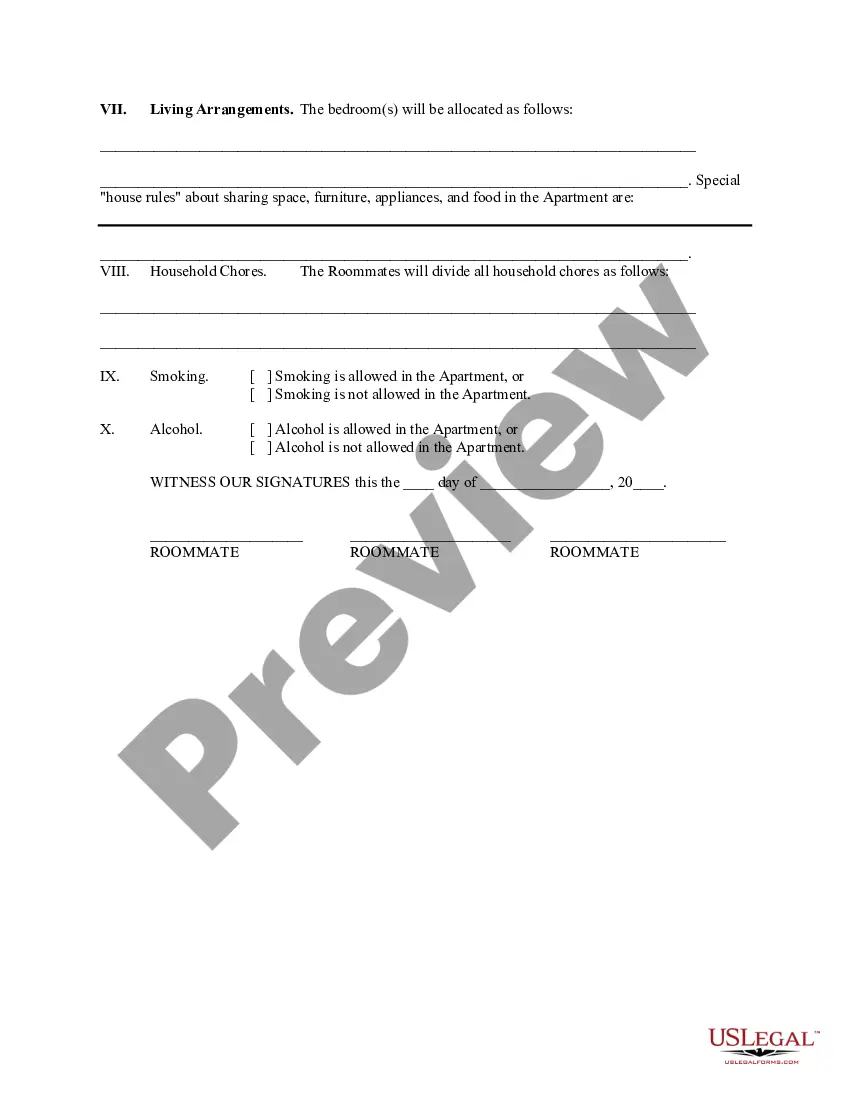
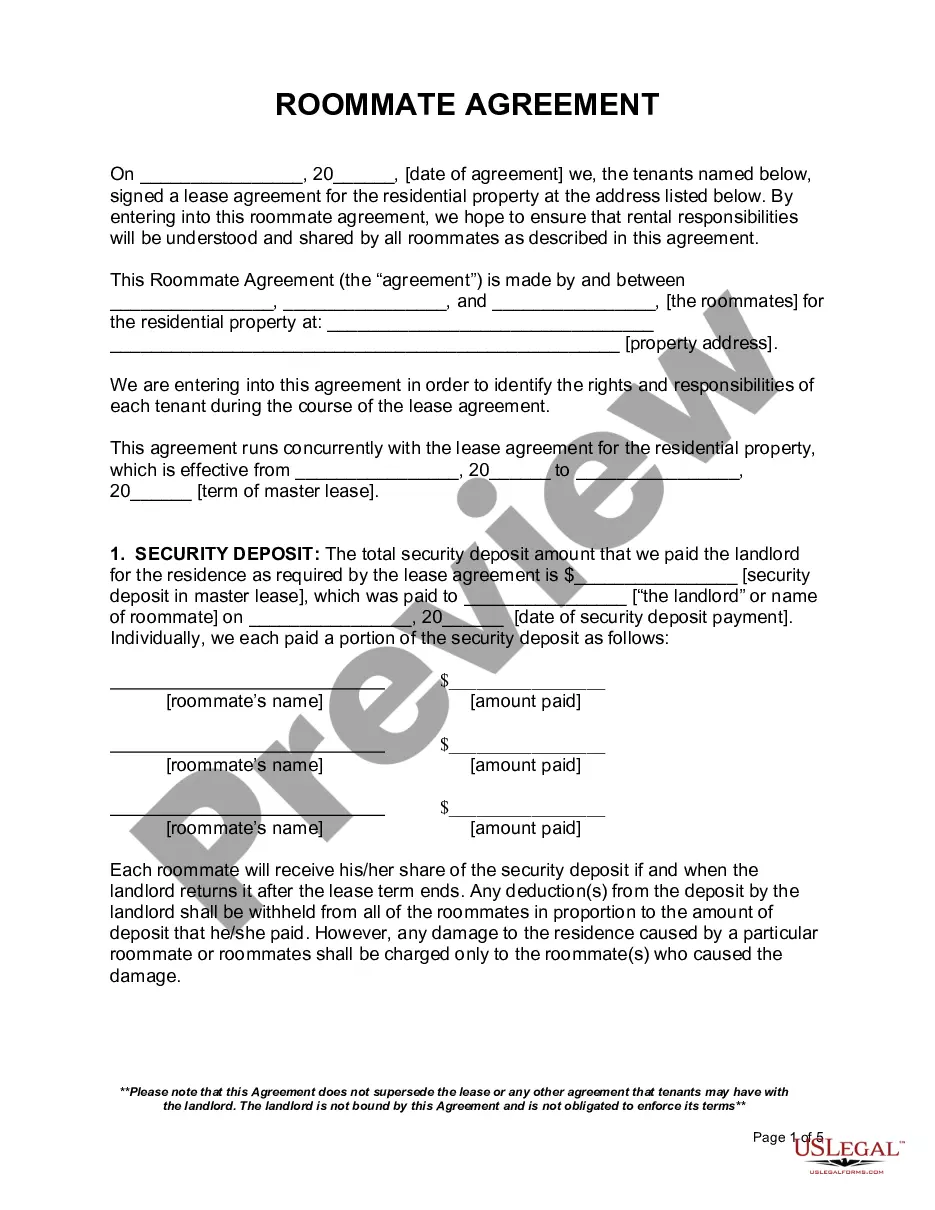
Roommate Form Contract With Parents In Utah
Description

Get your form ready online
Our built-in tools help you complete, sign, share, and store your documents in one place.
Make edits, fill in missing information, and update formatting in US Legal Forms—just like you would in MS Word.
Download a copy, print it, send it by email, or mail it via USPS—whatever works best for your next step.
Sign and collect signatures with our SignNow integration. Send to multiple recipients, set reminders, and more. Go Premium to unlock E-Sign.
If this form requires notarization, complete it online through a secure video call—no need to meet a notary in person or wait for an appointment.
We protect your documents and personal data by following strict security and privacy standards.

Make edits, fill in missing information, and update formatting in US Legal Forms—just like you would in MS Word.

Download a copy, print it, send it by email, or mail it via USPS—whatever works best for your next step.

Sign and collect signatures with our SignNow integration. Send to multiple recipients, set reminders, and more. Go Premium to unlock E-Sign.

If this form requires notarization, complete it online through a secure video call—no need to meet a notary in person or wait for an appointment.

We protect your documents and personal data by following strict security and privacy standards.
Looking for another form?









Form popularity
FAQ
How do I change my meal plan? You can make changes to your Housing Meal Plan by logging in to your housing account or contacting the USU Housing Office. Changes to housing meal plans can be made during the first two weeks of the semester.
Absolutely! You can select your Factor meals each week to match your preferences. Plus, our plans are flexible, allowing you to change your meals based on your current lifestyle.
To view or change their current dining plan selection, students should log into My UW Housing, go into their 2024-25 application (select “Click here to get started”), and then click on “Dining Plan.”
Students who would like to change their meal plan can complete a change request form (located in the Quick Links). Please note Census Day is the last day to make changes to the meal plan.
From the main Meal Train page, select the Edit button next to your meal. On the next page, make any needed edits and click Save Changes. Or click Cancel Booking to delete your booking. We will notify the recipient only if you cancel your booking.
Name: Print the name of each roommate listed on the lease. Eligibility Status: Circle the status that makes each person eligible for the apartment. Departure Date, if leaving: For the person leaving, list a date that the person will be moving out of the apartment.
