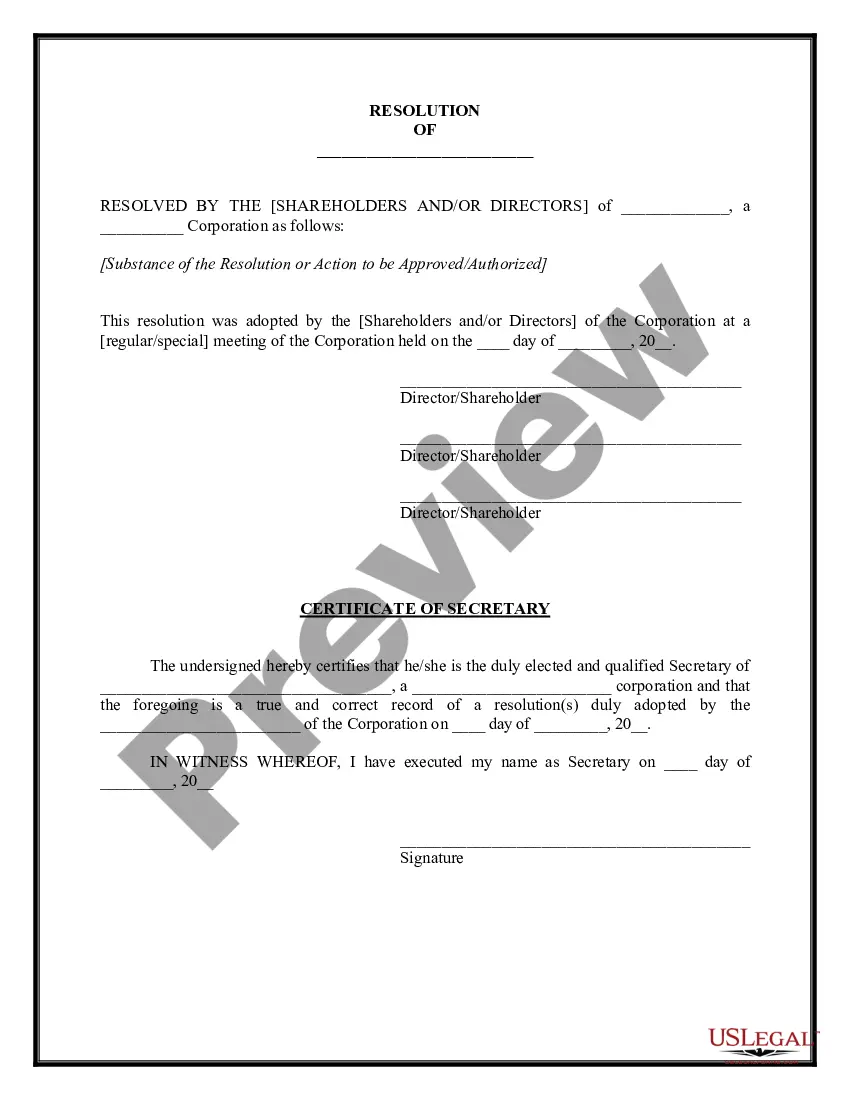
Completion Report Format In Oakland
Description
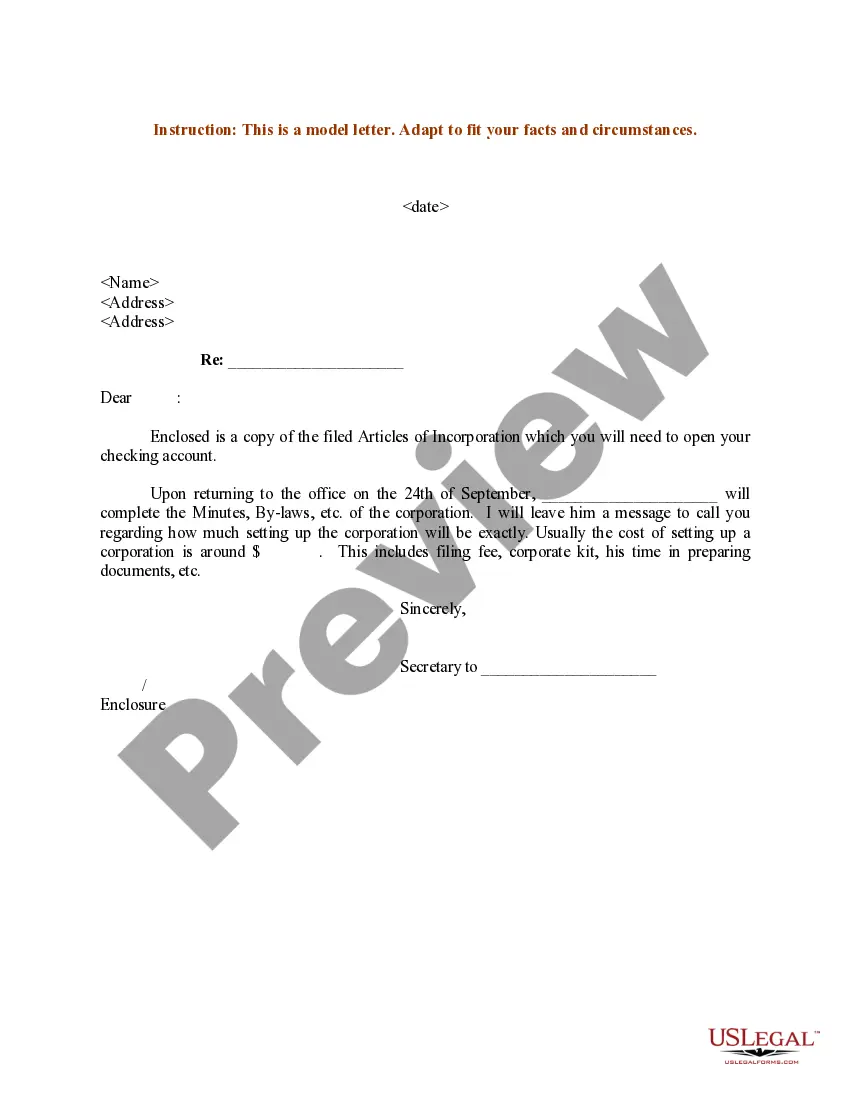
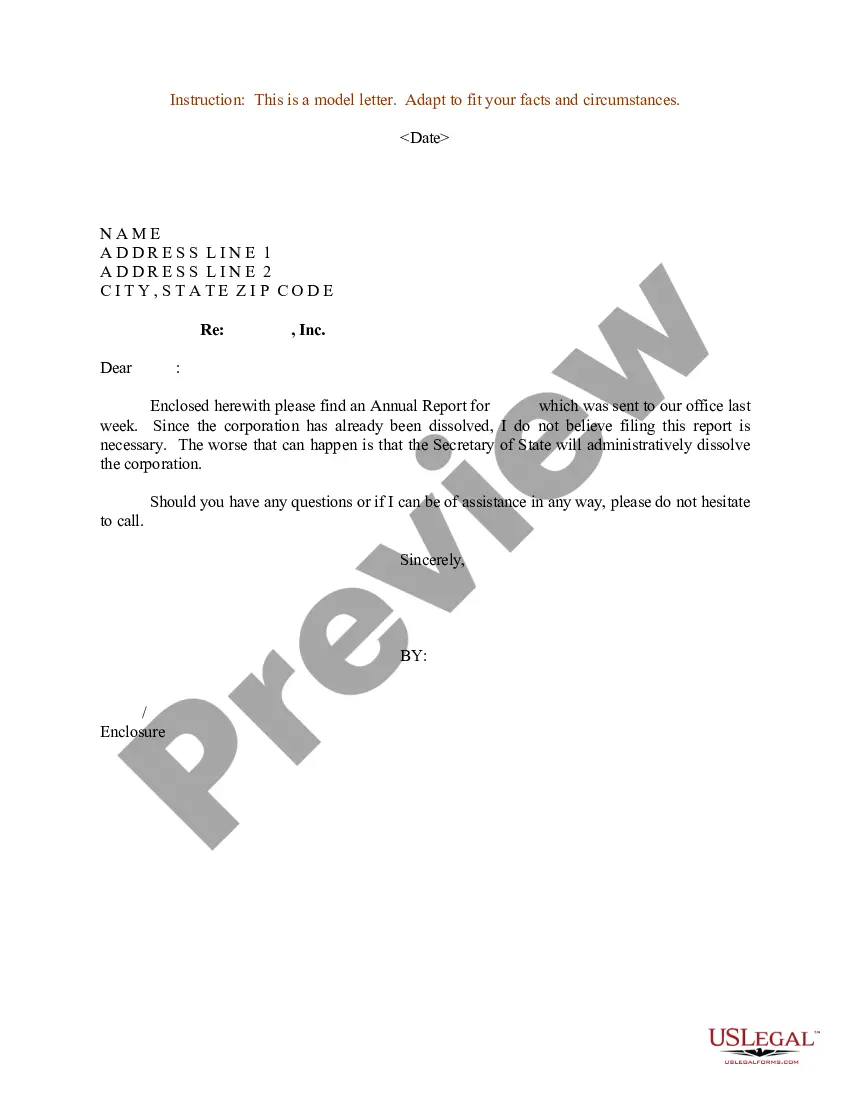
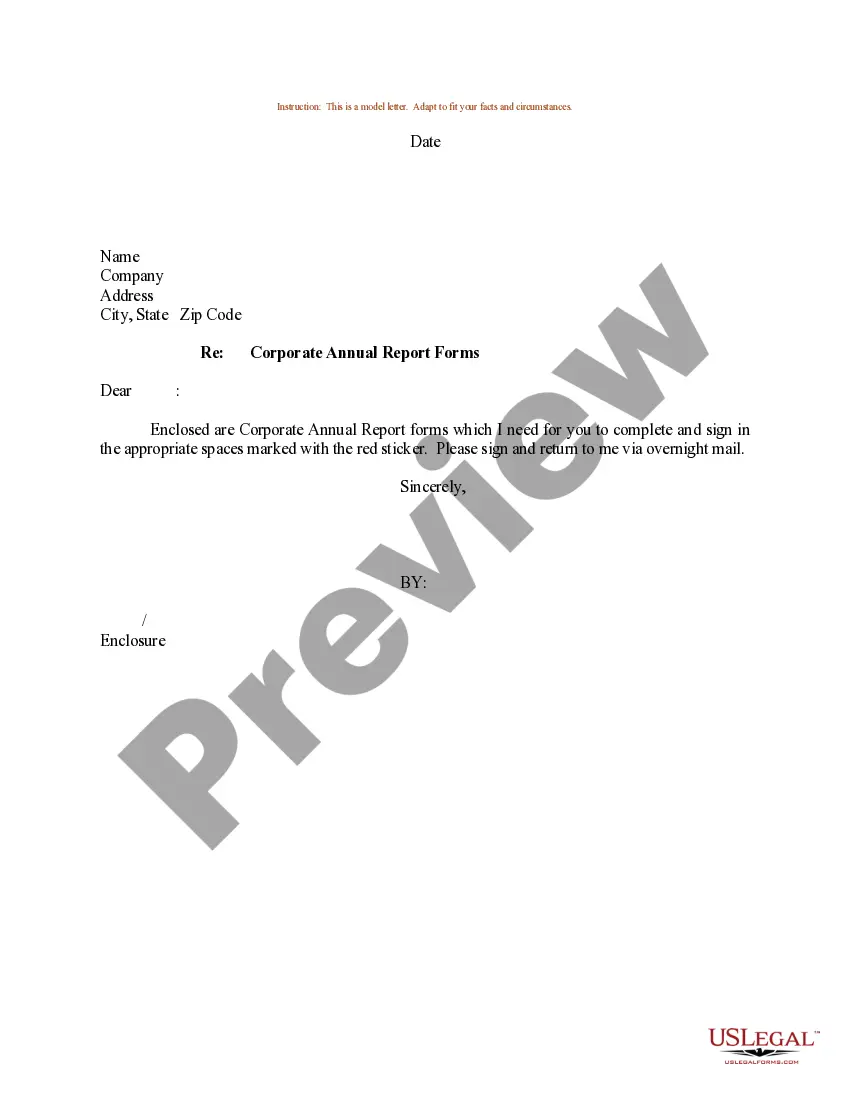
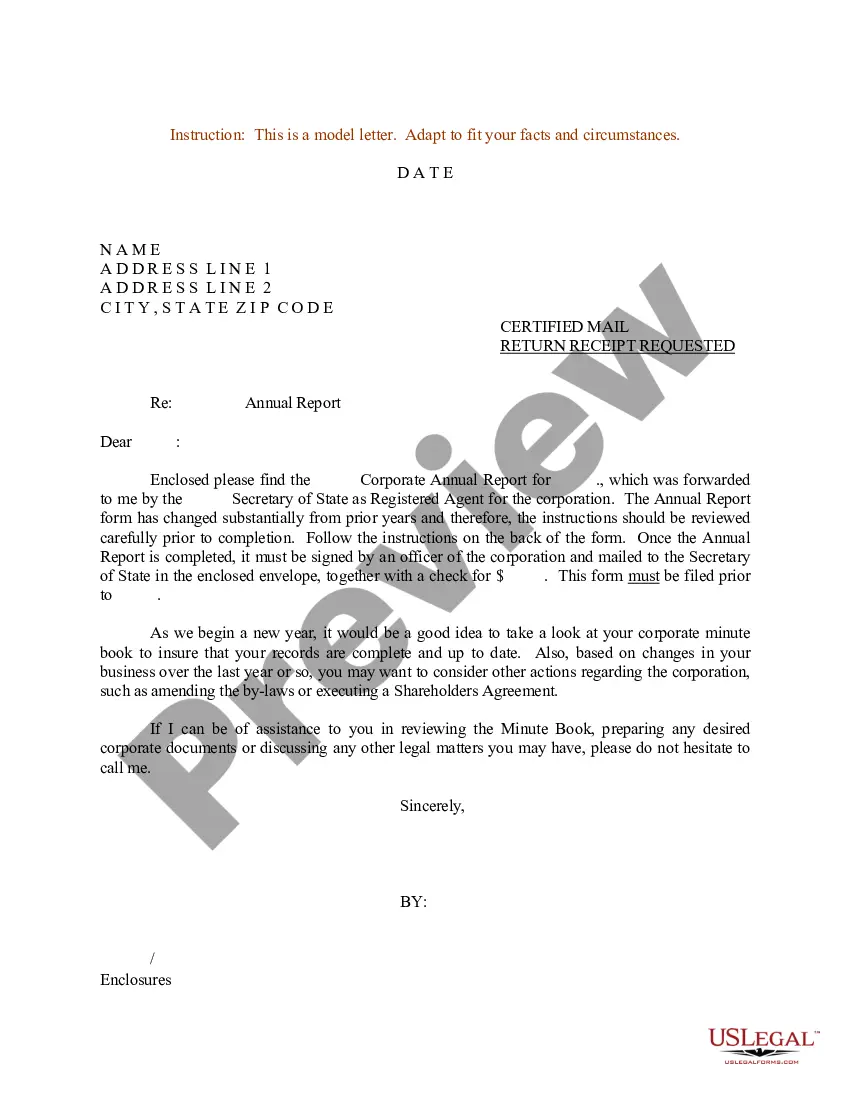
Get your form ready online
Our built-in tools help you complete, sign, share, and store your documents in one place.
Make edits, fill in missing information, and update formatting in US Legal Forms—just like you would in MS Word.
Download a copy, print it, send it by email, or mail it via USPS—whatever works best for your next step.
Sign and collect signatures with our SignNow integration. Send to multiple recipients, set reminders, and more. Go Premium to unlock E-Sign.
If this form requires notarization, complete it online through a secure video call—no need to meet a notary in person or wait for an appointment.
We protect your documents and personal data by following strict security and privacy standards.

Make edits, fill in missing information, and update formatting in US Legal Forms—just like you would in MS Word.

Download a copy, print it, send it by email, or mail it via USPS—whatever works best for your next step.

Sign and collect signatures with our SignNow integration. Send to multiple recipients, set reminders, and more. Go Premium to unlock E-Sign.

If this form requires notarization, complete it online through a secure video call—no need to meet a notary in person or wait for an appointment.

We protect your documents and personal data by following strict security and privacy standards.
Looking for another form?



Form popularity
FAQ
Contact us through our Permit & Services Questions Portal or by phone at (510) 238-3891 for help. Most projects need Planning approval before getting a Building Permit to ensure they follow local land use and design rules.
How to Apply Step One: Gather Permit Record or Permit History. Step Two: Complete Your Application. Step Three: Submit Your Application & Documentation. Step Four: Schedule Field Inspection. Step Five: Certificate of Occupancy (CO) Issued. Step Six: Obtain Additional Permits (As Instructed by Inspector)
Contact us through our Permit & Services Questions Portal or by phone at (510) 238-3891 for help. Most projects need Planning approval before getting a Building Permit to ensure they follow local land use and design rules.
The California Building Code (CBC) states that no building or structure can be used or occupied until a building official has issued a certificate of occupancy. The penalties for operating without a certificate of occupancy in California can include fines of up to $1000 a day until the violation is corrected.
Contact BBCode-inspect@oaklandca. (510) 238-3444. 250 Frank H. Ogawa. 2nd Floor. Oakland, CA 94612.
Records may be requested in the following ways: By submitting a request online via NextRequest. By telephone or visiting a department. By submitting a request in writing via email or US Mail.
You can make a request for a public record orally or in writing (in person/by phone/fax or by electronic/snail mail). However, we recommend that whenever possible, the requests are submitted through the City's online public records request system.
Please report active infrastructure emergencies to OAK311 by dialing 311 or (510) 615-5566.
Request information through NextRequest Note: If you need assistance entering your request into NextRequest or if you have additional questions regarding how to request information, please contact City Clerk staff at (510) 981-6900 or records@berkeleyca.