Completion Certificate Format In Oakland
Description
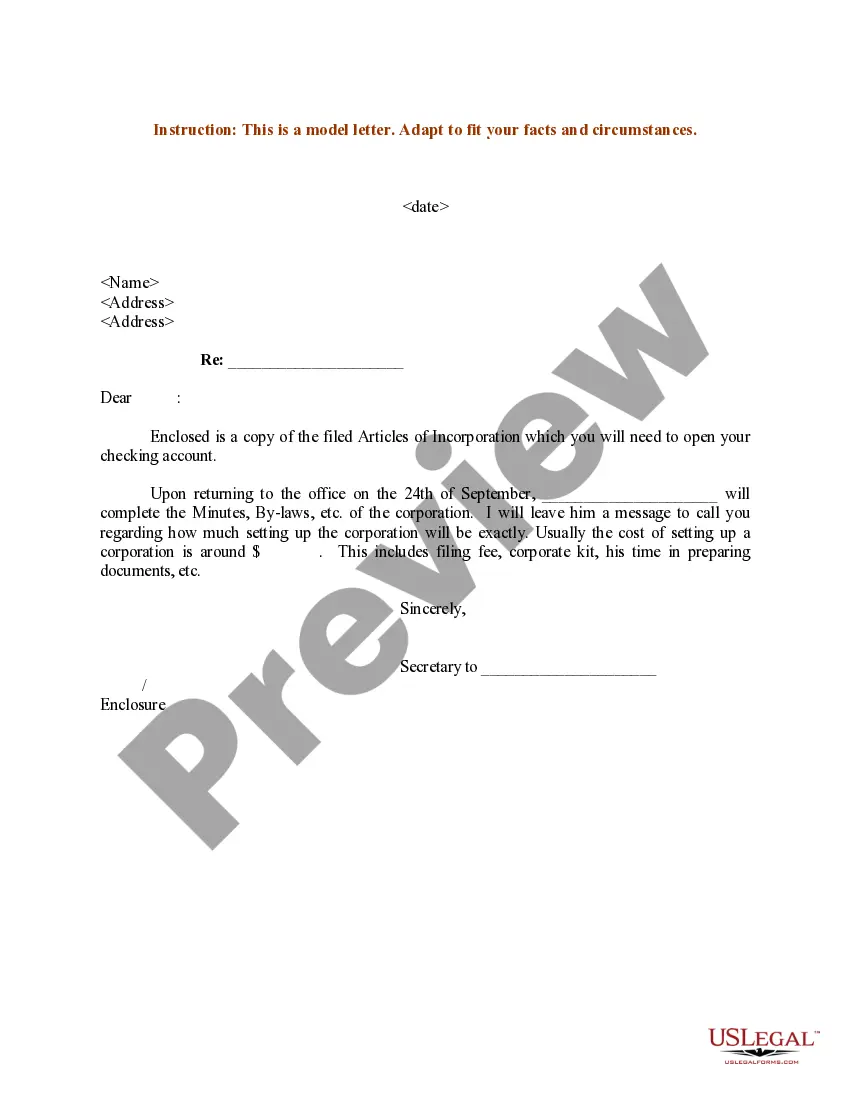
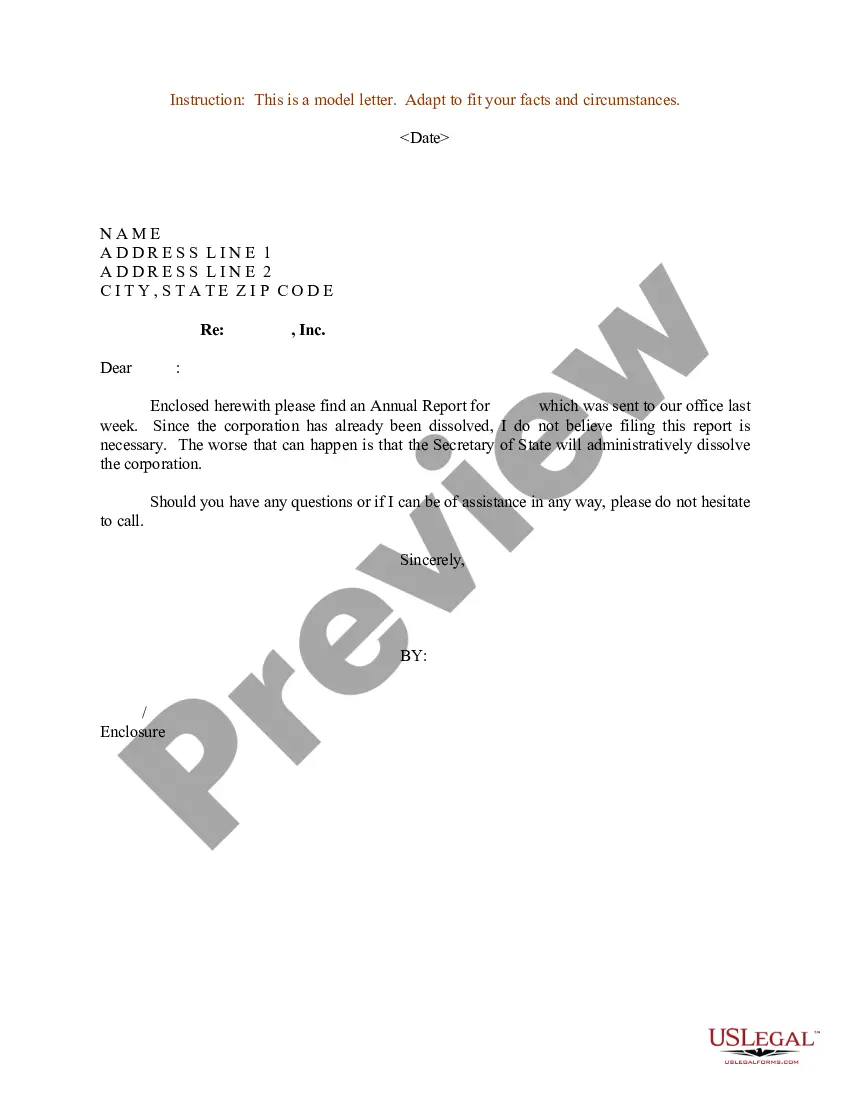
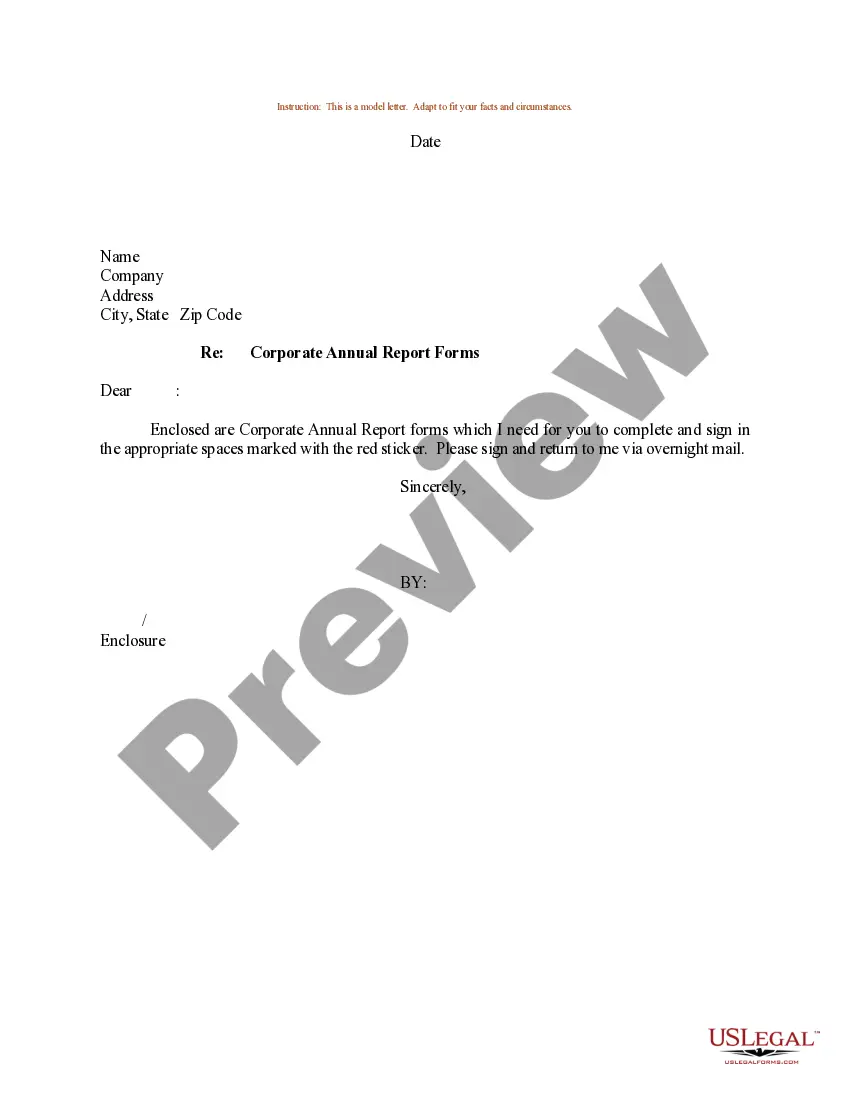
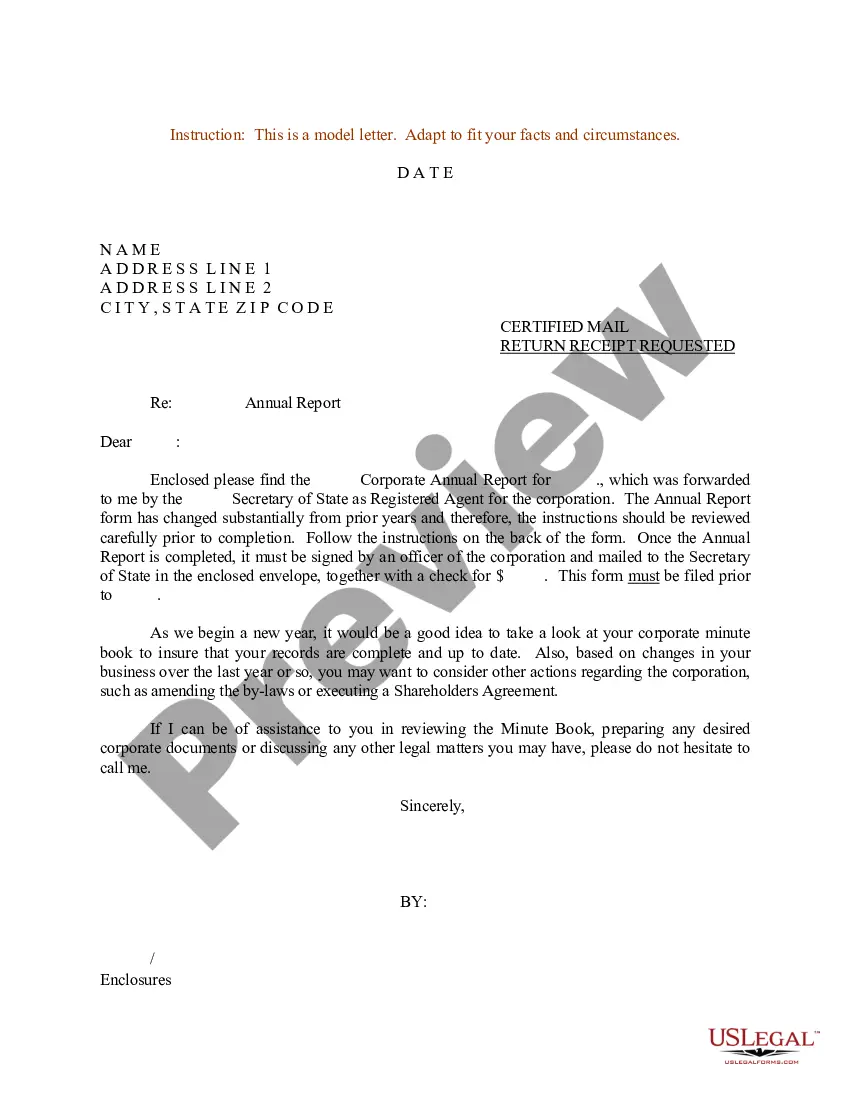
Get your form ready online
Our built-in tools help you complete, sign, share, and store your documents in one place.
Make edits, fill in missing information, and update formatting in US Legal Forms—just like you would in MS Word.
Download a copy, print it, send it by email, or mail it via USPS—whatever works best for your next step.
Sign and collect signatures with our SignNow integration. Send to multiple recipients, set reminders, and more. Go Premium to unlock E-Sign.
If this form requires notarization, complete it online through a secure video call—no need to meet a notary in person or wait for an appointment.
We protect your documents and personal data by following strict security and privacy standards.

Make edits, fill in missing information, and update formatting in US Legal Forms—just like you would in MS Word.

Download a copy, print it, send it by email, or mail it via USPS—whatever works best for your next step.

Sign and collect signatures with our SignNow integration. Send to multiple recipients, set reminders, and more. Go Premium to unlock E-Sign.

If this form requires notarization, complete it online through a secure video call—no need to meet a notary in person or wait for an appointment.

We protect your documents and personal data by following strict security and privacy standards.
Looking for another form?






Form popularity
FAQ
You can make a request for a public record orally or in writing (in person/by phone/fax or by electronic/snail mail). However, we recommend that whenever possible, the requests are submitted through the City's online public records request system.
Request information through NextRequest Note: If you need assistance entering your request into NextRequest or if you have additional questions regarding how to request information, please contact City Clerk staff at (510) 981-6900 or records@berkeleyca.
How to Apply Step One: Gather Permit Record or Permit History. Step Two: Complete Your Application. Step Three: Submit Your Application & Documentation. Step Four: Schedule Field Inspection. Step Five: Certificate of Occupancy (CO) Issued. Step Six: Obtain Additional Permits (As Instructed by Inspector)
Records may be requested in the following ways: By submitting a request online via NextRequest. By telephone or visiting a department. By submitting a request in writing via email or US Mail.
“Public records are open to inspection at all times during the office hours of the state or local agency and every person has a right to inspect any public record, except as hereafter provided.”
This certificate celebrates Recipient's Name's exceptional performance and achievements. Your hard work, dedication, and commitment to excellence have set a standard of excellence for us all. Congratulations on your well-deserved success!
On the other hand, a certificate of completion is awarded for completing a course or training program, but it may not cover a specific area of study or have as much educational rigor as a certificate program.
Example Certificate of final completion This Certificate of Final Completion is issued this Date to certify that Contractor name has completed all of the work required by the contract for Name of project, located at Project address, in ance with the terms and conditions of the contract.
Most certificates of completion include the following basic information: Name of person receiving certificate. Name of institution or facility providing the certificate. Course, training, seminar, or other event or activity the person completed in order to be eligible for the certificate. Official signature and date.

