Letter Engagement Statement Format In Maricopa
Description




Get your form ready online
Our built-in tools help you complete, sign, share, and store your documents in one place.
Make edits, fill in missing information, and update formatting in US Legal Forms—just like you would in MS Word.
Download a copy, print it, send it by email, or mail it via USPS—whatever works best for your next step.
Sign and collect signatures with our SignNow integration. Send to multiple recipients, set reminders, and more. Go Premium to unlock E-Sign.
If this form requires notarization, complete it online through a secure video call—no need to meet a notary in person or wait for an appointment.
We protect your documents and personal data by following strict security and privacy standards.

Make edits, fill in missing information, and update formatting in US Legal Forms—just like you would in MS Word.

Download a copy, print it, send it by email, or mail it via USPS—whatever works best for your next step.

Sign and collect signatures with our SignNow integration. Send to multiple recipients, set reminders, and more. Go Premium to unlock E-Sign.

If this form requires notarization, complete it online through a secure video call—no need to meet a notary in person or wait for an appointment.

We protect your documents and personal data by following strict security and privacy standards.
Looking for another form?



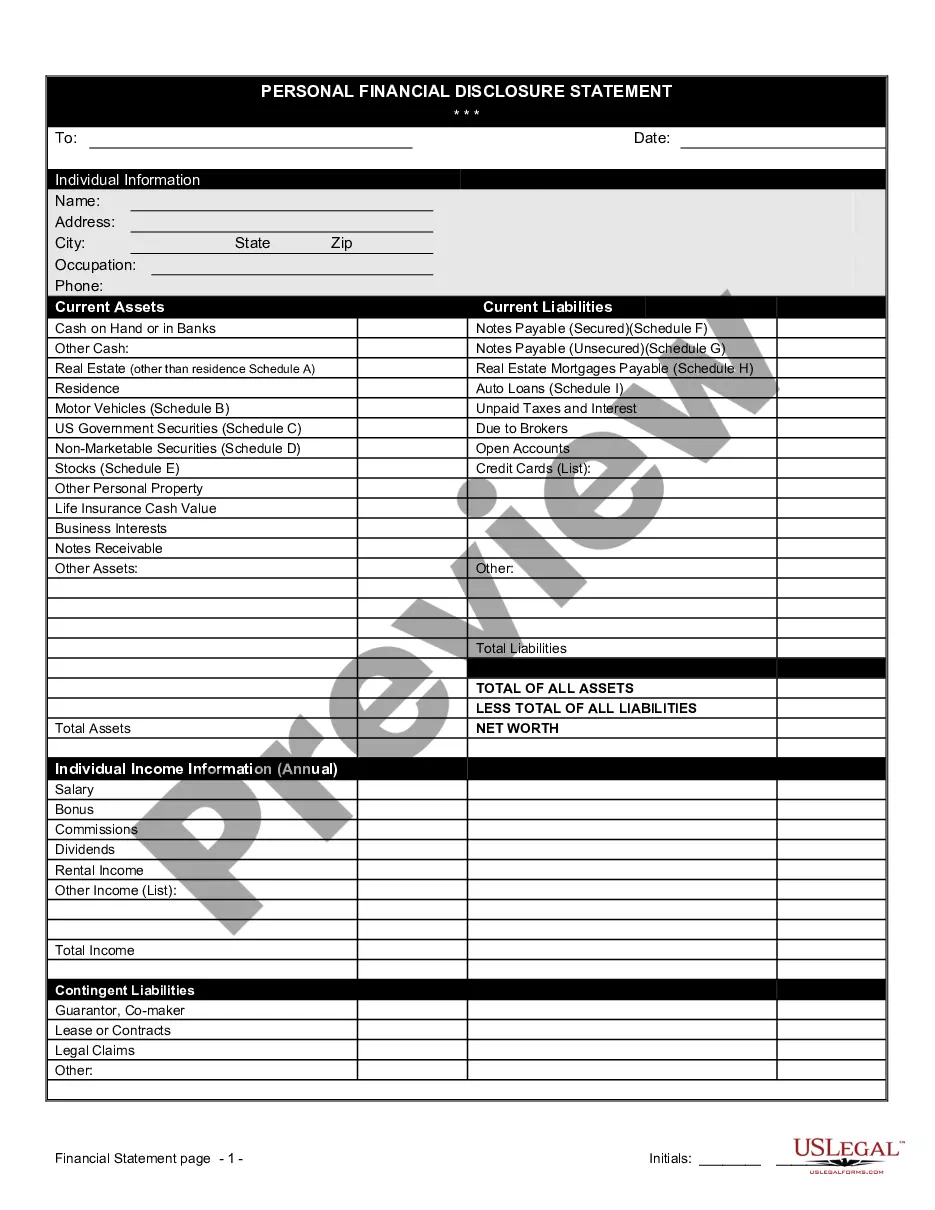

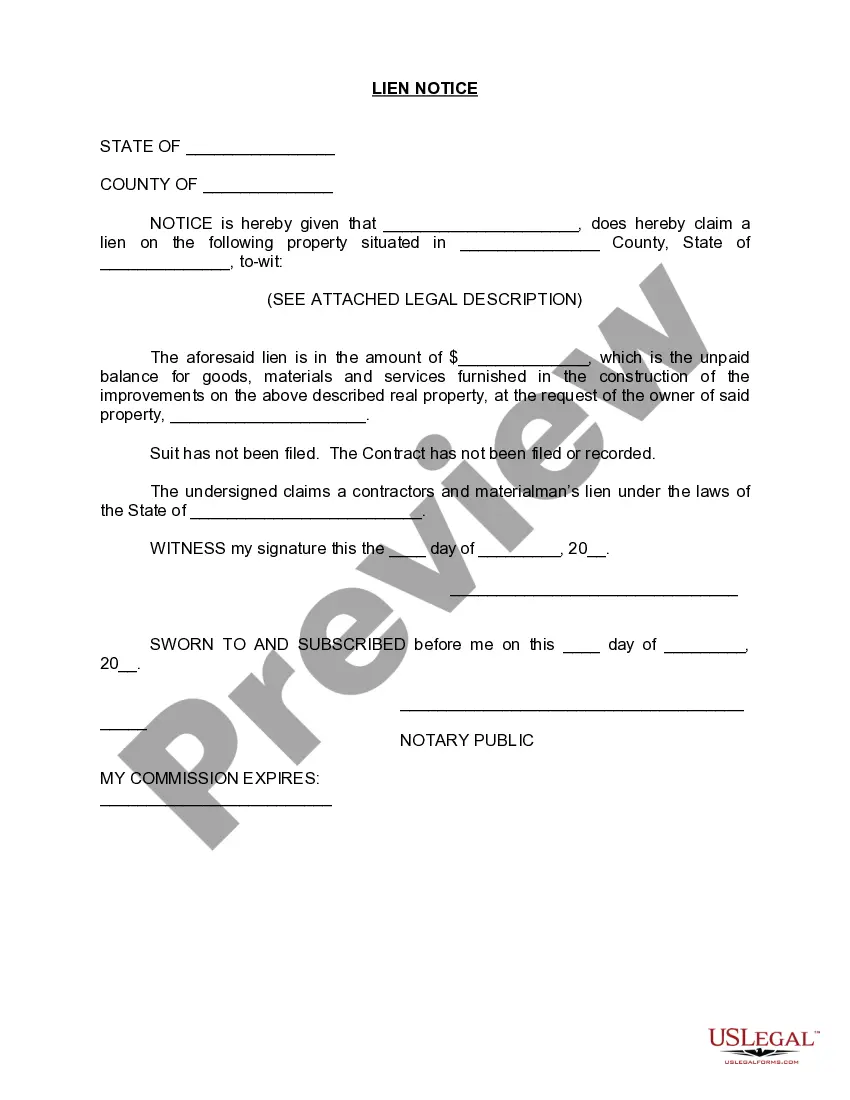



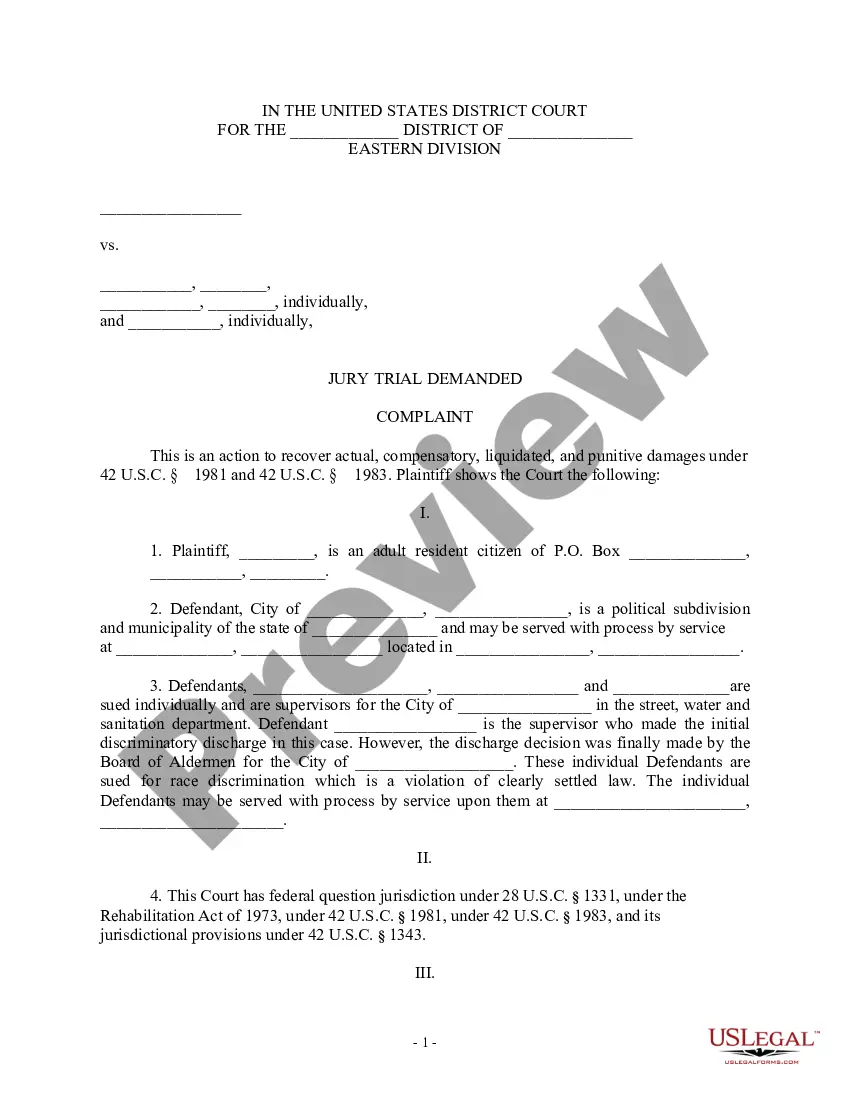
Form popularity
FAQ
Your final divorce paper is called a Decree of Dissolution. You will also need other documents listed below. The relief that you asked for in your Petition must be the same as in the Decree.
Your request can be submitted at our front counter, mailed to the Maricopa Municipal Court, 39600 W Civic Center Plaza, Maricopa, AZ 85138 or emailed. The form must be filled out completely otherwise it will not be processed. Your request must specify your name/agency and information requested.
602-506-3535 M-F 8 a.m. to 5 p.m.
Contact the Clerk of the Superior Court for the county in which the divorce was filed in. Divorce decrees filed before 1950 may be held by the Arizona State Archives, depending on the county. Contact the Clerk of the Superior Court for the county they were filed in.
Marriage Licenses and Divorce Decrees are available from the Maricopa County Clerk of the Superior Court. Family Court and Probate records are available at various Justice Court and Maricopa County Court locations. Adoption records are available at the Arizona State Library, Archives and Public Records.
Marriage Licenses and Divorce Decrees are available from the Maricopa County Clerk of the Superior Court. Family Court and Probate records are available at various Justice Court and Maricopa County Court locations. Adoption records are available at the Arizona State Library, Archives and Public Records.
The Arizona Judicial Branch offers the ability to eFile subsequent and case initiating family court documents for Maricopa County. You can learn more about eFiling in Family Law Cases here. Filing hours are Monday through Friday from am- pm.
Contact the County Probate Court To find out if an estate is in probate, you can check with the county probate court. Probate proceedings are public, so there aren't any privacy laws that would prevent you from contacting the court for information.
Filing a Will or Probate Case The Probate Filing Counter is located at 201 W. Jefferson in Phoenix, or at our Southeast location, 222 E. Javelina in Mesa, or at our Northwest Regional Court Center location at 14264 W. Tierra Buena Lane in Surprise, or at our Northeast Regional Court Center at 18380 N.
The Downtown External Filing Depository Box is located at 111 S. 3rd Avenue, outside of the West Court Building entrance. The Mesa External Filing Depository Box is located on the Northeast side of the main entrance of the Southeast Court Complex, 222 E. Javelina.

