Lien Notice
Understanding this form
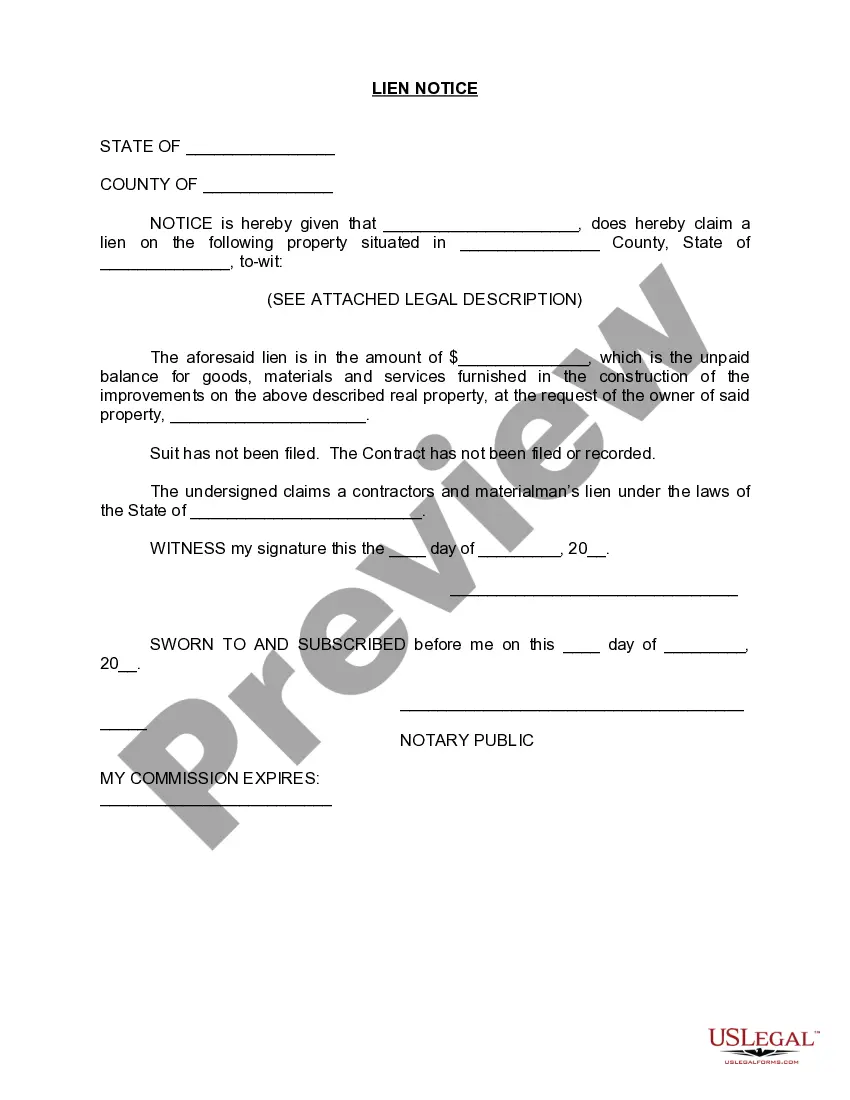
The Lien Notice is a legal document used by contractors, subcontractors, or suppliers to assert a claim on a property due to unpaid balances for goods, materials, or services provided during construction. This form is crucial for ensuring that those who contribute to property improvements are compensated for their work, distinguishing it from other notices by its specificity to construction-related claims.
Form components explained
- A statement asserting the claim of lien on a specific property.
- Details of the unpaid amount due for provided goods, materials, and services.
- The property description and the request by the property owner.
- The signature of the claimant, indicating their formal claim.
- Notary section for certification of the document.
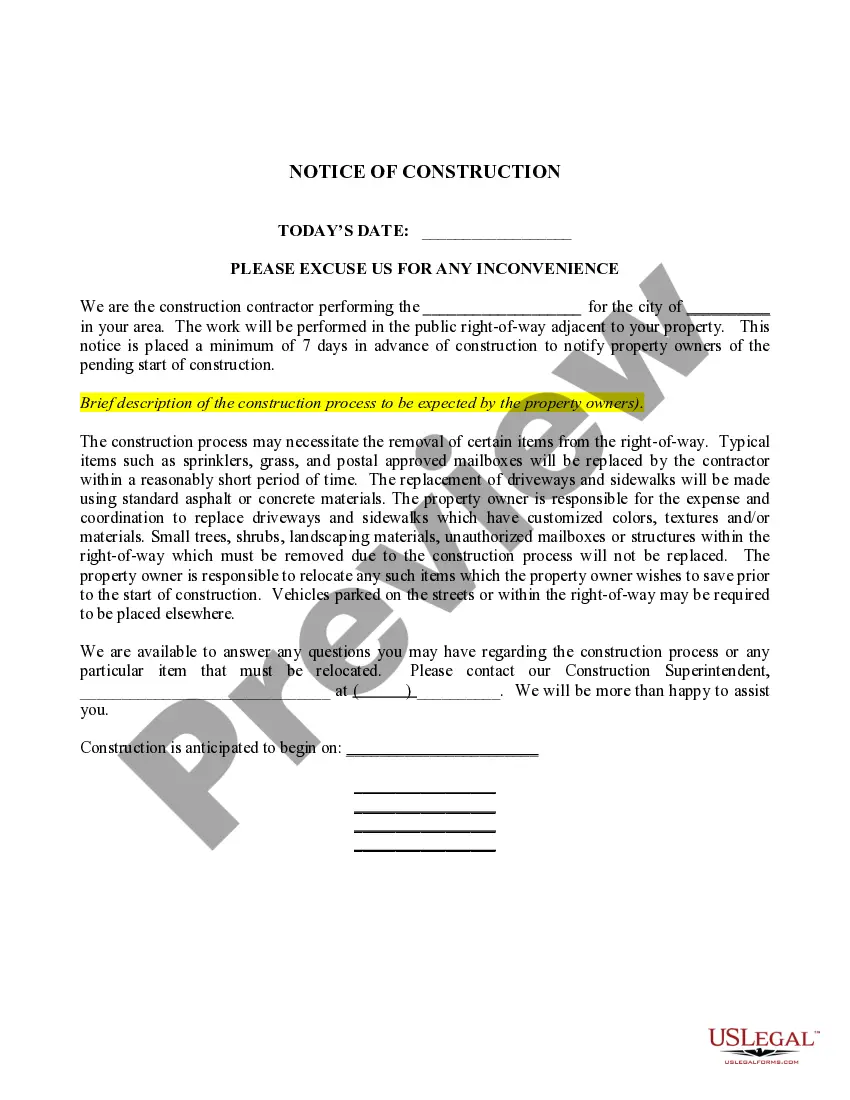
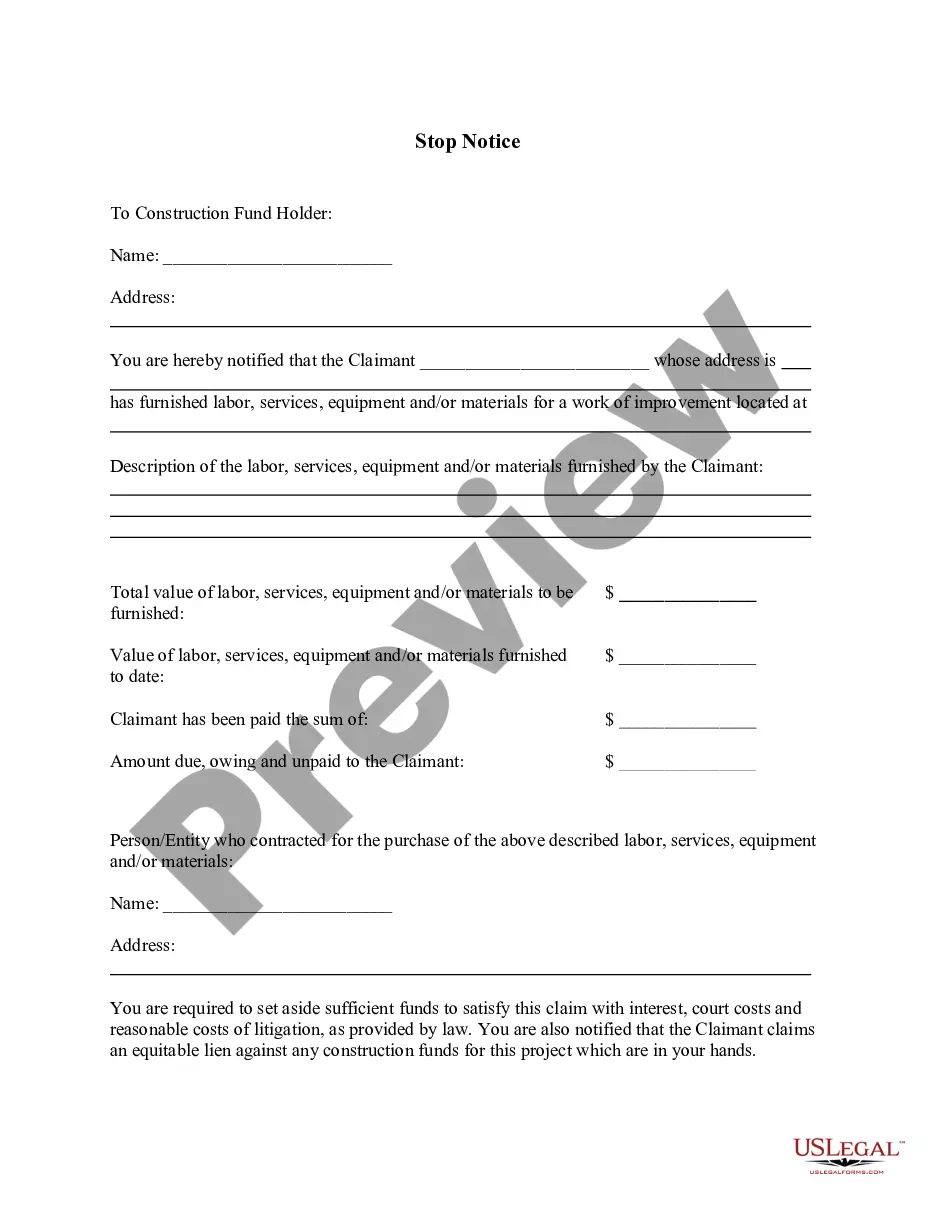
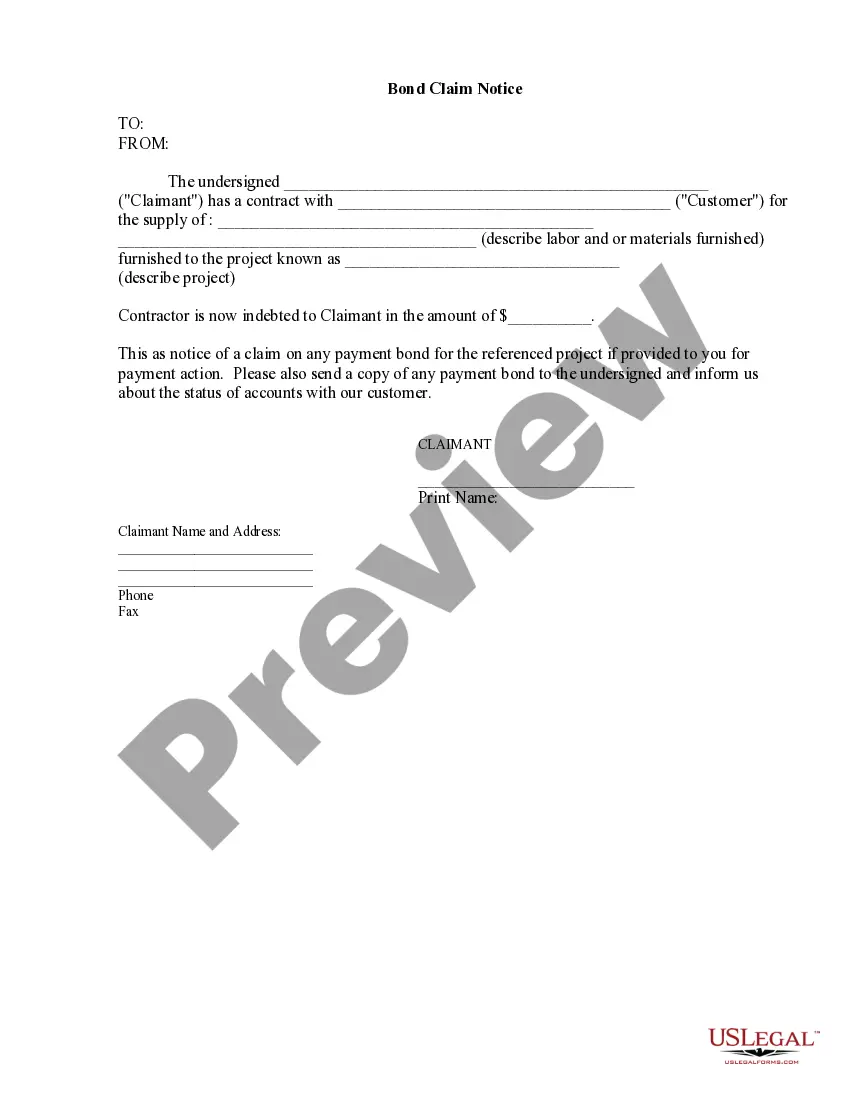
Situations where this form applies
This form should be used when a contractor or supplier has not received payment for work done or materials provided for a property improvement project. It is typically filed when attempts to collect payment have failed and serves to inform the property owner and other interested parties of the outstanding debt, allowing for potential legal recourse.
Intended users of this form
- Contractors who have provided services for property improvement.
- Subcontractors or suppliers of materials who have not been paid for their contributions.
- Individuals or businesses involved in construction projects seeking legal reclamation of unpaid debts.
Completing this form step by step
- Identify the claimantâs name and contact information.
- Clearly designate the property concerned, including the legal description, and specify the county and state.
- State the total unpaid amount due for services or materials provided.
- Include the property ownerâs name and confirm that services were provided at their request.
- Sign the form in the presence of a notary public to affirm the claim.
Notarization requirements for this form
Yes, this form must be notarized to be legally valid. Notarization protects the integrity of the document and helps to verify the identity of the signer. US Legal Forms offers integrated online notarization through secure video calls, ensuring availability and convenience without requiring any travel.
Get your form ready online
Our built-in tools help you complete, sign, share, and store your documents in one place.
Make edits, fill in missing information, and update formatting in US Legal Forms—just like you would in MS Word.
Download a copy, print it, send it by email, or mail it via USPS—whatever works best for your next step.
Sign and collect signatures with our SignNow integration. Send to multiple recipients, set reminders, and more. Go Premium to unlock E-Sign.
If this form requires notarization, complete it online through a secure video call—no need to meet a notary in person or wait for an appointment.
We protect your documents and personal data by following strict security and privacy standards.

Make edits, fill in missing information, and update formatting in US Legal Forms—just like you would in MS Word.

Download a copy, print it, send it by email, or mail it via USPS—whatever works best for your next step.

Sign and collect signatures with our SignNow integration. Send to multiple recipients, set reminders, and more. Go Premium to unlock E-Sign.

If this form requires notarization, complete it online through a secure video call—no need to meet a notary in person or wait for an appointment.

We protect your documents and personal data by following strict security and privacy standards.
Common mistakes
- Failing to provide a clear legal description of the property.
- Not specifying the full amount that is unpaid.
- Omitting the correct dates or not signing in front of a notary.
Why complete this form online
- Easy access to legally vetted templates created by licensed attorneys.
- Convenience of filling out the form at your own pace and from any location.
- Editable digital forms that can be customized to meet specific needs.
What to keep in mind
- The Lien Notice is critical for contractors and suppliers to secure payments.
- Ensure all information is complete and accurate to avoid issues in enforceability.
- Notarization may be necessary, so check your specific state requirements.
- Using this form protects your rights when unpaid for services or materials.
Looking for another form?
Form popularity
FAQ
A Form I797C may also serve as a copy of your approved petition and is usually issued to your employer and placed in your reference file. The major difference between Form I797A, I797B, and I797C is that both A and B are issued to applicants, while C is issued directly to the applicant's employer.
Checking your I-797 status online is quite simple. All you need is your 13-digit case number.If you lose your 13-digit case number, arrange an appointment with a USCIS officer who can communicate with you about your case status.
USCIS issues this base I-797 Notice of Action when it approves an application or petition. You may also hear people refer to it as an approval notice. The Form I-797 Notice of Action is an official letter of approval that can serve as proof of certain immigration benefits and may be used as evidence in some cases.
1Visit the USCIS Case Status Online Tool.2Enter the 13-digit USCIS receipt number. Enter the number without the hyphens.3Click the Check Status button.
Form I-797, Notice of Action, is issued as a result of an application or a petition submitted to the USCIS. Foreign nationals might have Form I-797 as a result of a request to change from one non-immigrant classification to another, or because a petition has been filed on their behalf by an employer or other entity.
It basically states that you've paid the subcontractor what is owed, they accept the payment in full, and they waive the right to put a lien on your property. Simply present this form to the subcontractor with your payment and ask them to sign it. Make sure you get their signature!
A Lien Demand Letter or Notice of Intent to Lien is a formal demand for payment.A lien demand letter puts a debtor on notice of your intent to lien the job site property by a specific date deadline. Increase your odds of getting paid with a lien demand letter.
Who you are. The services or materials you provided. The last date you provided the services or materials. How much payment should be. The date on which you will file a lien if you do not receive payment. How the debtor should pay.
A construction lien is a claim made against a property by a contractor or subcontractor who has not been paid for work done on that property. Construction liens are designed to protect professionals from the risk of not being paid for services rendered.