Service Agreement Provider With Internet In Middlesex
Description

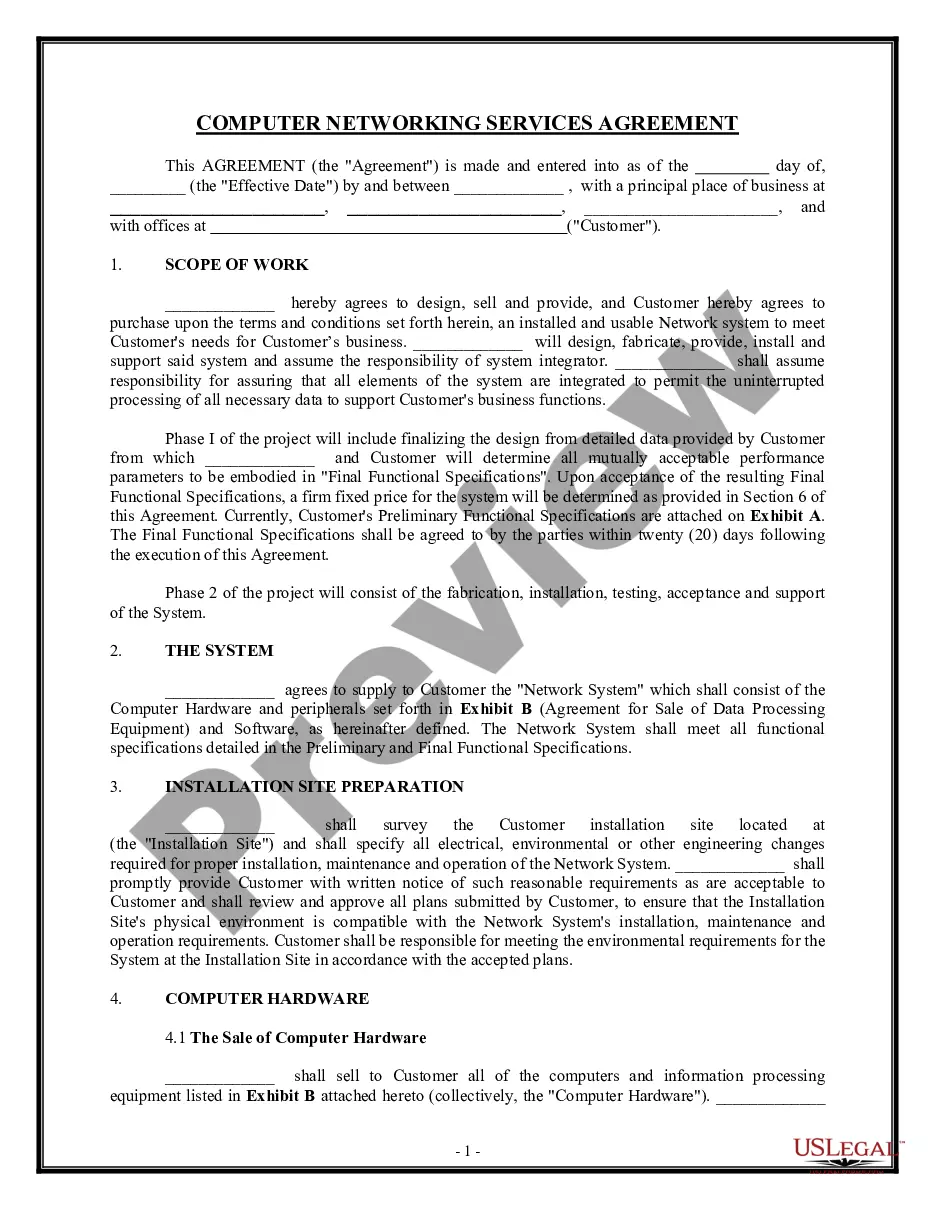
Get your form ready online
Our built-in tools help you complete, sign, share, and store your documents in one place.
Make edits, fill in missing information, and update formatting in US Legal Forms—just like you would in MS Word.
Download a copy, print it, send it by email, or mail it via USPS—whatever works best for your next step.
Sign and collect signatures with our SignNow integration. Send to multiple recipients, set reminders, and more. Go Premium to unlock E-Sign.
If this form requires notarization, complete it online through a secure video call—no need to meet a notary in person or wait for an appointment.
We protect your documents and personal data by following strict security and privacy standards.

Make edits, fill in missing information, and update formatting in US Legal Forms—just like you would in MS Word.

Download a copy, print it, send it by email, or mail it via USPS—whatever works best for your next step.

Sign and collect signatures with our SignNow integration. Send to multiple recipients, set reminders, and more. Go Premium to unlock E-Sign.

If this form requires notarization, complete it online through a secure video call—no need to meet a notary in person or wait for an appointment.

We protect your documents and personal data by following strict security and privacy standards.
Looking for another form?










Form popularity
FAQ
Connect to Wi-Fi by going to your network settings, turning on Wi-Fi, and selecting your network name. Connect to ethernet by using an ethernet cable to connect your computer to your router or modem. Connect to dial-up by plugging in your modem to the phone jack, then connecting the modem to your computer.
Connect your router to the provider network Connect the ISP's coaxial cable to your modem. Connect the Ethernet cable from your modem and plug it into your router. Plug in the power cords of both devices and turn them both on. Set up secure Wi-Fi through the web interface. Start surfing the web.
Common ways to fix problems with your internet connection are to restart your router, check your cables, minimize connected devices, update your drivers, and use a VPN. It's also worth checking you're connected to the right network.
Visit .whoismyisp to look for your ISP.
Internet service agreements are contracts that you sign with your internet service provider (ISP) when you subscribe to their service. They contain important information about your rights and responsibilities, as well as the terms and conditions of the service.
In 2024, Middlesex Centre completed a new Servicing Master Plan (SMP). This plan will guide policies and infrastructure initiatives for Middlesex Centre's water, wastewater, stormwater and waste management systems over the next 20 years. At the same time, we also developed a Transportation Master Plan (TMP).
This Network Services Agreement ("Agreement") is a legal agreement between you and Provider. It states the terms and conditions under which you may use Provider's facilities and systems and protects the efforts of Provider to develop and maintain its facilities and systems and to ensure quality of service.
Internet service agreements are contracts that you sign with your internet service provider (ISP) when you subscribe to their service. They contain important information about your rights and responsibilities, as well as the terms and conditions of the service.
The top rated MPLS providers are Masergy, Expereo, Globalgig, GTT, Colt, Lumen, Cogent, Verizon and Telstra. Comparing MPLS requires comparison of network reach, latency, jitter, QoS, uptime, support, reporting and backbone capability. What is Multiprotocol Label Switching (MPLS)?
