Document With Bylaws In Maricopa
Description

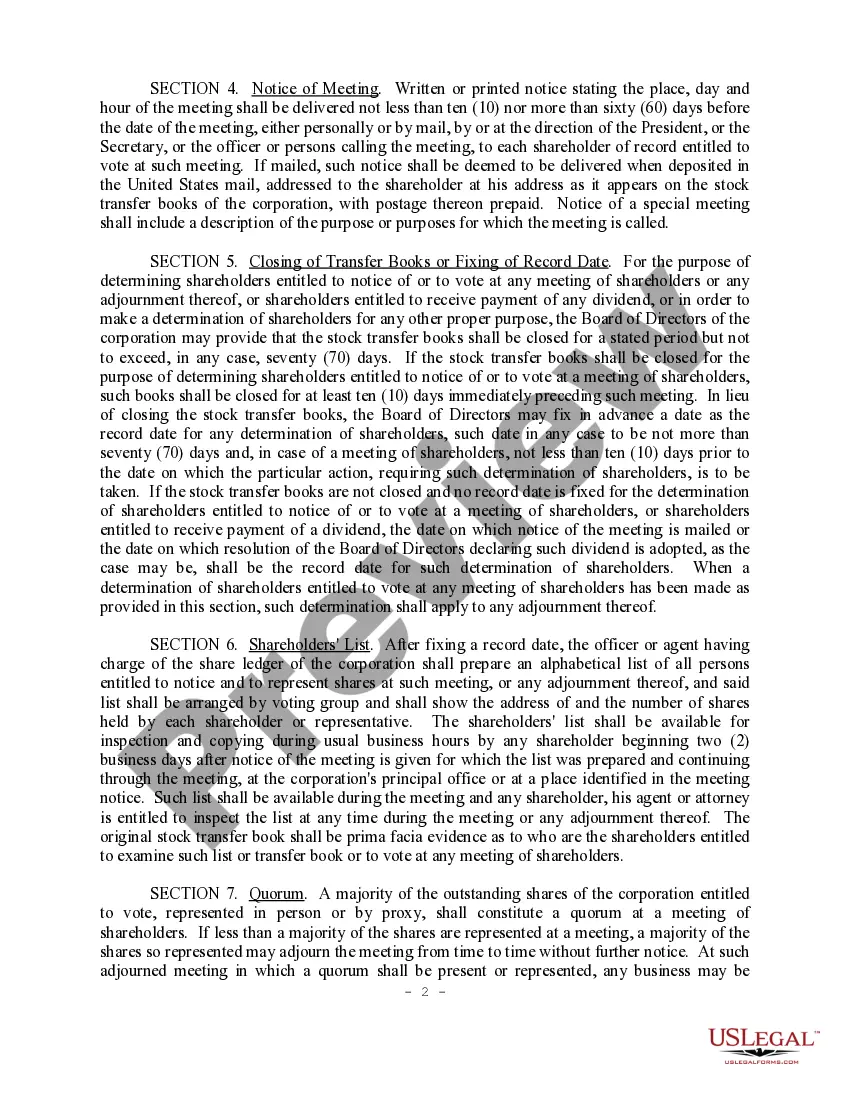
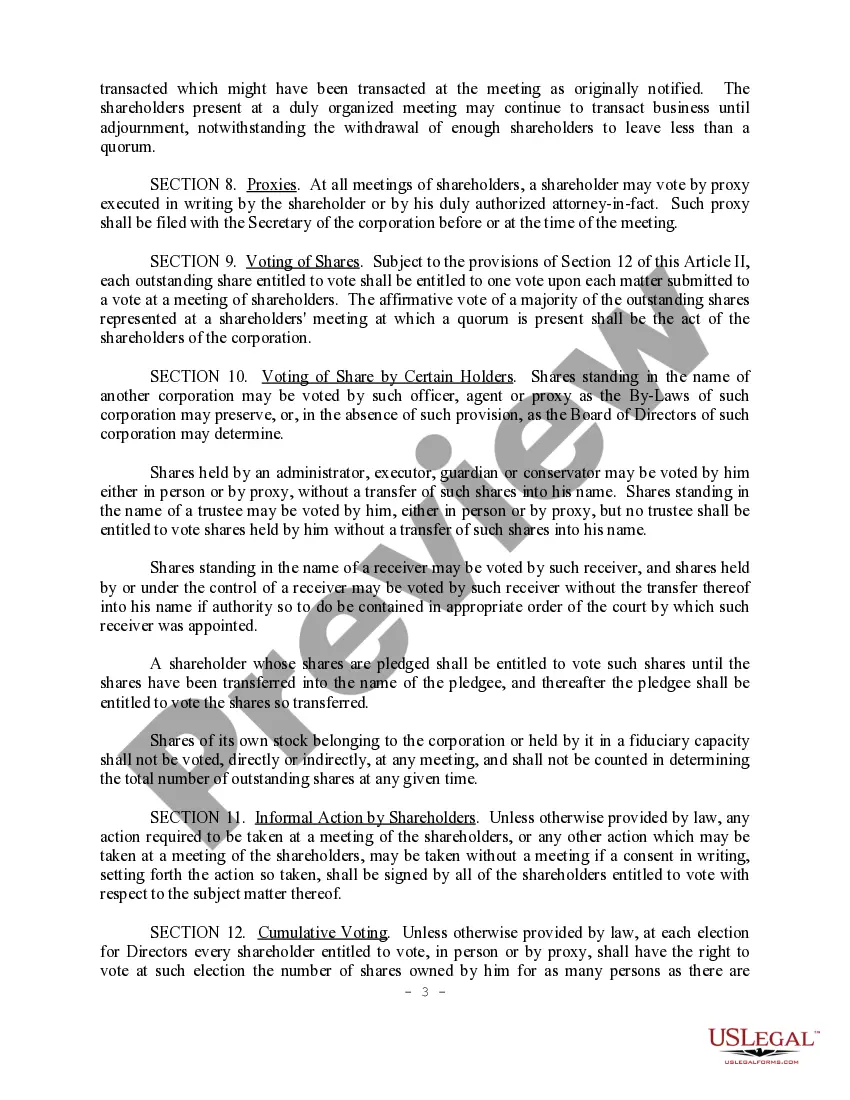
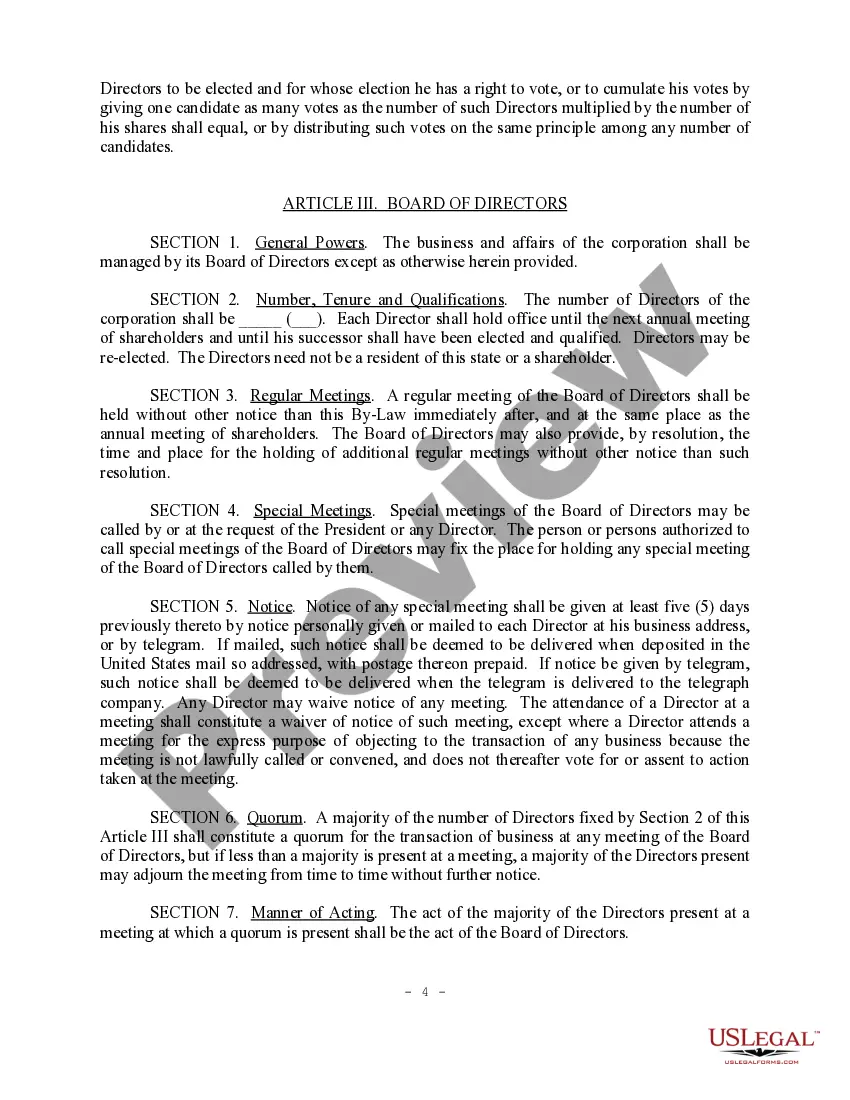
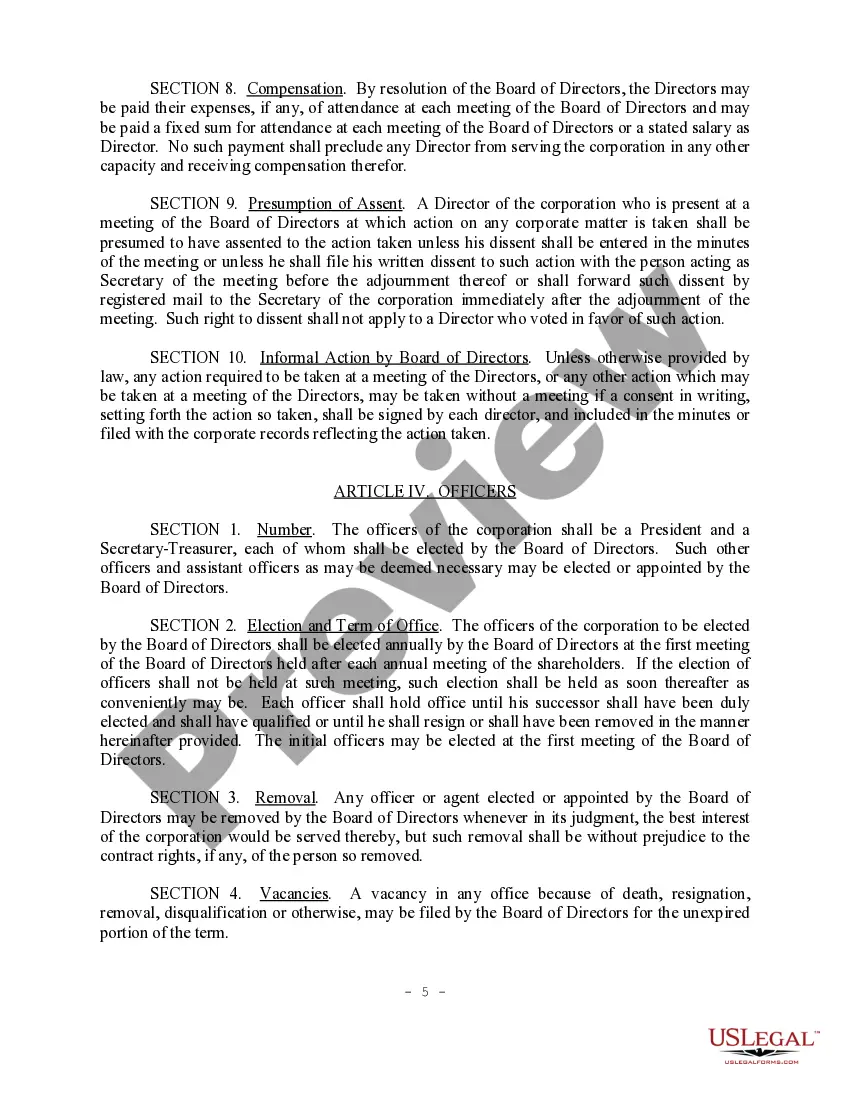
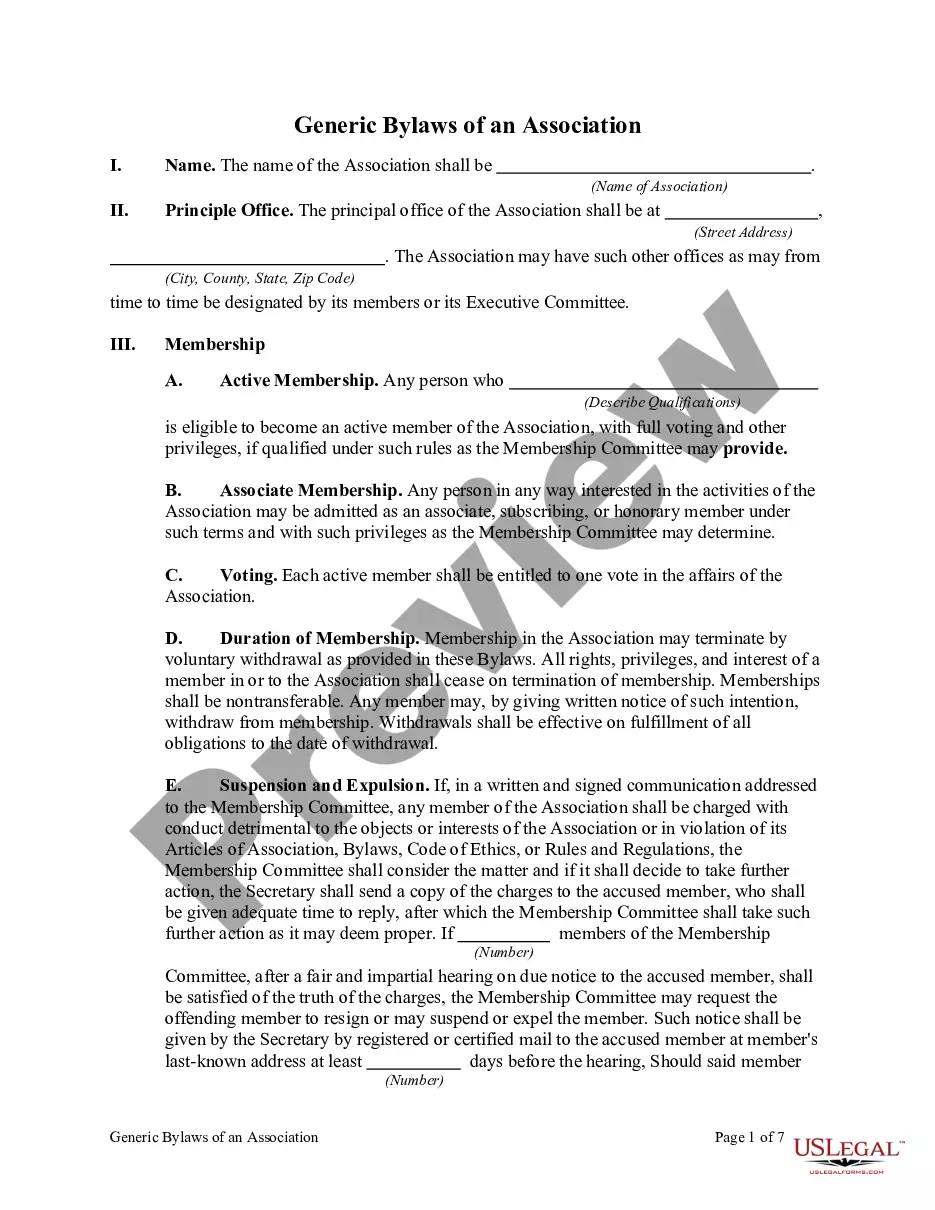
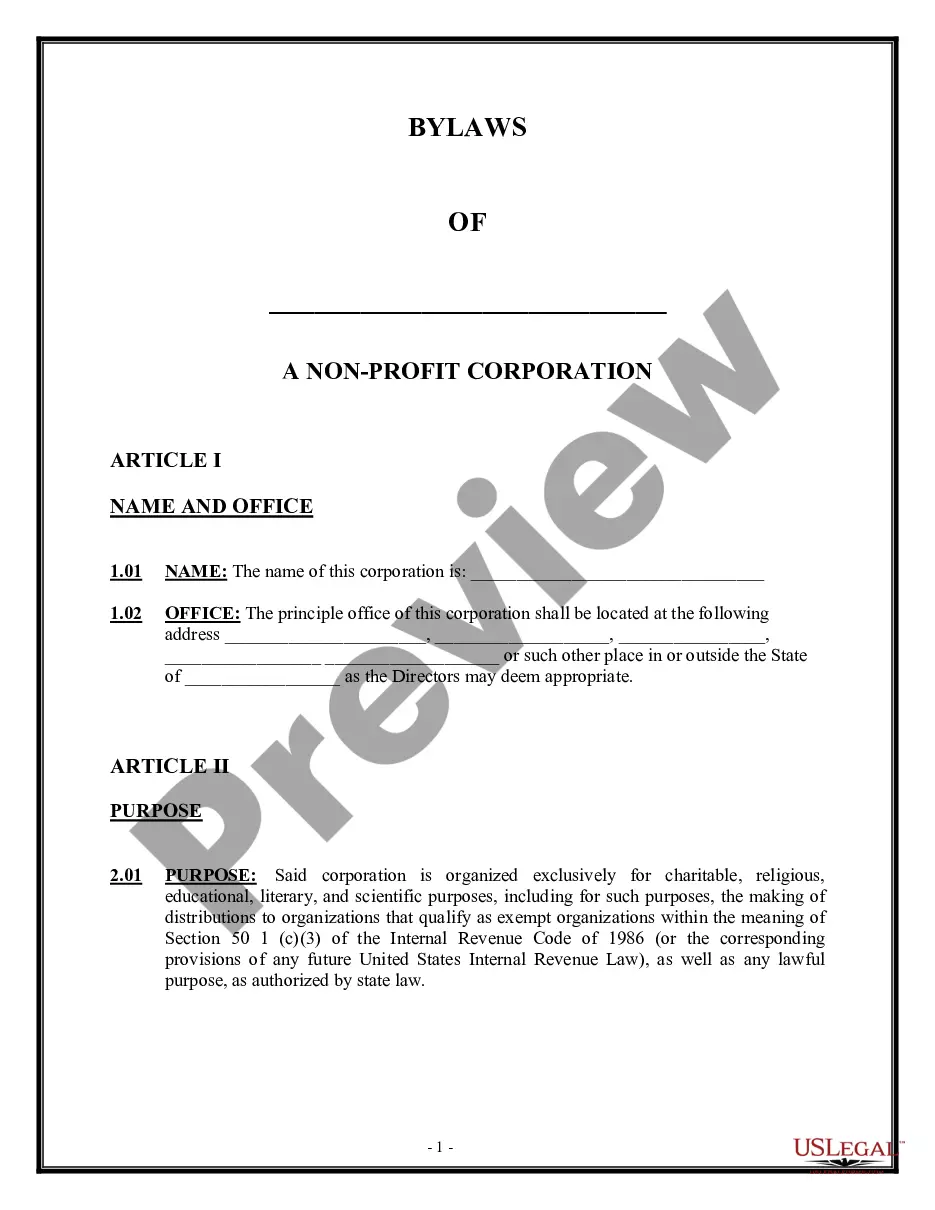
Get your form ready online
Our built-in tools help you complete, sign, share, and store your documents in one place.
Make edits, fill in missing information, and update formatting in US Legal Forms—just like you would in MS Word.
Download a copy, print it, send it by email, or mail it via USPS—whatever works best for your next step.
Sign and collect signatures with our SignNow integration. Send to multiple recipients, set reminders, and more. Go Premium to unlock E-Sign.
If this form requires notarization, complete it online through a secure video call—no need to meet a notary in person or wait for an appointment.
We protect your documents and personal data by following strict security and privacy standards.

Make edits, fill in missing information, and update formatting in US Legal Forms—just like you would in MS Word.

Download a copy, print it, send it by email, or mail it via USPS—whatever works best for your next step.

Sign and collect signatures with our SignNow integration. Send to multiple recipients, set reminders, and more. Go Premium to unlock E-Sign.

If this form requires notarization, complete it online through a secure video call—no need to meet a notary in person or wait for an appointment.

We protect your documents and personal data by following strict security and privacy standards.
Looking for another form?








Form popularity
FAQ
All notice documents (such as a Notice for Court Date, Notice of Motion) are Lead Documents. You can file more than one Lead Document at a time. o For example, you could have Lead Document 1: Notice of Motion; Lead Document 2: Motion for a Continuance; and Lead Document 3: Application for Waiver of Court Fees.
Filing a Will or Probate Case The Probate Filing Counter is located at 201 W. Jefferson in Phoenix, or at our Southeast location, 222 E. Javelina in Mesa, or at our Northwest Regional Court Center location at 14264 W. Tierra Buena Lane in Surprise, or at our Northeast Regional Court Center at 18380 N.
You can record a document in-person, by mail, or electronically. Your document must be an ORIGINAL or government-issued CERTIFIED copy to be accepted for recording. For more information on Recording Requirements, please see our Form Requirements, as pursuant to A.R.S. 11-480.
Last updated 4 months ago. The lead document field is where you would upload the document/form/filing you are wanting to submit to the court. In general, if there is a filing code that matches the document you need to file, your document should be filed as a lead document.
Log in to the Arizona Supreme Court's eFile program to submit your case . If this is your first time eFiling, you will need to create an account. Customer support for eFileAZ is provided by the Arizona Supreme Court at 602-452- 3519 or pasupport@courts.az.
You can record a document in-person, by mail, or electronically. Your document must be an ORIGINAL or government-issued CERTIFIED copy to be accepted for recording. For more information on Recording Requirements, please see our Form Requirements, as pursuant to A.R.S. 11-480.
Are Arizona Divorce Records available online? Arizona court records of 153 out of 180 trial courts in the state are available online through a Public Access Case Lookup. Online access in some county websites is redirected to the same online resource.
Recording Requirements Each document must have original signatures or carbon copies of original signatures, except when otherwise provided by law. Each document must be no larger than 8 1/2 inches wide by 14 inches long, and shall have a print size no smaller than ten point type.
First, search by your address or parcel number to locate your property. The current deed will be located under the "Deed Number" under the section "Owner Information". Once you locate your document, you may view an unofficial copy online. Select the colored box under the section "Pages" to view your document.
