Estate Claim Form For Real In Oakland
Description
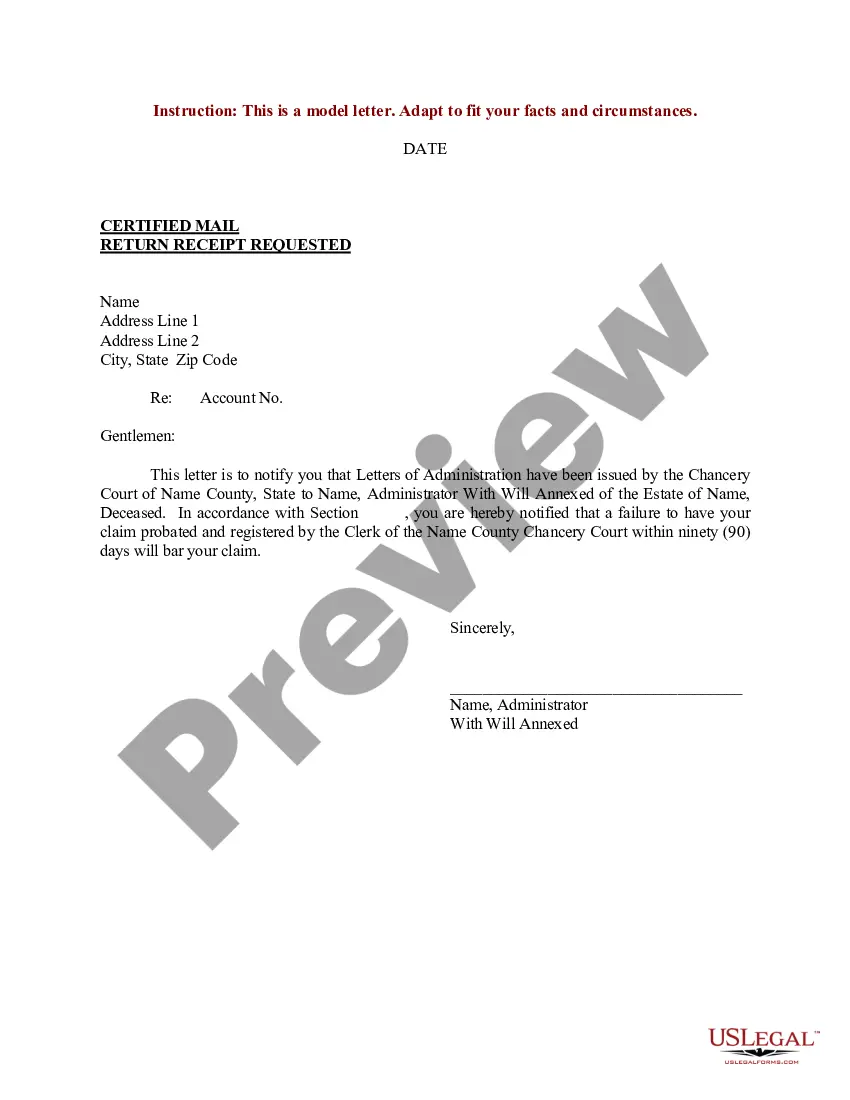
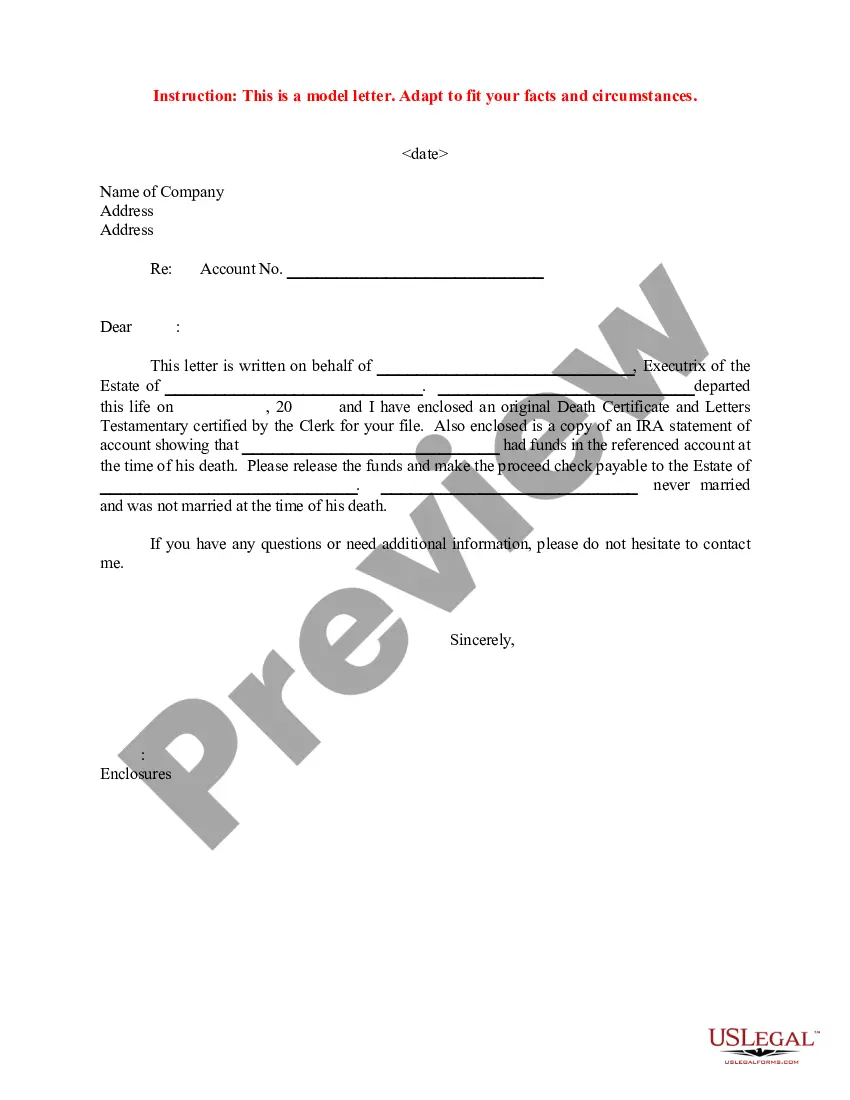
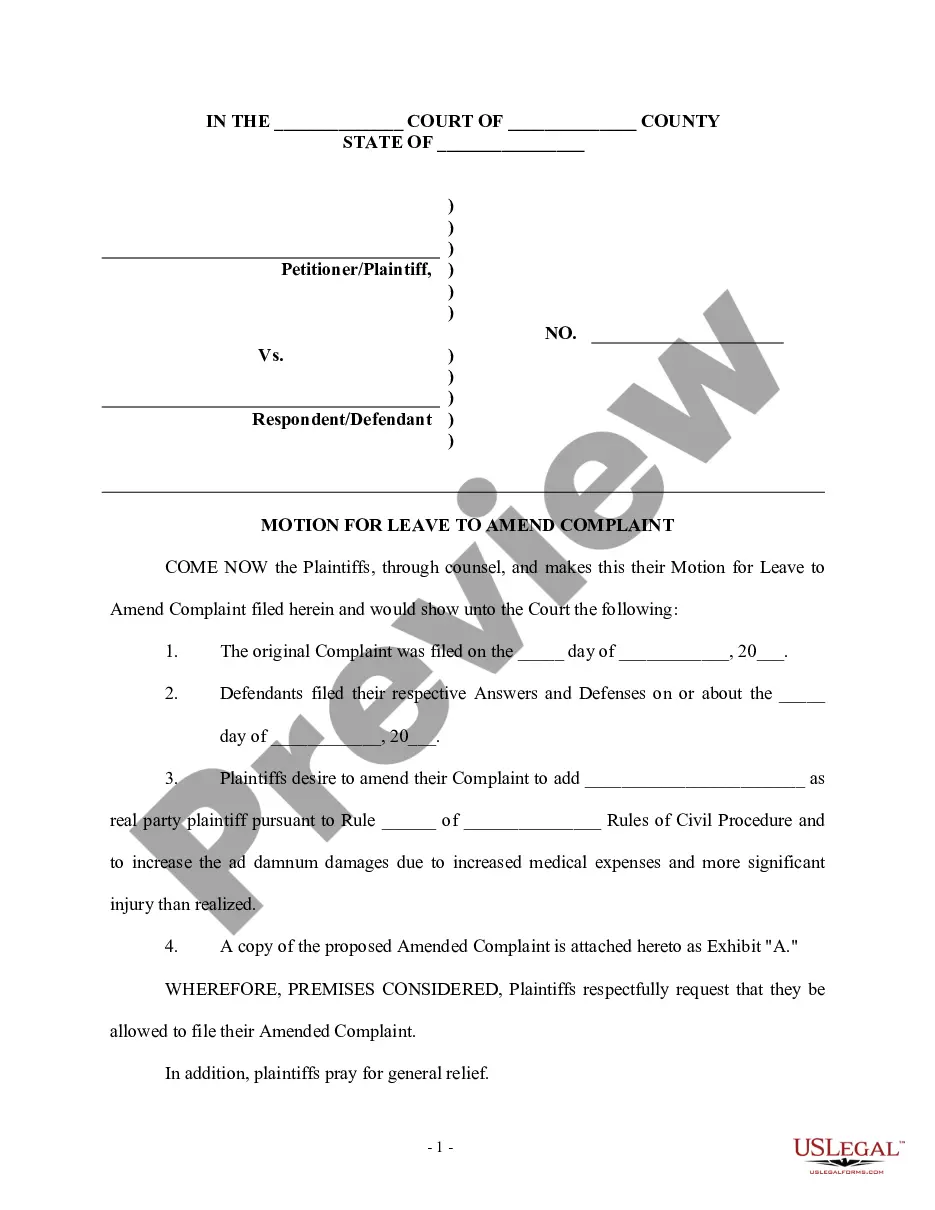
Get your form ready online
Our built-in tools help you complete, sign, share, and store your documents in one place.
Make edits, fill in missing information, and update formatting in US Legal Forms—just like you would in MS Word.
Download a copy, print it, send it by email, or mail it via USPS—whatever works best for your next step.
Sign and collect signatures with our SignNow integration. Send to multiple recipients, set reminders, and more. Go Premium to unlock E-Sign.
If this form requires notarization, complete it online through a secure video call—no need to meet a notary in person or wait for an appointment.
We protect your documents and personal data by following strict security and privacy standards.

Make edits, fill in missing information, and update formatting in US Legal Forms—just like you would in MS Word.

Download a copy, print it, send it by email, or mail it via USPS—whatever works best for your next step.

Sign and collect signatures with our SignNow integration. Send to multiple recipients, set reminders, and more. Go Premium to unlock E-Sign.

If this form requires notarization, complete it online through a secure video call—no need to meet a notary in person or wait for an appointment.

We protect your documents and personal data by following strict security and privacy standards.
Looking for another form?






Form popularity
FAQ
Can I Do Probate on My Own, Without an Attorney? It's entirely possible to complete all the steps of probate on your own, without an attorney representing you.
Effective April 15, 2021, filings submitted by attorneys for represented parties in all probate actions must be submitted electronically through one of the court's approved electronic filing service providers (“EFSPs”), with limited exceptions for certain documents (see below list of ineligible documents).
Open a case You (the person who starts the case) are called the “petitioner." You must file forms with the court to “open probate.” You file a Petition for Probate (form DE-111) along with other court forms. File the case in the county where the person who died (the decedent) lived.
Step 1 Petition for Probate (Form DE-111, Judicial Council), and all attachments, Original Will (if there is one) Notice of Petition to Administer Estate (Form DE-121, Judicial Council) Duties and Liabilities of Personal Representative (Form DE-147, Judicial Council) Order for Probate (Form DE-140, Judicial Council)
Can You Sue City for Bad Road Conditions? California state and local governments are legally required to maintain roads within their jurisdictions. If a government entity fails to do so, resulting in poor road conditions that cause accidents, it may be held liable for damages.
Please report all non-emergency issues online at this page. For urgent issues, call 311 or (510) 615-5566.
Filing a Claim The City of Oakland has a standard claim form that can be used for your convenience. You can file the form electronically at claims@oaklandcityattorney, or you can send the form by mail to: Oakland City Attorney's Office, 1 Frank H. Ogawa Plaza, 6th Floor, Oakland, CA 94612.
File the claim by sending the completed and signed original form with your supporting documents to the appropriate Caltrans District Claims Office. To determine the proper place to file your form, you must know the county in which your incident occurred. Each county is covered by a specific District Claims Office.
File a Damage Claim First call or email the RCOC Department of Customer Service (DCS) at dcsmail@rcoc or 877-858-4804 and a DCS Identification Number will be issued. Complete the online form (link) or the downloaded PDF file Claim Form (link) The form must be completely filled out.
Dear Sir, Re: Deceased Account. Late Shri/Smt ………………………………………………………………..……………… Account No (s) …………………………………………………………………..……….… I/We advise the demise of Shri/Smt. ________________________________ on. _____________. He/She holds the above account(s) at your branch. Annexure-II. ESTATE CLAIM FORM. UNION BANK OF INDIA.

