Truck Driver Employment Application Template For Google Docs In Allegheny
Description
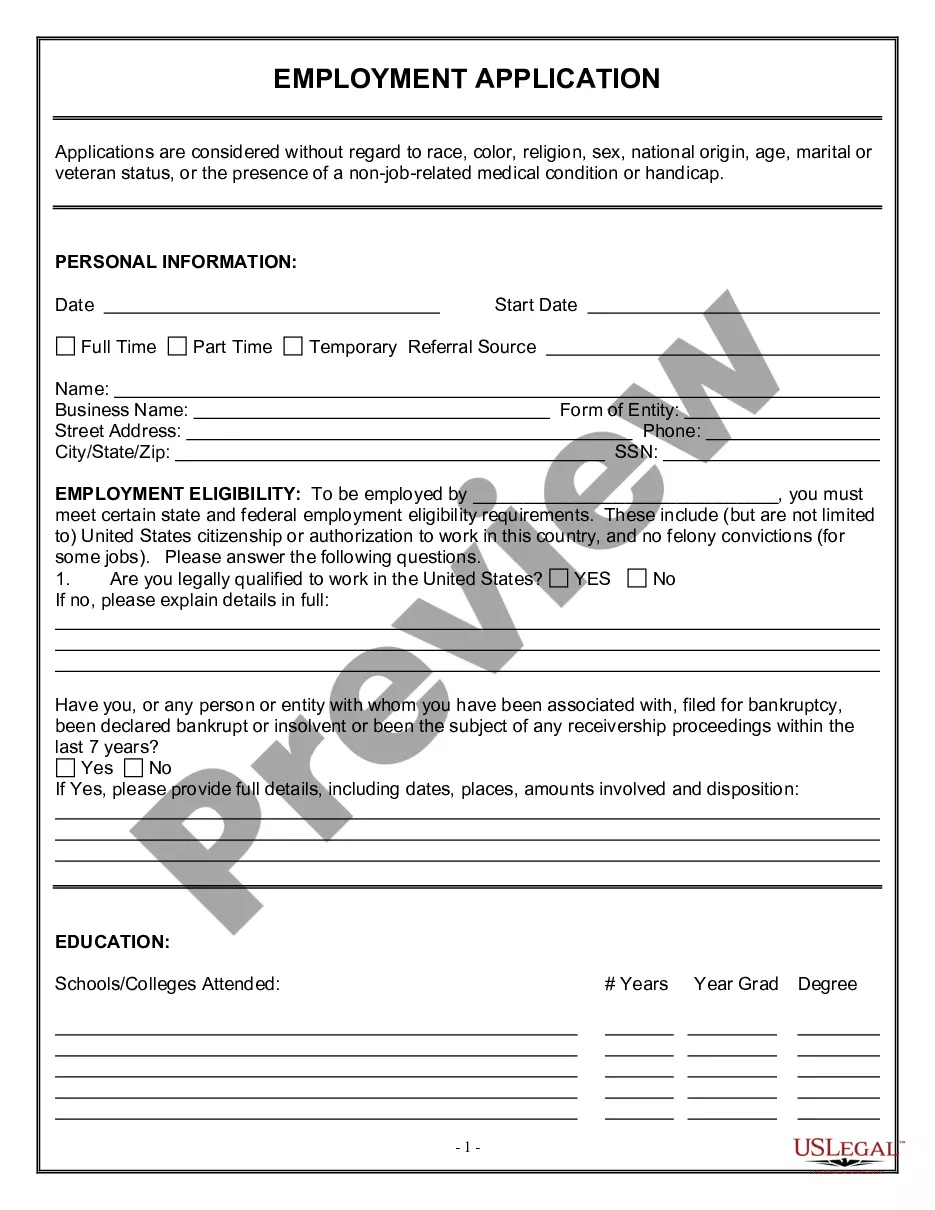
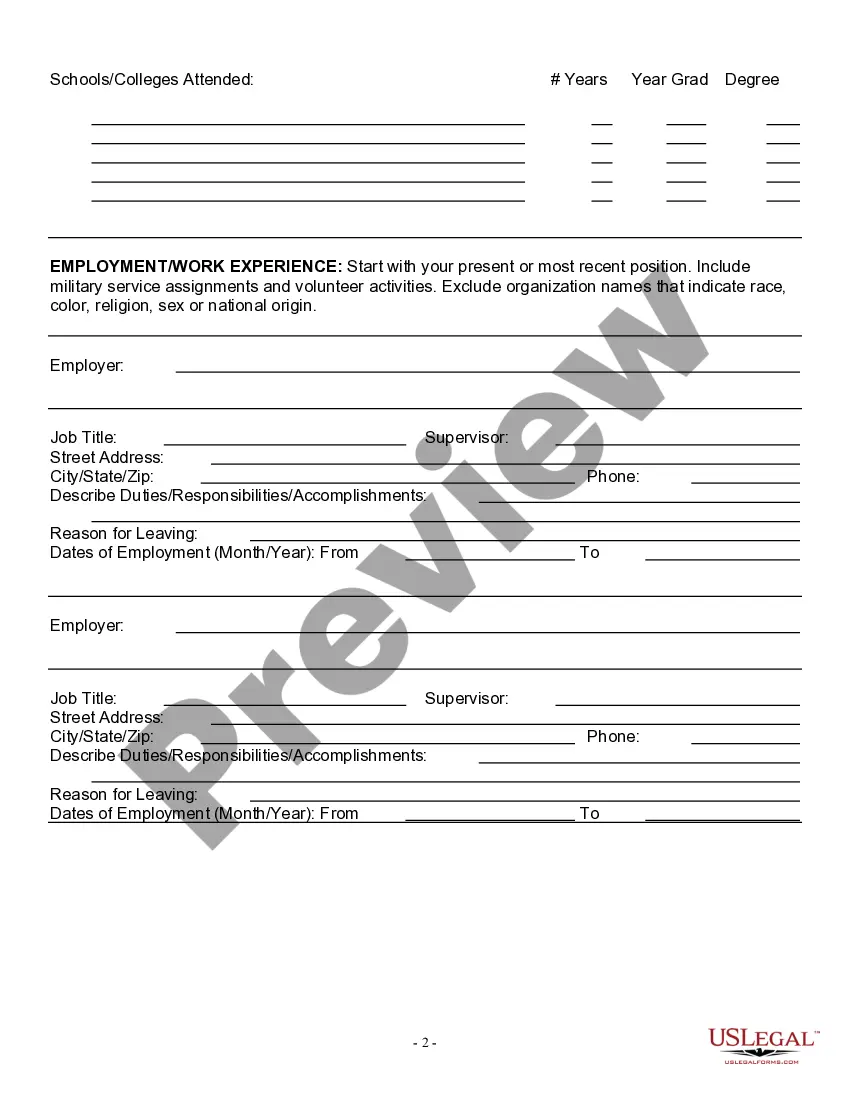
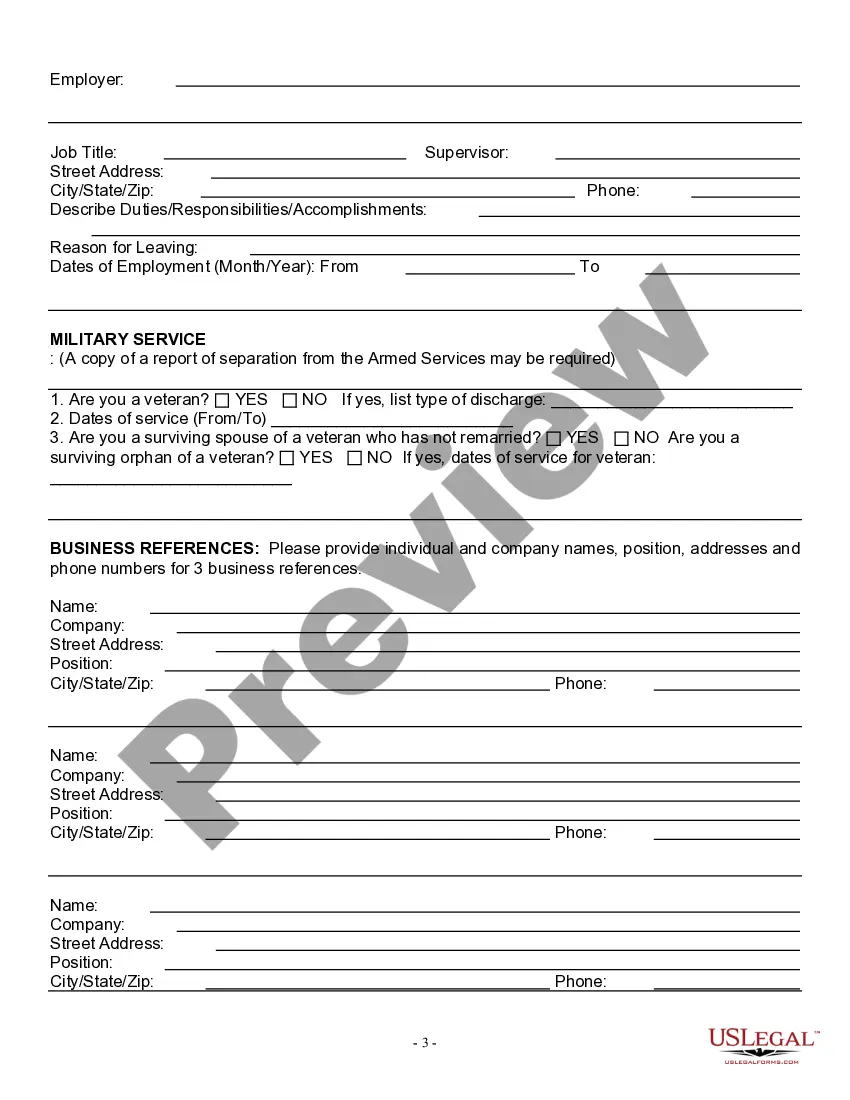
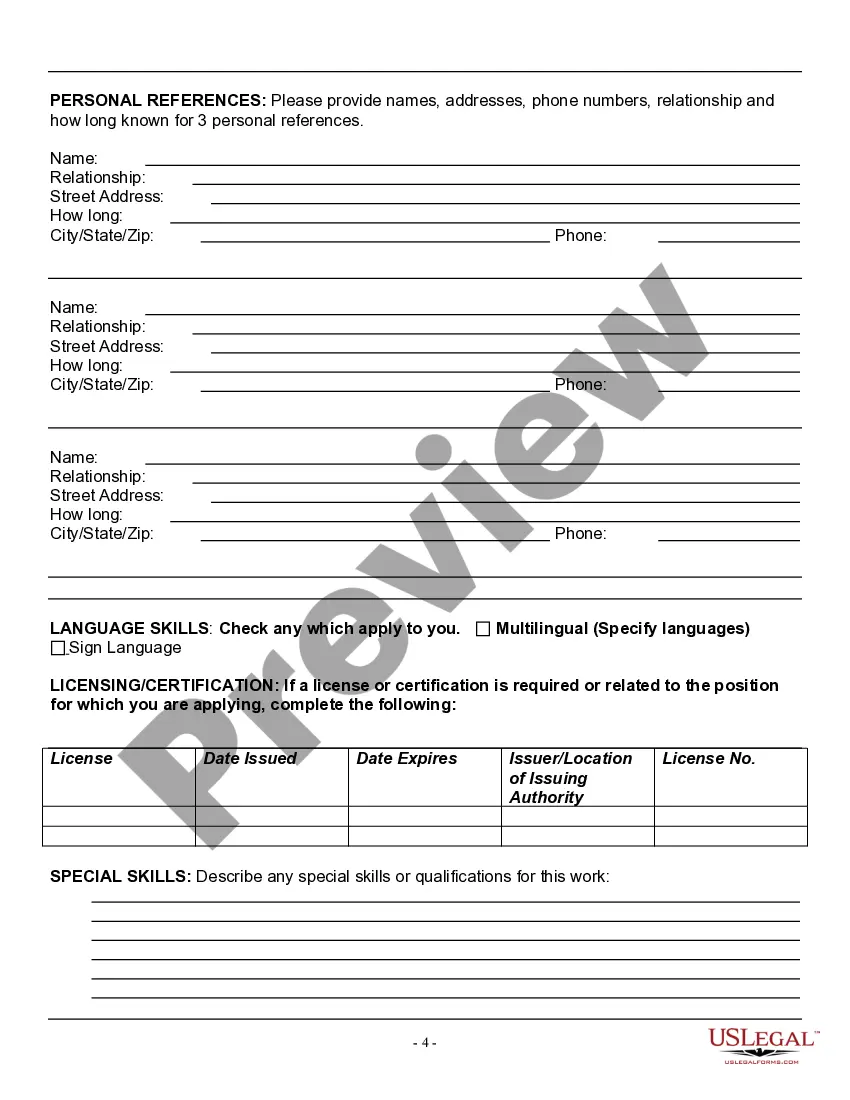
Get your form ready online
Our built-in tools help you complete, sign, share, and store your documents in one place.
Make edits, fill in missing information, and update formatting in US Legal Forms—just like you would in MS Word.
Download a copy, print it, send it by email, or mail it via USPS—whatever works best for your next step.
Sign and collect signatures with our SignNow integration. Send to multiple recipients, set reminders, and more. Go Premium to unlock E-Sign.
If this form requires notarization, complete it online through a secure video call—no need to meet a notary in person or wait for an appointment.
We protect your documents and personal data by following strict security and privacy standards.

Make edits, fill in missing information, and update formatting in US Legal Forms—just like you would in MS Word.

Download a copy, print it, send it by email, or mail it via USPS—whatever works best for your next step.

Sign and collect signatures with our SignNow integration. Send to multiple recipients, set reminders, and more. Go Premium to unlock E-Sign.

If this form requires notarization, complete it online through a secure video call—no need to meet a notary in person or wait for an appointment.

We protect your documents and personal data by following strict security and privacy standards.
Looking for another form?








Form popularity
FAQ
Creating a Google Forms job application Open Google Drive. Click the + New button. Select Google Forms. Give your form an appropriate title. Modify the first question. Click the dropdown menu for question type. Slide the toggle button next to Required. Click the + button.
To create a job application form, open Google Forms and click “Start a new form” to start with a blank page, or you can choose a ready-made template by clicking on the “template gallery” at the top right.
How to create a fillable form in Google Docs Sign in. Click "New." Click on the "New" button in the upper left corner of your screen. Navigate to the drop-down menu. Click "Untitled form." Once a form template opens in a separate tab, click into the text box labeled "Untitled form" and give your form a name.
You can access all the templates that Google Forms offers by clicking the “Template Gallery” button at the top right of the page. Choose a template. Add more questions. Customize your form. Customize share settings. Choosing a starting option. Add questions to your application form. Use page break to divide pages.
How to Use Google Forms for Recruitment? Step 1: Setting up Your Google Form. Step 2: Create Job Interview Questions. Step 3: the Timer for Google Forms – ExtendedForms Addon. Step 4: Configure ExtendedForms Settings. Step 5: Customize Form Settings. Step 6: Preview and Share.
Creating a Google Forms job application Open Google Drive. Click the + New button. Select Google Forms. Give your form an appropriate title. Modify the first question. Click the dropdown menu for question type. Slide the toggle button next to Required. Click the + button.
If you're using a template, you can skip to Update questions. Open a form in Google Forms. Click Add . To the right of the question title, choose the type of question you want. Type the possible responses to your question. To prevent people from not answering, turn on Required.
How to write an effective application letter for a truck driver job? Include personal details. Mention nationality, marital status, home language, other languages. Include driver's license. Mention education qualification. Include work experience. Mention duties and responsibilities. Include contact details.
How to Hire Truck Drivers. Advertise your business on trucking job boards. You may find your next employee on an industry-specific job board like CDLlife or truckerclassifieds. But drivers also search general job sites like monster and indeed.
How to write a driver cover letter Address the letter personally. Review the job posting in detail. Include a brief personal introduction. Write your statement of intent. Summarise your background experiences. Include an overview of your skills.
