Notary Public Form Application With Signature In Fairfax
Description

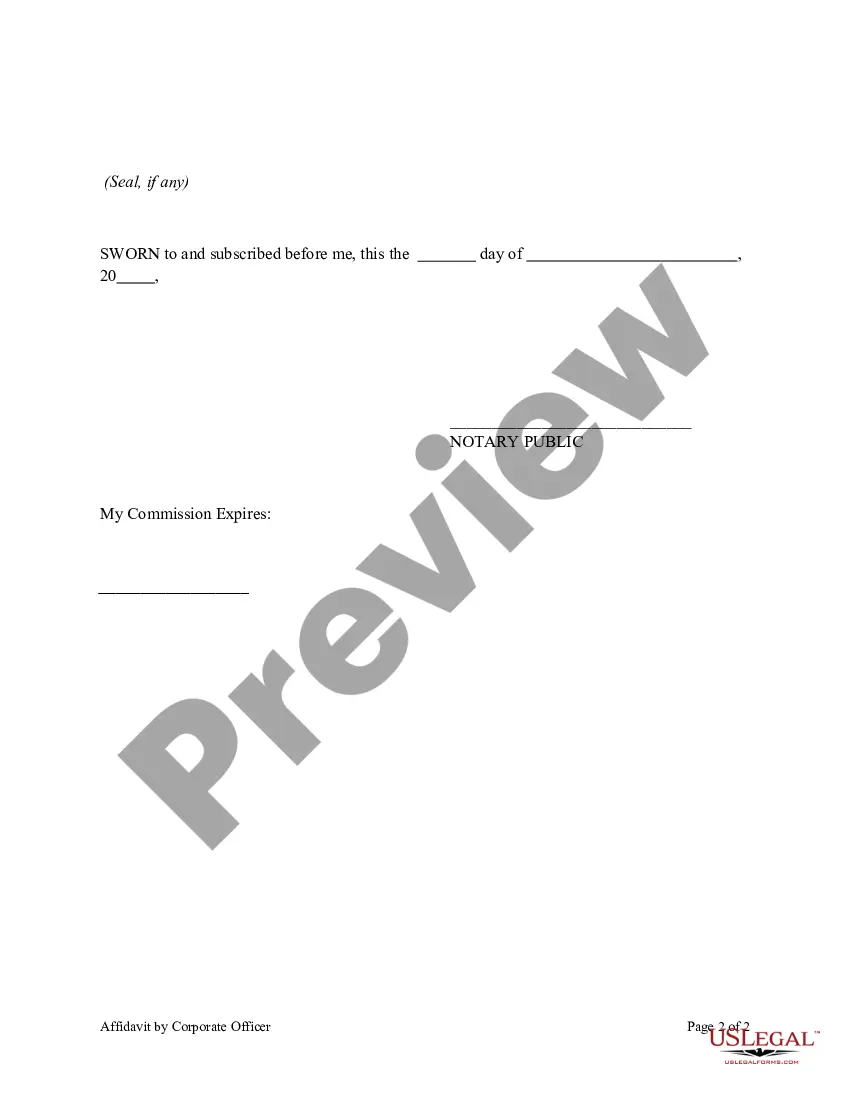
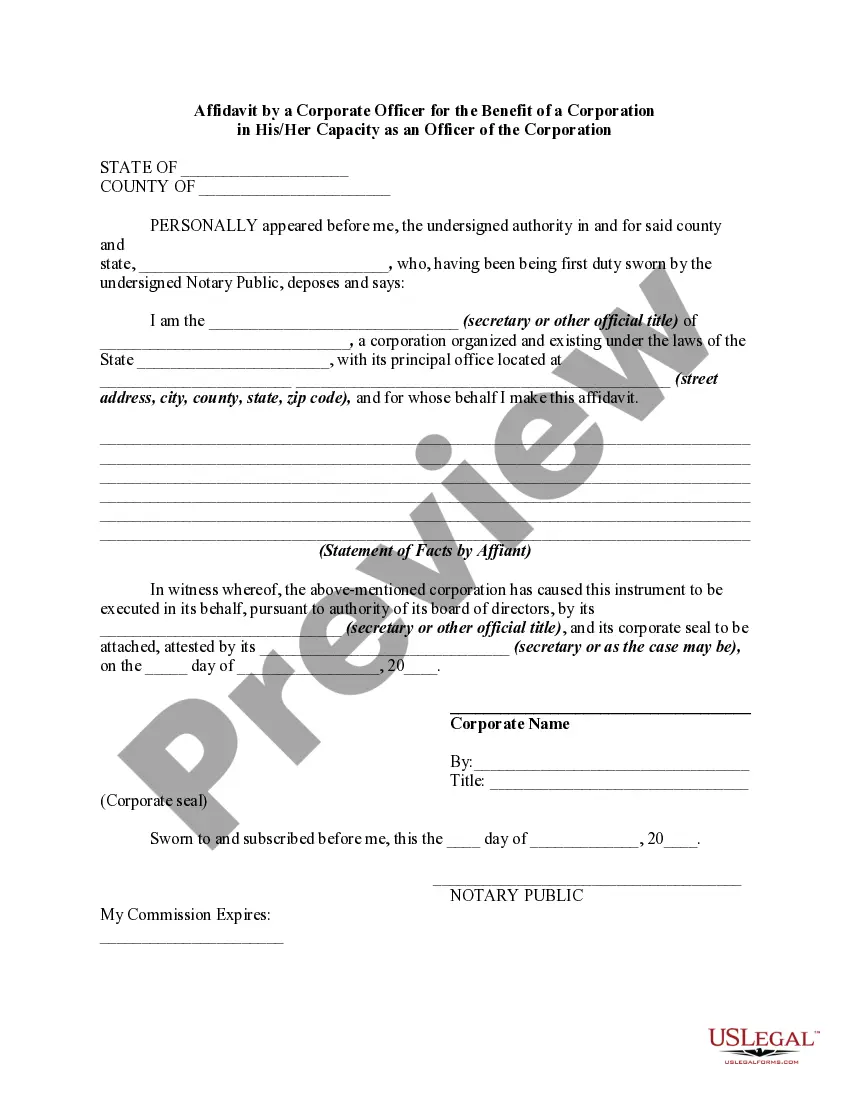
Get your form ready online
Our built-in tools help you complete, sign, share, and store your documents in one place.
Make edits, fill in missing information, and update formatting in US Legal Forms—just like you would in MS Word.
Download a copy, print it, send it by email, or mail it via USPS—whatever works best for your next step.
Sign and collect signatures with our SignNow integration. Send to multiple recipients, set reminders, and more. Go Premium to unlock E-Sign.
If this form requires notarization, complete it online through a secure video call—no need to meet a notary in person or wait for an appointment.
We protect your documents and personal data by following strict security and privacy standards.

Make edits, fill in missing information, and update formatting in US Legal Forms—just like you would in MS Word.

Download a copy, print it, send it by email, or mail it via USPS—whatever works best for your next step.

Sign and collect signatures with our SignNow integration. Send to multiple recipients, set reminders, and more. Go Premium to unlock E-Sign.

If this form requires notarization, complete it online through a secure video call—no need to meet a notary in person or wait for an appointment.

We protect your documents and personal data by following strict security and privacy standards.
Looking for another form?










Form popularity
FAQ
Remote Notarization (remote online notary, or RON) In Virginia, notarizing a document "remotely" is permissible. In fact, Virginia became the first state in 2012 to formally authorize and provide a legal framework for such notarizations.
To be eligible to apply for a Virginia Notary Public Commission, you must be: At least eighteen years old. A legal resident of the United States. Able to read and write the English language. A resident of Virginia or regularly employed in the state and perform notary services in connection with their employment.
The signer must appear before the notary. The notary must identify the signer. The signer must take an oath or affirmation in the notary's presence and verbally confirm the document's truthfulness (silent nods are not sufficient). The document must be signed by the signer in the notary's presence.
The most common place to get papers notarized is at a bank. You could call your bank to make sure they offer that. The second thing is, the mom would have to be there and sign the paper in front of the notary. You can't have someone just sign the paper, it has to be face to face to be valid.
One of the most common mistakes that notaries make is not printing or signing their name exactly as it appears on their notary commission.
Sign the Document in Person: In the presence of the Notary Public, sign the document. The Notary will verify your identity and watch you sign the document. They may also ask you to take an oath confirming the truthfulness of the document's contents.
How It Works. Getting a document notarized is easy. Simply upload your docs, verify your identity and you will be connected to a notary via an online meeting. Notaries on the Notarize Network are always online and available 24/7.
Here are the top twelve most common errors made by notaries: Making an Illegible Notary Stamp Impression. Improper Storage of Your Notary Stamp and Journal. Not Determining the Signer's Competency and Willingness to Sign. Notarizing for Close Relatives. Failing to Remain Properly Trained.
In order to complete an online notarization in Virginia, you'll need the following: An original, unsigned document (Don't sign it before uploading! ... A computer, iPhone, or Android phone with audio and video capabilities. A valid government–issued photo ID. A U.S. social security number for secure identity verification.
