Non Restrictive Vs Restrictive Clauses In Queens

State:
Multi-State
County:
Queens
Control #:
US-00404BG
Format:
Word; 
Rich Text
Instant download

Description

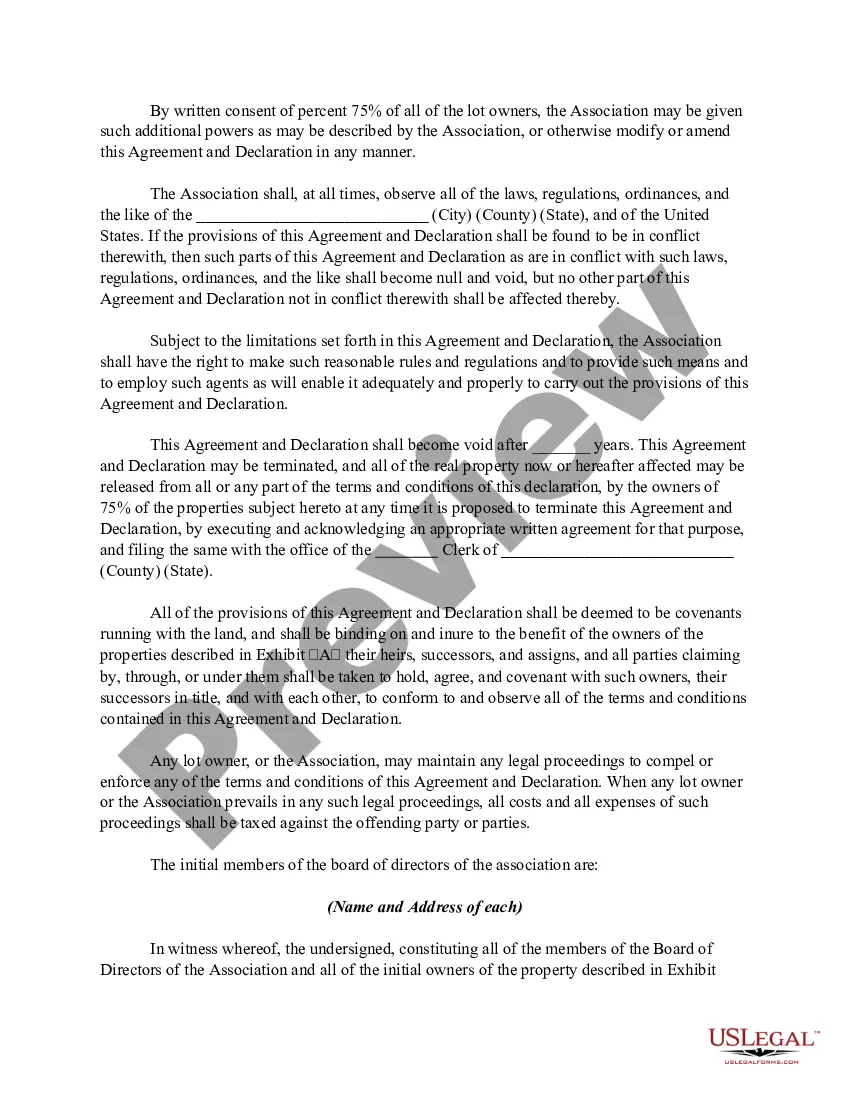
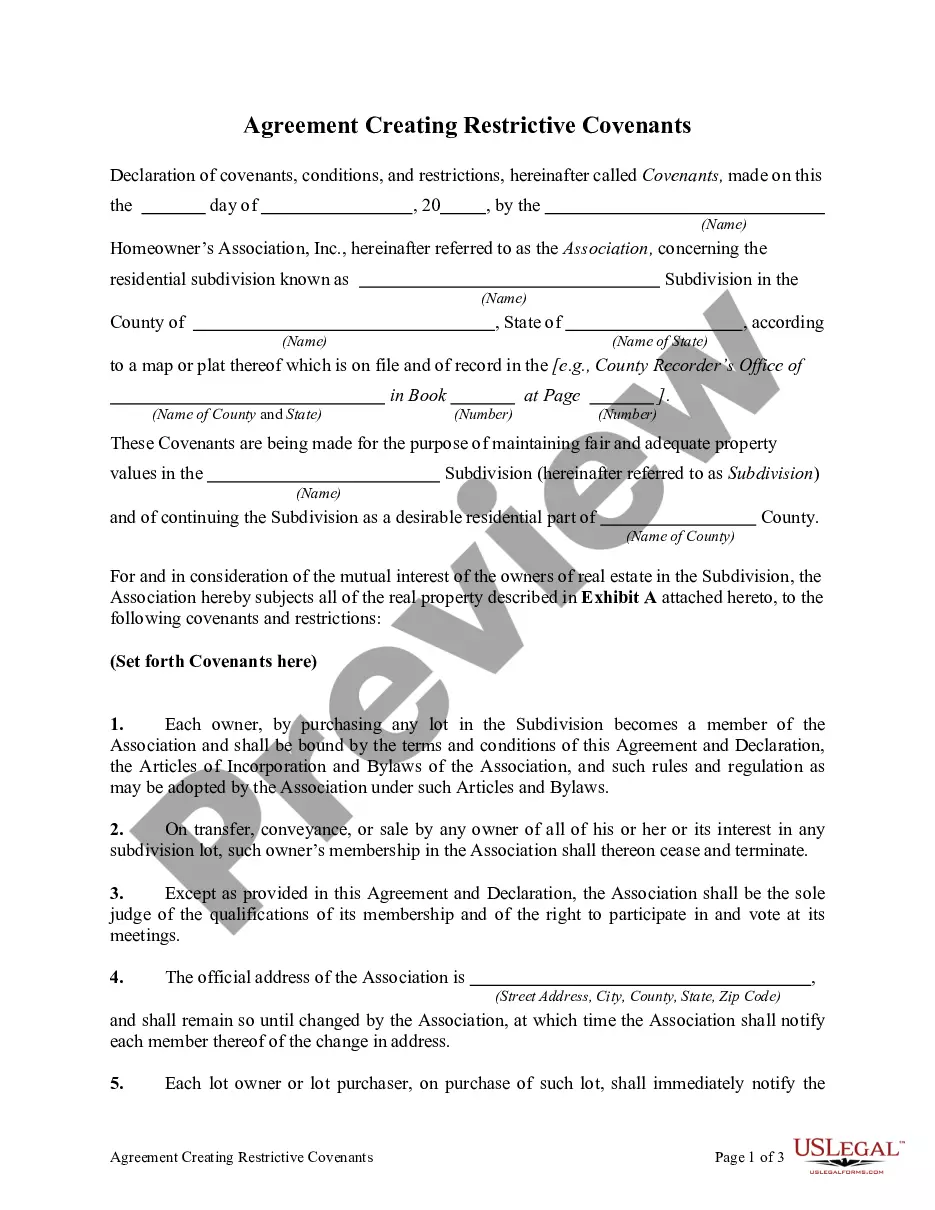
The document titled 'Agreement Creating Restrictive Covenants' establishes terms for a residential subdivision, detailing both restrictive and non-restrictive clauses. Restrictive clauses are aimed at maintaining property values and community standards within the subdivision, while non-restrictive clauses may pertain to the flexibility of ownership and modification of the agreement based on collaborative decisions among homeowners. Each owner automatically becomes a member of the homeowner's association, ensuring collective adherence to the established covenants. Key features include procedures for modifying the agreement, the need for a majority consent for any amendments, and the stipulation that any conflicting provisions with local laws will be rendered void. Users are instructed to fill out property details and attach relevant exhibits while ensuring compliance with local regulations. This form is particularly useful for attorneys, partners, owners, associates, paralegals, and legal assistants who require a comprehensive understanding of property rights and community regulations. The straightforward format and clear guidelines facilitate easy editing and filling for individuals with varying levels of legal knowledge.
Free preview
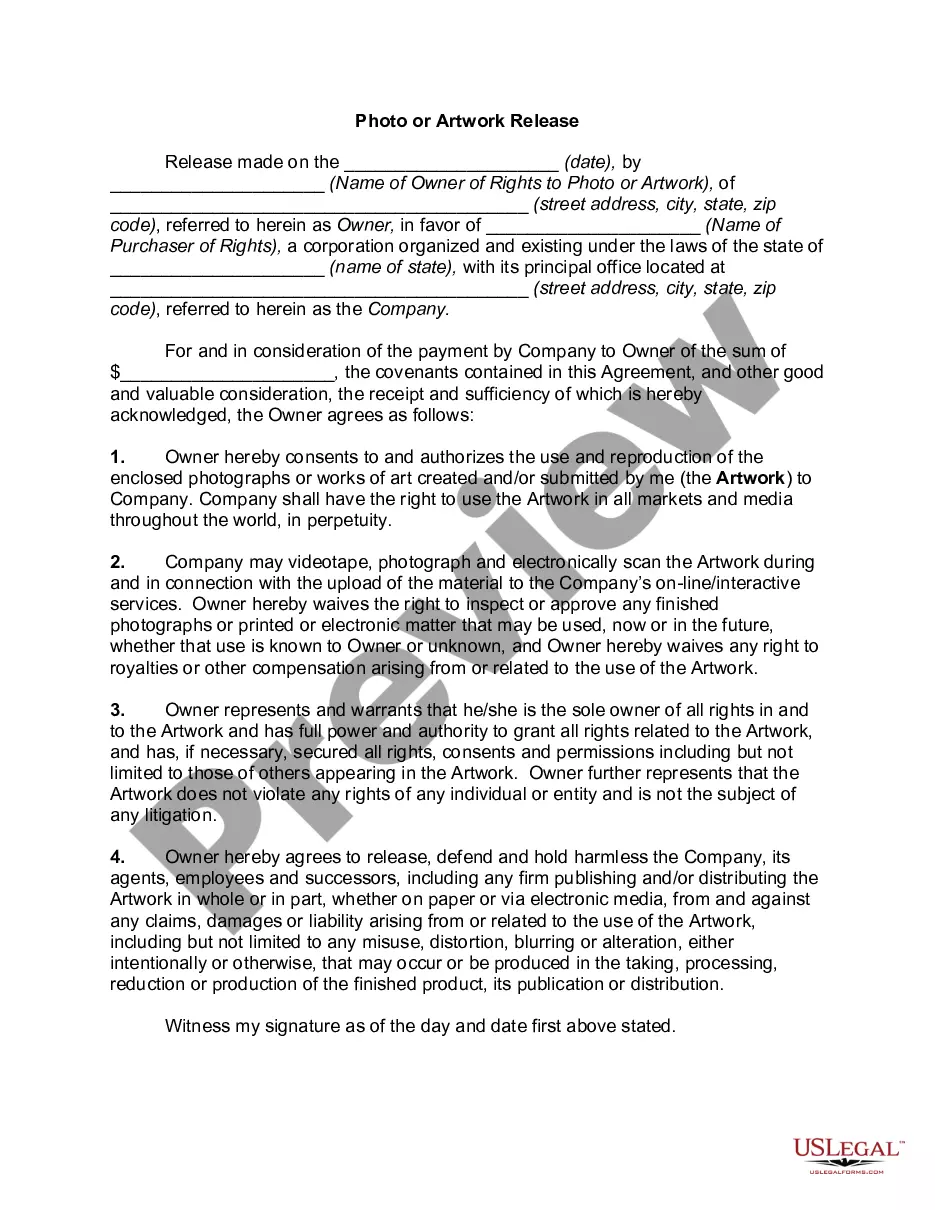
  • Preview Agreement Creating Restrictive Covenants
  • Preview Agreement Creating Restrictive Covenants
  • Preview Agreement Creating Restrictive Covenants

Get your form ready online

Our built-in tools help you complete, sign, share, and store your documents in one place.

Built-in online Word editor

Make edits, fill in missing information, and update formatting in US Legal Forms—just like you would in MS Word.

Export easily

Download a copy, print it, send it by email, or mail it via USPS—whatever works best for your next step.

E-sign your document

Sign and collect signatures with our SignNow integration. Send to multiple recipients, set reminders, and more. Go Premium to unlock E-Sign.

Notarize online 24/7

If this form requires notarization, complete it online through a secure video call—no need to meet a notary in person or wait for an appointment.

Store your document securely

We protect your documents and personal data by following strict security and privacy standards.

Form selector

Make edits, fill in missing information, and update formatting in US Legal Forms—just like you would in MS Word.

Form selector

Download a copy, print it, send it by email, or mail it via USPS—whatever works best for your next step.

Form selector

Sign and collect signatures with our SignNow integration. Send to multiple recipients, set reminders, and more. Go Premium to unlock E-Sign.

Form selector

If this form requires notarization, complete it online through a secure video call—no need to meet a notary in person or wait for an appointment.

Form selector

We protect your documents and personal data by following strict security and privacy standards.
Looking for another form?

This field is required
Ohio
Select state

Form popularity

Trusted and secure by over 3 million people of the world’s leading companies

Non Restrictive Vs Restrictive Clauses In Queens