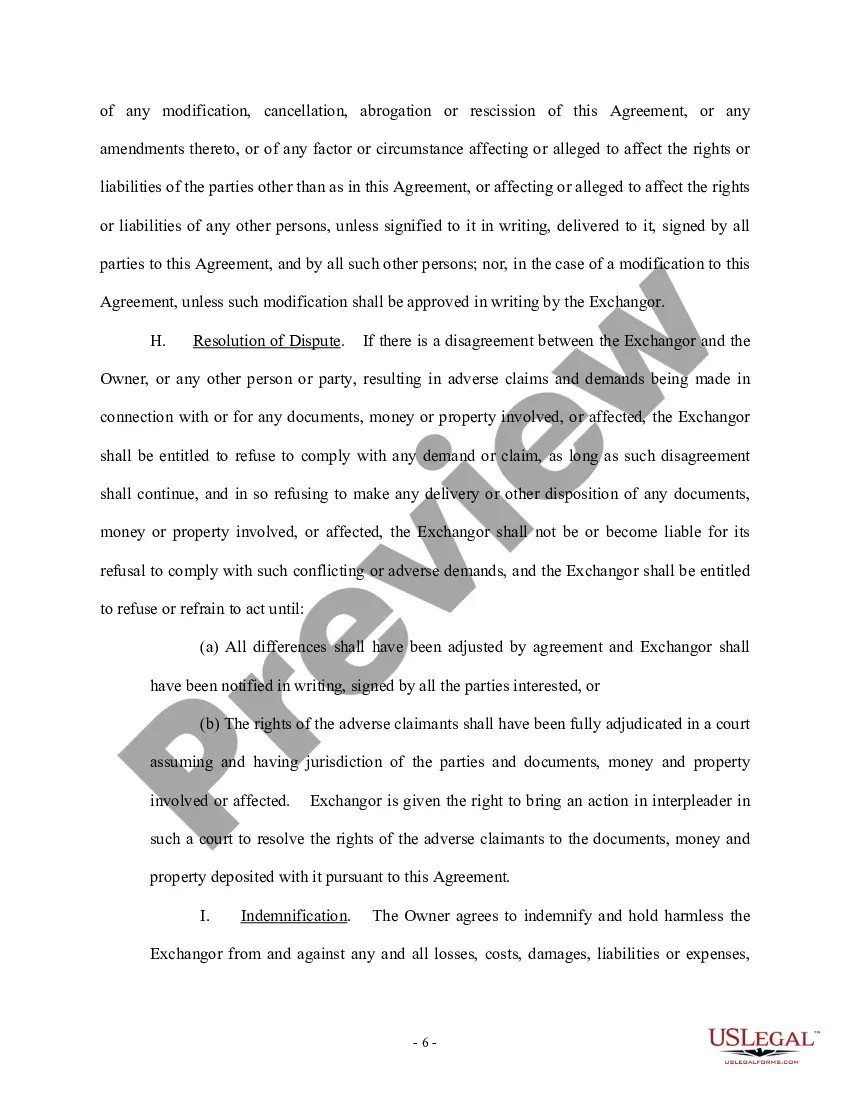
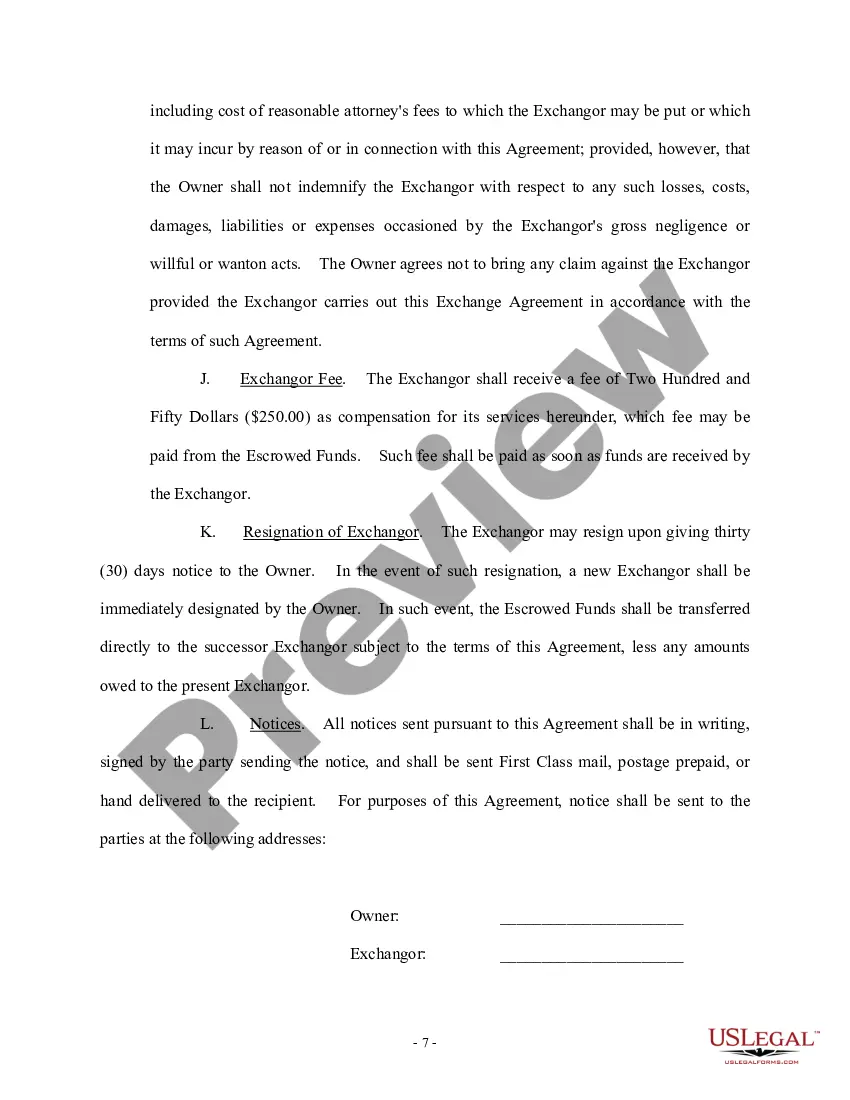
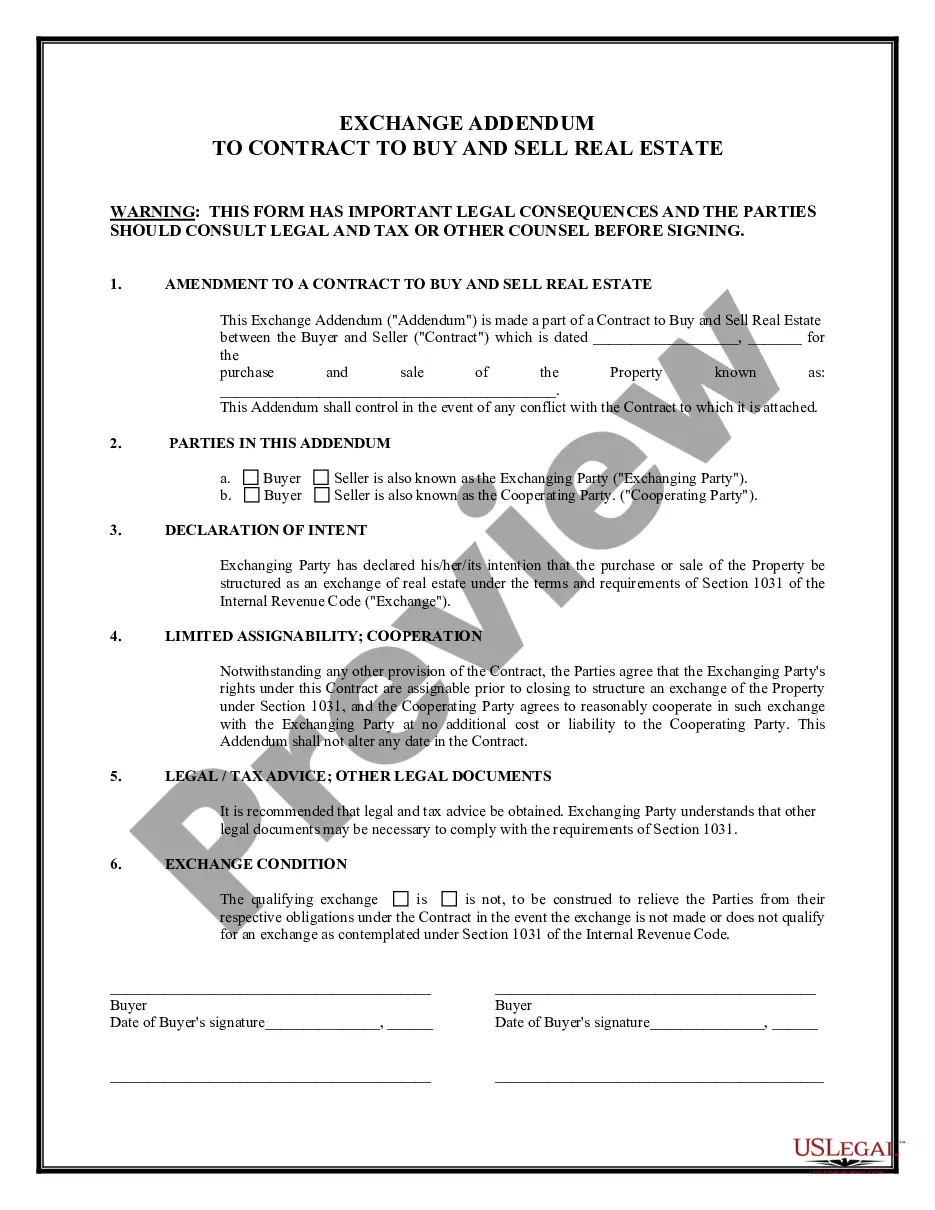
Car Exchange Agreement Form In Fulton
Description

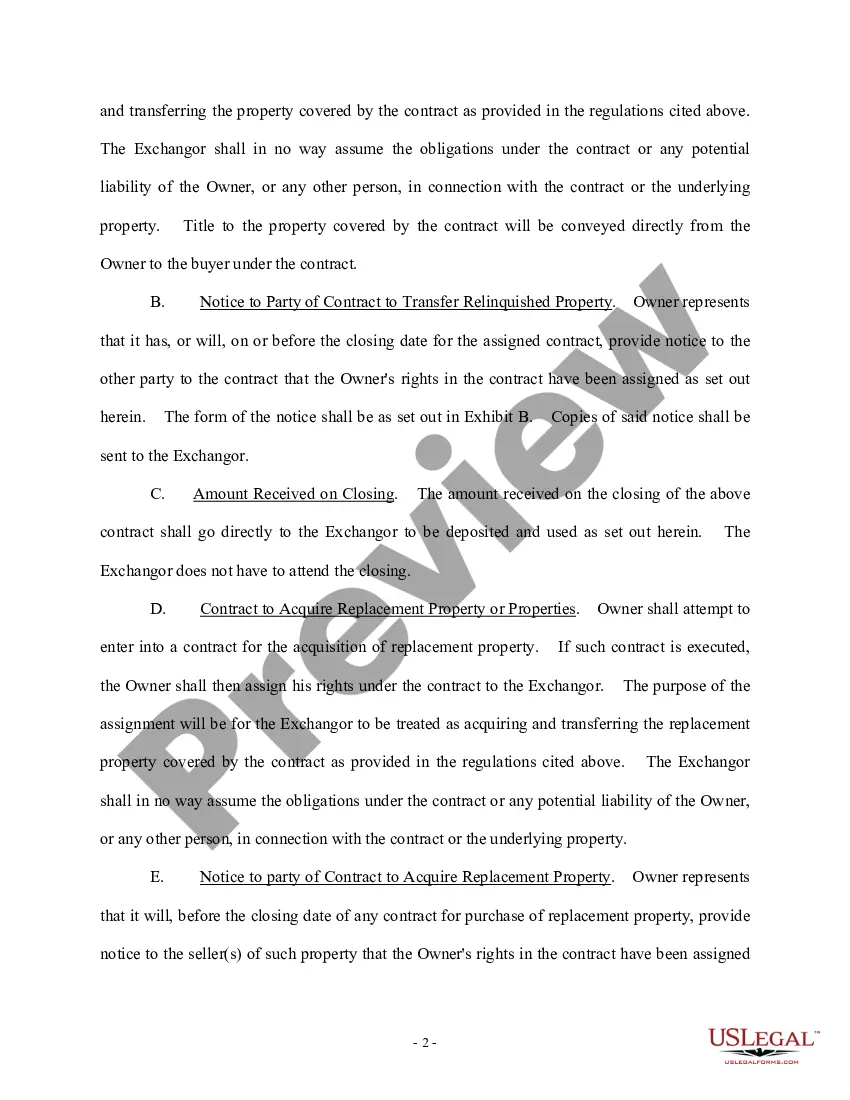
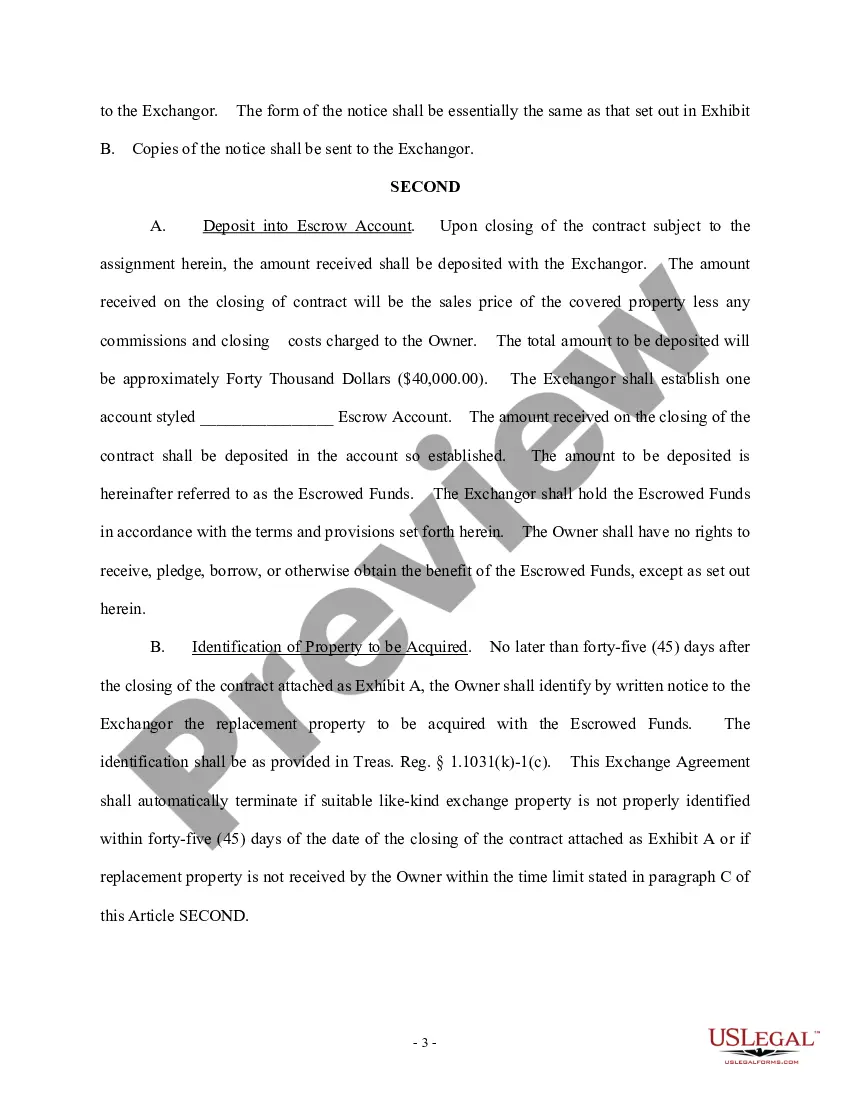
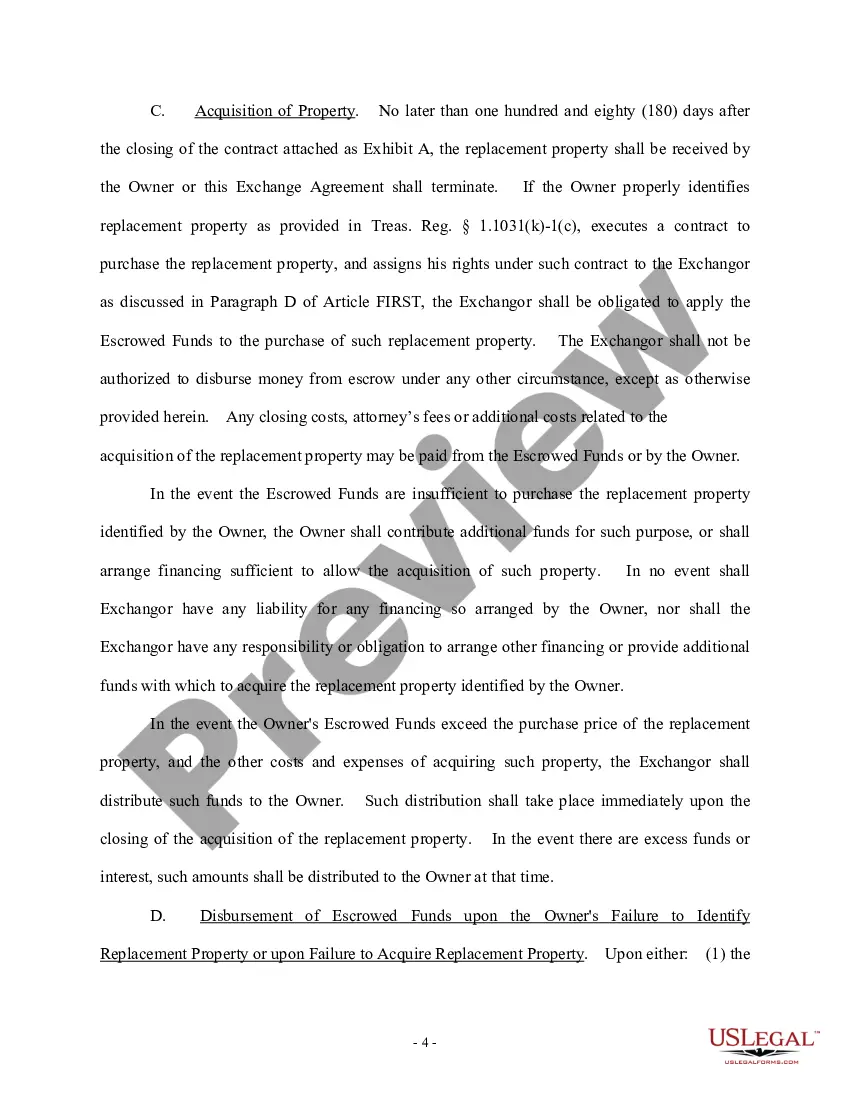
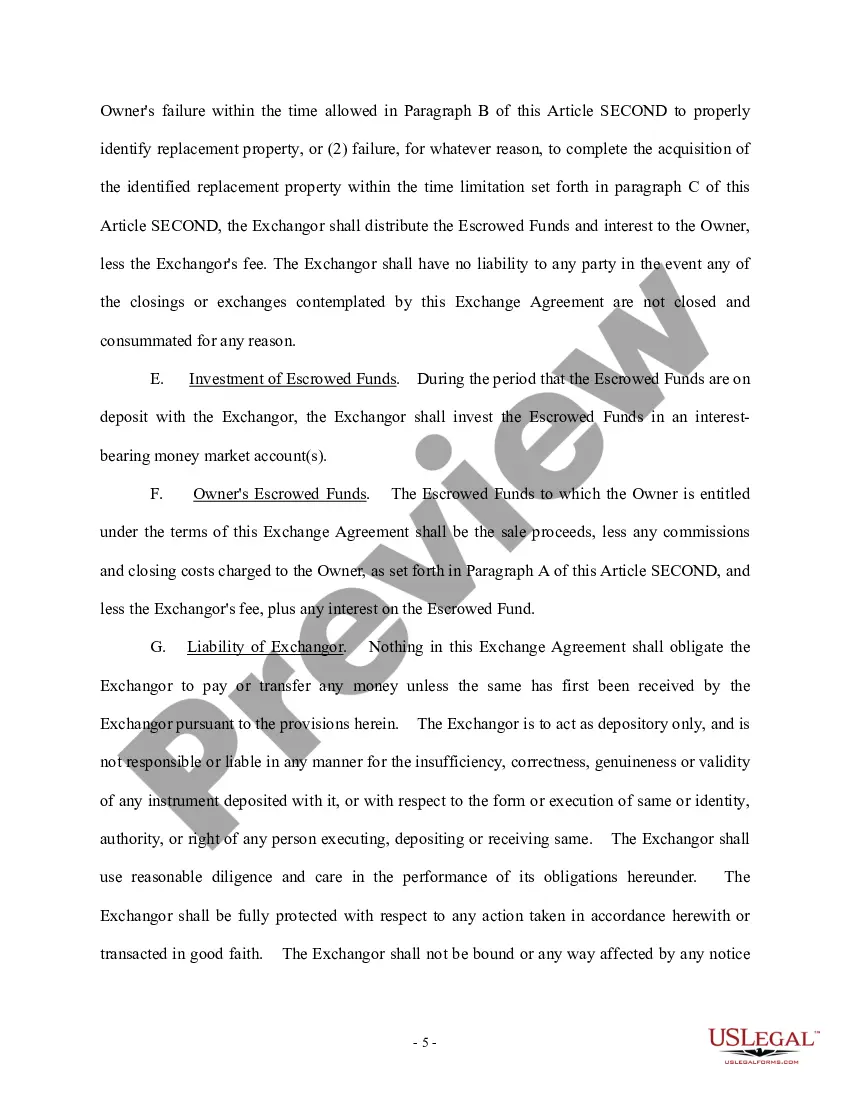
Get your form ready online
Our built-in tools help you complete, sign, share, and store your documents in one place.
Make edits, fill in missing information, and update formatting in US Legal Forms—just like you would in MS Word.
Download a copy, print it, send it by email, or mail it via USPS—whatever works best for your next step.
Sign and collect signatures with our SignNow integration. Send to multiple recipients, set reminders, and more. Go Premium to unlock E-Sign.
If this form requires notarization, complete it online through a secure video call—no need to meet a notary in person or wait for an appointment.
We protect your documents and personal data by following strict security and privacy standards.

Make edits, fill in missing information, and update formatting in US Legal Forms—just like you would in MS Word.

Download a copy, print it, send it by email, or mail it via USPS—whatever works best for your next step.

Sign and collect signatures with our SignNow integration. Send to multiple recipients, set reminders, and more. Go Premium to unlock E-Sign.

If this form requires notarization, complete it online through a secure video call—no need to meet a notary in person or wait for an appointment.

We protect your documents and personal data by following strict security and privacy standards.
Looking for another form?








Form popularity
FAQ
Typically, you will asked for the following information: VIN. description of the vehicle, such as its make, model, year, and color. date of the sale or title transfer. license plate number. odometer reading. new owner's name and contact information. your name and contact information.
Contact the Dealership: Reach out to the dealership as soon as possible. Explain your situation and express your desire to cancel the deal. If you haven't taken delivery of the vehicle, they may be more willing to accommodate your request.
You can drive the vehicle with a proof of sale (also being on the title's tear off page) for a few days. The title has to be issued to the owner before being able to be driven AND insured.
