Confirmation Letter Sample For Student In Maricopa
Description




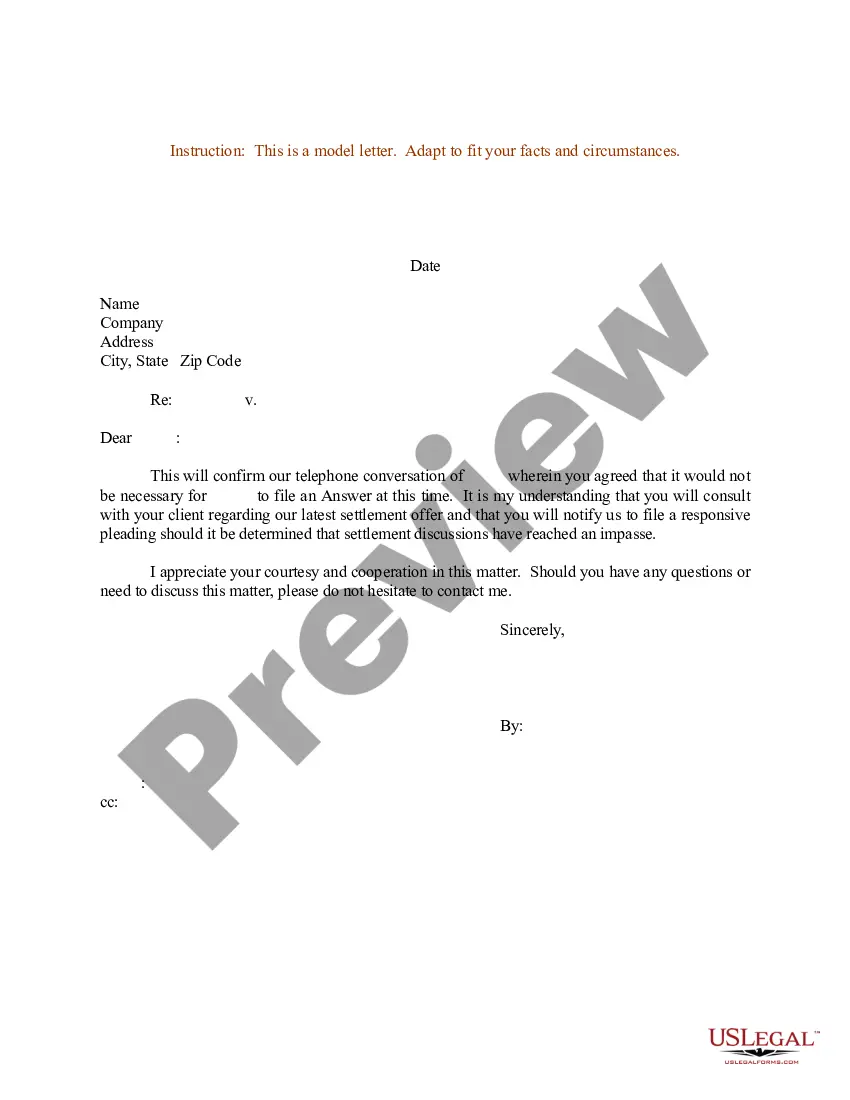
Get your form ready online
Our built-in tools help you complete, sign, share, and store your documents in one place.
Make edits, fill in missing information, and update formatting in US Legal Forms—just like you would in MS Word.
Download a copy, print it, send it by email, or mail it via USPS—whatever works best for your next step.
Sign and collect signatures with our SignNow integration. Send to multiple recipients, set reminders, and more. Go Premium to unlock E-Sign.
If this form requires notarization, complete it online through a secure video call—no need to meet a notary in person or wait for an appointment.
We protect your documents and personal data by following strict security and privacy standards.

Make edits, fill in missing information, and update formatting in US Legal Forms—just like you would in MS Word.

Download a copy, print it, send it by email, or mail it via USPS—whatever works best for your next step.

Sign and collect signatures with our SignNow integration. Send to multiple recipients, set reminders, and more. Go Premium to unlock E-Sign.

If this form requires notarization, complete it online through a secure video call—no need to meet a notary in person or wait for an appointment.

We protect your documents and personal data by following strict security and privacy standards.
Looking for another form?









Form popularity
FAQ
Log in to your Student Center. Click on the Manage Refunds tile in the Finance section. Follow the prompts to select your refund method.
It is preferable to withdraw by meeting with an advisor. It's important to make sure that your official withdrawal was processed. If you can't meet with an advisor, you can usually also officially withdraw from classes using your online student account. You never want to just stop attending classes.
Update your mailing address in your Student Center and then contact Student Financial Services at 480-731-8700 or at 1098t@domail.maricopa.
The process to withdraw a community college application can vary depending on the college. Typically, however, you should be able to request to withdraw your application through the admissions office or through your application portal, if the college has one.
Transcripts Visit the My Maricopa Student Portal. Use your MEID and password to log in. Select the Transcripts tab. Click Print. Here you will see your unofficial transcript, including: Maricopa Colleges attended. Semesters attended at the college. Classes taken along with the grades received.
If you do not have access to registration at that college, please start a live chat at the bottom right of this page or email admissions@apps.maricopa.
Steps Talk to your professors about your decision. Discuss the potential consequences with a counselor. Finish out the semester. Submit a withdrawal request. Take advantage of your school's refund policy.
Students electing to withdraw from the college must contact the Admissions and Records Office/Office of Enrollment Services no later than two weeks before the end of the last ● Through the 7th week, a student may initiate an official withdrawal from any course by completing the withdrawal process online using the ...
Students electing to withdraw from the college must contact the Admissions and Records Office/Office of Enrollment Services no later than two weeks before the end of the last ● Through the 7th week, a student may initiate an official withdrawal from any course by completing the withdrawal process online using the ...