Erisa Retirement Plan Beneficiary In Riverside
Description





Get your form ready online
Our built-in tools help you complete, sign, share, and store your documents in one place.
Make edits, fill in missing information, and update formatting in US Legal Forms—just like you would in MS Word.
Download a copy, print it, send it by email, or mail it via USPS—whatever works best for your next step.
Sign and collect signatures with our SignNow integration. Send to multiple recipients, set reminders, and more. Go Premium to unlock E-Sign.
If this form requires notarization, complete it online through a secure video call—no need to meet a notary in person or wait for an appointment.
We protect your documents and personal data by following strict security and privacy standards.

Make edits, fill in missing information, and update formatting in US Legal Forms—just like you would in MS Word.

Download a copy, print it, send it by email, or mail it via USPS—whatever works best for your next step.

Sign and collect signatures with our SignNow integration. Send to multiple recipients, set reminders, and more. Go Premium to unlock E-Sign.

If this form requires notarization, complete it online through a secure video call—no need to meet a notary in person or wait for an appointment.

We protect your documents and personal data by following strict security and privacy standards.
Looking for another form?







Form popularity
FAQ
If you decide to have more than one beneficiary, you will allocate a percentage of the death benefit for each, so that the total allocation equals 100%. A simple example of this would be allocating 50% to your partner, and 25% to each of your two children, for a total of 100%.
Choose people you want to provide for (and review regularly). A spouse, child, niece, or caretaker—designate the ones you love most or who would benefit from your help. Then revisit your decision when a big life change happens, such as divorce, remarriage, birth, or death.
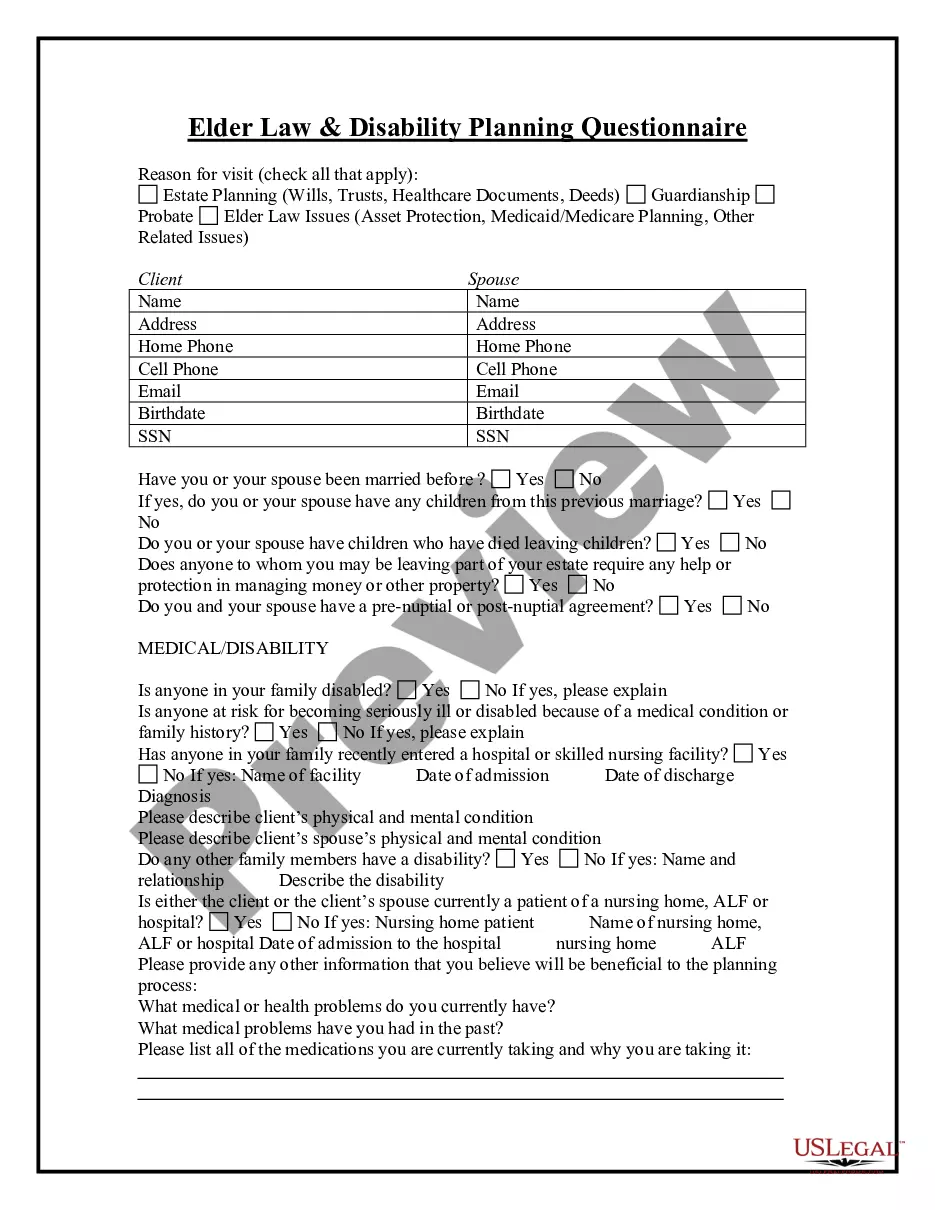
Most beneficiary designations will require you to provide a person's full legal name and their relationship to you (spouse, child, mother, etc.). Some beneficiary designations also include information like mailing address, email, phone number, date of birth and Social Security number.
Fill in the beneficiary's name, account number, bank name and IFSC accurately, and then click on 'Add' and 'Confirm'. You will need to authenticate the process with a one-time password (OTP) sent to your registered mobile number or email (if using NetBanking).
How to name a beneficiary on your 401(k) account. If you name a person as your beneficiary, you should provide their full legal name, mailing address, date of birth, and Social Security number. You may also be asked to explain their relationship to you.
The Spouse Is the Automatic Beneficiary for Married People A federal law, the Employee Retirement Income Security Act (ERISA), governs most pensions and retirement accounts.
How to name a beneficiary on your 401(k) account. If you name a person as your beneficiary, you should provide their full legal name, mailing address, date of birth, and Social Security number. You may also be asked to explain their relationship to you.
Generally, an ERISA plan participant can select just about anyone to be their beneficiary. Typically, a plan participant selects their spouse, children, or other family members.
Filing an ERISA Claim: Step-by-Step Guide Step 1: Review Your Plan. The first step in filing an ERISA claim is to review your disability insurance policy thoroughly. Step 2: Gather Evidence. Step 3: File Your Claim. Step 4: Wait for a Decision. Step 5: Appeal if Necessary.