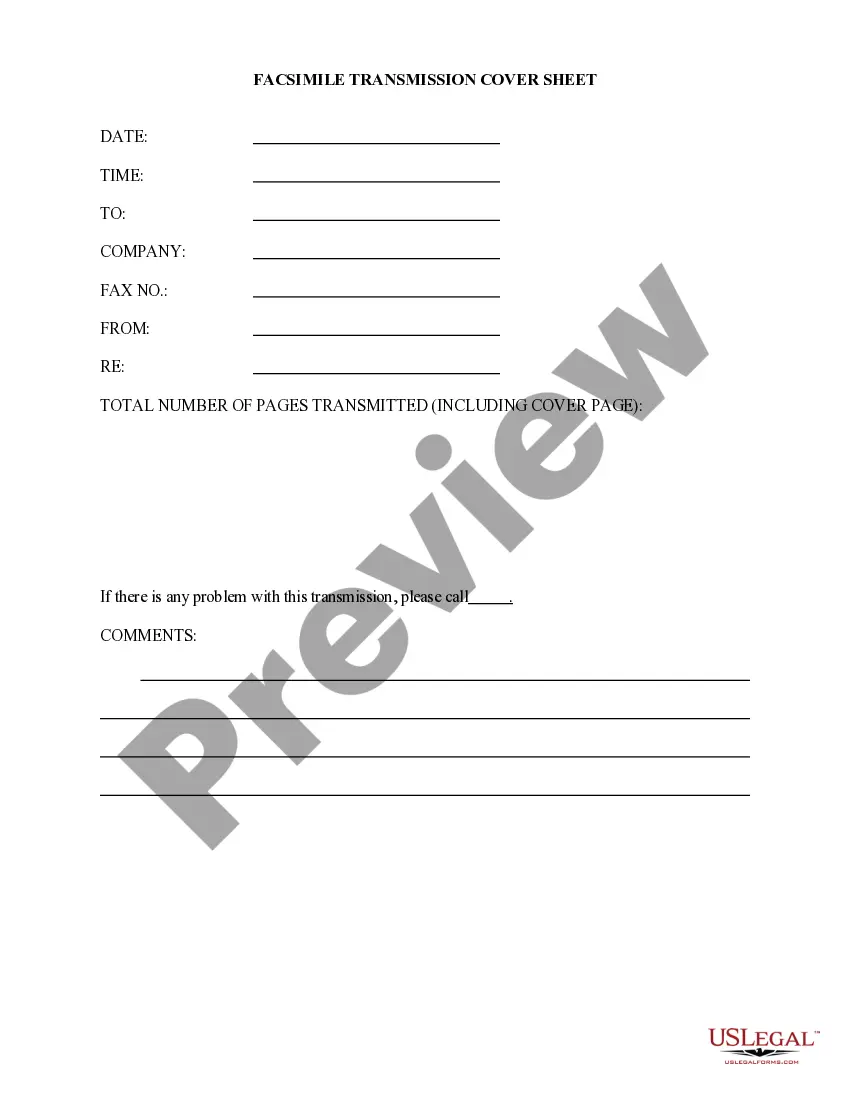
Mortgage Payoff Statement Form For Tax Purposes In Wayne
Description

Get your form ready online
Our built-in tools help you complete, sign, share, and store your documents in one place.
Make edits, fill in missing information, and update formatting in US Legal Forms—just like you would in MS Word.
Download a copy, print it, send it by email, or mail it via USPS—whatever works best for your next step.
Sign and collect signatures with our SignNow integration. Send to multiple recipients, set reminders, and more. Go Premium to unlock E-Sign.
If this form requires notarization, complete it online through a secure video call—no need to meet a notary in person or wait for an appointment.
We protect your documents and personal data by following strict security and privacy standards.

Make edits, fill in missing information, and update formatting in US Legal Forms—just like you would in MS Word.

Download a copy, print it, send it by email, or mail it via USPS—whatever works best for your next step.

Sign and collect signatures with our SignNow integration. Send to multiple recipients, set reminders, and more. Go Premium to unlock E-Sign.

If this form requires notarization, complete it online through a secure video call—no need to meet a notary in person or wait for an appointment.

We protect your documents and personal data by following strict security and privacy standards.
Looking for another form?








Form popularity
FAQ
There are 11 boxes to take note of when reviewing your statement. Box 1: Mortgage interest received from the borrower. Box 2: Outstanding mortgage principal. Box 3: Mortgage origination date. Box 4: Refund of overpaid interest. Box 5: Mortgage insurance premiums.
Deducting mortgage interest using Form 1098 You might be able to deduct the Form 1098 amounts if they meet the guidelines for that amount. Put Box 1, deductible mortgage interest, and Box 6, points, into your Schedule A (Form 1040), Line 8a.
If you are required and you do not file electronically, you may be subject to a penalty of up to $100 per 1098 form.
First, you'll need to contact your lender and let them know you want the information. Depending on your lender, you may have to sign in to an online account, call a helpline, or send a formal letter to start the request process.
To get a payoff letter, ask your lender for an official payoff statement. Call or write to customer service or make the request online. While logged into your account, look for options to request or calculate a payoff amount, and provide details such as your desired payoff date.
To get a payoff letter, ask your lender for an official payoff statement. Call or write to customer service or make the request online. While logged into your account, look for options to request or calculate a payoff amount, and provide details such as your desired payoff date.
There's a process to getting the mortgage payoff statement. First, you'll need to contact your lender and let them know you want the information. Depending on your lender, you may have to sign in to an online account, call a helpline, or send a formal letter to start the request process.
You can get your mortgage info by going to your lender's website. Other documents, like your monthly mortgage bills and your Closing Disclosure (or HUD-1), will also have some of this information. Your lender should send you a 1098 by January 31.
Sign and date the quitclaim deed in a notary's presence, then file it with the county Register of Deeds Office in the property's county, not the county where you live. Once the deed is filed and recorded, the transfer is deemed legal.
How to create a quitclaim deed Find the quitclaim deed form specific to your county and state. Fill out the necessary information, which typically includes the name of the grantor and the grantee, a description of the property and any other details about the transfer. Get the deed notarized.