Pleading With Tears Emoji In California
Description
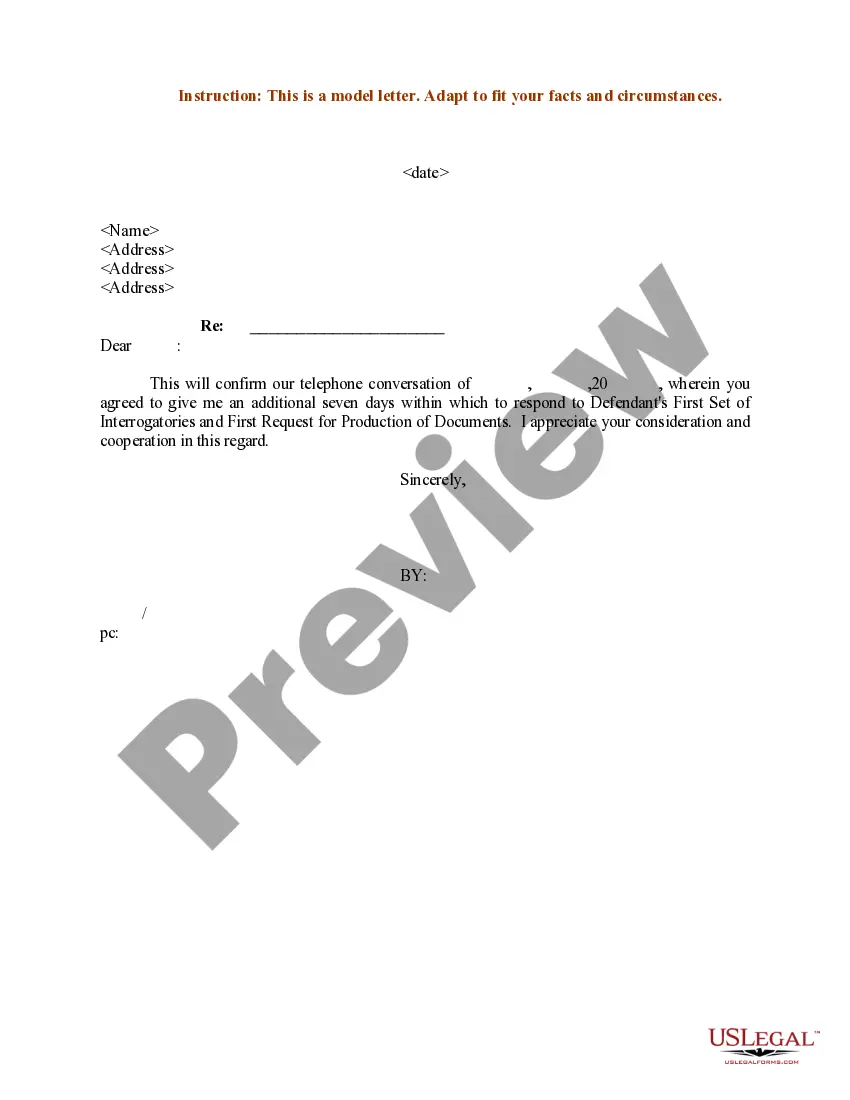
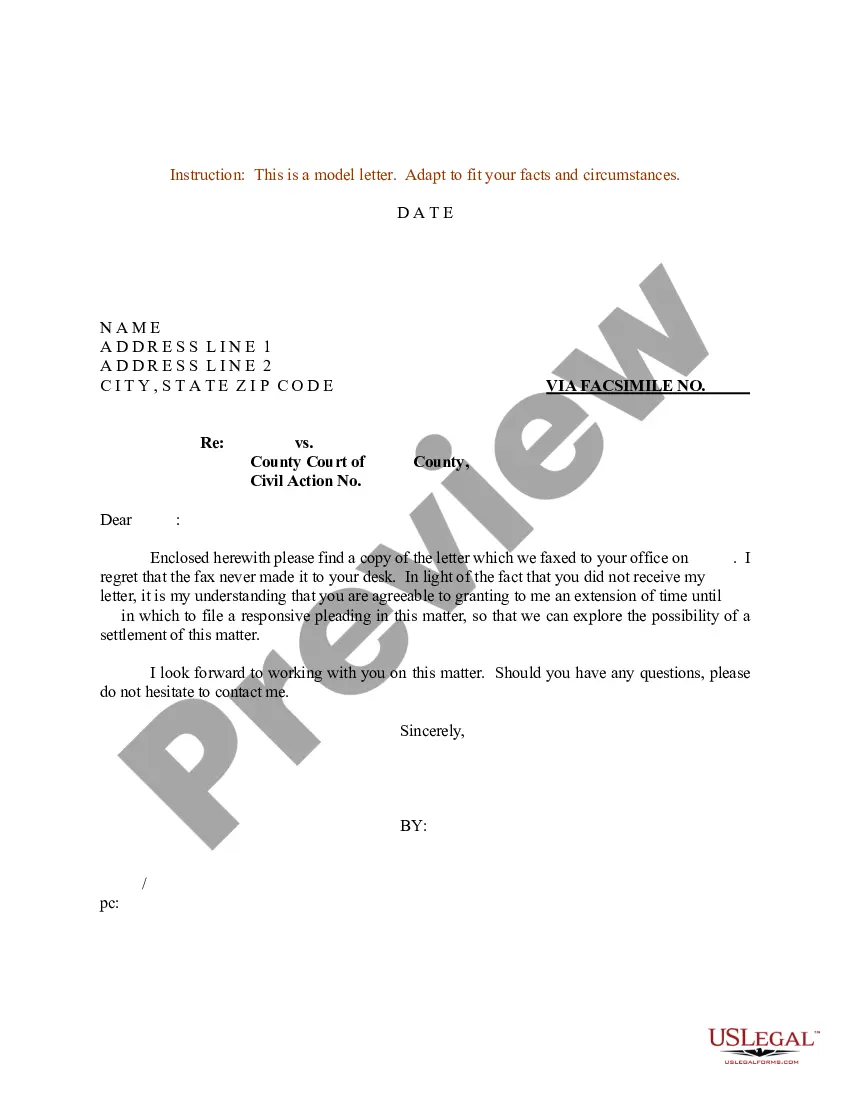


Get your form ready online
Our built-in tools help you complete, sign, share, and store your documents in one place.
Make edits, fill in missing information, and update formatting in US Legal Forms—just like you would in MS Word.
Download a copy, print it, send it by email, or mail it via USPS—whatever works best for your next step.
Sign and collect signatures with our SignNow integration. Send to multiple recipients, set reminders, and more. Go Premium to unlock E-Sign.
If this form requires notarization, complete it online through a secure video call—no need to meet a notary in person or wait for an appointment.
We protect your documents and personal data by following strict security and privacy standards.

Make edits, fill in missing information, and update formatting in US Legal Forms—just like you would in MS Word.

Download a copy, print it, send it by email, or mail it via USPS—whatever works best for your next step.

Sign and collect signatures with our SignNow integration. Send to multiple recipients, set reminders, and more. Go Premium to unlock E-Sign.

If this form requires notarization, complete it online through a secure video call—no need to meet a notary in person or wait for an appointment.

We protect your documents and personal data by following strict security and privacy standards.
Looking for another form?









Form popularity
FAQ
Format of electronic documents. (1) Text-searchable portable document format: Electronic documents must be in text-searchable portable document format (PDF) while maintaining the original document formatting.
Fill out the Summons (form SUM-100) and a Complaint. Also, fill out a Civil Case Cover Sheet (form CM-010). Since you are the one filing a lawsuit, you're called the plaintiff. The person or company you're suing is the defendant.
If you want to file a motion, the process is generally something like this: You write your motion. You file your motion with the court clerk. The court clerk inserts the date and time your motion will be heard by the judge. You “serve” (mail) your motion to the other side.
Write your legal argument by stating the rule and explaining how your facts apply to it. Then, add your signature, a Certificate of Service, and a Notice of Hearing. File your motion with the clerk of court overseeing your case. Then, give copies to each defendant.
General format - each motion generally consists of a case caption, a title that briefly identifies the relief sought, a series of numbered paragraphs that explains -- in a logical way -- why you are entitled to that relief, a prayer for relief, a signature block, a certification that a copy of the motion was sent to ...
Pleading Paper Your name must start on line 1. The Court name and location must start on line 8. The caption of the case must start on line 11. You must have a footer with the title of the document. After the caption (the box with the name of the Plaintiff/Respondent) you can use the space as needed, using double spacing.
In some circumstances, you file a petition or a motion. The court has several complaint forms that you may use in drafting your complaint. The forms are available online and at the Pro Se Intake Unit. You may also write your own complaint without using a court form.
Tips For Filling Out Legal Forms Use the most current version of the form. Read the entire form AND any directions that came with it BEFORE filling out the form. Use clear, legible writing. Always use your legal name, current address, daytime telephone number, and a valid e-mail address.
You must fill out an Answer, serve the plaintiff, and file your Answer form with the court. Generally, this is due within 30 days after you were served. If you don't, the plaintiff can ask for a default. If there's a default, the court won't let you file an Answer and can decide the case without you.
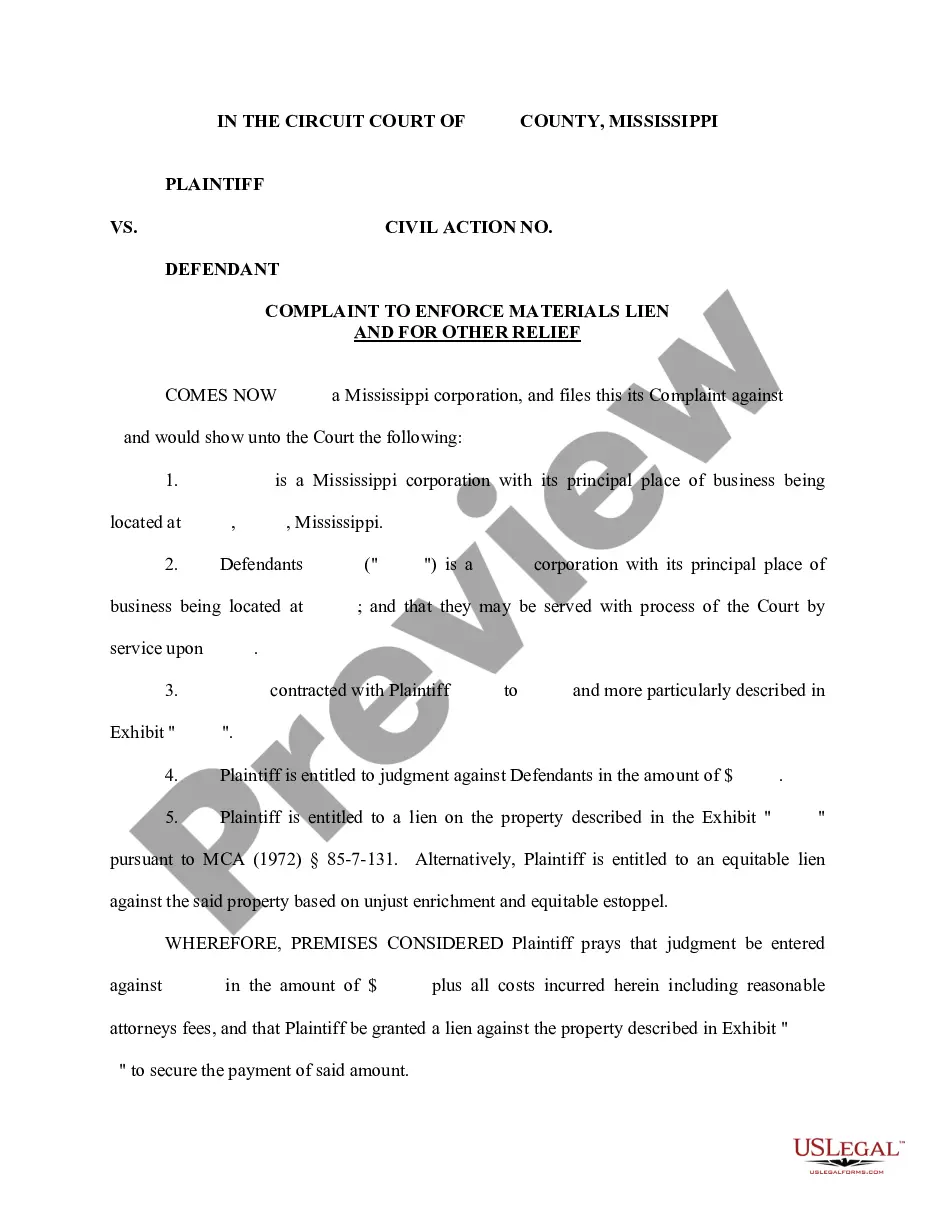
For example, a legal pleading might involve a complaint from a homeowner that a roofer did not adequately perform a repair, resulting in a leak in the roof and damage to the home. The roofer could then file an answer to the claim, denying culpability.

