Vendor Agreement Form In Orange
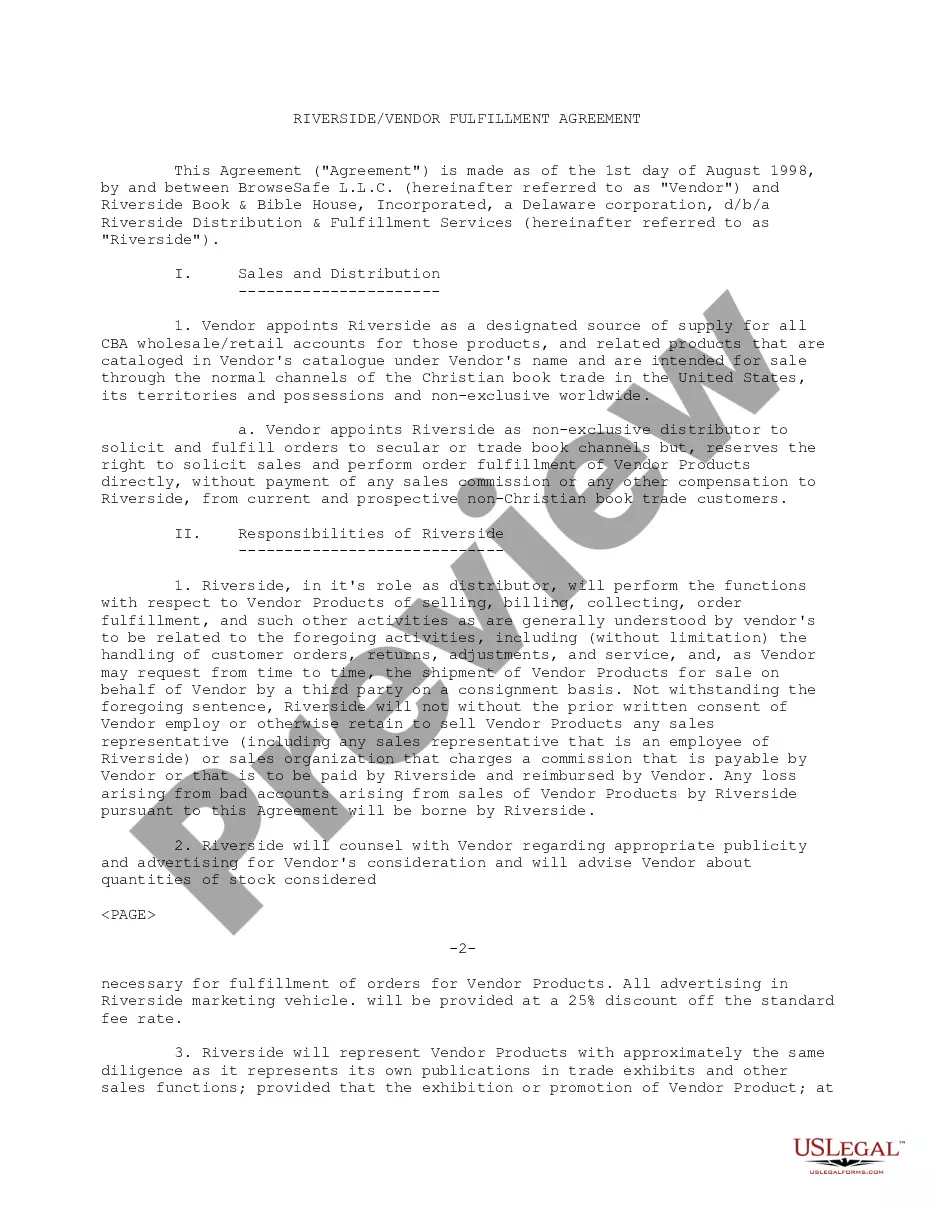
Description




Get your form ready online
Our built-in tools help you complete, sign, share, and store your documents in one place.
Make edits, fill in missing information, and update formatting in US Legal Forms—just like you would in MS Word.
Download a copy, print it, send it by email, or mail it via USPS—whatever works best for your next step.
Sign and collect signatures with our SignNow integration. Send to multiple recipients, set reminders, and more. Go Premium to unlock E-Sign.
If this form requires notarization, complete it online through a secure video call—no need to meet a notary in person or wait for an appointment.
We protect your documents and personal data by following strict security and privacy standards.

Make edits, fill in missing information, and update formatting in US Legal Forms—just like you would in MS Word.

Download a copy, print it, send it by email, or mail it via USPS—whatever works best for your next step.

Sign and collect signatures with our SignNow integration. Send to multiple recipients, set reminders, and more. Go Premium to unlock E-Sign.

If this form requires notarization, complete it online through a secure video call—no need to meet a notary in person or wait for an appointment.

We protect your documents and personal data by following strict security and privacy standards.
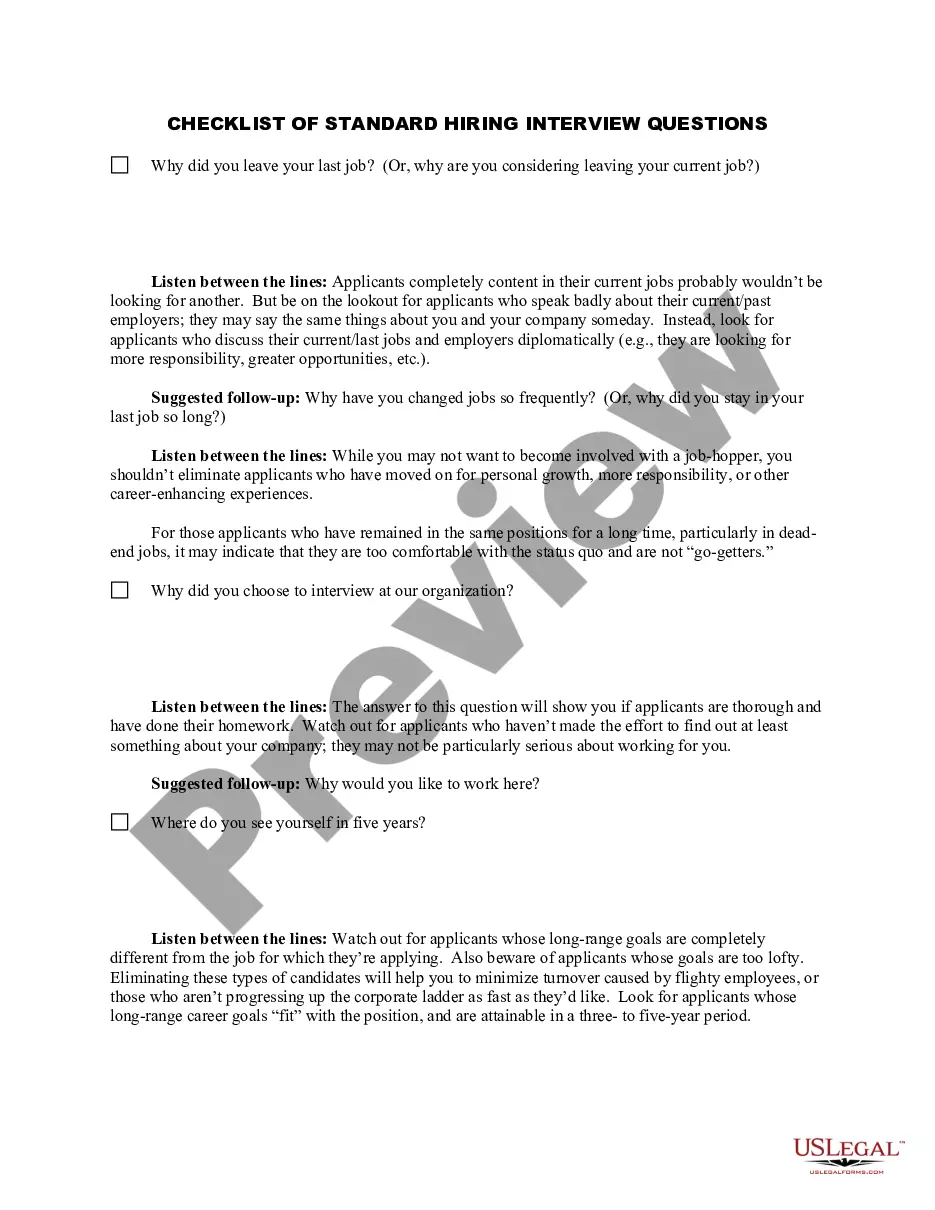
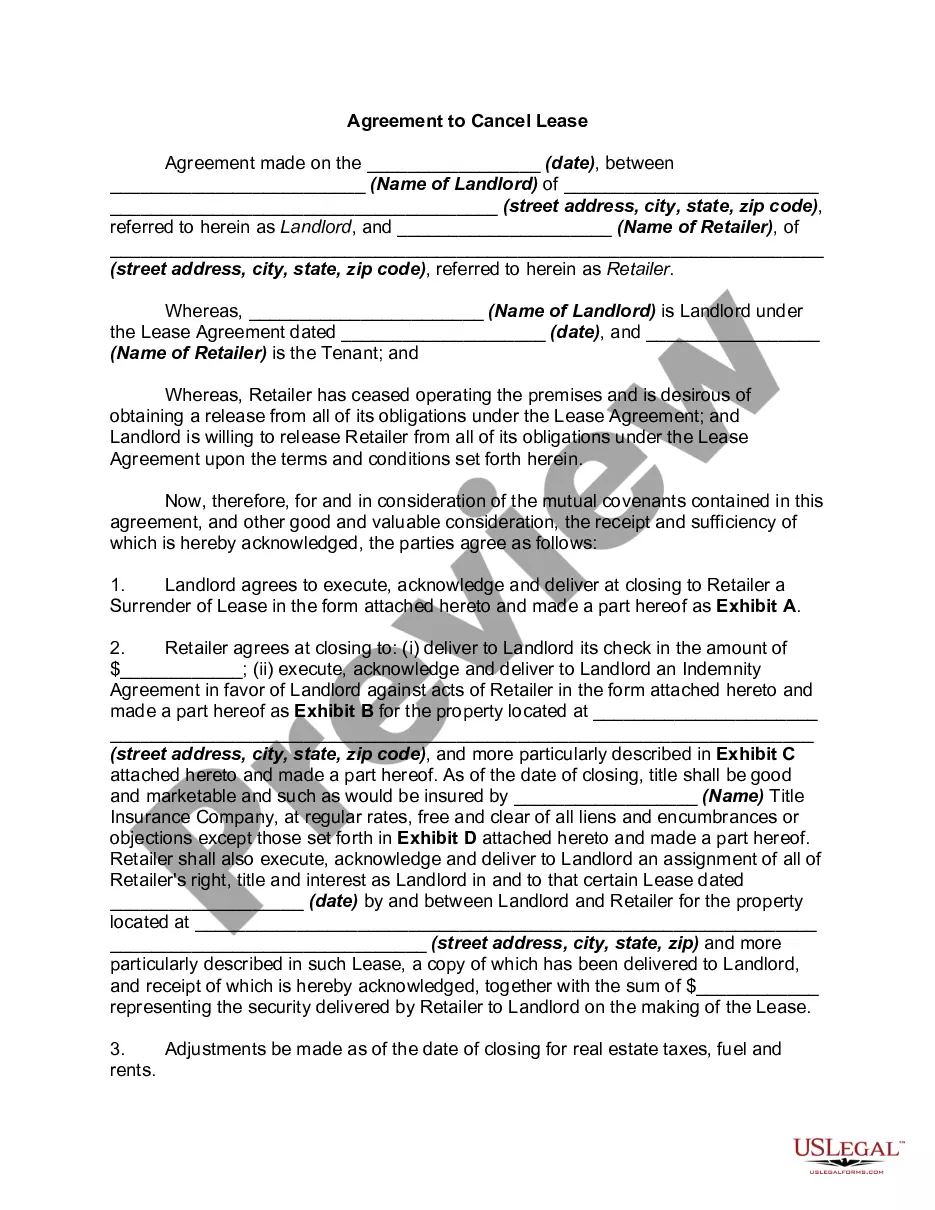
Looking for another form?







Form popularity
FAQ
Write the contract in six steps Start with a contract template. Open with the basic information. Describe in detail what you have agreed to. Include a description of how the contract will be ended. Write into the contract which laws apply and how disputes will be resolved. Include space for signatures.
A vendor contract (otherwise known as a vendor agreement) is a business contract between two parties covering the exchange of goods or services in return for compensation. Vendor contracts establish the business relationship conditions and include details on each party's obligations under the contract.
How do you terminate vendor contracts when necessary? Review the contract terms. Be the first to add your personal experience. Communicate with the vendor. Be the first to add your personal experience. Send a termination letter. Complete the termination process. Here's what else to consider.
How to read a Contract : A Step-by-Step Guide 1- Understand the contract structure. 2- Familiarize yourself with the different sections. 3- Follow the "three passes" approach. 4- Watch out for missing provisions. 5- Be cautious of potential pitfalls. 6- Fill in any blanks. 7- Consider other incorporated documents:
A standardized contract, also known as a standard form contract, is an agreement between two parties where one party sets the terms and the counterparty has little or no ability to change them.
Sometimes, a contract covers a one-time action between parties, but what happens when the relationships or circumstances are ongoing? When signing parties know they will continue to work together in the future, a Master Service Agreement (MSA) can simplify those future agreements and speed up the negotiation process.
A service-level agreement (SLA) defines the level of service expected from a vendor, laying out metrics by which service is measured, as well as remedies should service levels not be achieved. It is a critical component of any technology vendor contract.
Write the contract in six steps Start with a contract template. Open with the basic information. Describe in detail what you have agreed to. Include a description of how the contract will be ended. Write into the contract which laws apply and how disputes will be resolved. Include space for signatures.
