Vendor Agreement Form In Cuyahoga
Description

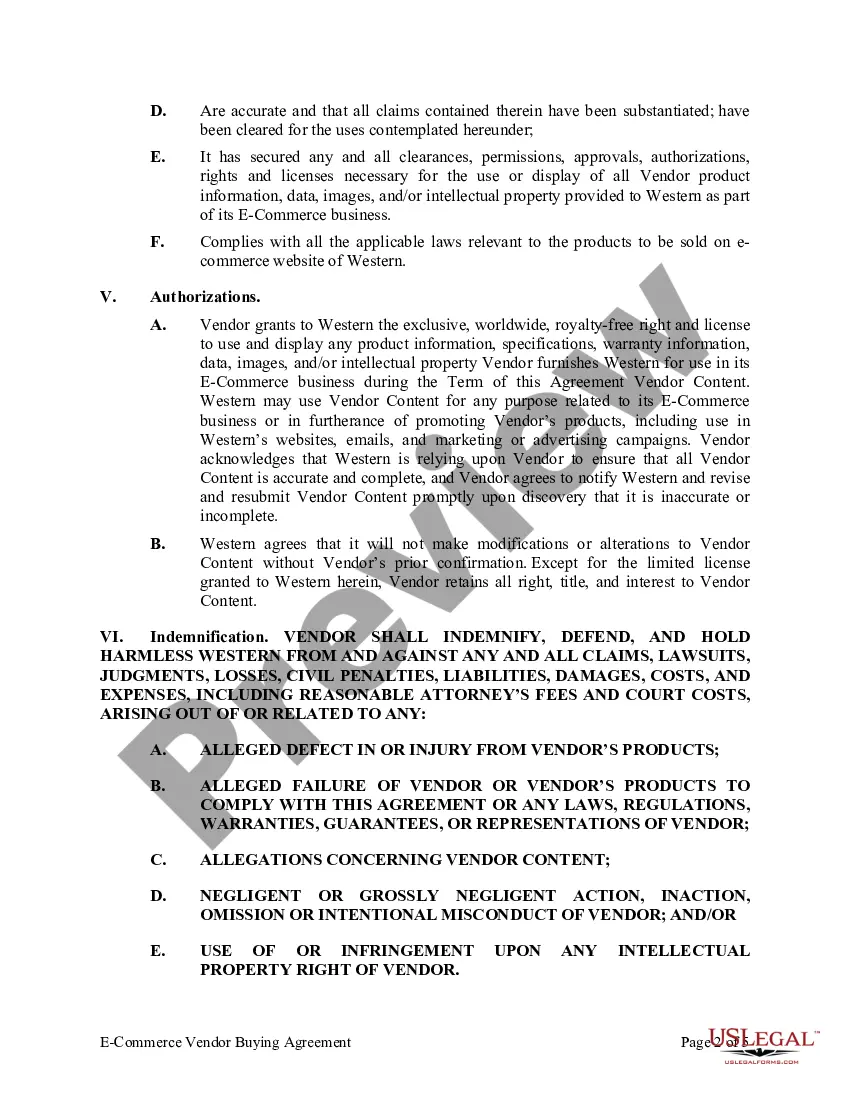
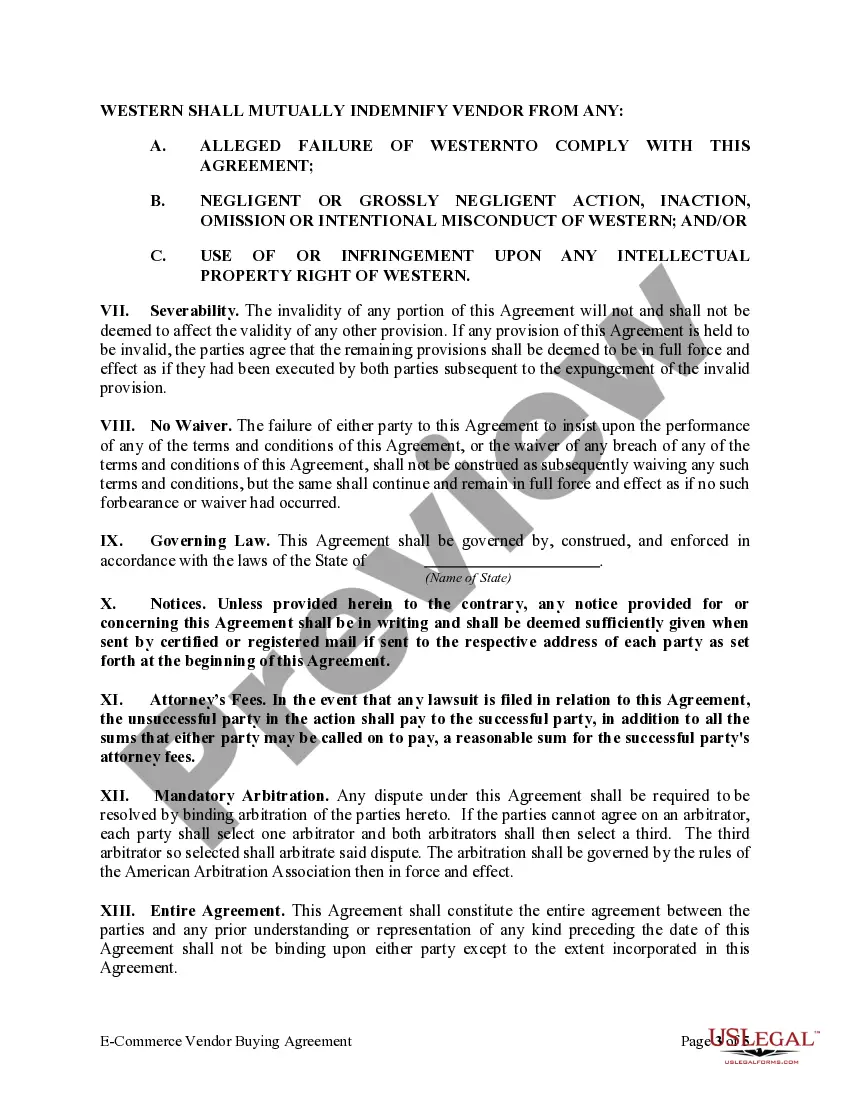
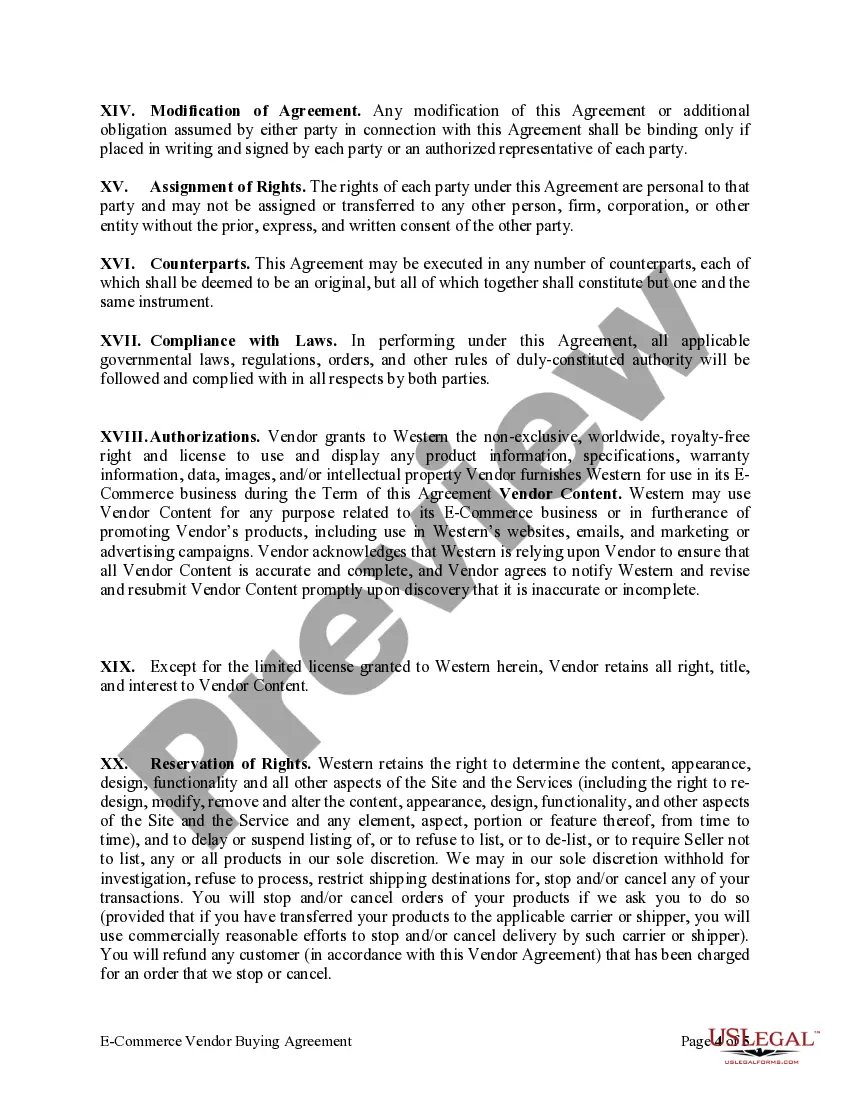
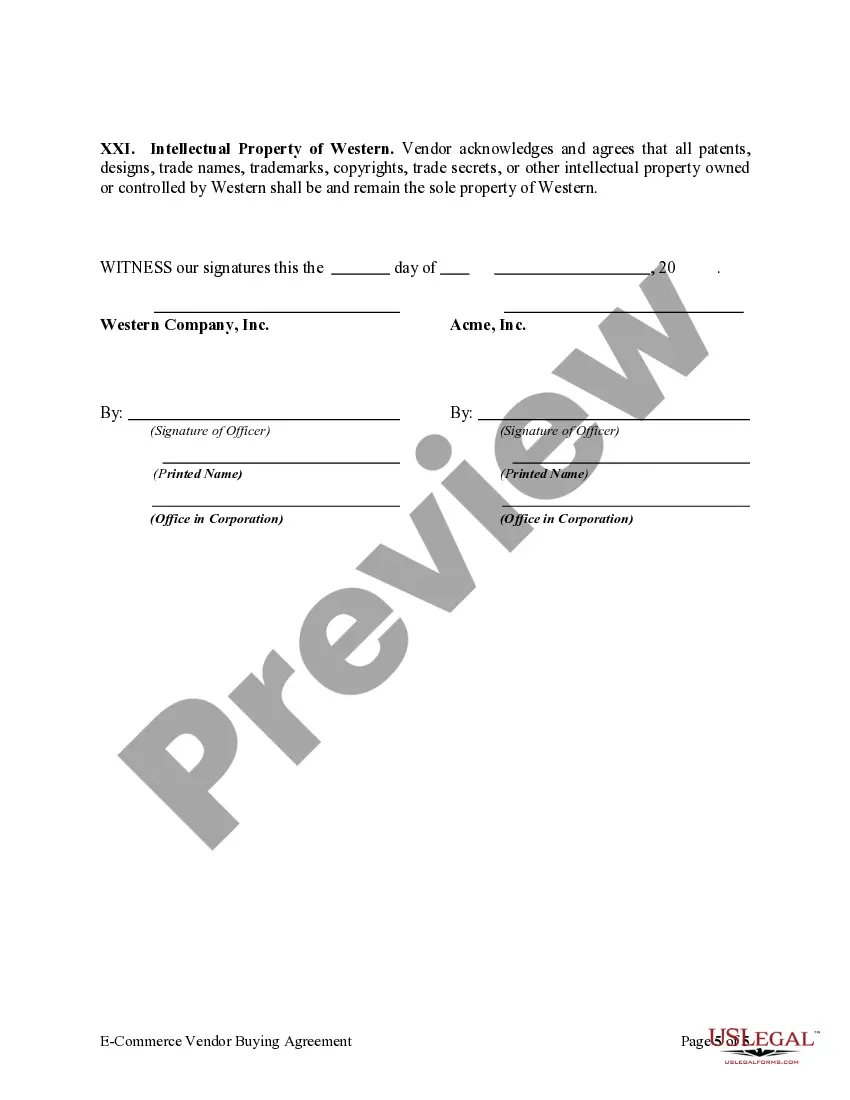



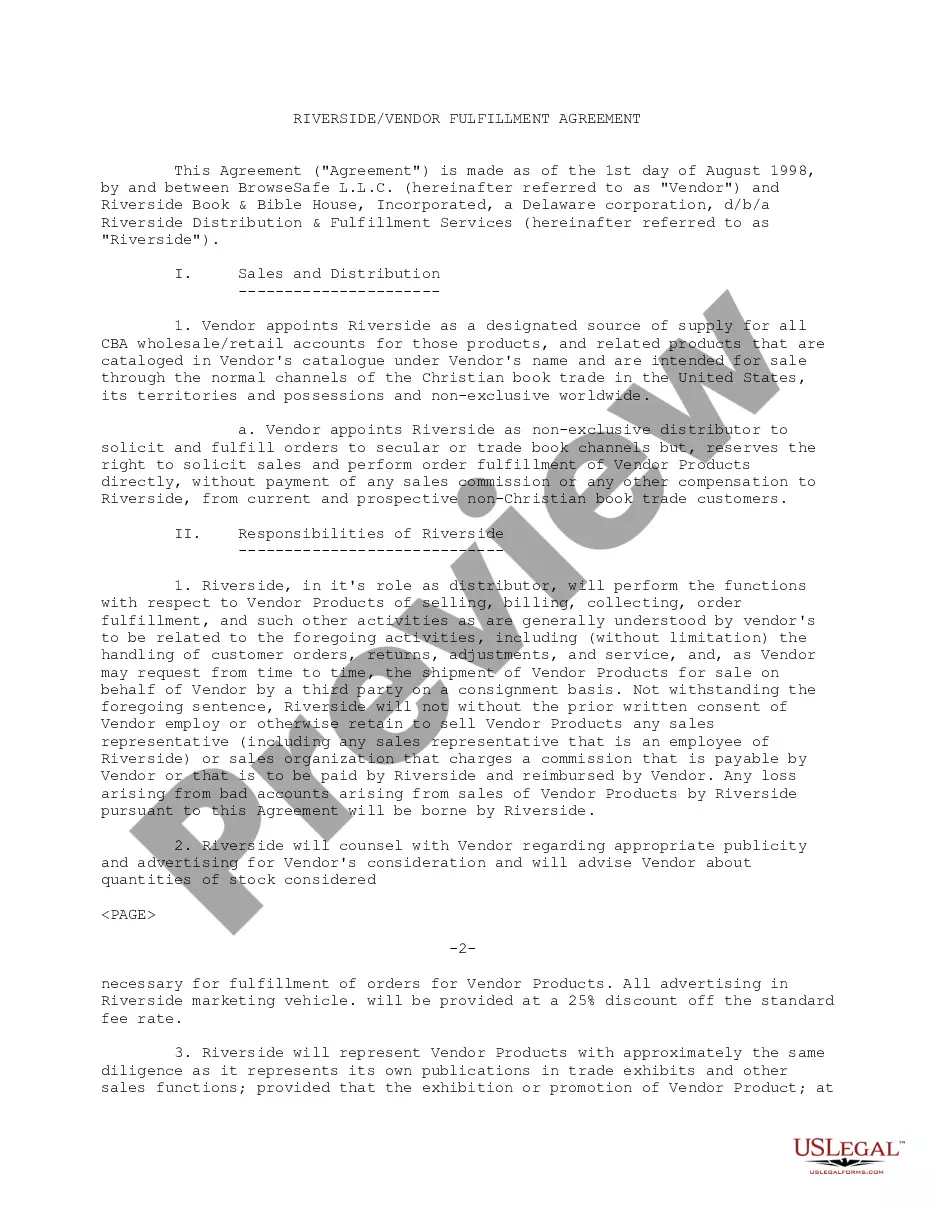
Get your form ready online
Our built-in tools help you complete, sign, share, and store your documents in one place.
Make edits, fill in missing information, and update formatting in US Legal Forms—just like you would in MS Word.
Download a copy, print it, send it by email, or mail it via USPS—whatever works best for your next step.
Sign and collect signatures with our SignNow integration. Send to multiple recipients, set reminders, and more. Go Premium to unlock E-Sign.
If this form requires notarization, complete it online through a secure video call—no need to meet a notary in person or wait for an appointment.
We protect your documents and personal data by following strict security and privacy standards.

Make edits, fill in missing information, and update formatting in US Legal Forms—just like you would in MS Word.

Download a copy, print it, send it by email, or mail it via USPS—whatever works best for your next step.

Sign and collect signatures with our SignNow integration. Send to multiple recipients, set reminders, and more. Go Premium to unlock E-Sign.

If this form requires notarization, complete it online through a secure video call—no need to meet a notary in person or wait for an appointment.

We protect your documents and personal data by following strict security and privacy standards.
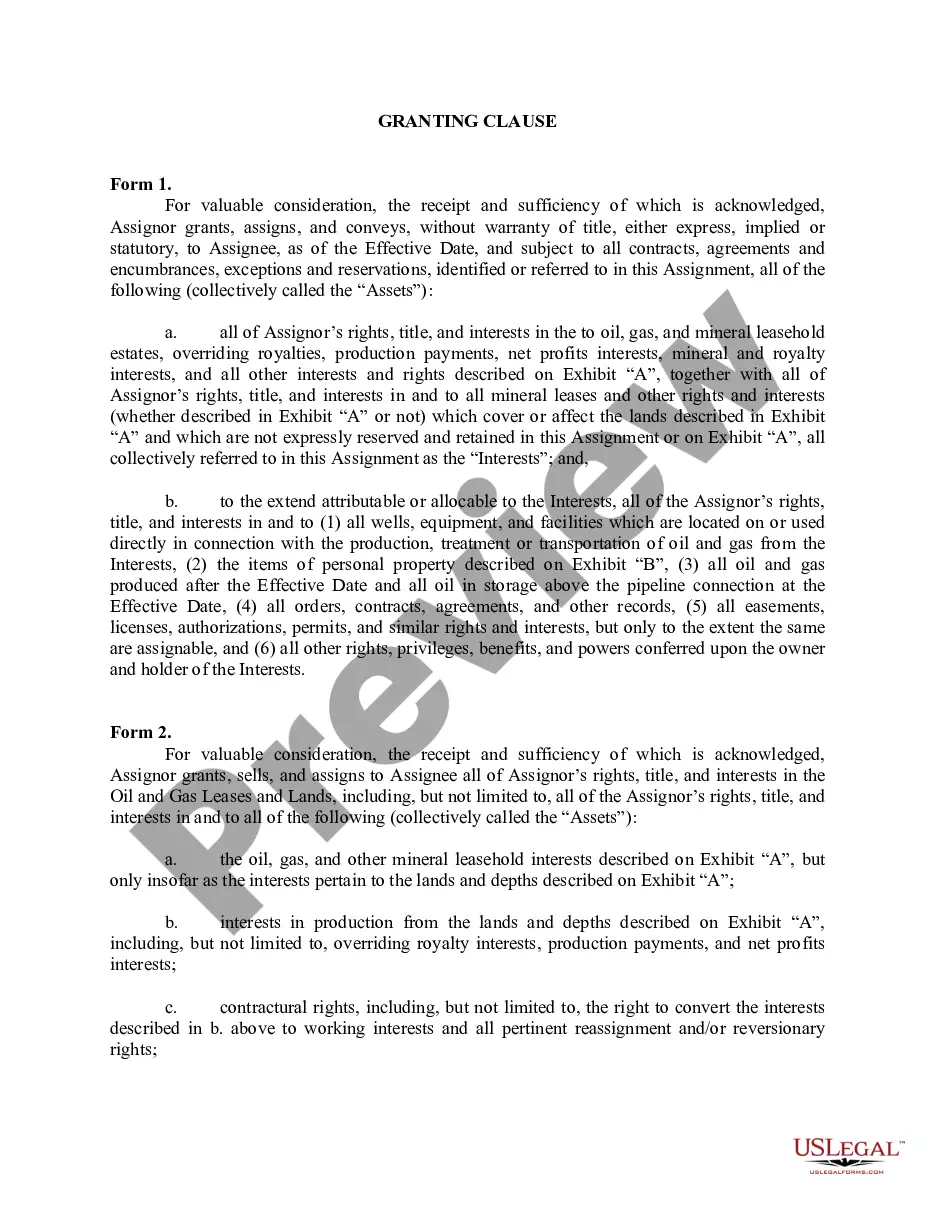
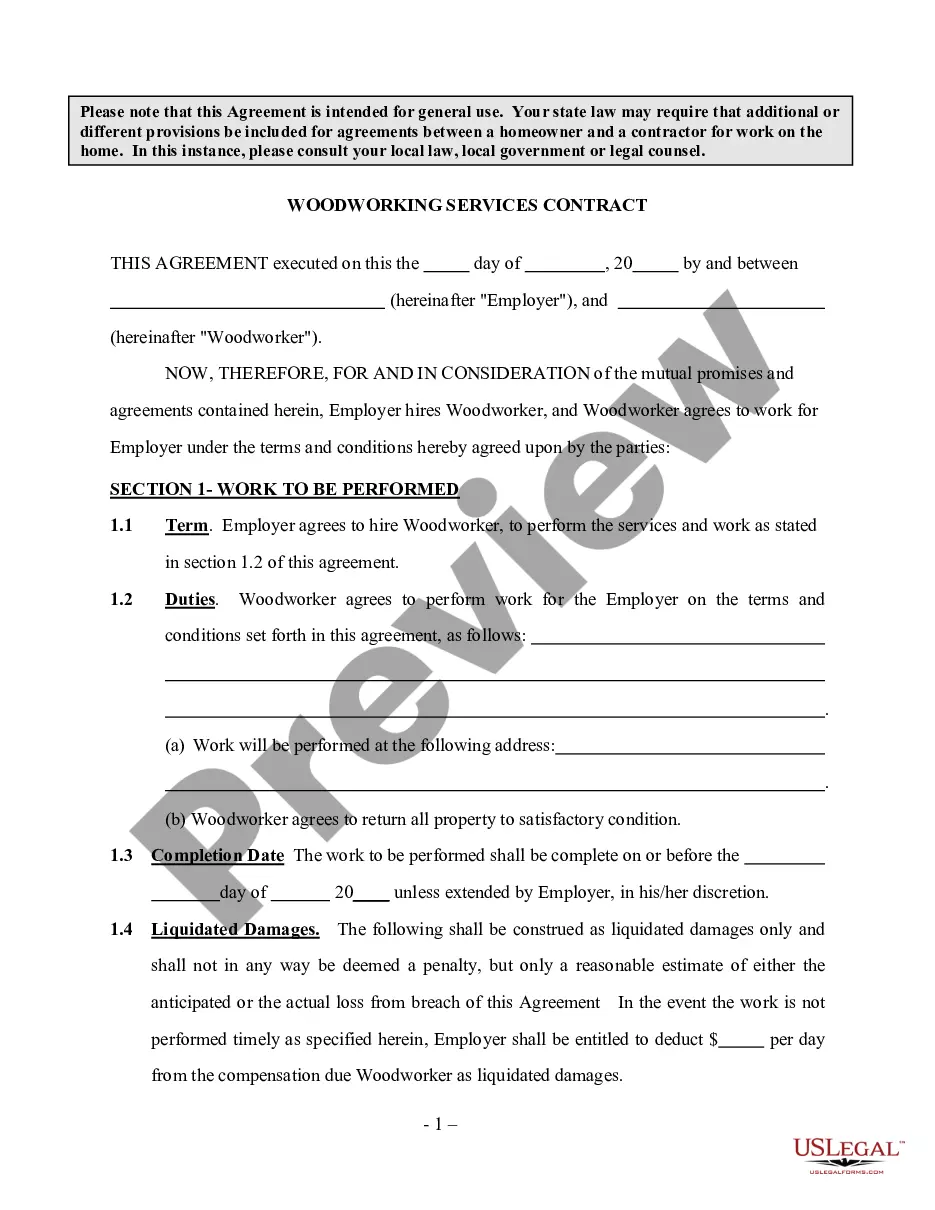
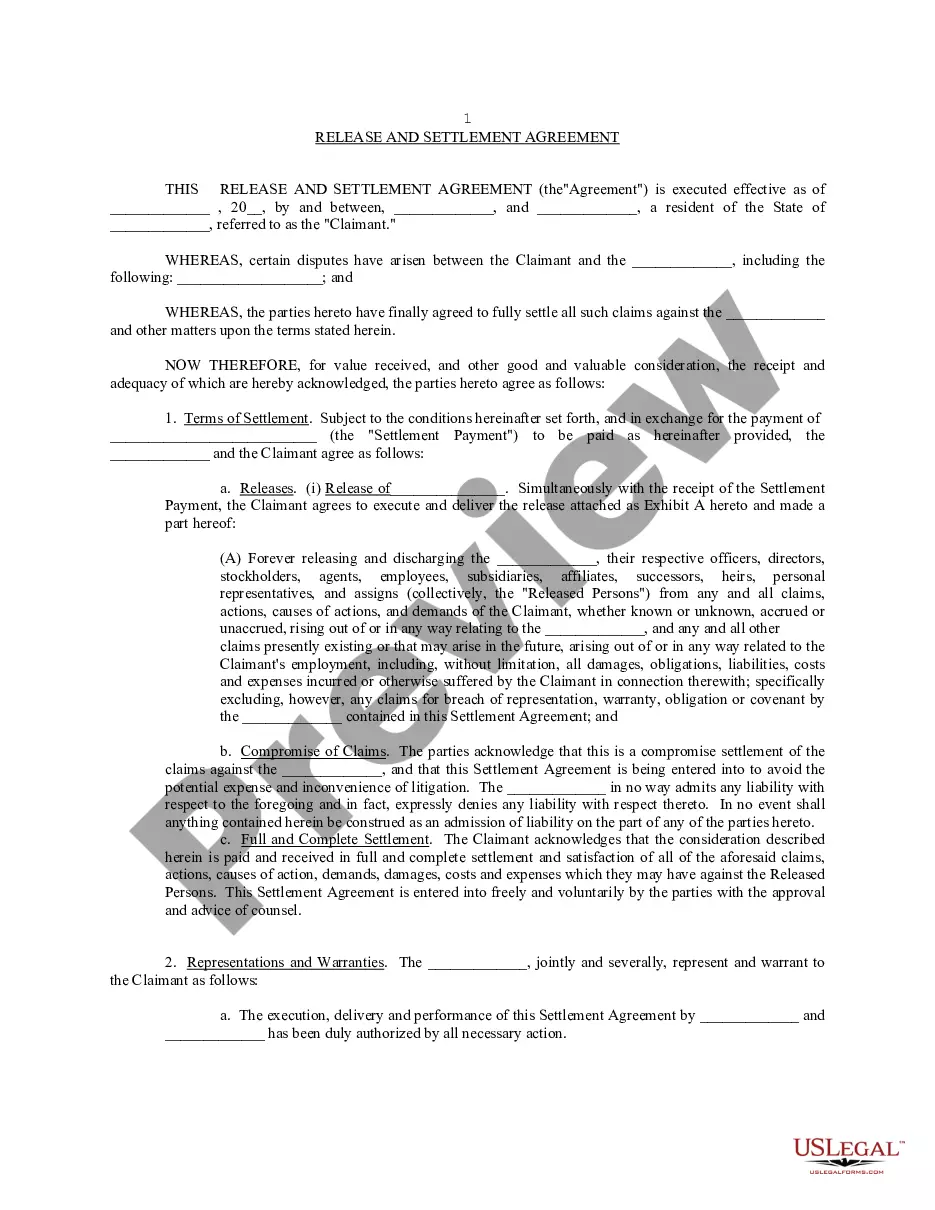
Looking for another form?







Form popularity
FAQ
All Vendor Licenses can be obtained immediately through the Ohio Business Gateway. Businesses must first establish an account with Gateway before using it to request a vendor's license.
All Vendor Licenses can be obtained immediately through the Ohio Business Gateway. Businesses must first establish an account with Gateway before using it to request a vendor's license.
A list of county vendor licenses that have been issued may be obtained from the Ohio Department of Taxation. All requests should be faxed to the Compliance Division at (614) 387-1847.
A sales tax permit is a document that authorizes a business to make taxable retail sales and collect sales tax from customers. Other terms for “sales tax permit” are retail license, sales tax license, sales and use tax permit, seller permit, seller's permit, or vendor's license.
There are two types of vendor licenses, "Regular" and "Transient." The "regular" one may be obtained at the County Auditor's office. The "transient" license is issued by the State of Ohio. Applications may be obtained at the County Auditor's office or online at Ohio Business Gateway.
A seller's permit (also known as a sales tax license, retail license, sales and use tax permit, vendor's license, or sales tax permit) is a business license that allows you to collect sales tax on taxable goods and services you sell or lease, including properties if selling regularly.
Ohio law requires any person or business making retail sales of tangible personal property or taxable services to obtain a vendor's license.
A vendor's license remains valid until it is canceled. Vendor application forms are available at county auditor's offices, ODT Taxpayer Service Centers, the ODT web site (tax.ohio), or by calling (800) 282-1782.
How To Become A Supplier For Big Companies Step 1: The Company Defines A Need For A Product Or Service. Step 2: Supplier Discovery Leads To A Shortlist. Step 3: Suppliers Provide More Information. Step 4: Advanced Supplier Review. Step 5: Acceptance As A Viable Partner.
Summary Sign Up Instructions Register to bid and receive notifications of future opportunities in OpenGov by selecting Subscribe to create an account. Follow updates to existing solicitations by finding the solicitation and clicking the Follow button. Submit questions and receive answers for open solicitations.
