Invitation Letter With Presentation In Orange
Description
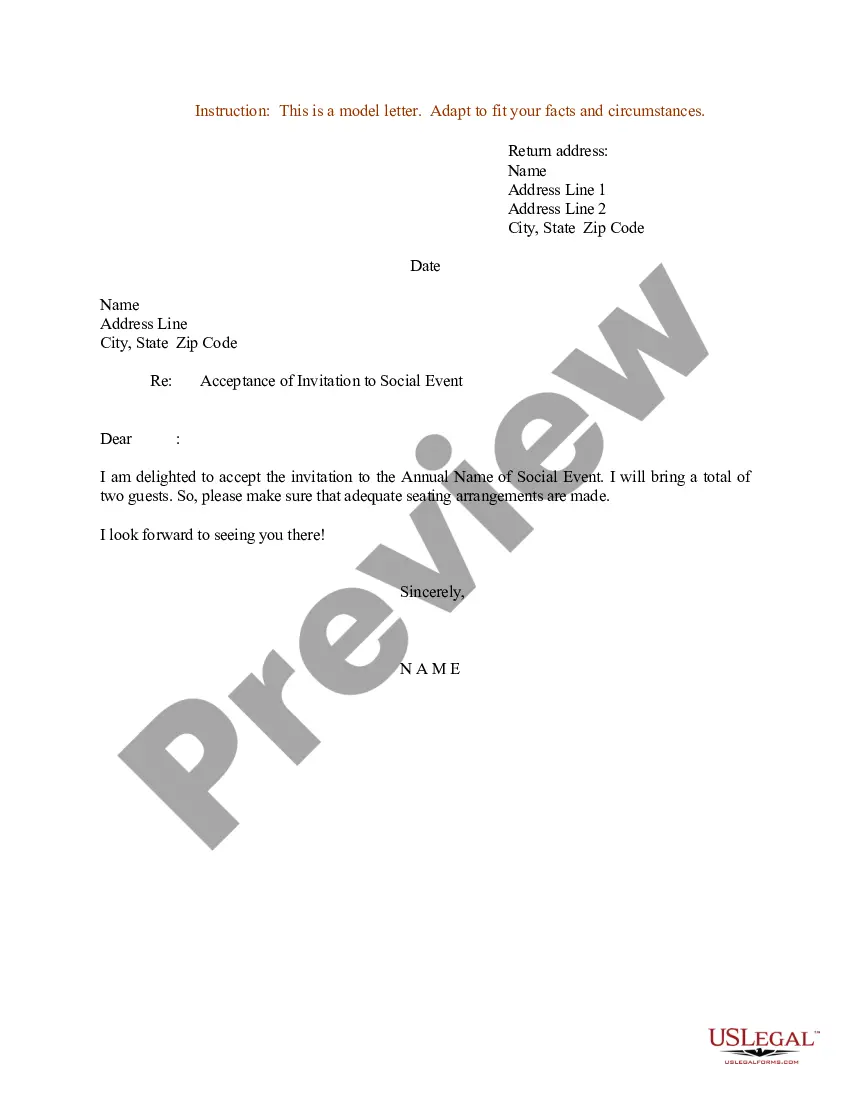
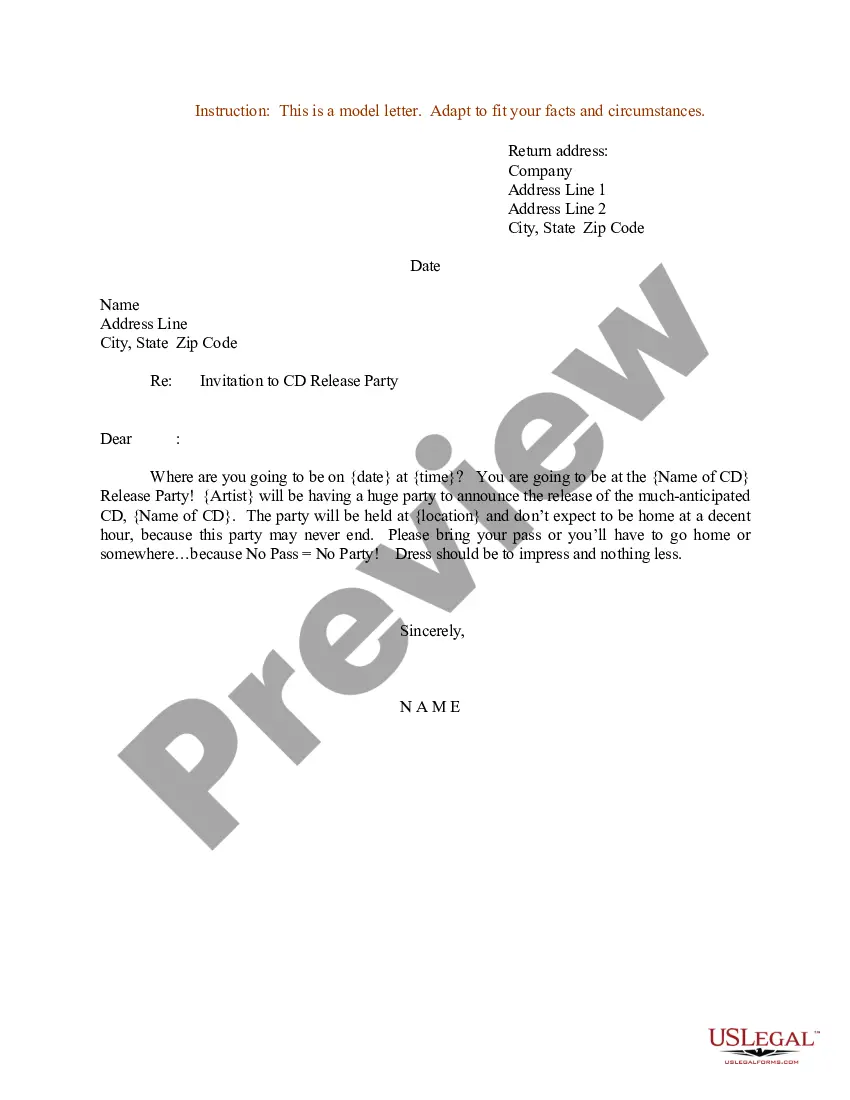
Get your form ready online
Our built-in tools help you complete, sign, share, and store your documents in one place.
Make edits, fill in missing information, and update formatting in US Legal Forms—just like you would in MS Word.
Download a copy, print it, send it by email, or mail it via USPS—whatever works best for your next step.
Sign and collect signatures with our SignNow integration. Send to multiple recipients, set reminders, and more. Go Premium to unlock E-Sign.
If this form requires notarization, complete it online through a secure video call—no need to meet a notary in person or wait for an appointment.
We protect your documents and personal data by following strict security and privacy standards.

Make edits, fill in missing information, and update formatting in US Legal Forms—just like you would in MS Word.

Download a copy, print it, send it by email, or mail it via USPS—whatever works best for your next step.

Sign and collect signatures with our SignNow integration. Send to multiple recipients, set reminders, and more. Go Premium to unlock E-Sign.

If this form requires notarization, complete it online through a secure video call—no need to meet a notary in person or wait for an appointment.

We protect your documents and personal data by following strict security and privacy standards.
Looking for another form?








Form popularity
FAQ
On the File menu, select New from Template. Select a template that is similar to the one you want to create, and then select Create.
Click “File” at the top toolbar and then “New.” A window will appear with template categories for you to choose on the left panel while the right will display thumbnail previews of the templates available for that particular category. Choose “Invitations” from the categories.
Key Elements of a Formal Invitation Letter Sender's Information: Include your full name, title, organization (if applicable), and contact. Date and Time: Clearly state the date and time of the event to ensure your guests can plan. Recipient's Information: Provide the recipient's name, title, and address.
How to create an invitation Step 1: Choose a design. Consider the theme of your event before choosing a design. Pick the right size. Standard invitation size is 5" x 7" (or 10" x 14"), printed on sturdy card stock. Step 3: Write your message. Step 4: Incorporate photos. Step 5: Print your invitation.
An invitation card should include text that describes the basic event details, an eye-catching color scheme and typography, images or illustrations to make the card stand out and white space to balance it all out. If your event has a theme, choose elements and graphics that reflect it.
Making an Invitation Using Word Template Open a new Word document. Open the Template options. Choose “Invitations” from the categories. Select an invitation template that suits the occasion from the right panel. Customize the template. Save the invitation.
If you are inviting someone to speak at a conference, your invitation should include the following information: Name of the conference and the sponsoring organization; Date, time, place of the conference and speech; Type of audience; The type of speech, topic, and how long the speech should be;
Example: Dear Recipient's Name, I am pleased to invite you to Event Name, which will take place on Event Date at Event Time at Event Venue. The purpose of this event is to briefly describe the purpose or agenda of the event.
Invitation noun (REQUEST TO COME) We received their wedding invitation today. He accepted the invitation to join the committee.
Formal invitation Components Name of host. Invitational (requests the pleasure of your company, cordially invites you to) Event type/name/purpose (e.g., luncheon, dinner, reception, lecture) Date. Hour. Place. Reply instructions (e.g., reply card or phone number) Disabled instructions (e.g., fax or email)

