Meeting Notice For Staff In Massachusetts
Description
Get your form ready online
Our built-in tools help you complete, sign, share, and store your documents in one place.
Make edits, fill in missing information, and update formatting in US Legal Forms—just like you would in MS Word.
Download a copy, print it, send it by email, or mail it via USPS—whatever works best for your next step.
Sign and collect signatures with our SignNow integration. Send to multiple recipients, set reminders, and more. Go Premium to unlock E-Sign.
If this form requires notarization, complete it online through a secure video call—no need to meet a notary in person or wait for an appointment.
We protect your documents and personal data by following strict security and privacy standards.

Make edits, fill in missing information, and update formatting in US Legal Forms—just like you would in MS Word.

Download a copy, print it, send it by email, or mail it via USPS—whatever works best for your next step.

Sign and collect signatures with our SignNow integration. Send to multiple recipients, set reminders, and more. Go Premium to unlock E-Sign.

If this form requires notarization, complete it online through a secure video call—no need to meet a notary in person or wait for an appointment.

We protect your documents and personal data by following strict security and privacy standards.
Looking for another form?
Form popularity
FAQ
Include the agenda, date, time, and location Determine the agenda for the meeting and write it down. Decide on the date and time for the meeting, making sure to account for any potential conflicts. Choose the location for the meeting and include the address. Put all of this information into the meeting notice.
Make sure the request from members is valid be in writing. be given to the corporation. state any resolutions to be put to the meeting (why you want a general meeting) be signed by the required number of members. nominate a contact member on behalf of the members making the request.
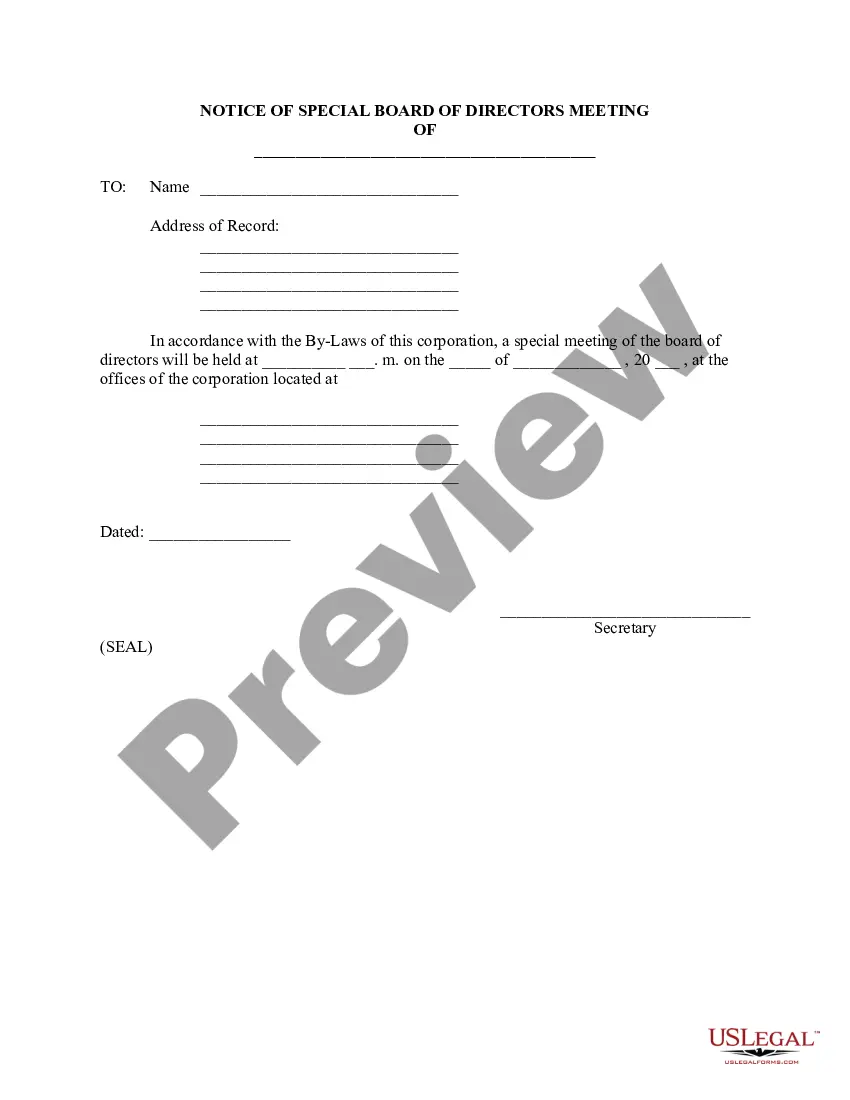
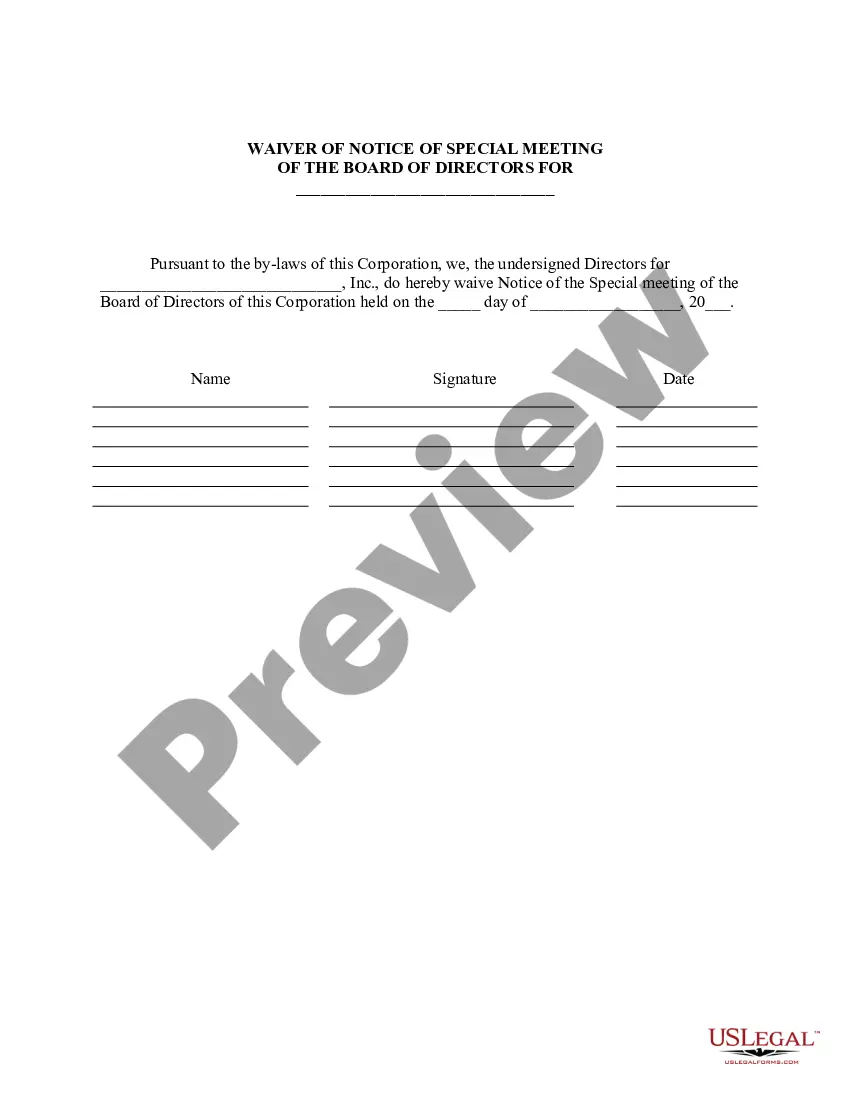
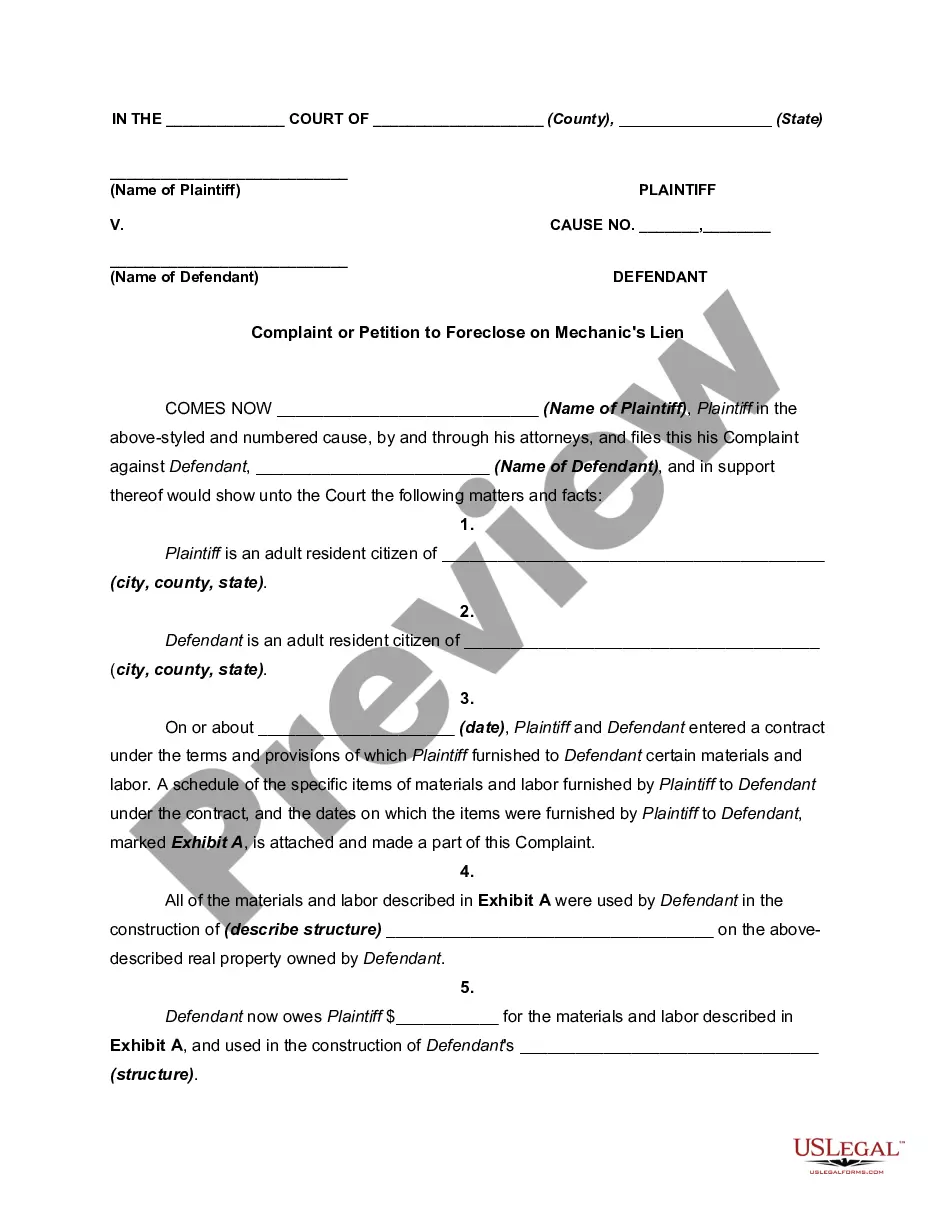
The _________________ Name of Governing Body of the _________________ Name of Public Entity (hereafter referred to as "governing body") will be holding a __________ regular or special meeting on _____________ Date at ________ Time.
Here are five steps to write a notice of meeting letter: Create a header. Start by creating a header for the notice of meeting letter. Write meeting information. Below the header, write a brief paragraph that includes the meeting's information. List the agenda. Conclude the letter. Revise the letter.
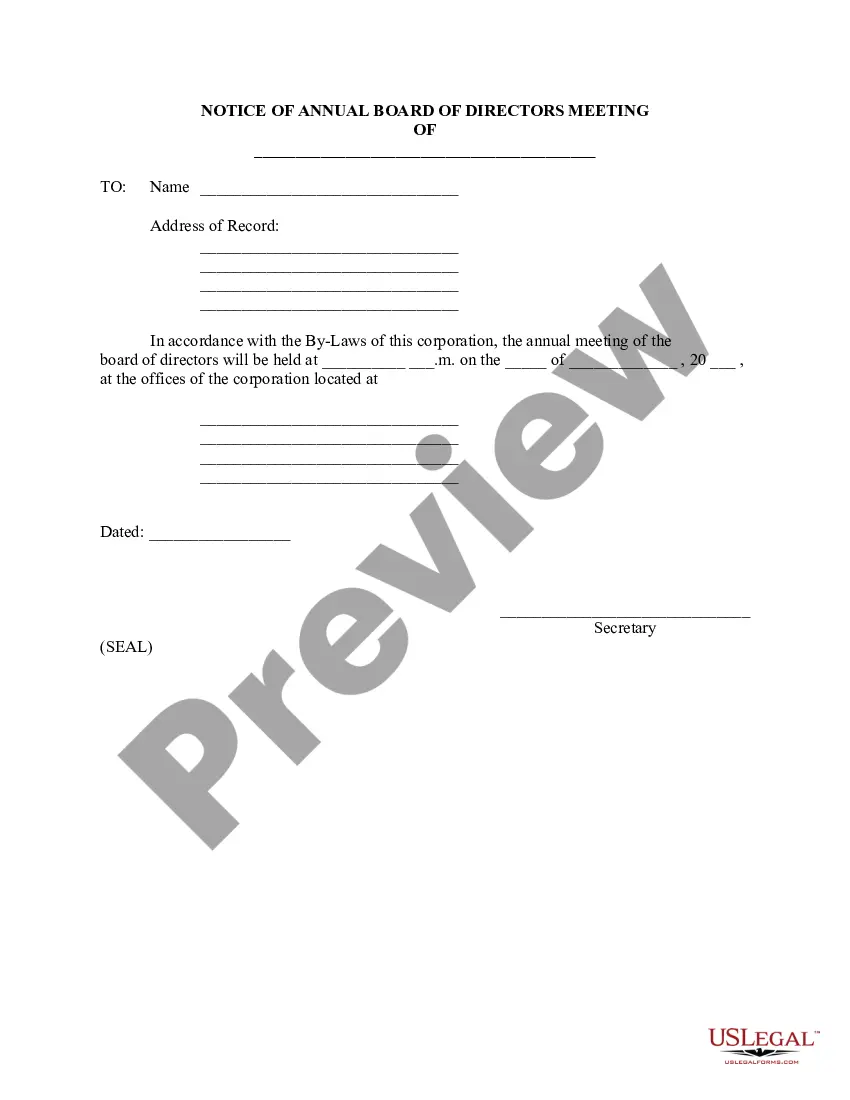
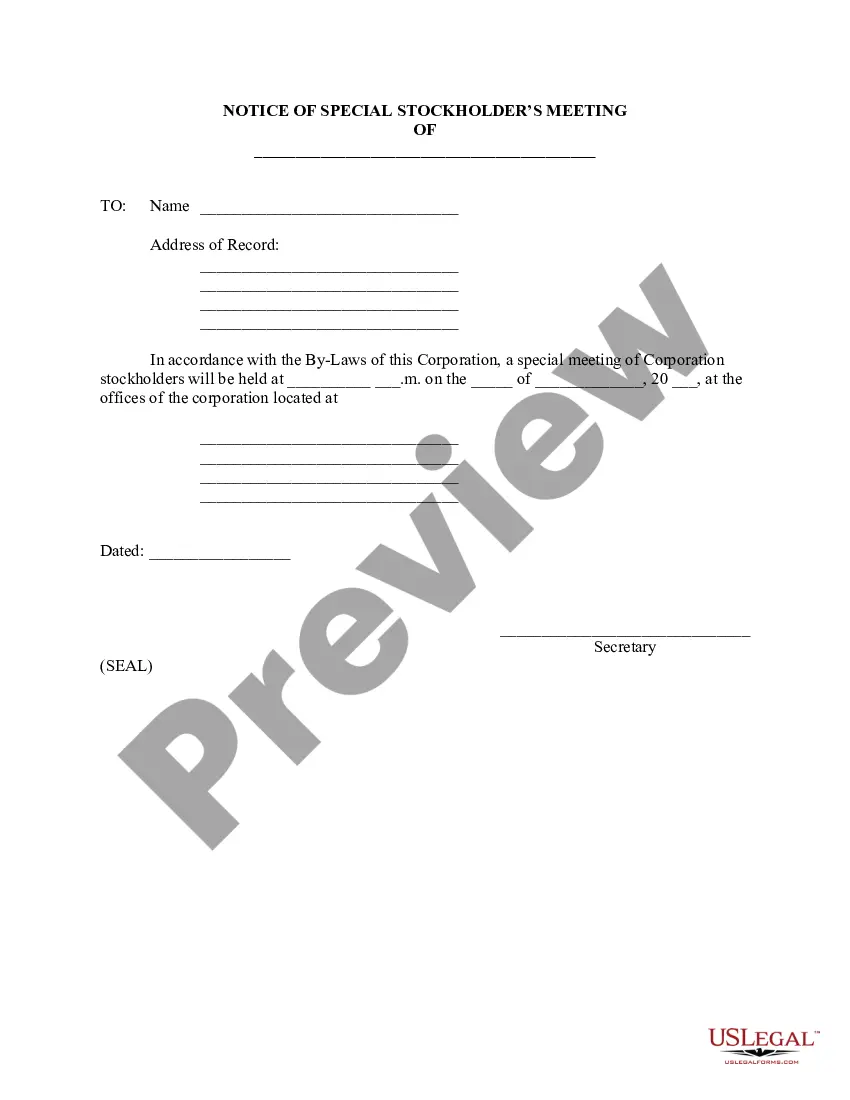
A meeting notice should include the following key details: Name and contact information of the meeting chair. Name and role of the sender of the meeting notice. Names and roles of all the invitees. Type of meeting — regular, annual, or special. Date, time and location of the meeting (the notice should also be dated)
A proper meeting notice should include: Date, Time, and Venue: Clear details on when and where the meeting will take place. Purpose of the Meeting: A brief description of the meeting's objectives. Agenda: An outline of topics to be discussed; this helps attendees prepare for the meeting.
Include the agenda, date, time, and location Determine the agenda for the meeting and write it down. Decide on the date and time for the meeting, making sure to account for any potential conflicts. Choose the location for the meeting and include the address. Put all of this information into the meeting notice.
Your notice must follow state and company guidelines, but it should have your company name , the date and time of the meeting, the location of the meeting, an agenda , and notes . For more information about how to prepare a notice of meeting, read this article.
A public meeting refers to a meeting that is open to the public. A public hearing is open to the public but is regarding a specific proposal/project.
You can also email the RMV for assistance at MassDOTRMVSeniors@dot.state.ma. For registration related transactions that CANNOT be done at a Service Center, see list below in the Services section.