Release Letter Sample With Subject Line In Wayne
Description

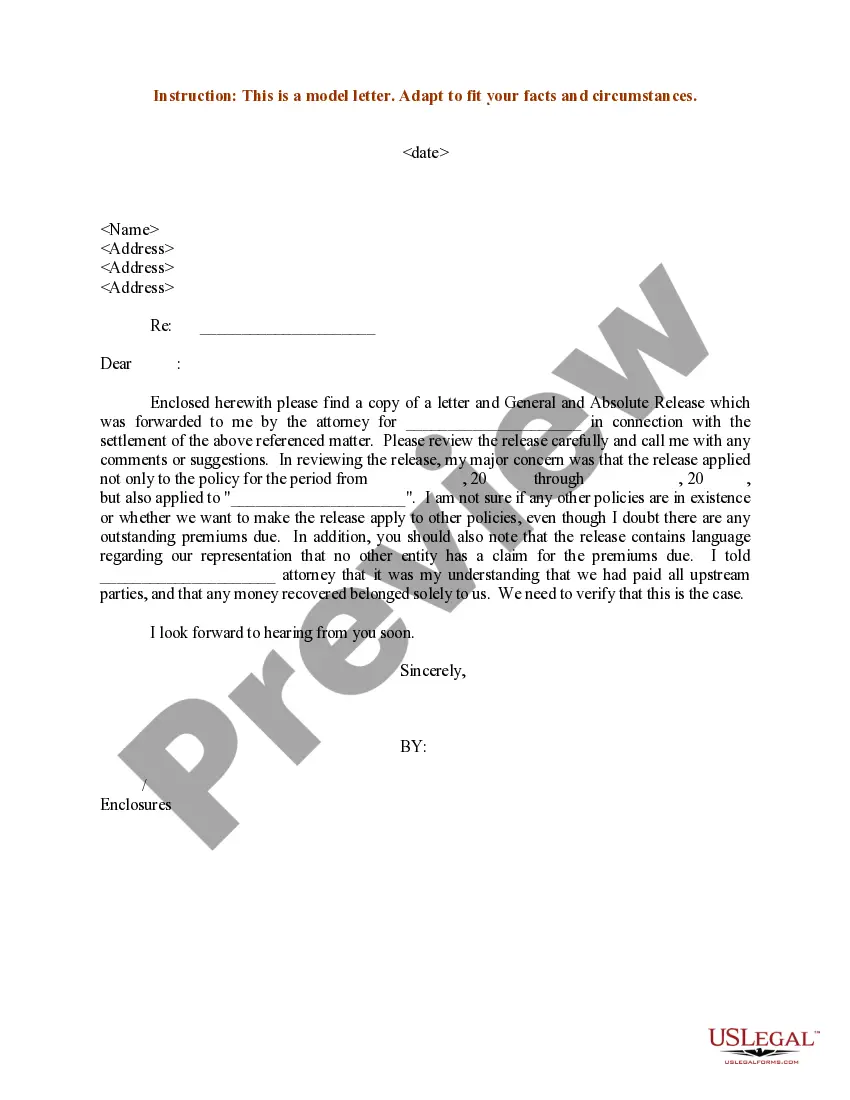
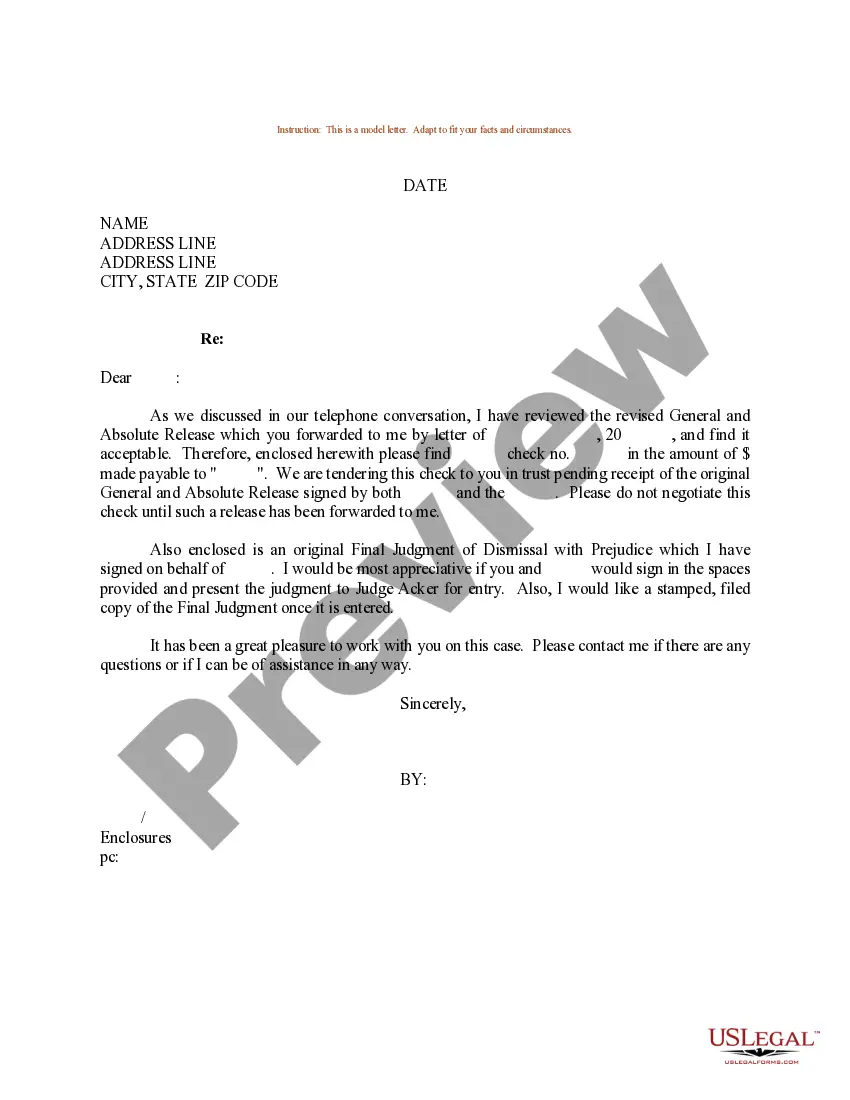
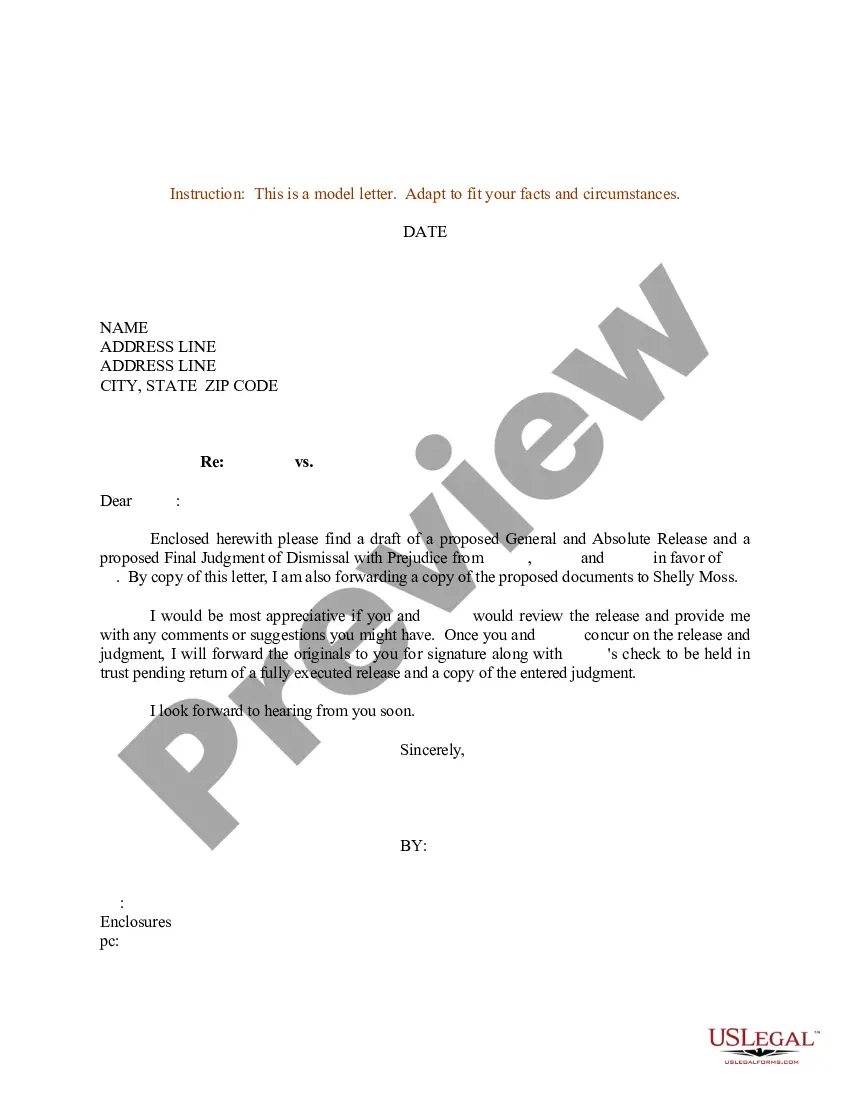
Get your form ready online
Our built-in tools help you complete, sign, share, and store your documents in one place.
Make edits, fill in missing information, and update formatting in US Legal Forms—just like you would in MS Word.
Download a copy, print it, send it by email, or mail it via USPS—whatever works best for your next step.
Sign and collect signatures with our SignNow integration. Send to multiple recipients, set reminders, and more. Go Premium to unlock E-Sign.
If this form requires notarization, complete it online through a secure video call—no need to meet a notary in person or wait for an appointment.
We protect your documents and personal data by following strict security and privacy standards.

Make edits, fill in missing information, and update formatting in US Legal Forms—just like you would in MS Word.

Download a copy, print it, send it by email, or mail it via USPS—whatever works best for your next step.

Sign and collect signatures with our SignNow integration. Send to multiple recipients, set reminders, and more. Go Premium to unlock E-Sign.

If this form requires notarization, complete it online through a secure video call—no need to meet a notary in person or wait for an appointment.

We protect your documents and personal data by following strict security and privacy standards.
Looking for another form?
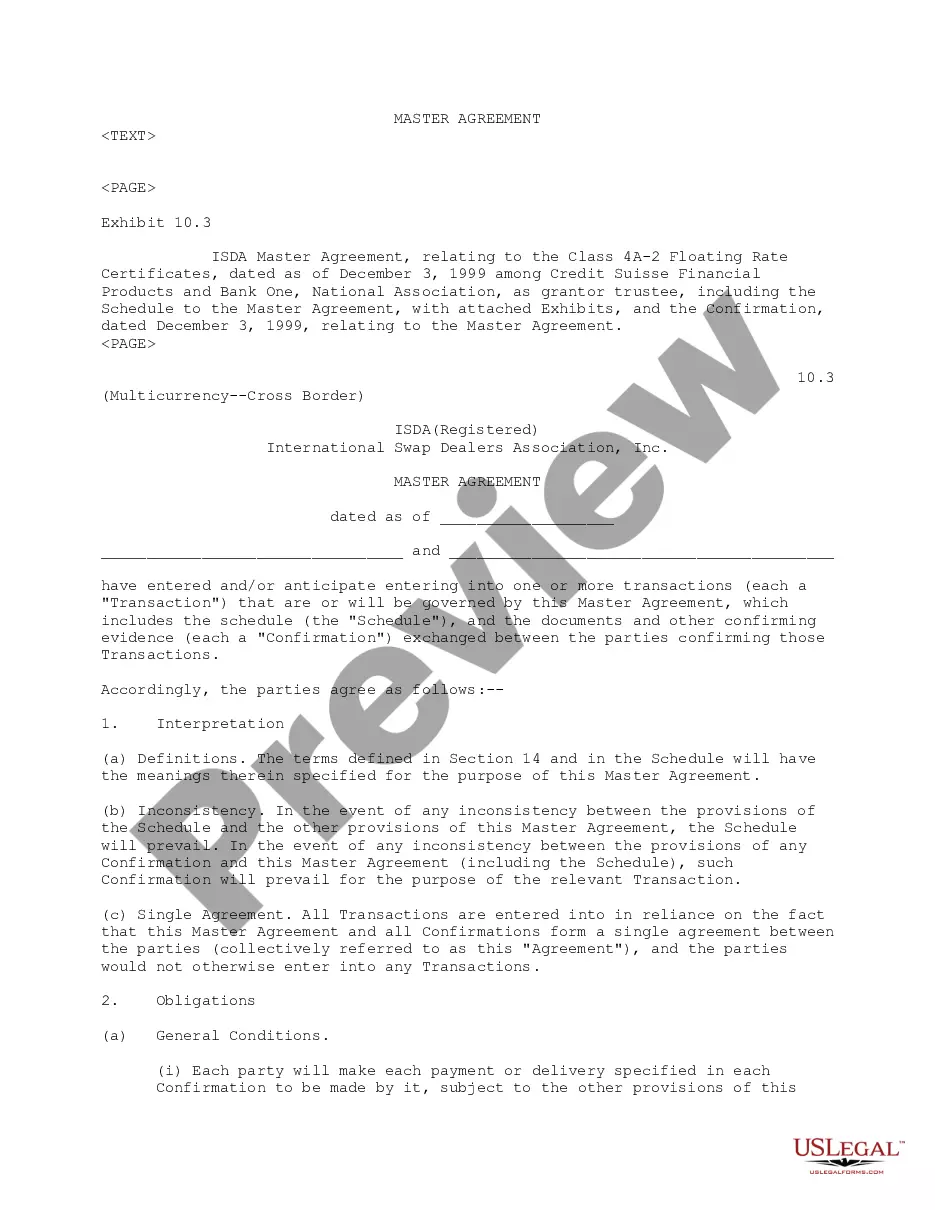








Form popularity
FAQ
16 tips for writing email subject lines that work Tell readers what your email is about. Insert your reader's name. Use AI for inspiration. Personalize the sender address. Refer to your reader's location. Highlight your reader's interests. Make it relevant. Avoid looking like spam.
5 Steps to Prepare a Release Letter Step 1: Format Your Letter. Set up the format of the letter in the standard business format. Step 2: Information About the Release. Step 3: Maintaining the Tone. Step 4: Make it Short and Crisp. Step 5: Logo of the Company and the Name.
The subject line is usually placed between the salutation and the body of the letter (with a blank line in between).
Most official letters carry a subject line just above the salutation. This is for quick reference to the subject.
In a cover letter, the salutation typically comes before the subject line, as it serves as the greeting to the recipient. The subject line, on the other hand, is a brief descriptor that summarizes the content of the email or letter and is usually placed at the beginning of the message, following the salutation.
A subject line specifying the topic of the letter, if included, comes between the salutation and the body of the letter. The introductory word Subject may be used, but is not essential. The terms Re and In re should be reserved for legal correspondence.
Tips for subject lines Add personalization. Use merge tags to personalize your subject lines with each recipient's name or location. Be descriptive. Sometimes, it's better to be direct and descriptive than trendy. Keep it short. Limit punctuation. Use emojis carefully.
The subject line is entered either entirely in upper case or in boldface. It may begin flush with the left margin or be centred for emphasis. It is not used in personal correspondence, where the subject is usually referred to in the first paragraph.
Your subject line should clearly communicate what the press release is about. Avoid vague or misleading language. Journalists are looking for stories, so use this space to deliver value.
Quotes are a common element of a press release, designed to showcase the thought process or impact of your big news. But crafting the perfect quote can be daunting. You want your quote to convey so much – the excitement of the news, the emotional impact of your news on your audiences, your strong opinion on a topic.

