Release Letter Sample With Subject Line In Wake
Description

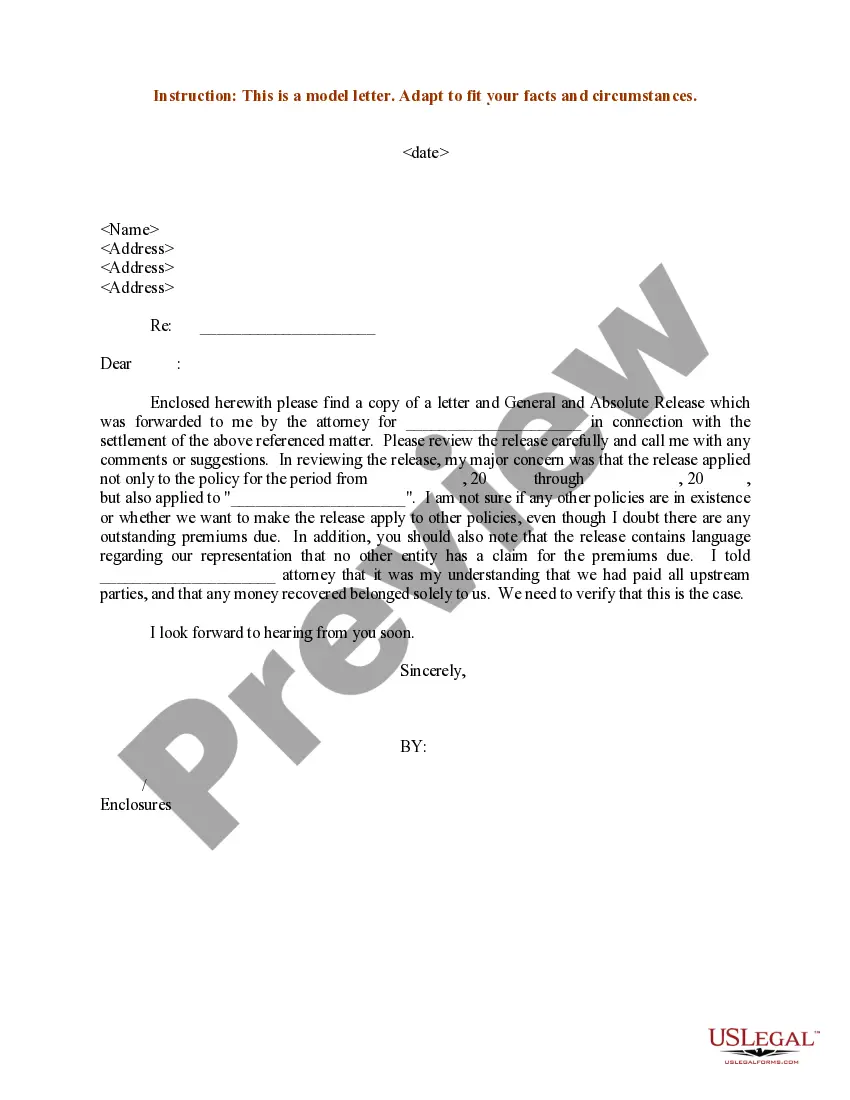
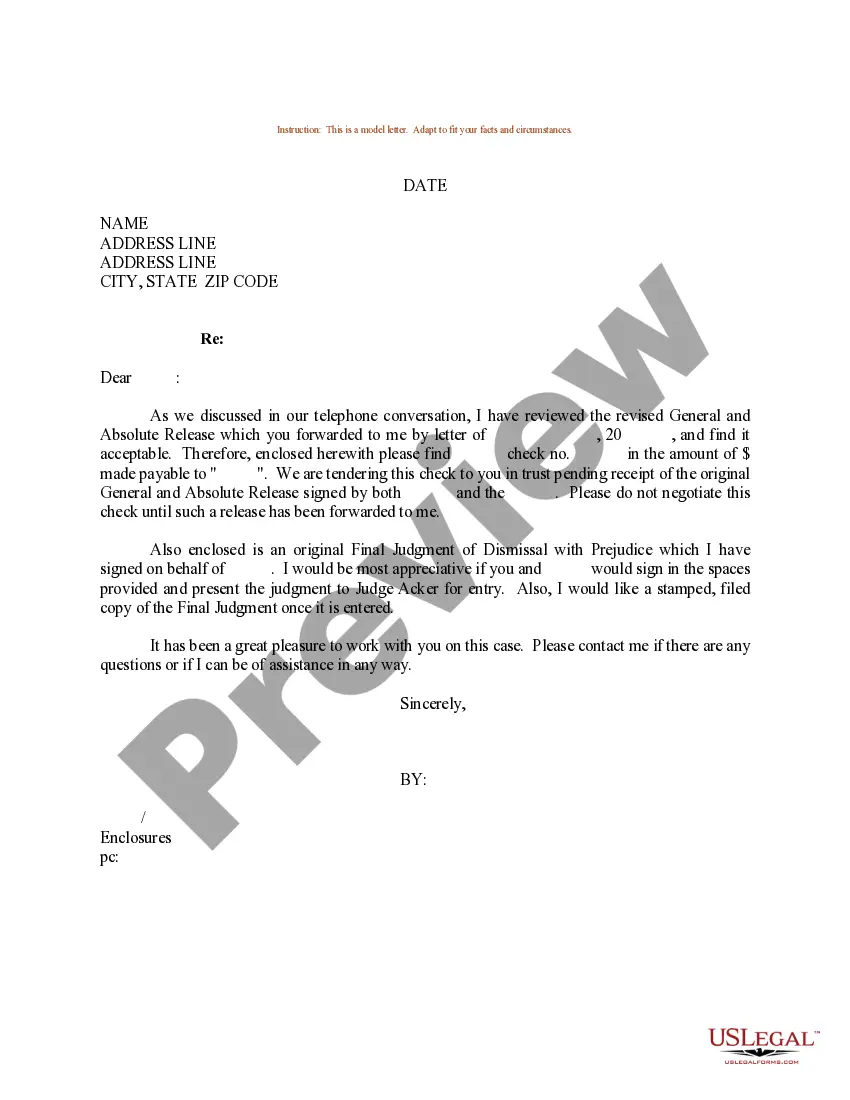
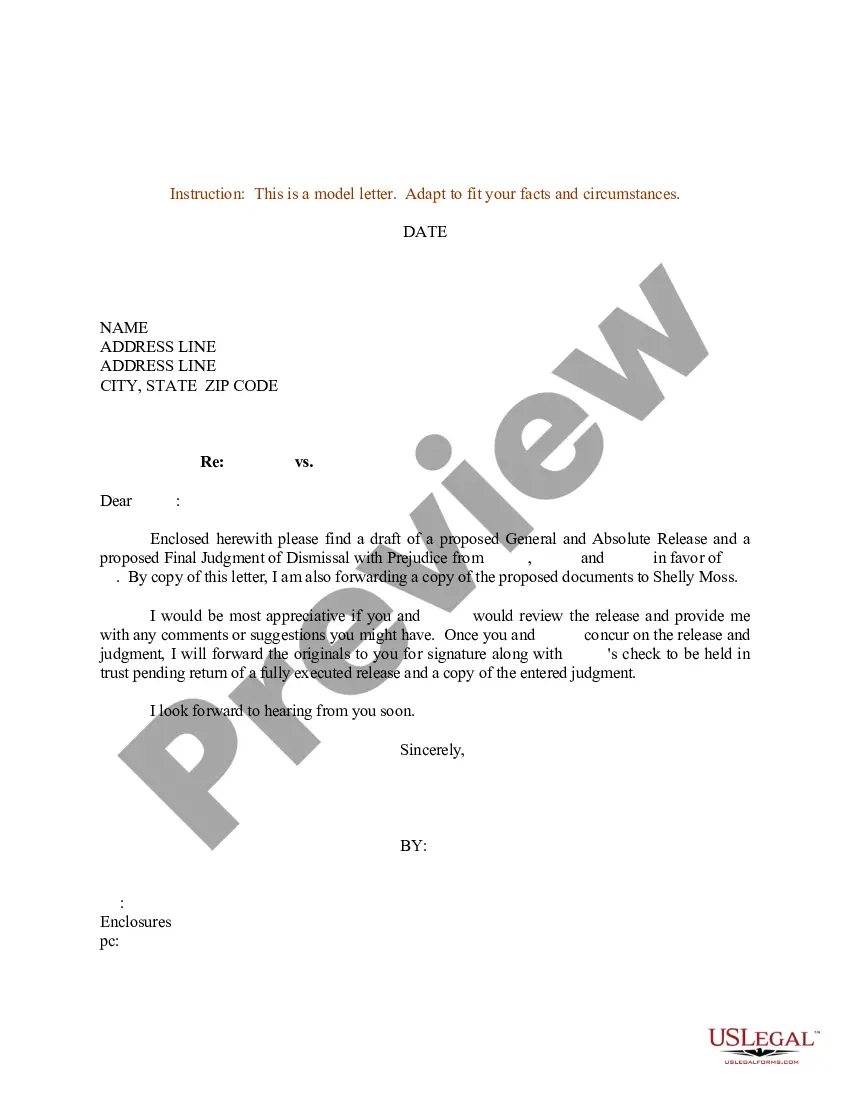
Get your form ready online
Our built-in tools help you complete, sign, share, and store your documents in one place.
Make edits, fill in missing information, and update formatting in US Legal Forms—just like you would in MS Word.
Download a copy, print it, send it by email, or mail it via USPS—whatever works best for your next step.
Sign and collect signatures with our SignNow integration. Send to multiple recipients, set reminders, and more. Go Premium to unlock E-Sign.
If this form requires notarization, complete it online through a secure video call—no need to meet a notary in person or wait for an appointment.
We protect your documents and personal data by following strict security and privacy standards.

Make edits, fill in missing information, and update formatting in US Legal Forms—just like you would in MS Word.

Download a copy, print it, send it by email, or mail it via USPS—whatever works best for your next step.

Sign and collect signatures with our SignNow integration. Send to multiple recipients, set reminders, and more. Go Premium to unlock E-Sign.

If this form requires notarization, complete it online through a secure video call—no need to meet a notary in person or wait for an appointment.

We protect your documents and personal data by following strict security and privacy standards.
Looking for another form?






Form popularity
FAQ
The subject line is entered either entirely in upper case or in boldface. It may begin flush with the left margin or be centred for emphasis. It is not used in personal correspondence, where the subject is usually referred to in the first paragraph.
Here are the best practices for writing subject lines to get your emails opened, read and acted upon. 1.1 Be direct and relevant. 1.2 Use action words. 1.3 Personalisation matters. 1.4 Don't overdo the urgency. 1.5 Avoid unnecessary jargon or spam triggers. 1.6 Be clear about the purpose. 1.7 Test and optimize.
Keep it concise and compelling Make sure you remember to keep your subject line concise to avoid it getting cut off in the inbox. Your subject line should be able to convey urgency, excitement, intrigue, feelings of welcomeness, or whatever the goal of your email message is in a few short words.
Your name and the position you're applying for will work fine as the subject line. Start with a greeting, usually using 'hello' or 'dear' are solid options. Avoid casual references or overly formal language like, 'to whom it may concern'. Ideally, you would address the hiring manager directly.
Rule #1: Keep It Short. A typical inbox reveals about 60 characters of an email's subject line. For several years, the common rule of thumb has been to make sure your email subject line is 50 characters or fewer. However, mobile phones usually show just 25 to 30 characters of an email subject line.
Here are a few examples of newsletter email subject lines: “Stay in the know: Our monthly newsletter is here!” “5 must-read articles for this week” “New product announcement: Be the first to know”
Here are the best practices for writing subject lines to get your emails opened, read and acted upon. 1.1 Be direct and relevant. 1.2 Use action words. 1.3 Personalisation matters. 1.4 Don't overdo the urgency. 1.5 Avoid unnecessary jargon or spam triggers. 1.6 Be clear about the purpose. 1.7 Test and optimize.
Your subject line should clearly communicate what the press release is about. Avoid vague or misleading language. Journalists are looking for stories, so use this space to deliver value.
Top 5 Subject Lines to Get Your Sales Email Opened “Introduction: Your Personal Name” or “Introduction: Your Company <> Prospect's Company This works because it's personal. “Quick question about prospect's company” ... Congratulations, Name on your new role at Company ... “Hi, name. “Connect?”
For Subject Lines: Keep It Short and Sweet: Aim for 6-10 words or about 50 characters. Personalize: Include the recipient's name or relevant details. Be Clear and Specific: Make it clear what the email is about. Use Numbers or Lists: Subject lines with numbers can attract attention, eg, ``5 Tips for Better Marketing.''

