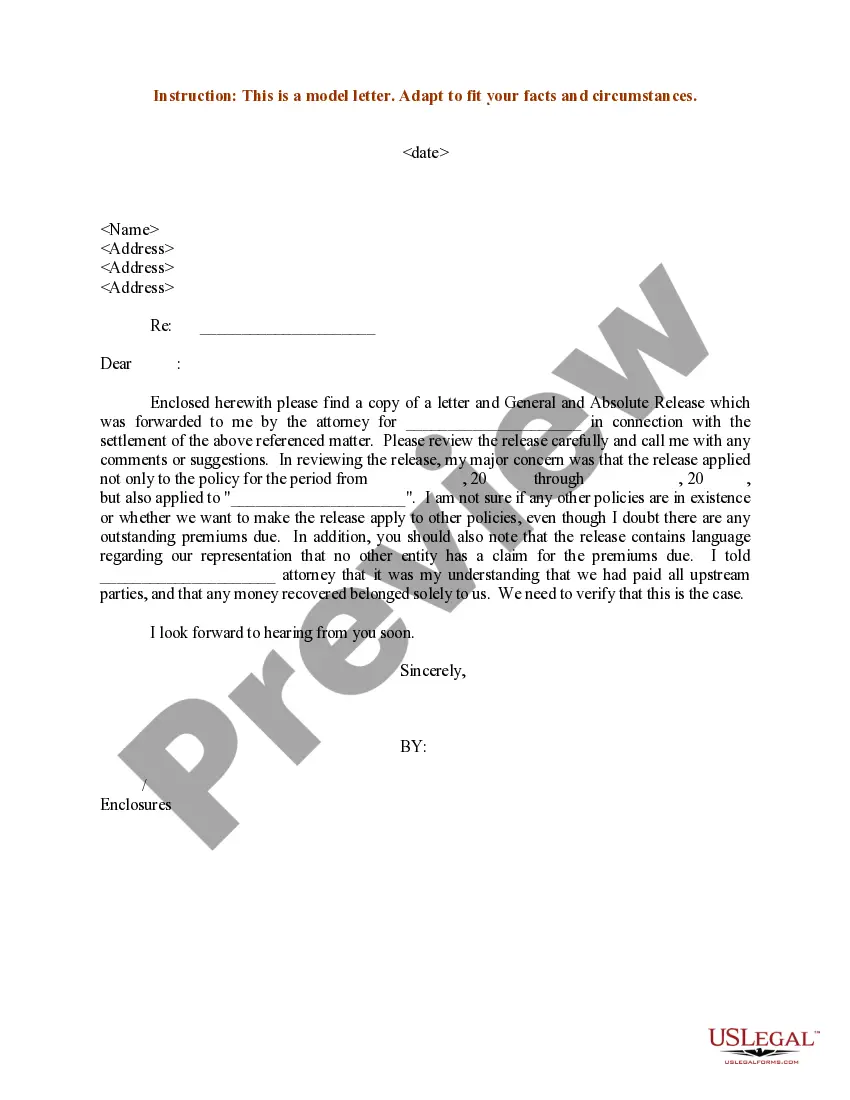
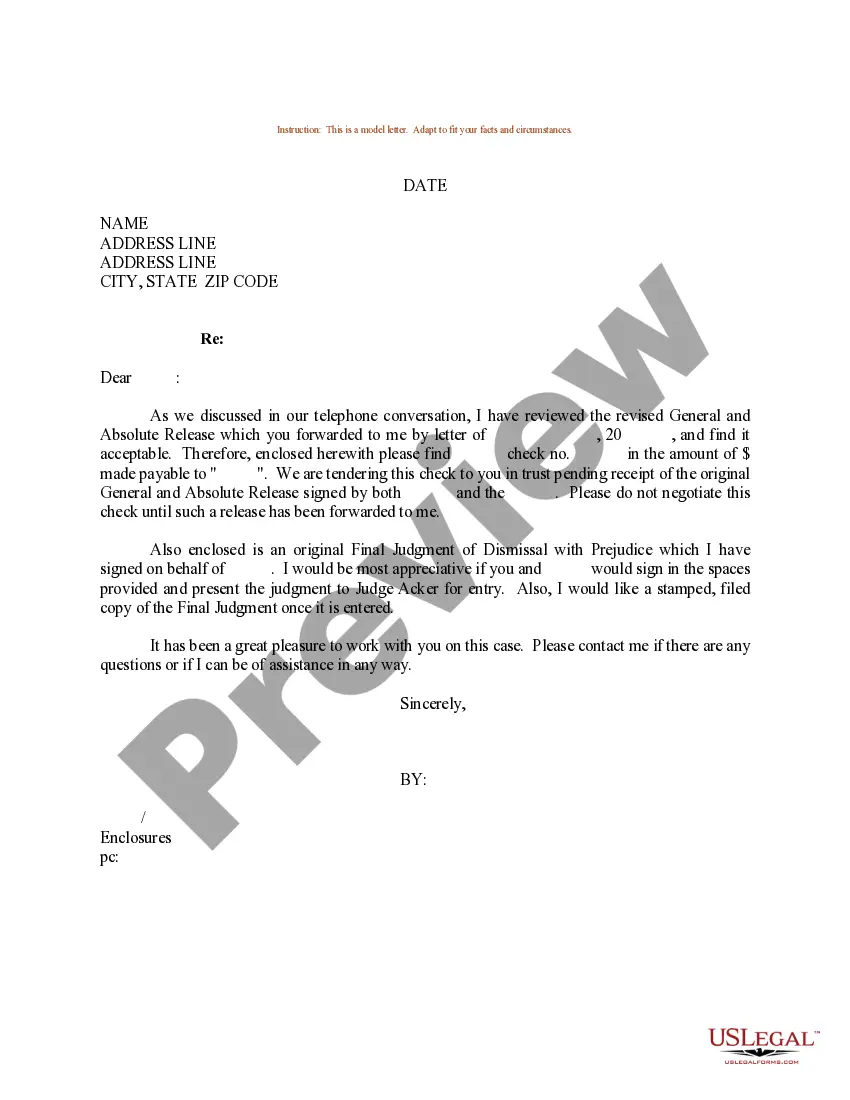
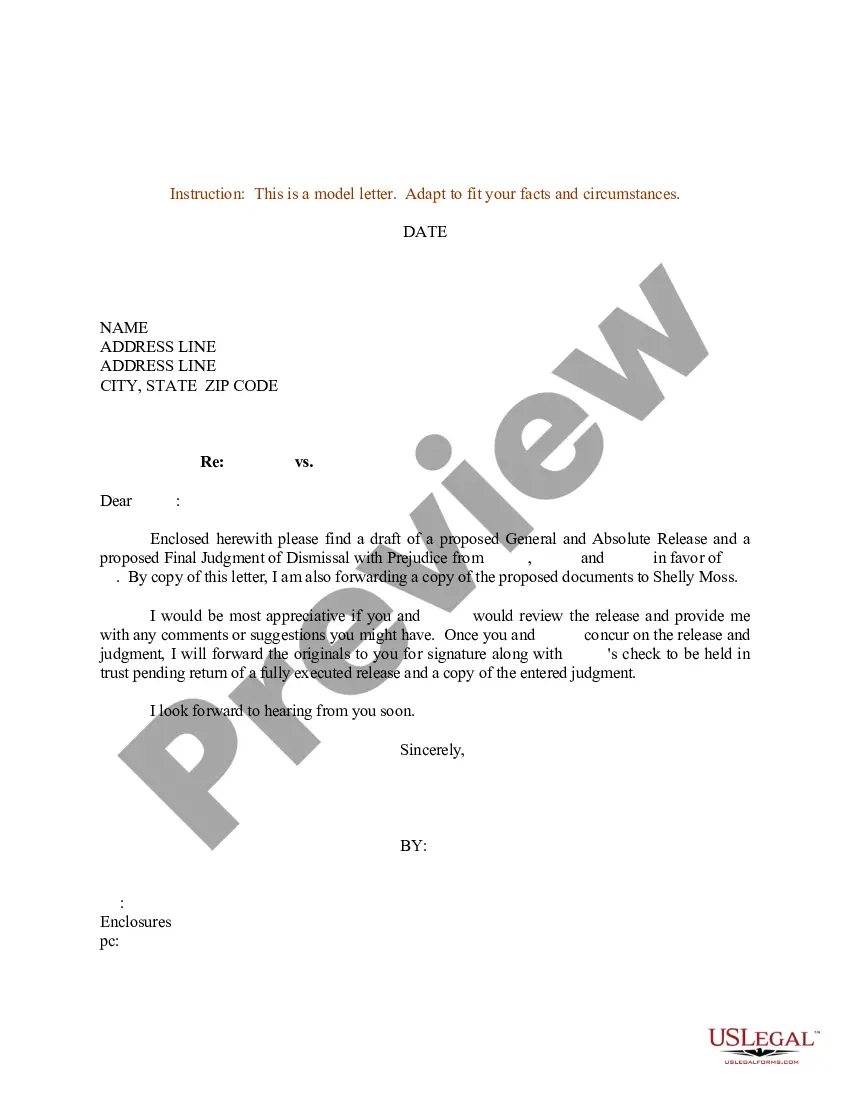
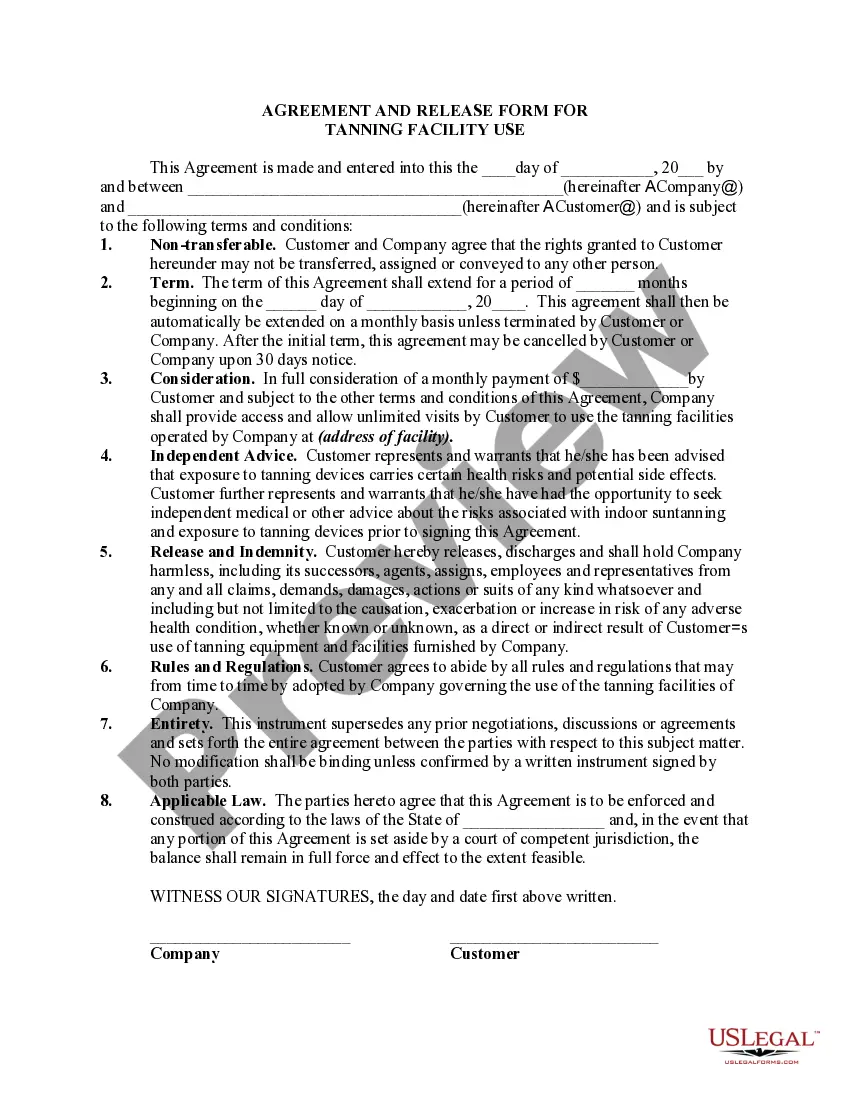
Release Letter Sample For University In Sacramento
Description

Get your form ready online
Our built-in tools help you complete, sign, share, and store your documents in one place.
Make edits, fill in missing information, and update formatting in US Legal Forms—just like you would in MS Word.
Download a copy, print it, send it by email, or mail it via USPS—whatever works best for your next step.
Sign and collect signatures with our SignNow integration. Send to multiple recipients, set reminders, and more. Go Premium to unlock E-Sign.
If this form requires notarization, complete it online through a secure video call—no need to meet a notary in person or wait for an appointment.
We protect your documents and personal data by following strict security and privacy standards.

Make edits, fill in missing information, and update formatting in US Legal Forms—just like you would in MS Word.

Download a copy, print it, send it by email, or mail it via USPS—whatever works best for your next step.

Sign and collect signatures with our SignNow integration. Send to multiple recipients, set reminders, and more. Go Premium to unlock E-Sign.

If this form requires notarization, complete it online through a secure video call—no need to meet a notary in person or wait for an appointment.

We protect your documents and personal data by following strict security and privacy standards.
Looking for another form?







Form popularity
FAQ
Students are required to request permission from the instructor via the OnBase Add/Drop form to add or drop a class after the second week of classes. To access the form log on to MySacState and navigate to the OnBase Forms page and select the “Petition to Add/Drop/Withdraw from Courses” form.
Make an appointment with any of our Liberal Studies Advisors on EAB. Bring a Change of Major form with you to your advising appointment. The advisor will talk to you about the program and classes you will need to take, and from the advisor will sign off on the form.
Admission Requirements (All Applicants) Preferred Cumulative Undergraduate GPA of 3.0. Applicants with GPAs between 2.5 and 2.99 will be given lower priority.
University Drop/Withdrawal Policy after 2nd Week of Semester Drops after the fourth week of the semester (Census date – September 23, 2024) are called withdrawals. Students wishing to withdraw from all courses should fill out the Semester Withdrawal Form available on OnBase.
Students with non-urgent questions may contact admissions@csus.
Student Service Center Information on canceling registration and withdrawal procedures is available from the Registrar's Office at (916) 278-1000. Sacramento State students withdrawing from all classes in a given semester must receive approval from the Student Services Counselor before leaving the university.
How to Drop Classes. As a student, it is your responsibility to drop your classes. You can drop your classes in eServices or by visiting Sacramento City College's Admissions & Records Office. Review the academic calendar for the semester to see important drop deadlines.
Passing grades are: “A”, “B”, “C”, “D” and all associated with "+" or "-" as well as a grade of “CR” (Credit). If you receive a passing grade, then enroll in the class a third time, those units will not be eligible for financial aid.
We have compiled a step-by-step guide on how to write an email to the university admissions office. Find the Right Contact Information. Address the Admissions Officer Respectfully. Introduce Yourself. Jump right into Your Question. Say Thank You and Write a Proper Sign-Off.
A: Contact the instructor (professor) of the course via email or during their office hours to ask permission to enroll. If the professor approves your enrollment, please submit an OnBase Add Form and attach the approval email.

