Release Letter Sample With Enclosure In Collin
Description

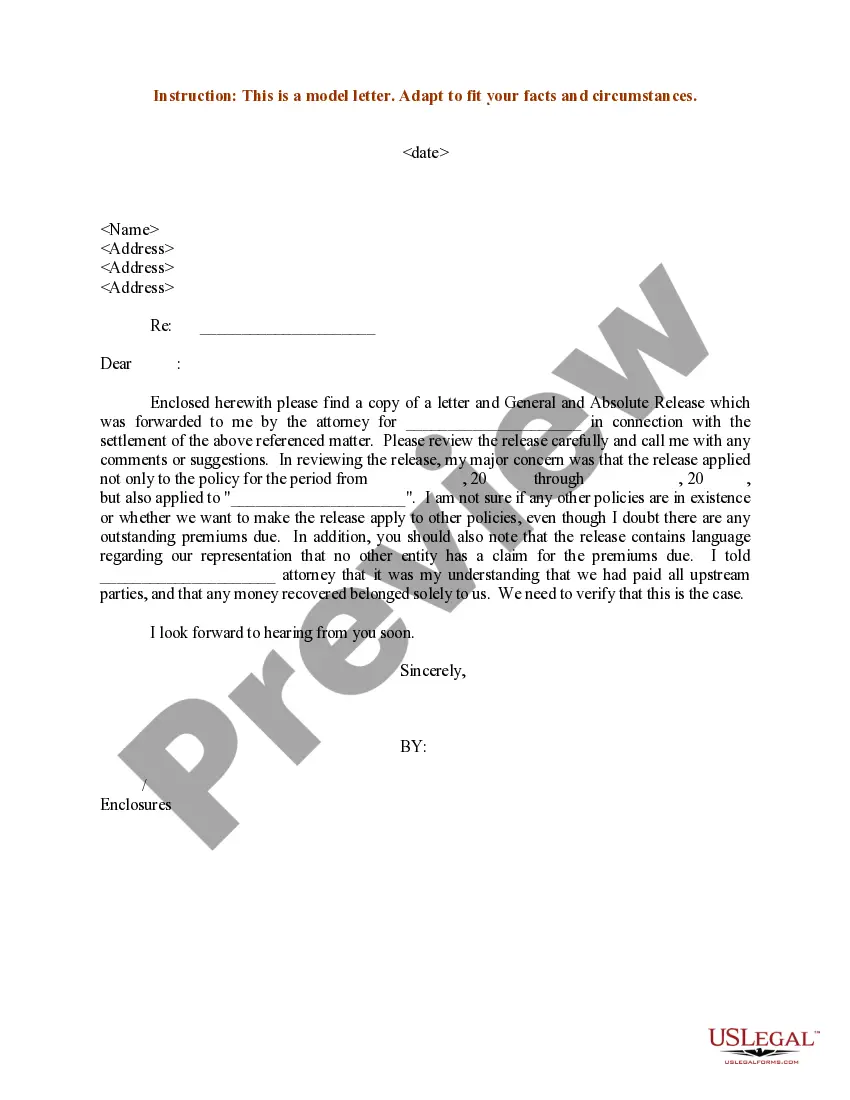
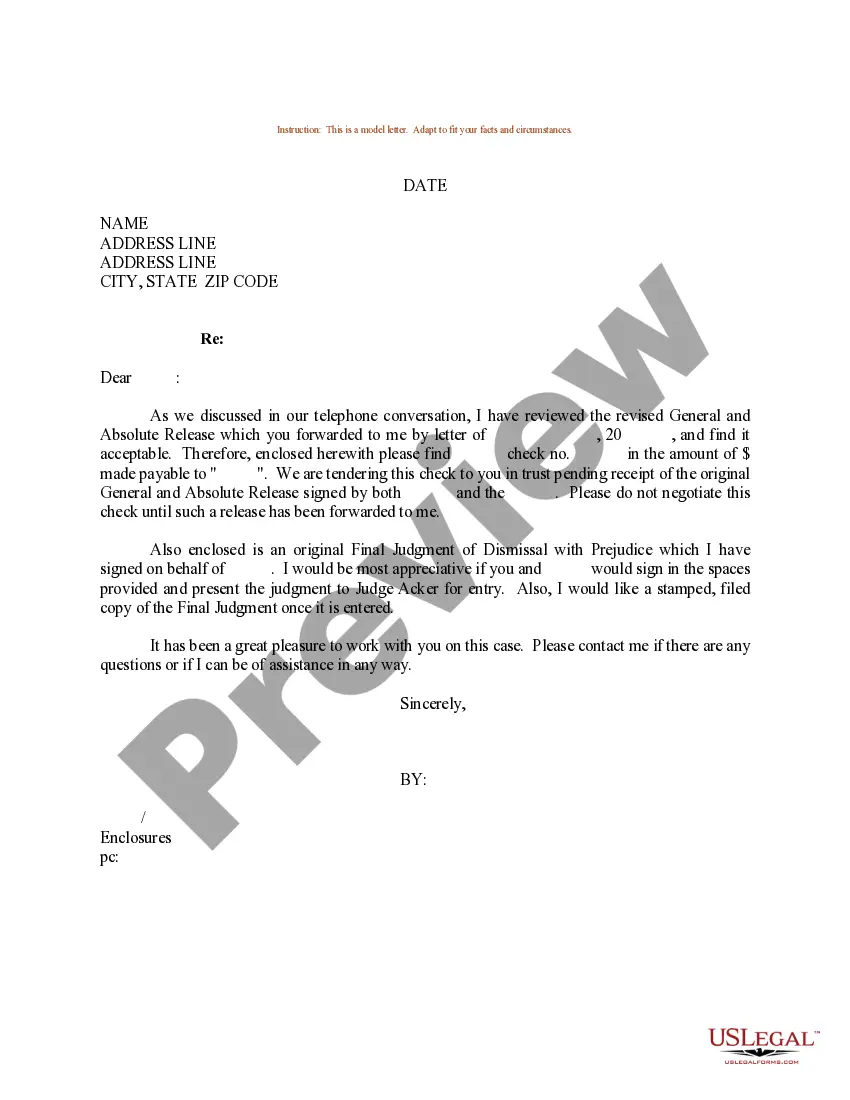
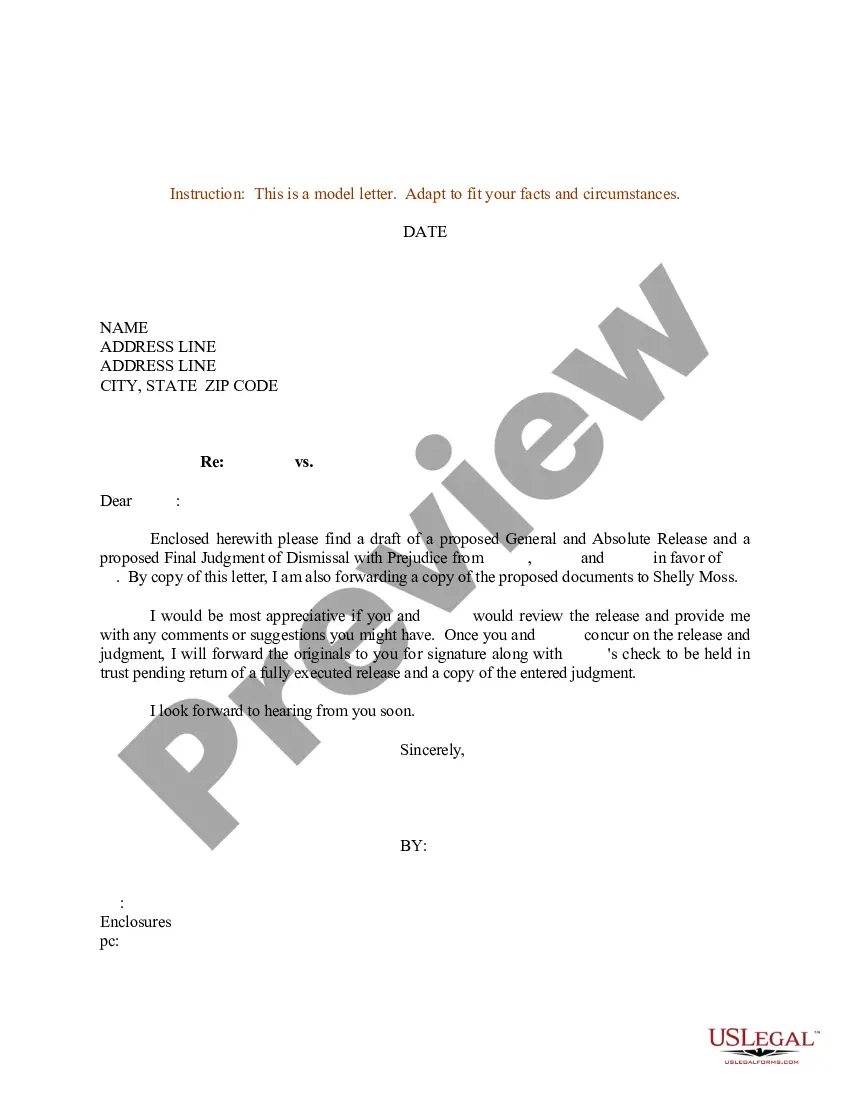
Get your form ready online
Our built-in tools help you complete, sign, share, and store your documents in one place.
Make edits, fill in missing information, and update formatting in US Legal Forms—just like you would in MS Word.
Download a copy, print it, send it by email, or mail it via USPS—whatever works best for your next step.
Sign and collect signatures with our SignNow integration. Send to multiple recipients, set reminders, and more. Go Premium to unlock E-Sign.
If this form requires notarization, complete it online through a secure video call—no need to meet a notary in person or wait for an appointment.
We protect your documents and personal data by following strict security and privacy standards.

Make edits, fill in missing information, and update formatting in US Legal Forms—just like you would in MS Word.

Download a copy, print it, send it by email, or mail it via USPS—whatever works best for your next step.

Sign and collect signatures with our SignNow integration. Send to multiple recipients, set reminders, and more. Go Premium to unlock E-Sign.

If this form requires notarization, complete it online through a secure video call—no need to meet a notary in person or wait for an appointment.

We protect your documents and personal data by following strict security and privacy standards.
Looking for another form?










Form popularity
FAQ
A cover letter enclosure is a document you include with a physical cover letter, such as a resume or letter of recommendation . When you include an enclosure with a cover letter, you need to show there is one by writing "enclosure" after your signature, so that the recipient is aware of what else you included.
If you need to note enclosures in a letter, leave a double space under your signature and salutation, then write “Enclosure.” To signify that your letter has more than 1 document enclosed, use the plural, “Enclosures” followed by a colon and the number of documents.
Depending on the type of letter and delivery method, there are different ways to indicate attachments and enclosures. For instance, if sending a business letter by mail or courier, you can write “Enclosure(s)” or “Encl.” at the bottom of the letter, followed by a list of the enclosed documents or files.
5 Steps to Prepare a Release Letter Step 1: Format Your Letter. Set up the format of the letter in the standard business format. Step 2: Information About the Release. Step 3: Maintaining the Tone. Step 4: Make it Short and Crisp. Step 5: Logo of the Company and the Name.
The enclosure is typically mentioned at the end of the letter, after the closing, and is indicated by the word "Enclosure" or "Enclosures" followed by the number of documents included. For example, "Enclosure: 1 resume" or "Enclosures: 2 writing samples, 1 reference list."
How to cite an enclosure in a business letter Add the closing to your letter. Before you cite an enclosure, add a closing to your business letter. Note the enclosure underneath your signature. Write down the title of the enclosure document. Add a description if necessary.
If something is enclosed with a letter, the notation “Enclosure” is typed a double-space below the writer's initials and/or typist's initials. If more than one item is enclosed, the word is made plural and followed by the number of items (e.g., “Enclosures 2”).
Note the enclosure underneath your signature You can write out the word "enclosure" entirely, or you can use abbreviations like "Enc." or "Encl." You can choose which abbreviation you want to use, but try to remain consistent if you regularly send letters with enclosures to one organization.
Under your name at the end of the letter, skip two lines. On the third line, write "Enclosure:" or "Enclosures:" if there are multiple documents. Skip a line after "Enclosures:" and then begin your list of enclosures. Put each enclosed document title on its own line.

