Submission Agreement Sample For Business In Sacramento
Description



Get your form ready online
Our built-in tools help you complete, sign, share, and store your documents in one place.
Make edits, fill in missing information, and update formatting in US Legal Forms—just like you would in MS Word.
Download a copy, print it, send it by email, or mail it via USPS—whatever works best for your next step.
Sign and collect signatures with our SignNow integration. Send to multiple recipients, set reminders, and more. Go Premium to unlock E-Sign.
If this form requires notarization, complete it online through a secure video call—no need to meet a notary in person or wait for an appointment.
We protect your documents and personal data by following strict security and privacy standards.

Make edits, fill in missing information, and update formatting in US Legal Forms—just like you would in MS Word.

Download a copy, print it, send it by email, or mail it via USPS—whatever works best for your next step.

Sign and collect signatures with our SignNow integration. Send to multiple recipients, set reminders, and more. Go Premium to unlock E-Sign.

If this form requires notarization, complete it online through a secure video call—no need to meet a notary in person or wait for an appointment.

We protect your documents and personal data by following strict security and privacy standards.
Looking for another form?









Form popularity
FAQ
In California, you are not required to file any paperwork with the State or elsewhere to create a general partnership (although you can choose to do so).
General Partnership (GP) To register a GP at the state level, a Statement of Partnership Authority (Form GP–1) must be filed with the California Secretary of State's office. Note: Registering a GP at the state level is optional.
Businesses need a Certificate of Status if a government agency requires one to register to do business in another state or country or for a professional license, business license or permit. Businesses also need a Certificate of Status if a private individual or concern requests one.
California Annual Report Information. Businesses and nonprofits are required to file annual reports to stay in good standing with the secretary of state.
When a company does business in a state, it's required to register with state agencies — typically the state's Secretary of State. The process through which a company files information and documents to register as a business in that state is known as a Secretary of State (SOS) filing.
To submit Form SI-100, you may file it online at the California Secretary of State's website or mail it to the Statement of Information Unit at P.O. Box 944230, Sacramento, CA 94244-2300. For in-person submissions, visit the Sacramento office located at 1500 11th Street, Sacramento, CA 95814.
Yes. California law requires LLCs to create an operating agreement during their initial registration process. The LLC does not have to file the operating agreement with the Secretary of State. Instead, the finished agreement is stored at the company's designated office where its records are kept.
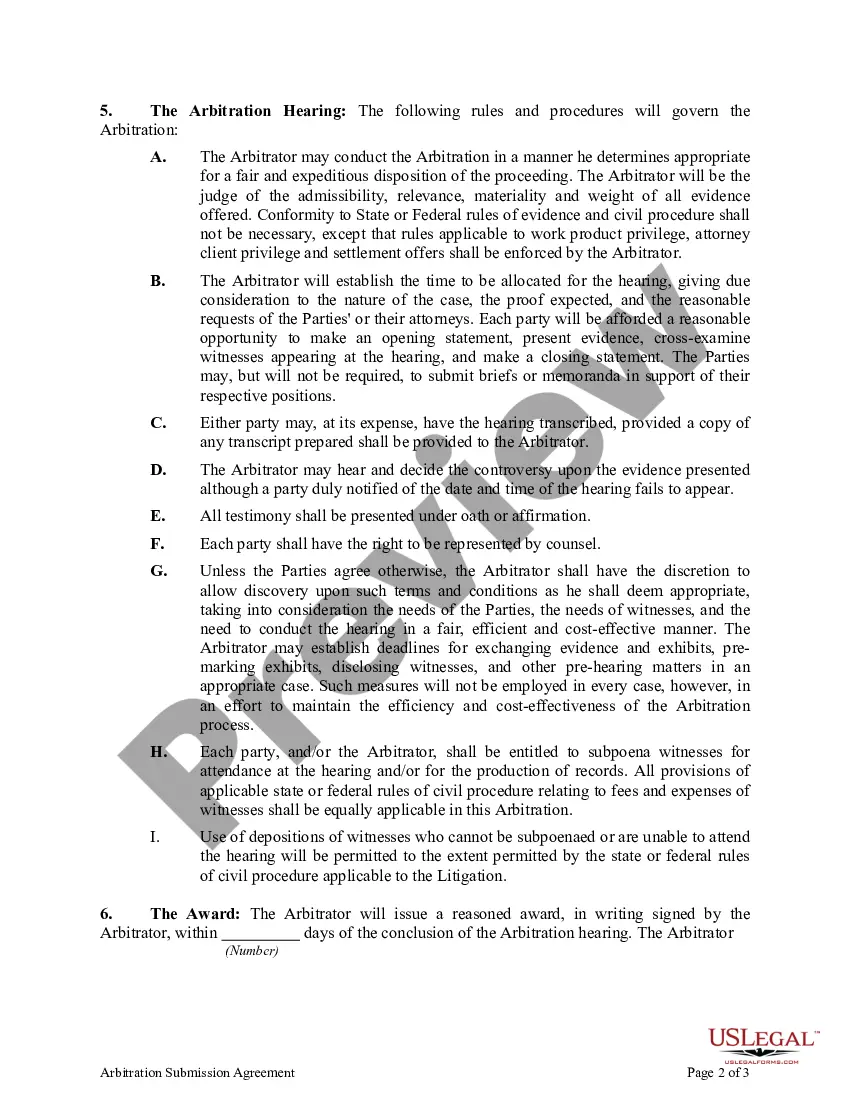
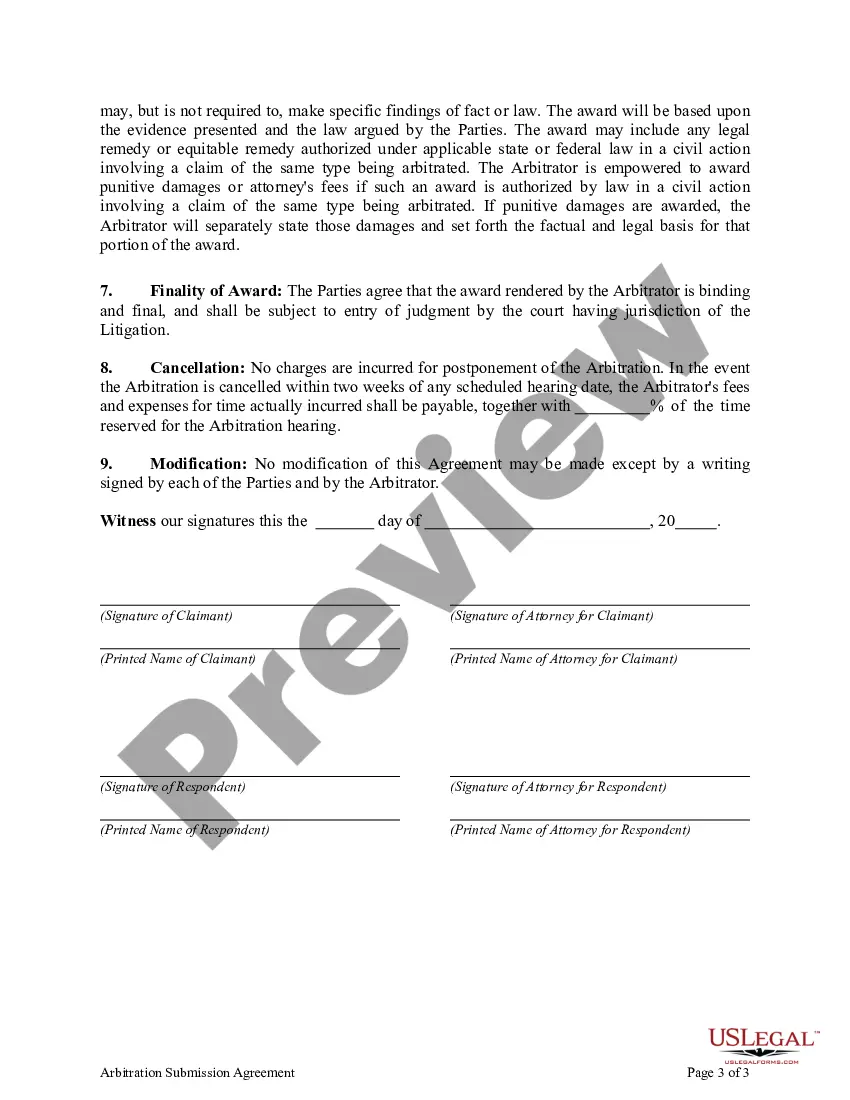
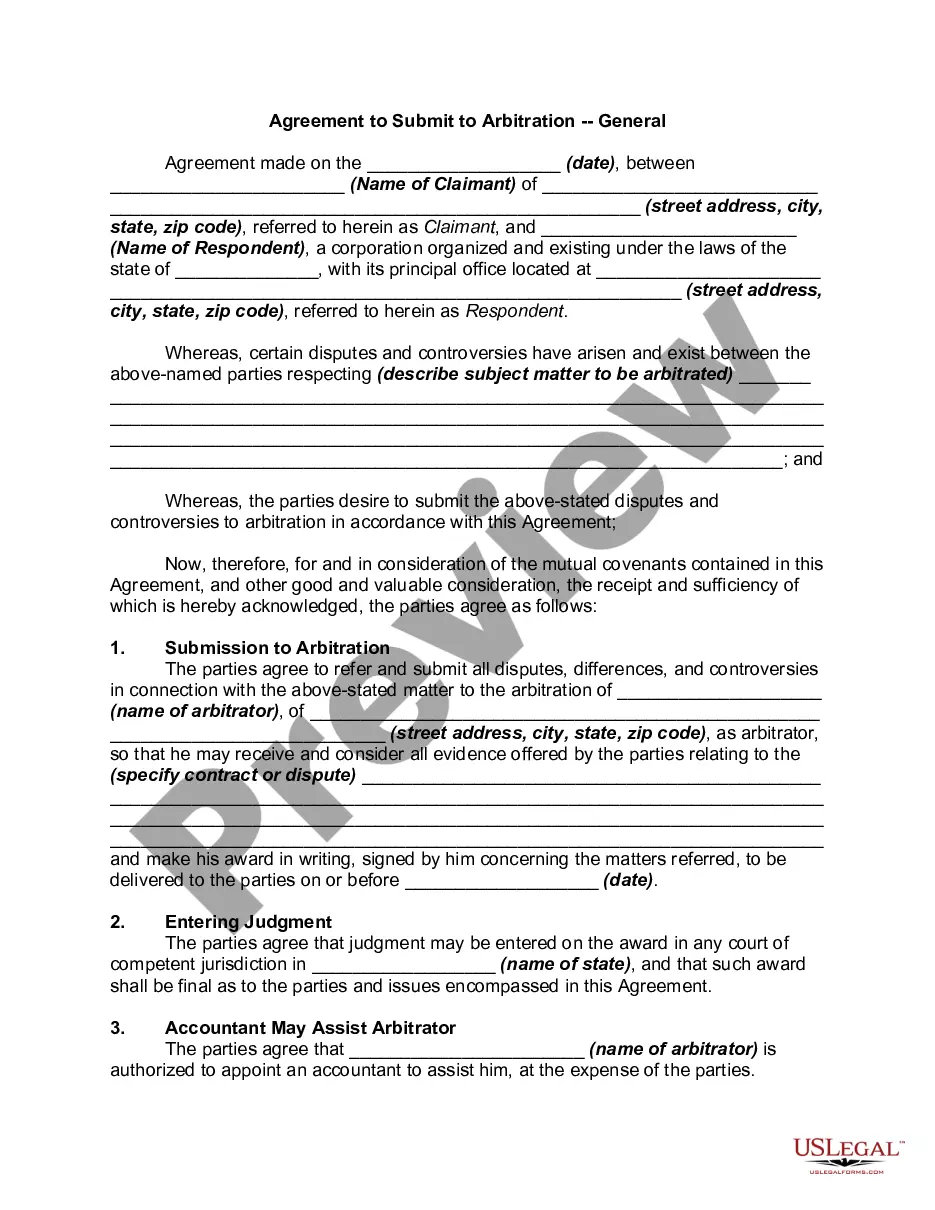
A “submission agreement” (also called an “agreement to arbitrate”) is a written agreement between two parties that establishes the use of arbitration to settle a dispute (or any and all disputes) that may arise between them.
A “submission agreement” (also called an “agreement to arbitrate”) is a written agreement between two parties that establishes the use of arbitration to settle a dispute (or any and all disputes) that may arise between them.
Submission Agreement: The Submission Agreement lists the parties in the arbitration case and confirms that FINRA will administer it. It also establishes that, if the case ends with a hearing, the parties all agree to abide by the arbitrators' decisions.
