Meeting Minutes Form Format Email In Allegheny
Description




Get your form ready online
Our built-in tools help you complete, sign, share, and store your documents in one place.
Make edits, fill in missing information, and update formatting in US Legal Forms—just like you would in MS Word.
Download a copy, print it, send it by email, or mail it via USPS—whatever works best for your next step.
Sign and collect signatures with our SignNow integration. Send to multiple recipients, set reminders, and more. Go Premium to unlock E-Sign.
If this form requires notarization, complete it online through a secure video call—no need to meet a notary in person or wait for an appointment.
We protect your documents and personal data by following strict security and privacy standards.

Make edits, fill in missing information, and update formatting in US Legal Forms—just like you would in MS Word.

Download a copy, print it, send it by email, or mail it via USPS—whatever works best for your next step.

Sign and collect signatures with our SignNow integration. Send to multiple recipients, set reminders, and more. Go Premium to unlock E-Sign.

If this form requires notarization, complete it online through a secure video call—no need to meet a notary in person or wait for an appointment.

We protect your documents and personal data by following strict security and privacy standards.
Looking for another form?









Form popularity
FAQ
Write the email body: Reference the meeting minutes to populate agenda items, summaries for each and any related action items. Add attachments or references: Insert links to resources or attach documents to the email. Ensure you indicate where and why the attachments are important in the body of the email.
Hi (Recipient's name), Thank you for inviting me to the (meeting title). Please accept this email as confirmation that I would like to attend. You can share any information with me about the meeting, including the agenda (or travel information, etc.)
I have attached a copy of the full meeting minutes for your reference. Please let me know if you have any questions or comments regarding the minutes. Thank you for your time and attention, and I look forward to your feedback on the minutes.
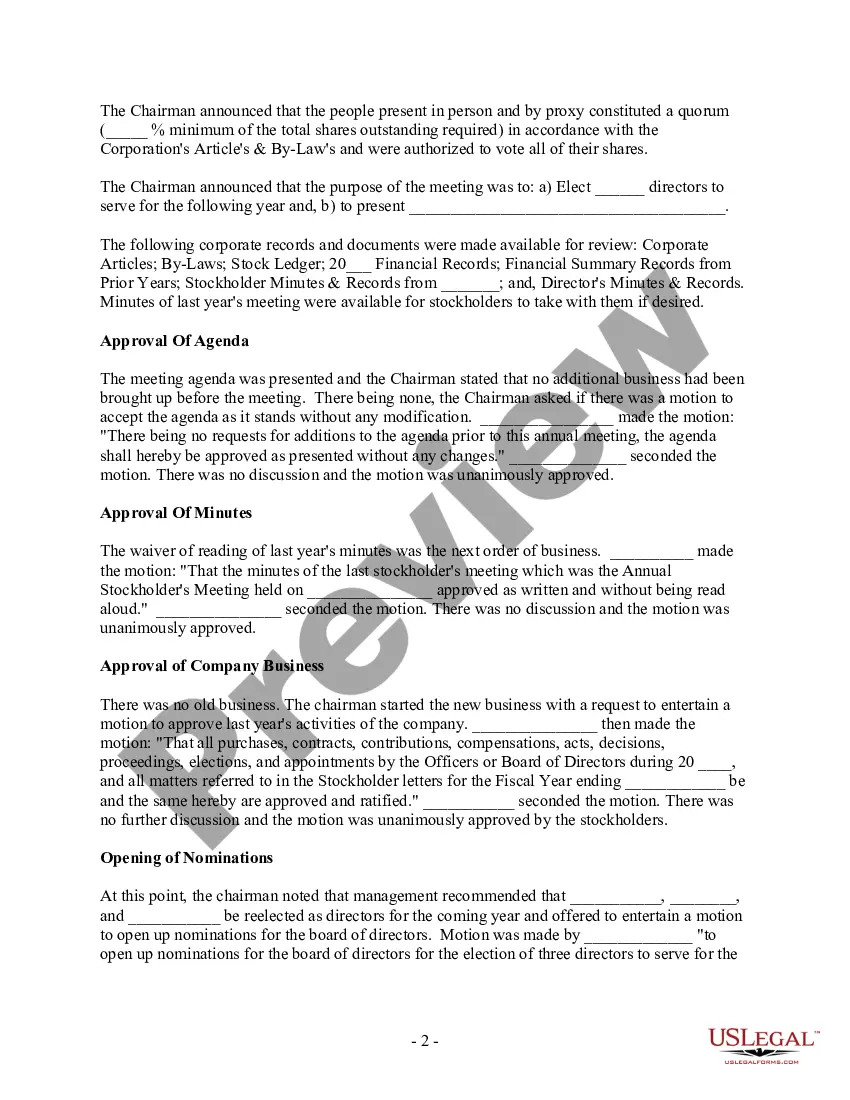
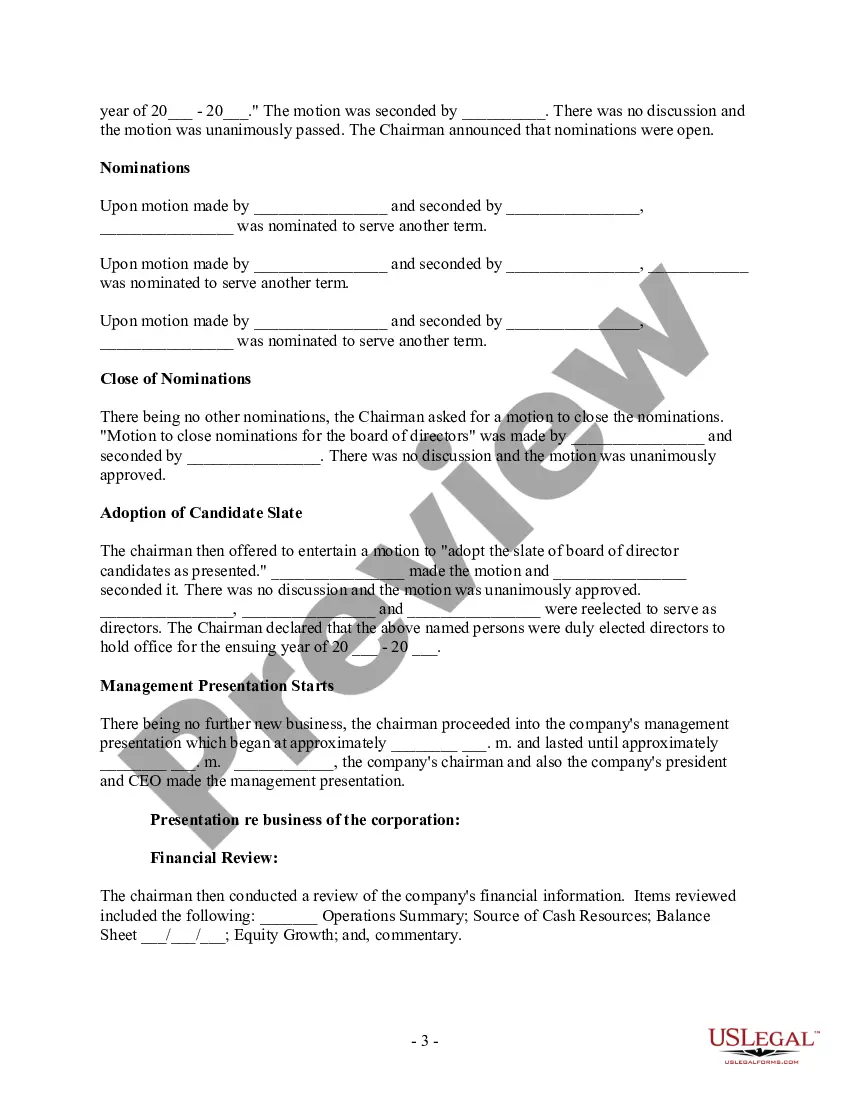
Meeting Minutes Template: Organization Name. Meeting Minutes. Date: Opening: The meeting was called to order at Time by Name at Location. Present: List of all present members Absent: List of any members who were not present Approval of Agenda: The agenda was reviewed and approved. Approval of Minutes:
How to write a 'thank you for the meeting' email Have a clear subject line. Use a personal greeting. Use appreciative language. Refresh attendees' memory. Include the next steps. Offer additional help or information. Sign off professionally. Proofread before sending.
How to approve board meeting minutes? Chairperson or presiding officer: “The minutes have been read/distributed. Chairperson or presiding officer: “Are there any further corrections?” (If there are no further corrections) Chairperson or presiding officer: “The minutes stand approved as read/distributed/corrected.”
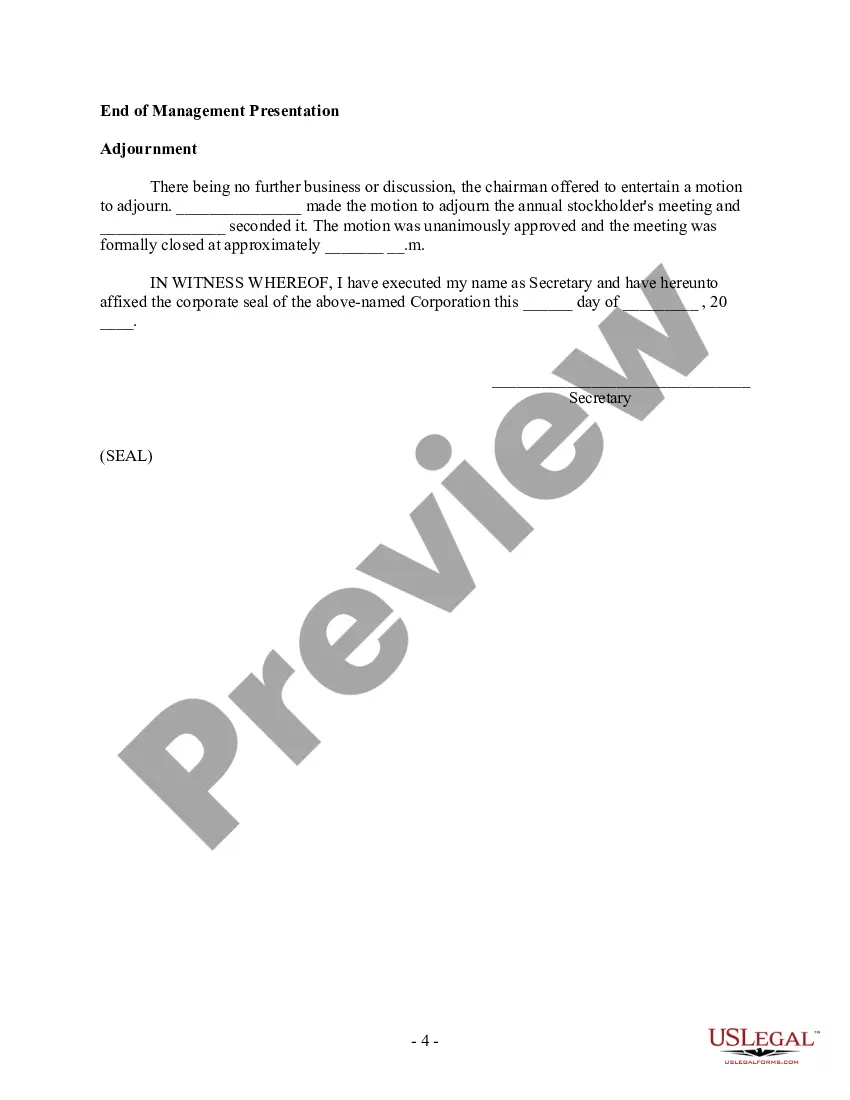
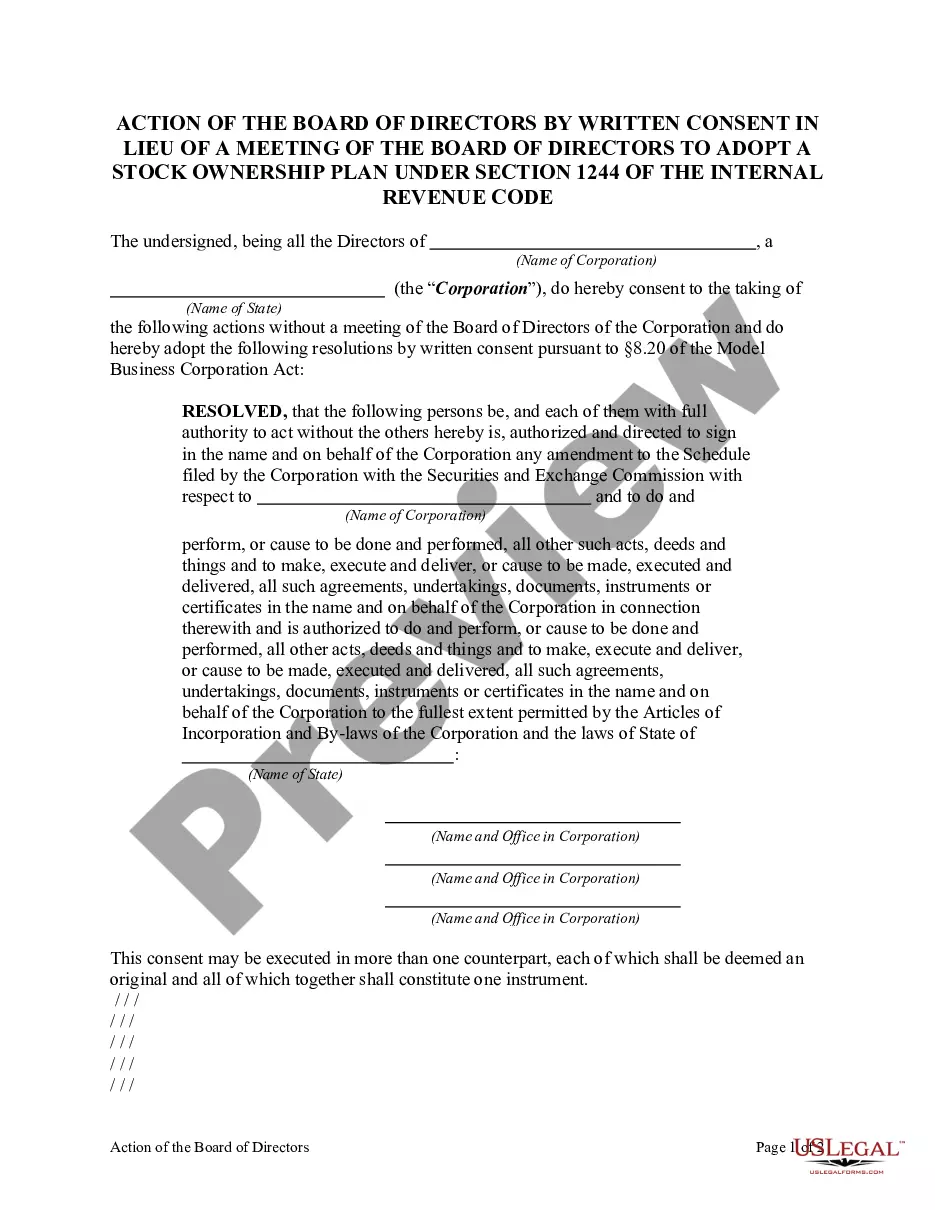
The format for a meeting depends on the meeting type and style. While there is no set format for meeting minutes, templates provide guidelines for essential information that should be included in your documentation.
How to send a meeting recap Take notes during the meeting. Decide who should receive the email. Thank everyone for their time. List what was discussed in the meeting. Highlight action items or next steps. Attach supporting documents. Include a reminder of the next meeting date. Proofread and send to recipients.
