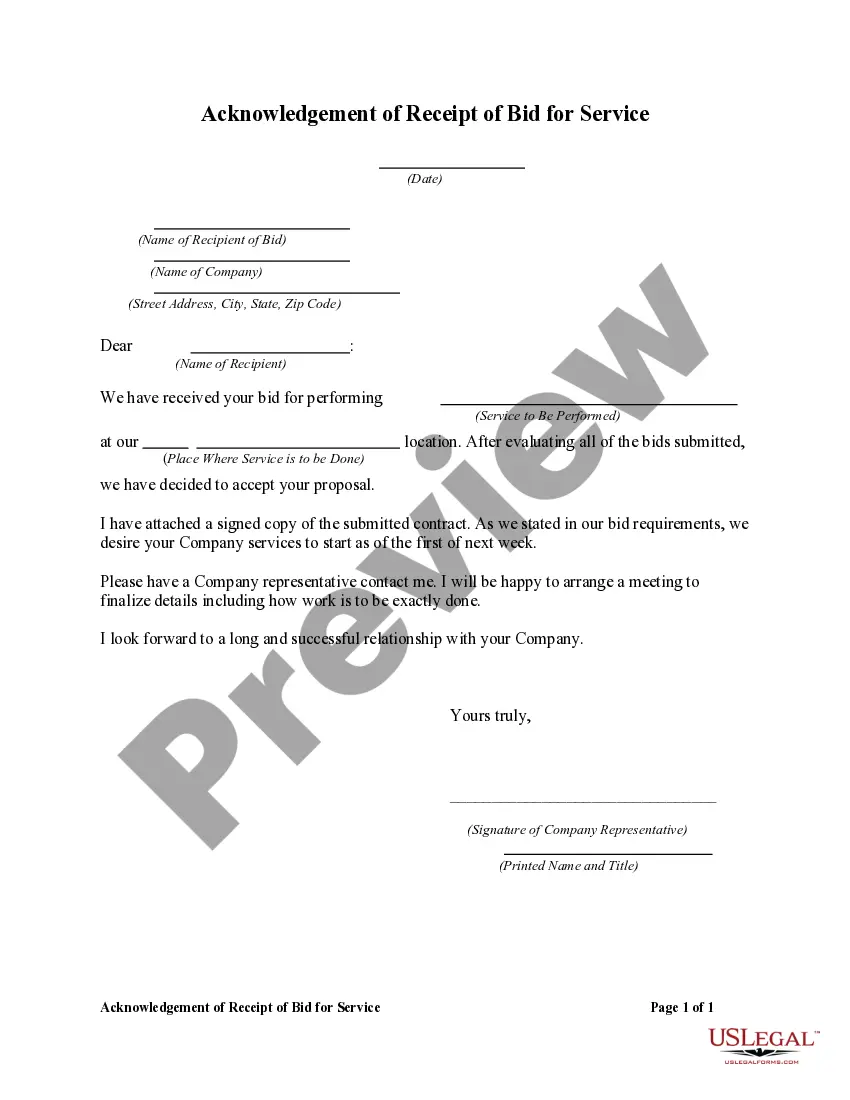
Certificate For Employees In Franklin
Description

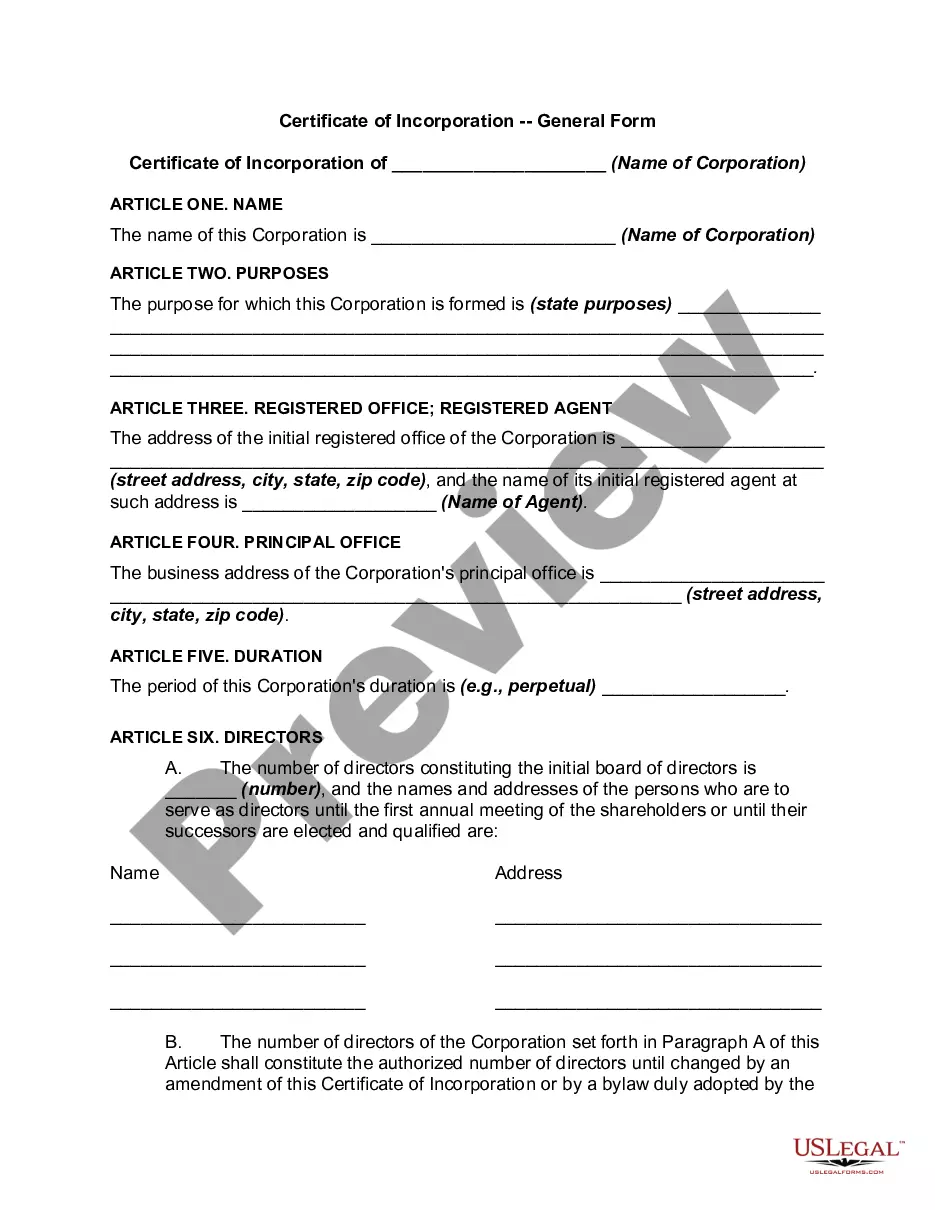
Get your form ready online
Our built-in tools help you complete, sign, share, and store your documents in one place.
Make edits, fill in missing information, and update formatting in US Legal Forms—just like you would in MS Word.
Download a copy, print it, send it by email, or mail it via USPS—whatever works best for your next step.
Sign and collect signatures with our SignNow integration. Send to multiple recipients, set reminders, and more. Go Premium to unlock E-Sign.
If this form requires notarization, complete it online through a secure video call—no need to meet a notary in person or wait for an appointment.
We protect your documents and personal data by following strict security and privacy standards.

Make edits, fill in missing information, and update formatting in US Legal Forms—just like you would in MS Word.

Download a copy, print it, send it by email, or mail it via USPS—whatever works best for your next step.

Sign and collect signatures with our SignNow integration. Send to multiple recipients, set reminders, and more. Go Premium to unlock E-Sign.

If this form requires notarization, complete it online through a secure video call—no need to meet a notary in person or wait for an appointment.

We protect your documents and personal data by following strict security and privacy standards.
Looking for another form?
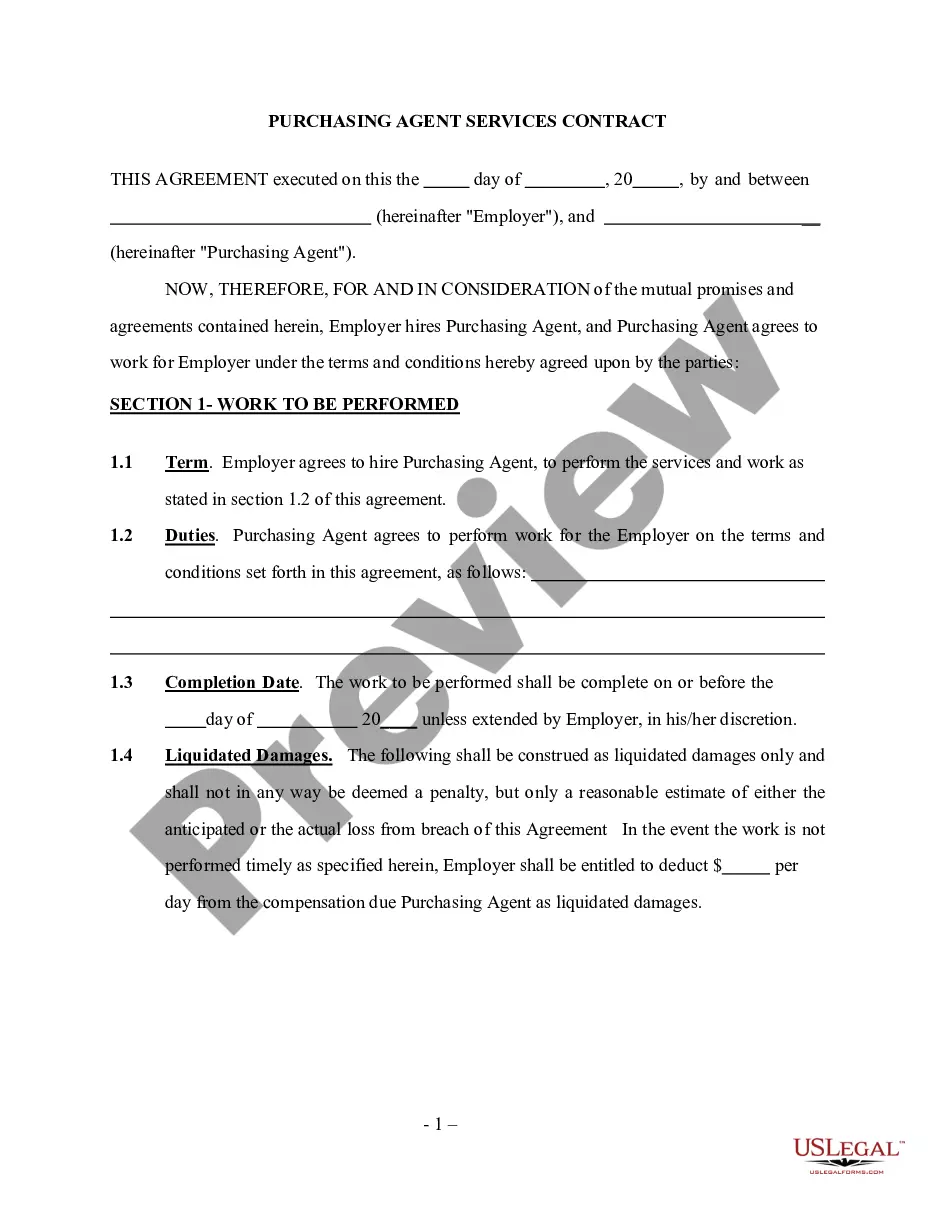


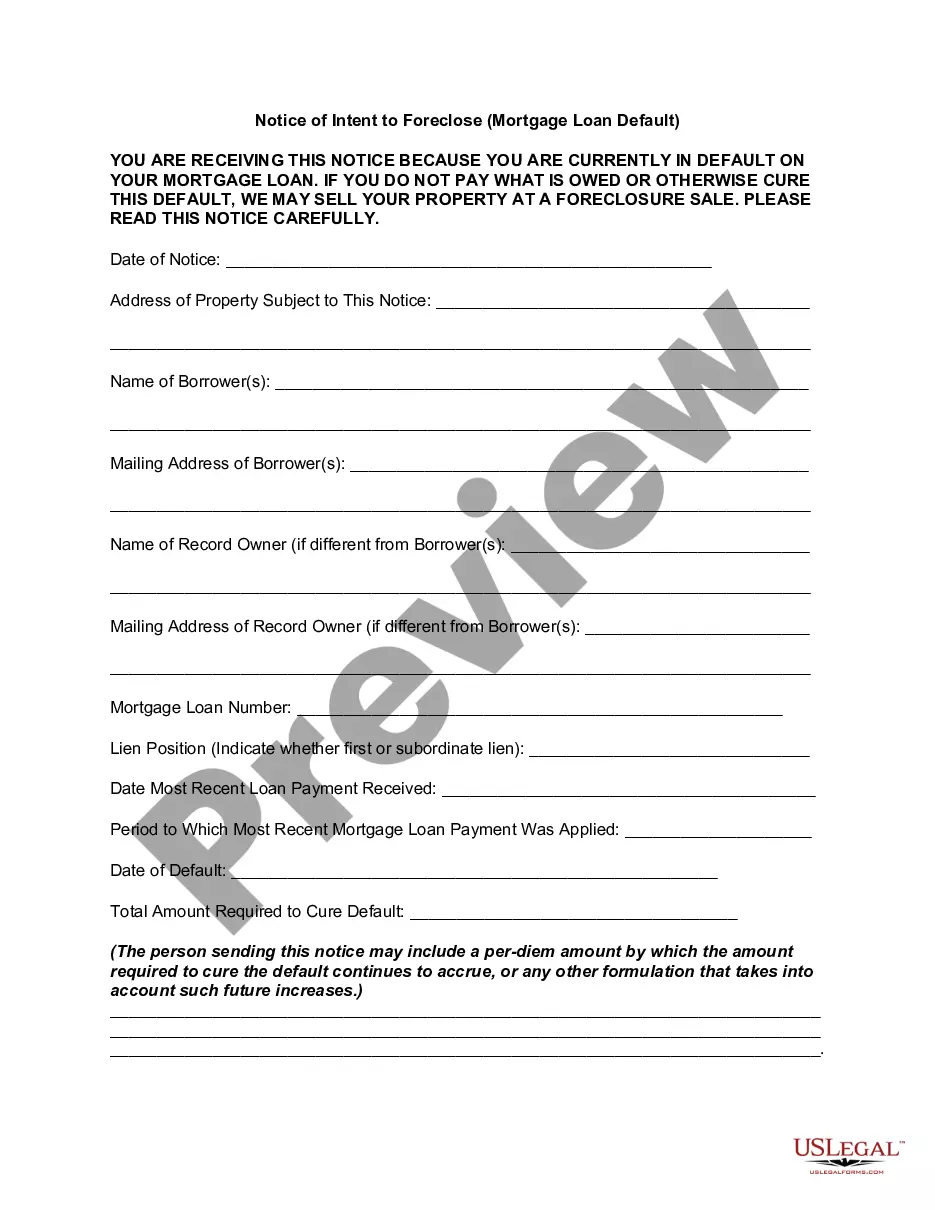

Form popularity
FAQ
After the employee completes and signs the Form W-4, you must keep it in your records for at least 4 years (see Publication 15 and Topic no. 305, Recordkeeping).
And step five sign and date the form frequently asked questions why did the IRS change the w4p. FormMoreAnd step five sign and date the form frequently asked questions why did the IRS change the w4p. Form the IRS redesigned the w4p form to simplify your withholding. Made tax withholding more accurate.
Note: The W-4 form 2024 steps are the same as the W-4 form 2025 steps. Step 1: Enter your personal information. Step 2: Account for all jobs you and your spouse have. Step 3: Claim your children and other dependents. Step 4: Make other adjustments. Step 5: Sign and date your form.
Your proof of employment letter should include the following information: The company where youemploy the individual. Their job title. Their annual salary. The dates of their employment. Whether you employ them on a full-time or part-time basis.
Here's how to complete the form: Step 1: Provide Your Personal Information. Fill out your personal details, including your name, address, Social Security number, and filing status. Step 2: Specify Multiple Jobs or a Working Spouse. Step 3: Claim Dependents. Step 4: Make Additional Adjustments. Step 5: Sign and Date Your W-4.
FranklinCovey (NYSE: FC) is one of the largest and most trusted leadership companies in the world, with directly owned and licensee partner offices providing professional services in over 160 countries and territories.
As teams use FranklinCovey's technology to track their progress toward weekly targets: Performance improves in a consistent way across the whole organization. Managers can quickly identify which team members need support or praise. Leaders can instantly see how teams are progressing toward each strategic goal.
We help organizations achieve results that require collective behavior change. Develop exceptional leaders at every level. Instill habits of effectiveness in every individual. Build an inclusive, high-trust culture where great ideas thrive.
Each of these time management methodologies offers a unique approach to organizing and optimizing tasks and commitments. FranklinCovey emphasizes values-based prioritization, GTD focuses on capturing and processing tasks systematically, and Agile/Scrum enables iterative and collaborative project management.
The Franklin Day Planner was first produced in 1984 by the Franklin International Institute, Inc., which later became Franklin Quest. In 1997, Franklin Quest and the Covey Leadership Center merged to become FranklinCovey. The Franklin Planner has continued to be sold under the FranklinCovey name to this day.