Management Option Purchase With Paypal In Hillsborough
Description

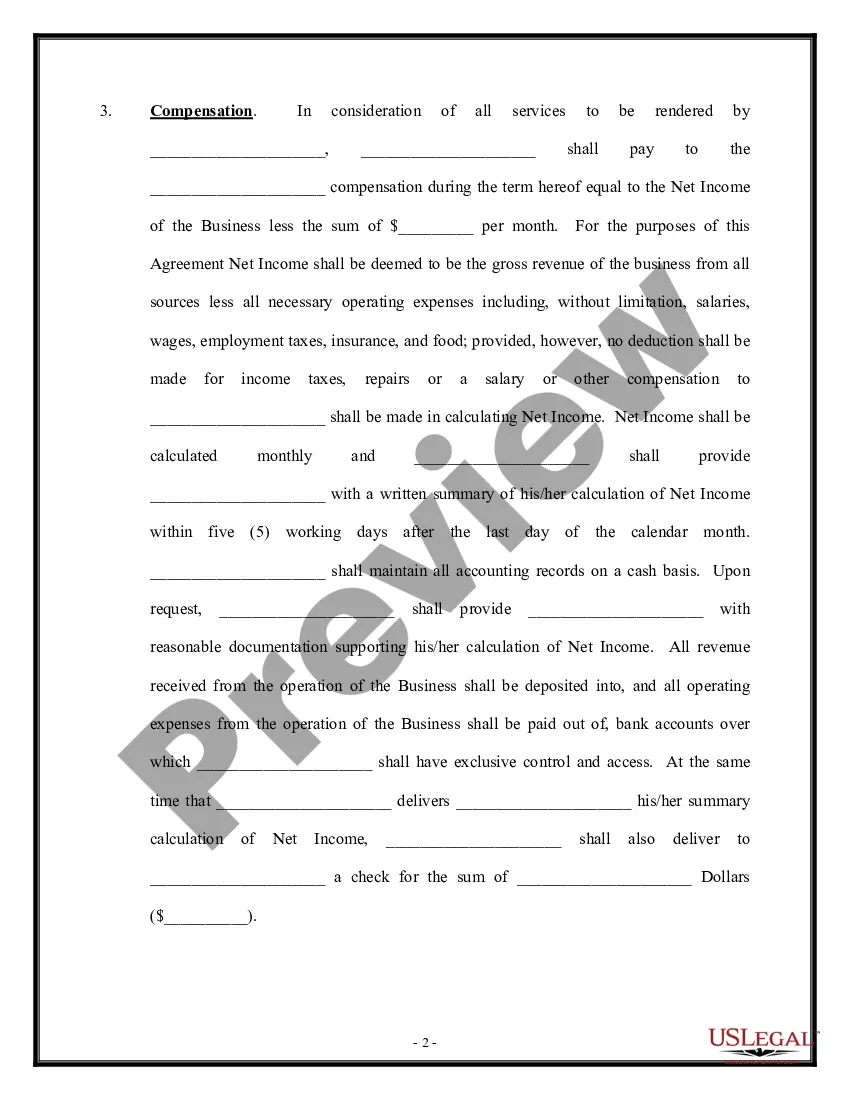
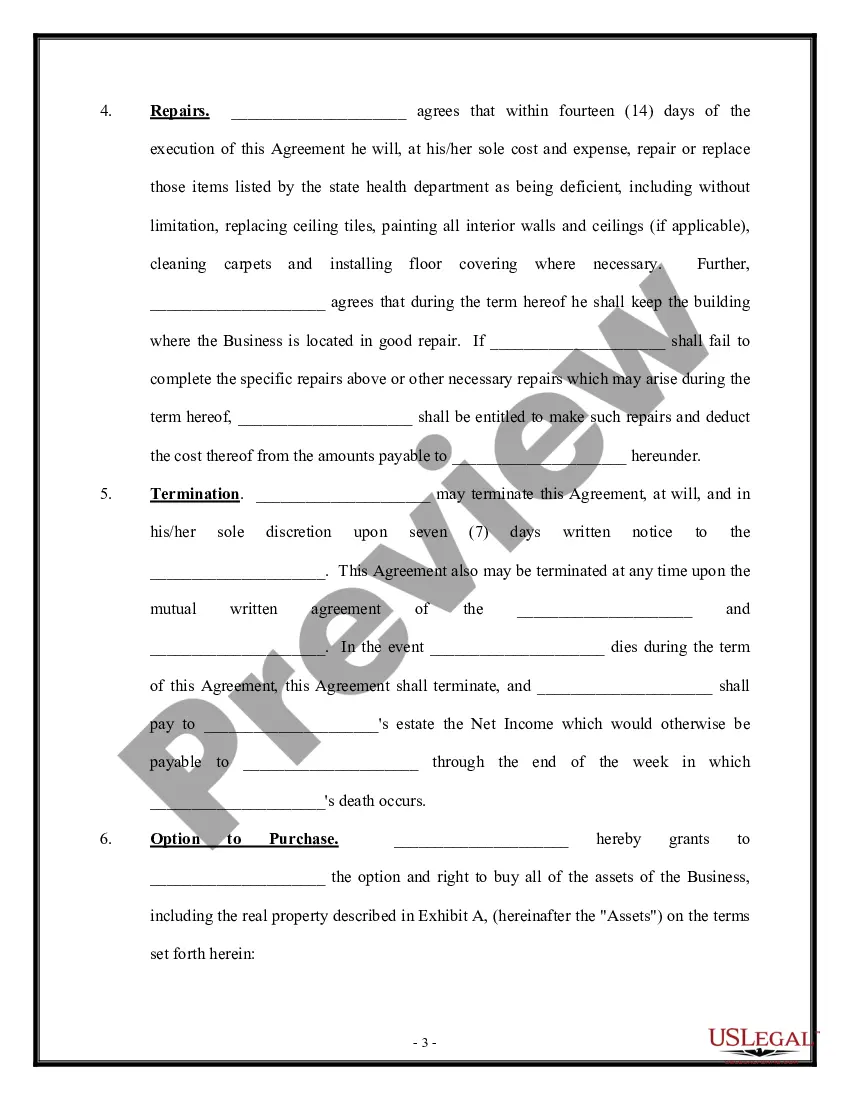
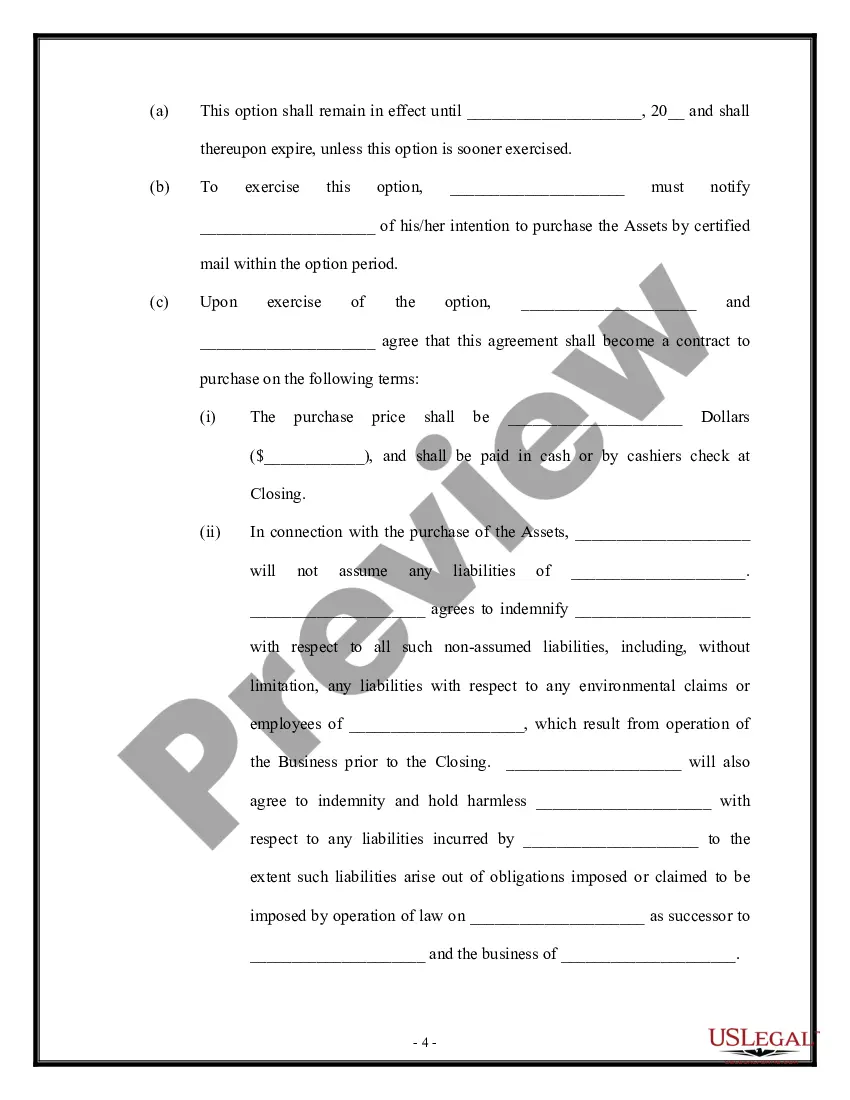
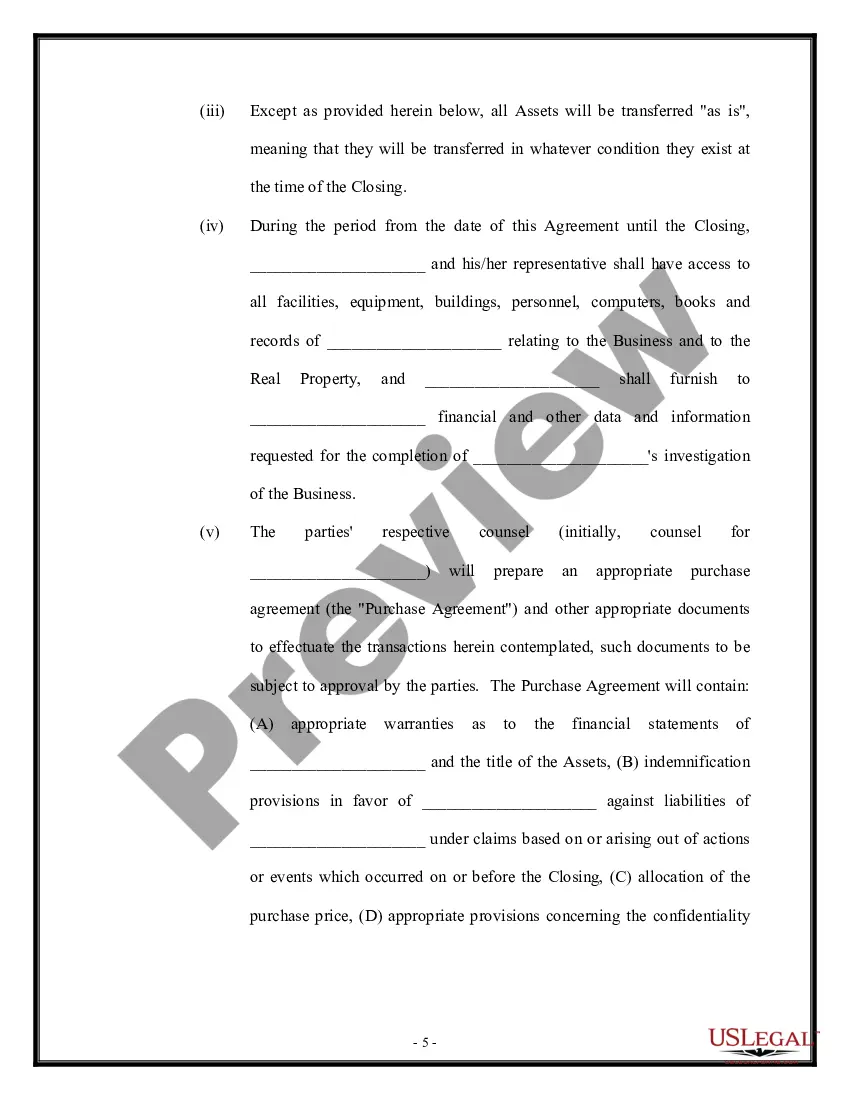
Get your form ready online
Our built-in tools help you complete, sign, share, and store your documents in one place.
Make edits, fill in missing information, and update formatting in US Legal Forms—just like you would in MS Word.
Download a copy, print it, send it by email, or mail it via USPS—whatever works best for your next step.
Sign and collect signatures with our SignNow integration. Send to multiple recipients, set reminders, and more. Go Premium to unlock E-Sign.
If this form requires notarization, complete it online through a secure video call—no need to meet a notary in person or wait for an appointment.
We protect your documents and personal data by following strict security and privacy standards.

Make edits, fill in missing information, and update formatting in US Legal Forms—just like you would in MS Word.

Download a copy, print it, send it by email, or mail it via USPS—whatever works best for your next step.

Sign and collect signatures with our SignNow integration. Send to multiple recipients, set reminders, and more. Go Premium to unlock E-Sign.

If this form requires notarization, complete it online through a secure video call—no need to meet a notary in person or wait for an appointment.

We protect your documents and personal data by following strict security and privacy standards.
Looking for another form?


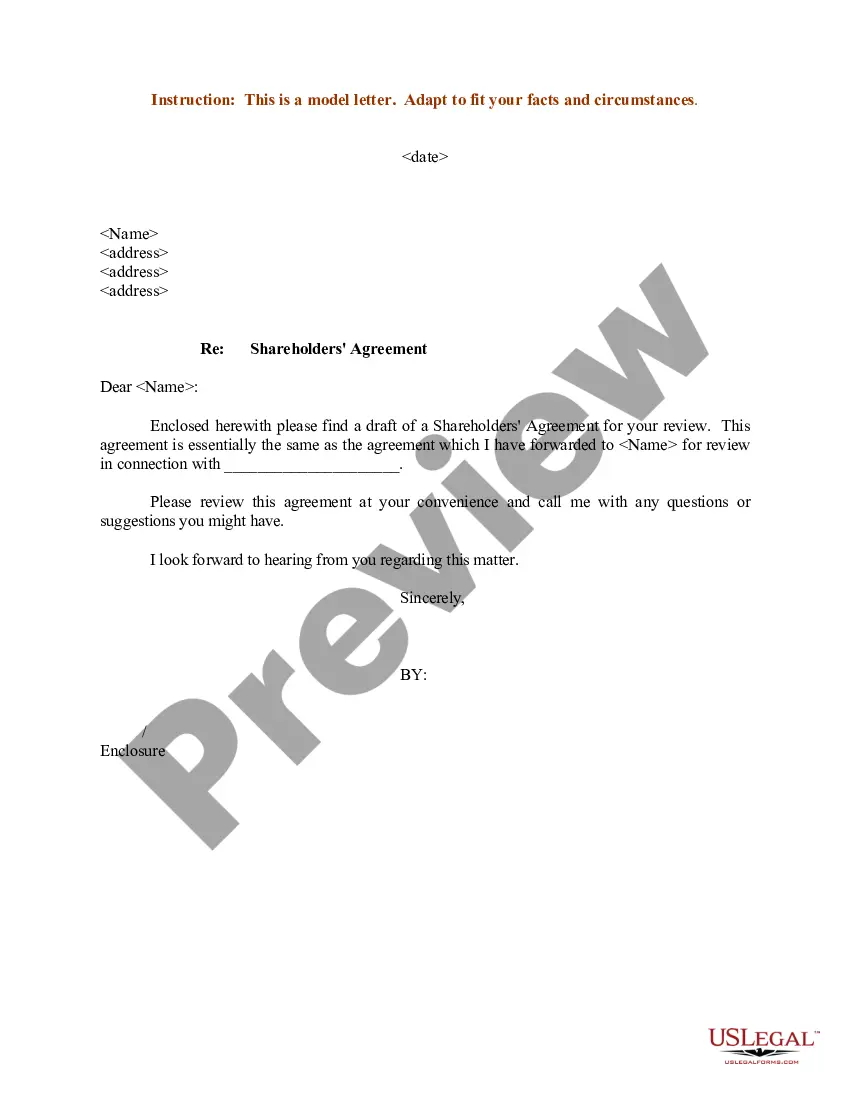




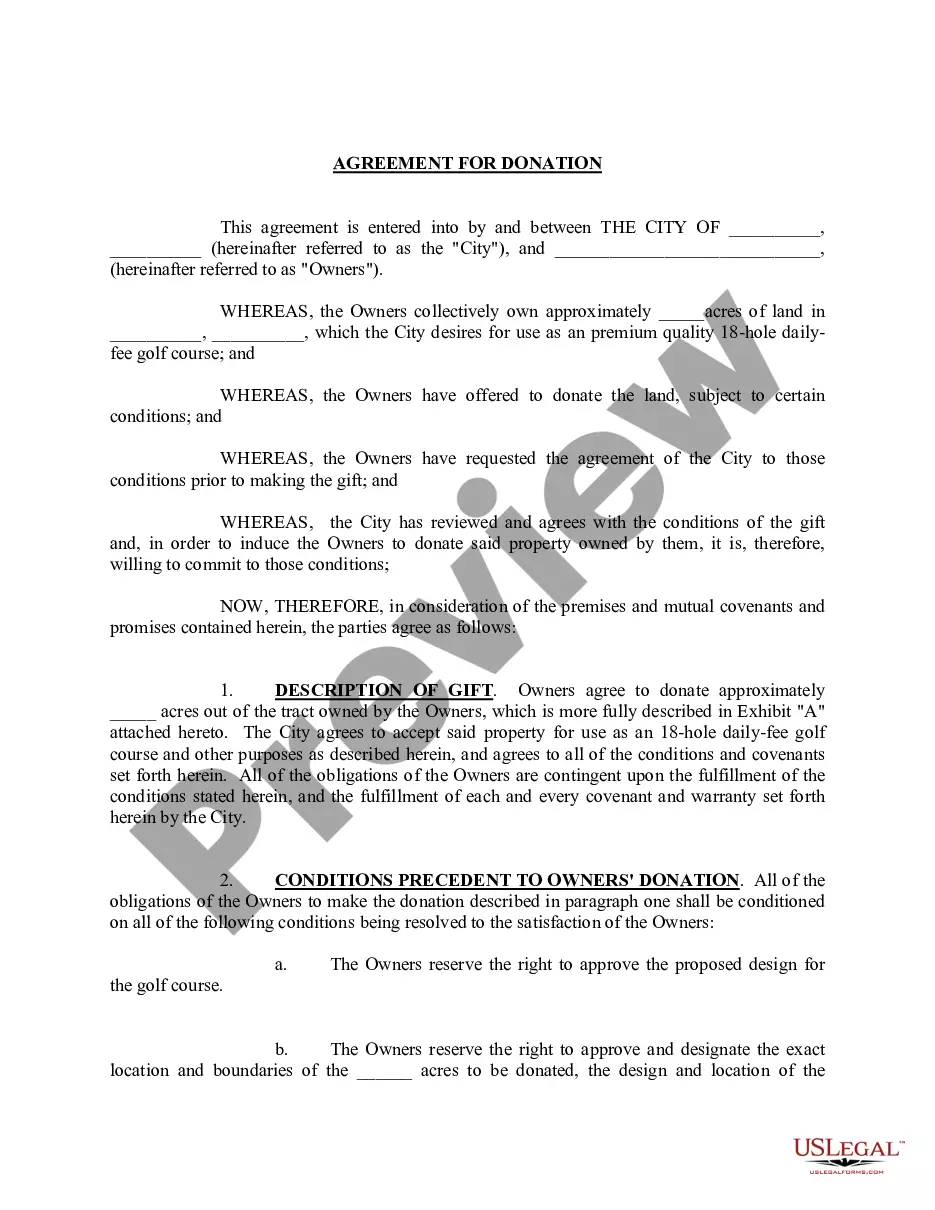


Form popularity
FAQ
Connecting PayPal as a secondary payment processor In the merchant portal, click Settings and select Payment. Choose Braintree/PayPal from the dropdown menu under Payment processor. Enter your Braintree Merchant ID, Public Key, and Private Key. Check the Braintree PayPal Active checkbox. Click Save.
PayPal allows you to make payments using a variety of methods including: balance with PayPal, a bank account, PayPal Credit, debit or credit cards, and rewards balance.
