One Time Showing Agreement Form For Notary Public In San Bernardino
Description
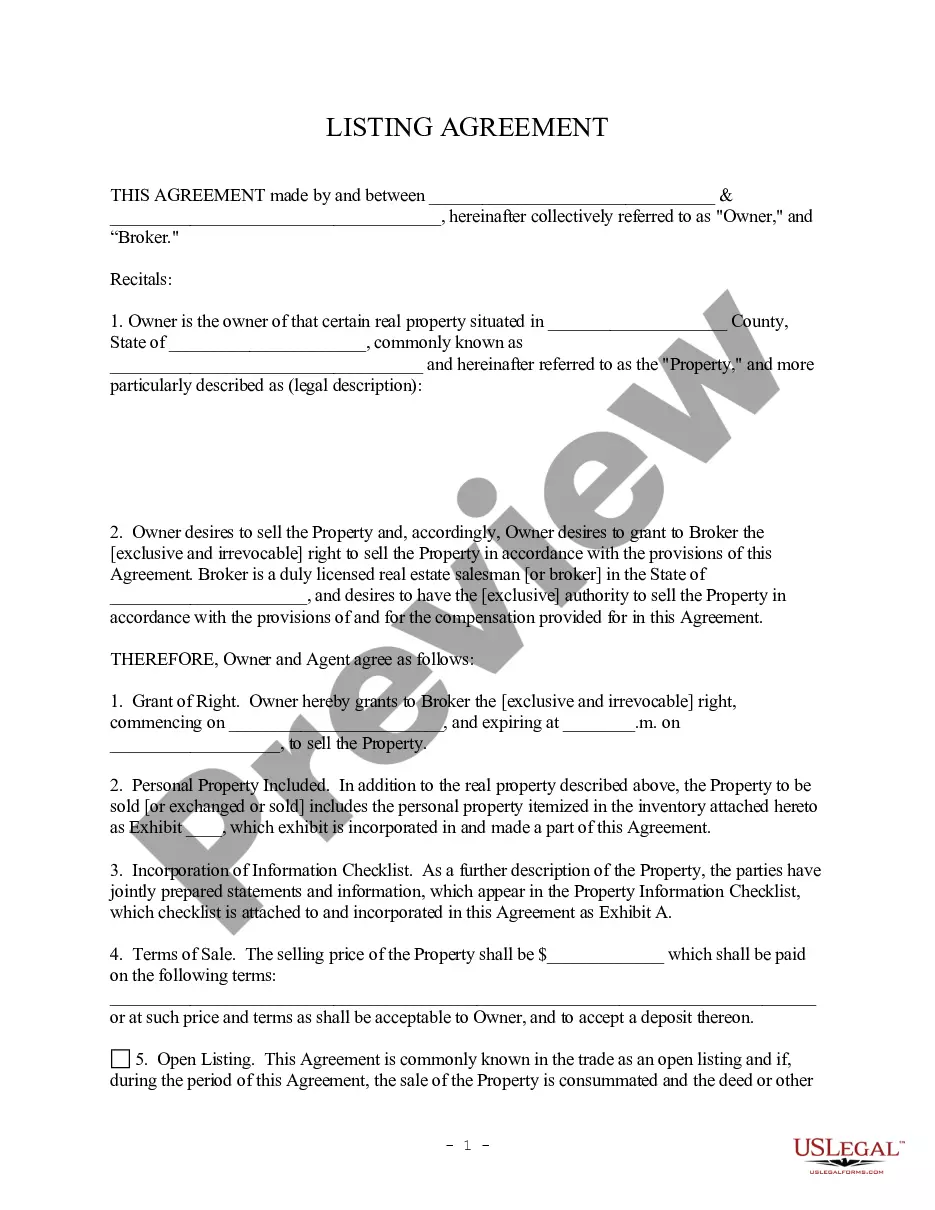
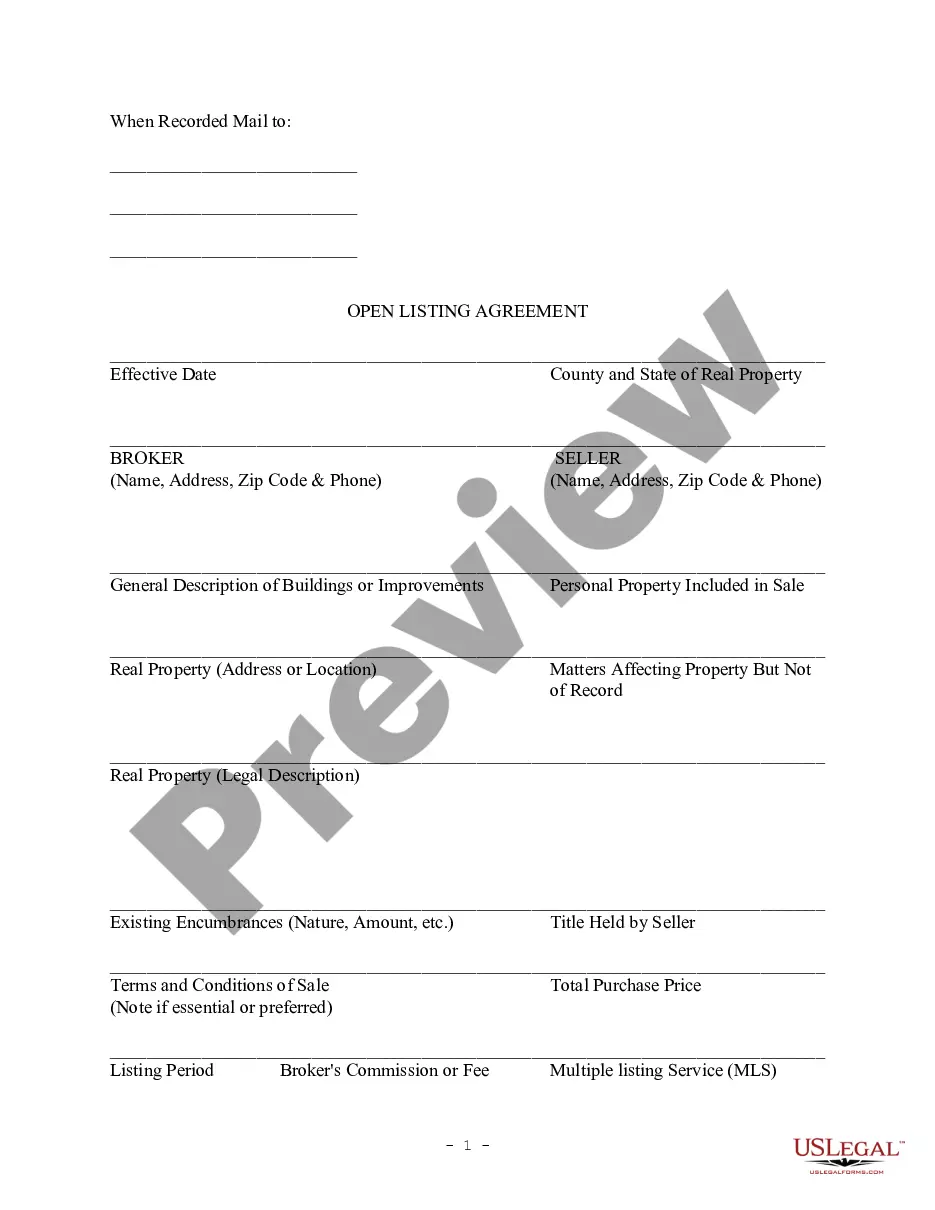

Get your form ready online
Our built-in tools help you complete, sign, share, and store your documents in one place.
Make edits, fill in missing information, and update formatting in US Legal Forms—just like you would in MS Word.
Download a copy, print it, send it by email, or mail it via USPS—whatever works best for your next step.
Sign and collect signatures with our SignNow integration. Send to multiple recipients, set reminders, and more. Go Premium to unlock E-Sign.
If this form requires notarization, complete it online through a secure video call—no need to meet a notary in person or wait for an appointment.
We protect your documents and personal data by following strict security and privacy standards.

Make edits, fill in missing information, and update formatting in US Legal Forms—just like you would in MS Word.

Download a copy, print it, send it by email, or mail it via USPS—whatever works best for your next step.

Sign and collect signatures with our SignNow integration. Send to multiple recipients, set reminders, and more. Go Premium to unlock E-Sign.

If this form requires notarization, complete it online through a secure video call—no need to meet a notary in person or wait for an appointment.

We protect your documents and personal data by following strict security and privacy standards.
Looking for another form?


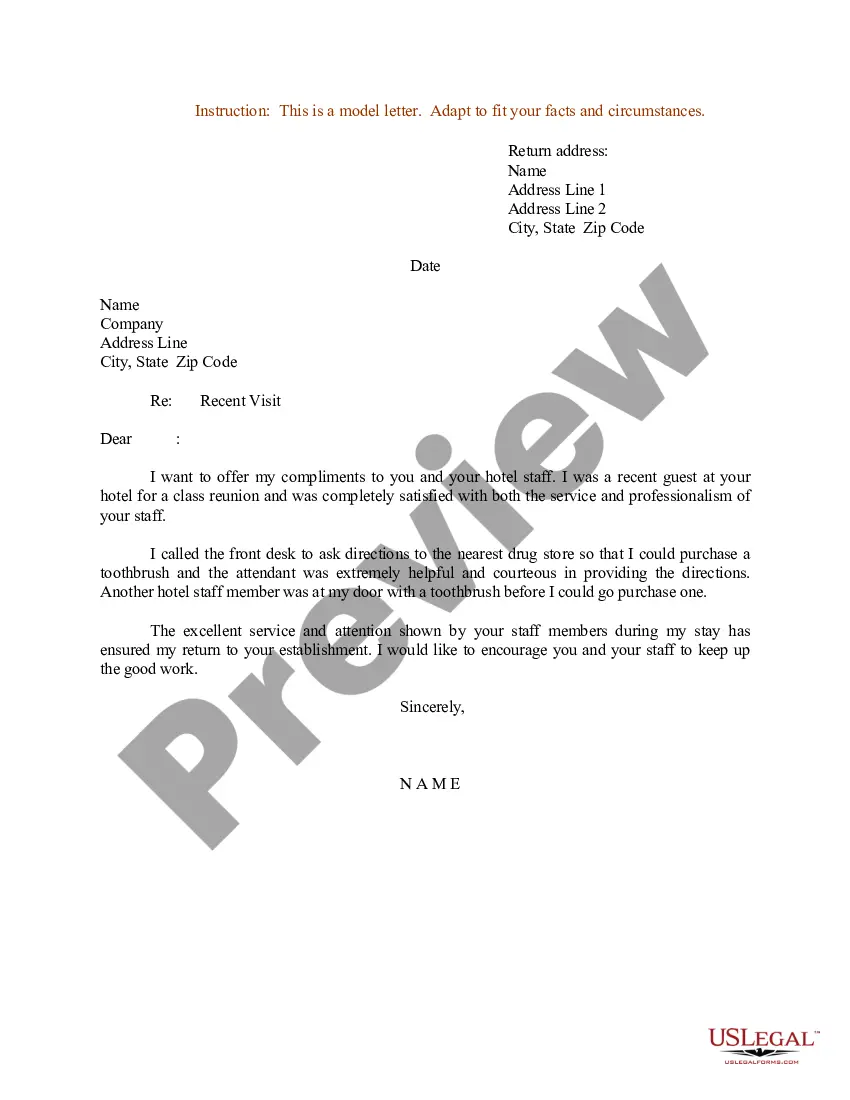
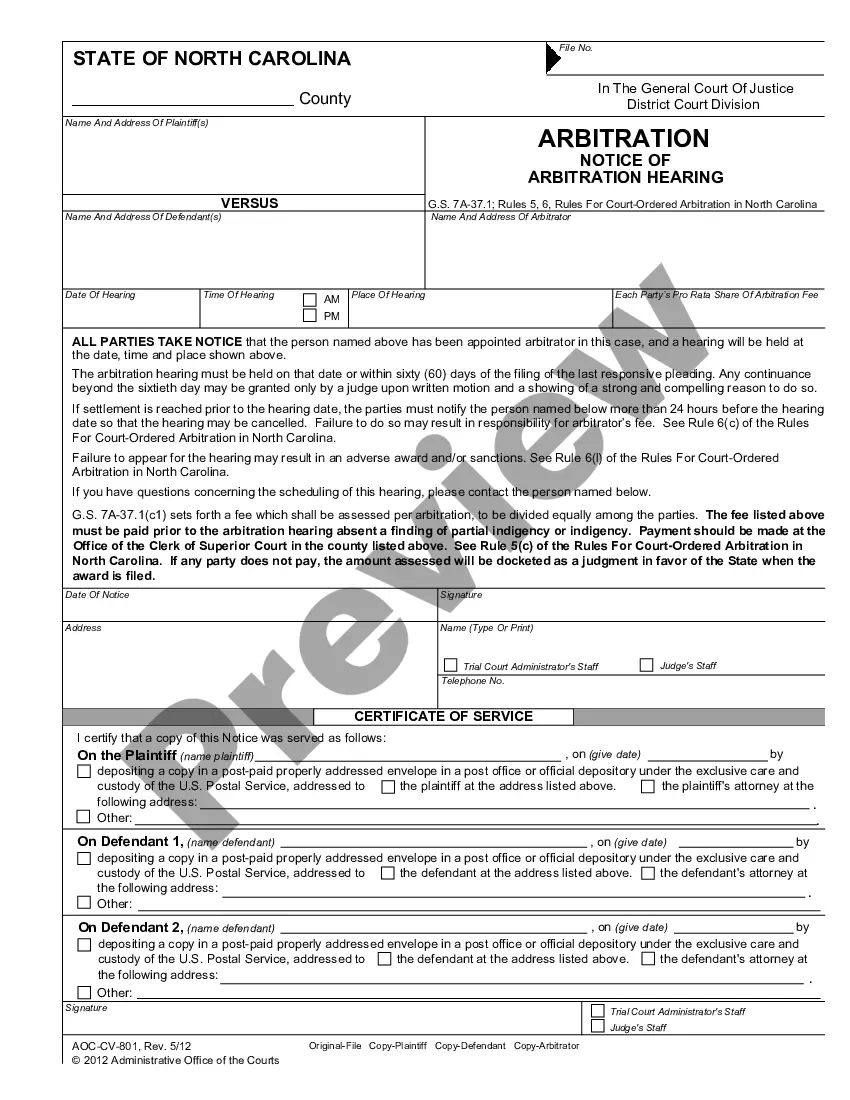






Form popularity
FAQ
Contact A Notary Public: After drafting your letter, reach out to a local notary public or use online services like NotaryCam.
One of the most common mistakes that notaries make is not printing or signing their name exactly as it appears on their notary commission.
Yes, you can fill out the details of a letter on your own and then contact a public notary to get it notarized.
To make a notarized letter, begin with your contact details, create a clear message explaining the purpose of the letter. Include any legal language if necessary. Conclude with a formal closing and leave space for your signature. And that's how you write a statement that needs to be notarized.
How to write a contract agreement in 7 steps. Determine the type of contract required. Confirm the necessary parties. Choose someone to draft the contract. Write the contract with the proper formatting. Review the written contract with a lawyer. Send the contract agreement for review or revisions.
How to notarize a document in California Step 1: Personal appearance is required. Step 2: Check over the document before notarizing. Step 3: Carefully identify the signer. Step 4: Complete your journal entry. Step 5: Fill in the notarial certificate.
A notary public may complete a certificate of acknowledgment required in another state or jurisdiction of the United States on documents to be filed in that other state or jurisdiction, provided the form does not require the notary public to determine or certify that the signer holds a particular representative ...
The short answer is yes, notary publics are legally allowed to notarize documents from any state as long the notarial act is conducted within the geographical boundaries of the notary's state of commission.
California requires you to maintain a record of all notarizations and has specific requirements for what an entry should contain: The date and time of the notarization. The type of notarization. The type of document being notarized. The signature of each signer.
By California's law, a Notary Acknowledgement must contain specific details. These include the state and county where the acknowledgement is made, the name of the notary public, the individual making the acknowledgement, the date the acknowledgement was made, and an identification of the document being notarized.

