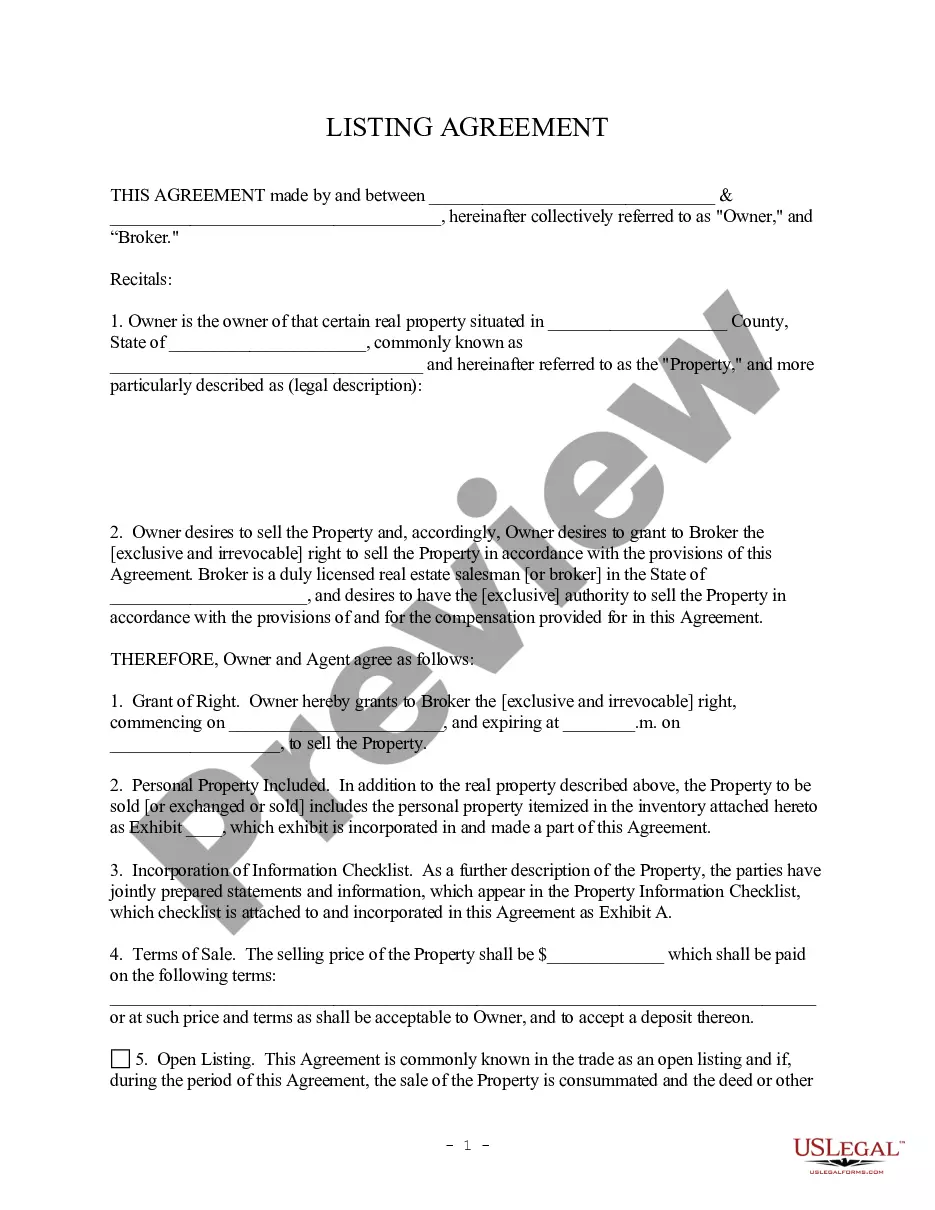
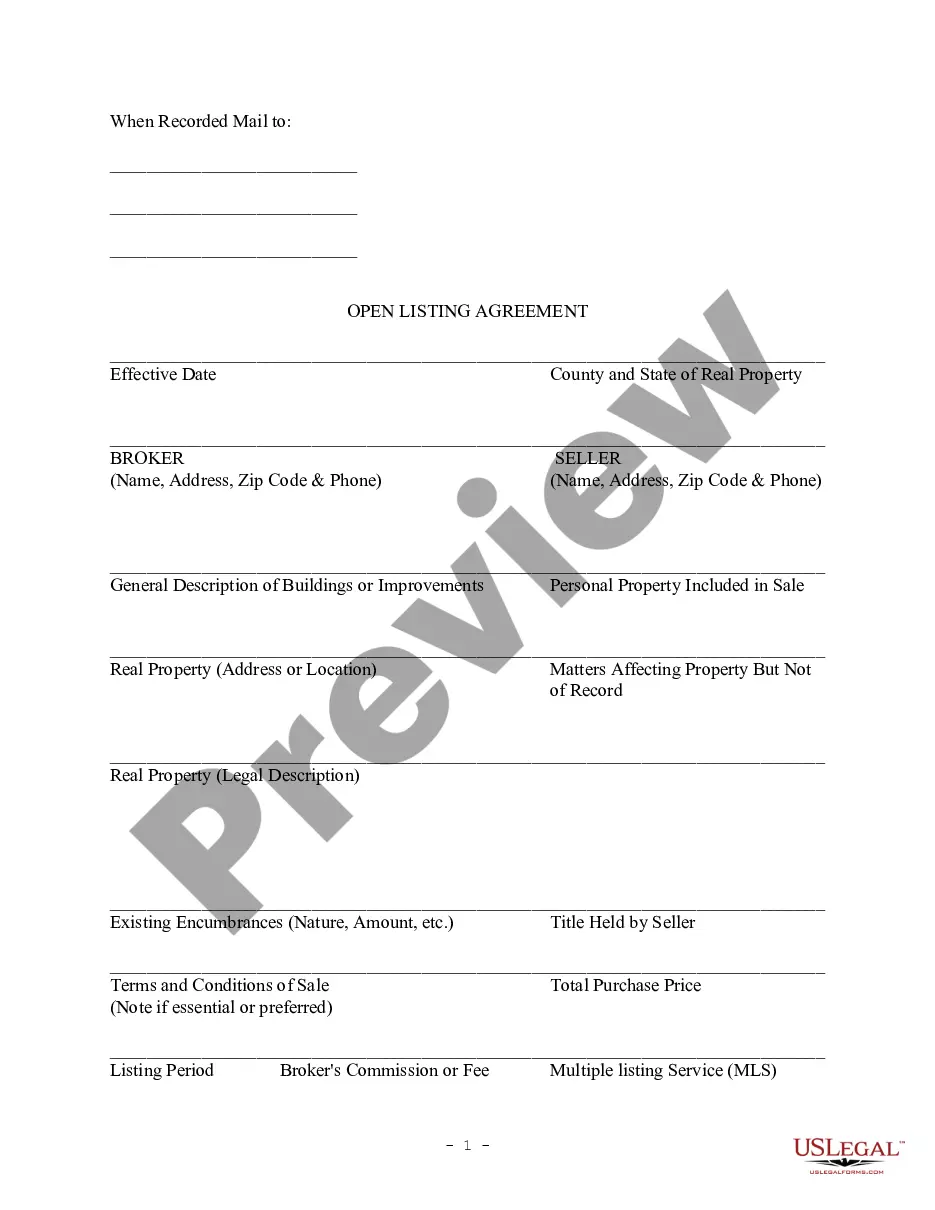
Listing Agreement Document For Rental Property In Phoenix
Description

Get your form ready online
Our built-in tools help you complete, sign, share, and store your documents in one place.
Make edits, fill in missing information, and update formatting in US Legal Forms—just like you would in MS Word.
Download a copy, print it, send it by email, or mail it via USPS—whatever works best for your next step.
Sign and collect signatures with our SignNow integration. Send to multiple recipients, set reminders, and more. Go Premium to unlock E-Sign.
If this form requires notarization, complete it online through a secure video call—no need to meet a notary in person or wait for an appointment.
We protect your documents and personal data by following strict security and privacy standards.

Make edits, fill in missing information, and update formatting in US Legal Forms—just like you would in MS Word.

Download a copy, print it, send it by email, or mail it via USPS—whatever works best for your next step.

Sign and collect signatures with our SignNow integration. Send to multiple recipients, set reminders, and more. Go Premium to unlock E-Sign.

If this form requires notarization, complete it online through a secure video call—no need to meet a notary in person or wait for an appointment.

We protect your documents and personal data by following strict security and privacy standards.
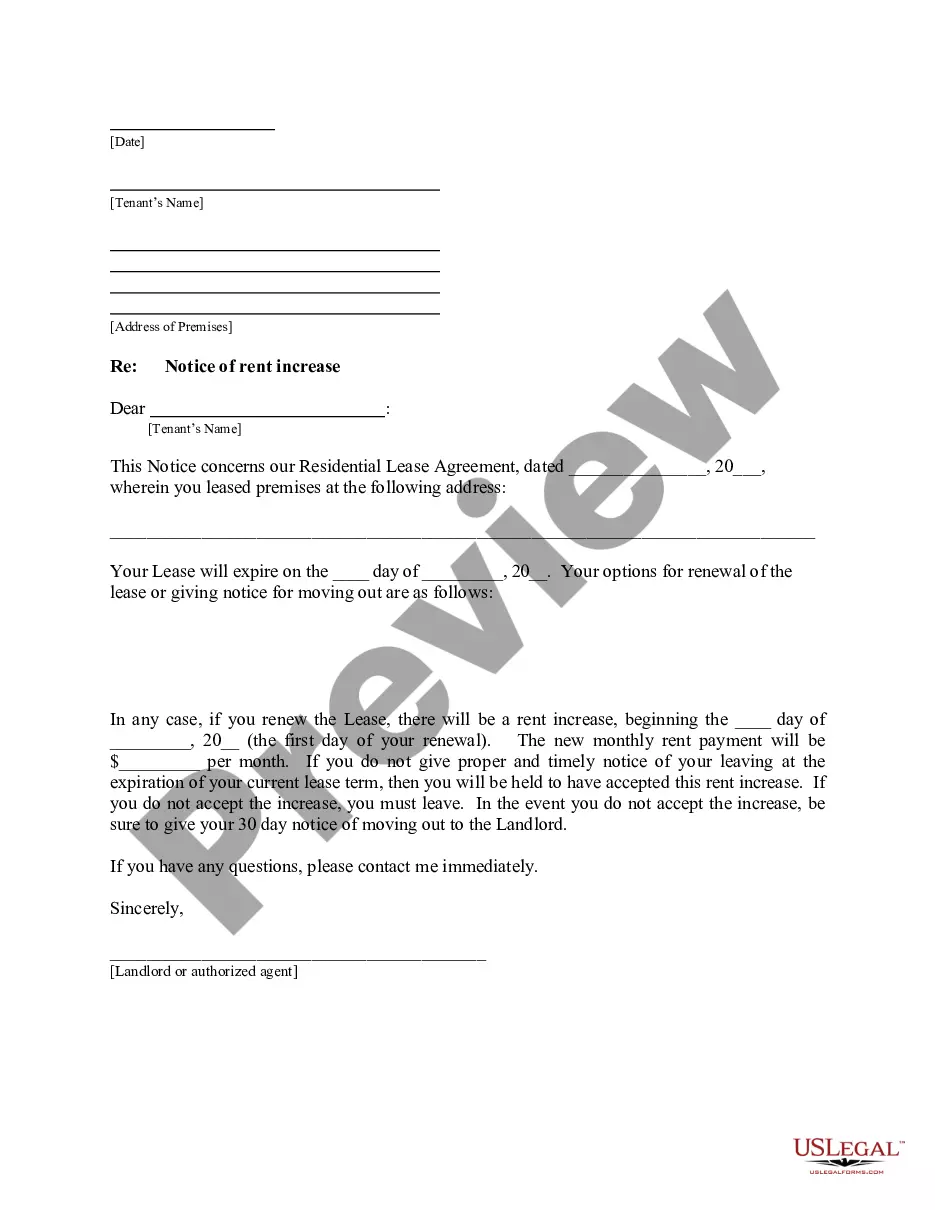
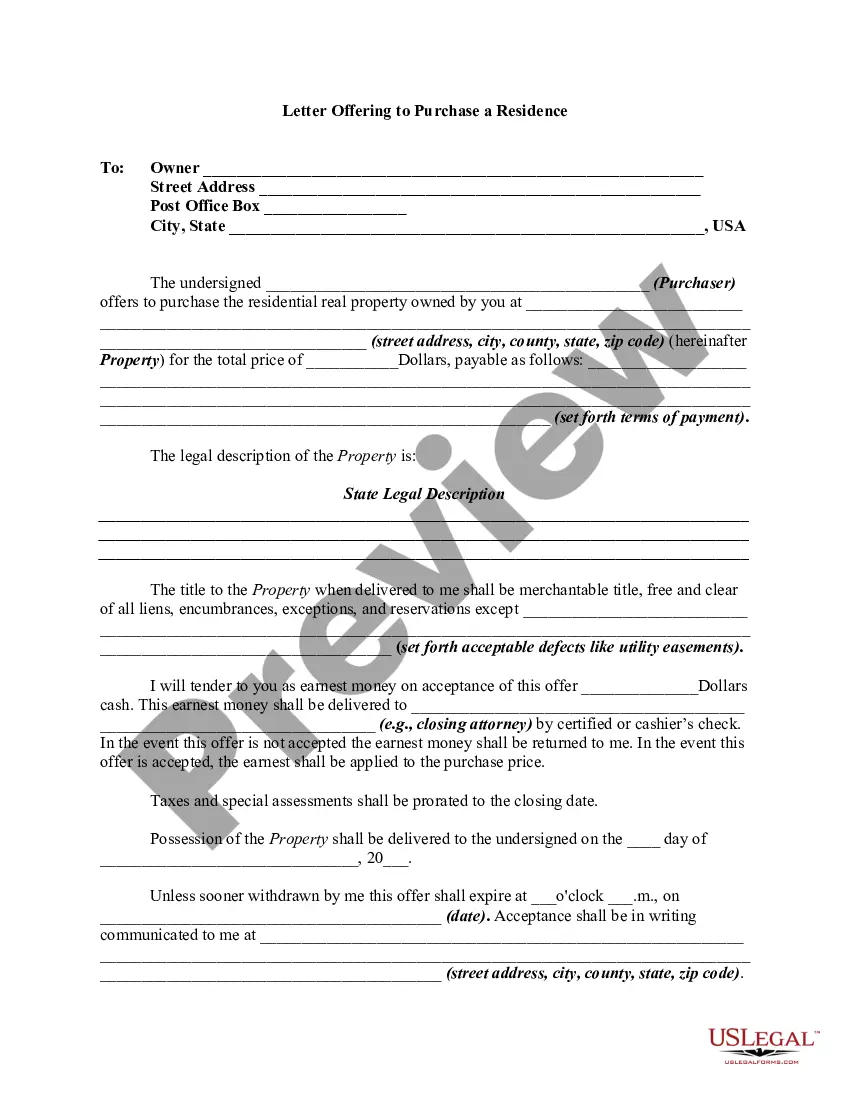
Looking for another form?








Form popularity
FAQ
New Legal Requirements: As of August 17, 2024, signing this agreement is mandatory before viewing homes, and buyer's agent commissions must be negotiated upfront to sign. Benefits for Homebuyers: Provides clarity, access to resources, and legal protection during your homebuying journey.
A listing agreement is a contract between a property owner and a real estate broker that authorizes the broker to represent the seller and find a buyer for the property. The three types of real estate listing agreements are open listing, exclusive agency listing, and exclusive right-to-sell listing.
Though notarization is not required, it may still be a good idea to have a notary present in order to verify the identities of all signers.
Write the contract in six steps Start with a contract template. Open with the basic information. Describe in detail what you have agreed to. Include a description of how the contract will be ended. Write into the contract which laws apply and how disputes will be resolved. Include space for signatures.
First, write down the property's MLS number, you'll need this > Head over inside 's Matrix portal > Click one of the tabs "ADD/EDIT" > Under Input box, click "ADD NEW" > Select "RENTAL ADD/EDIT" > click "Copy from Existing Listing" on one of the tabs > input the MLS# of your current listing you want to create a ...
A contract must contain a benefit or detriment to the offering party and a benefit or detriment to the accepting party that the parties otherwise would not be entitled to demand or expect. A unilateral promise to do or not do something will not be binding unless both parties get or give up something.
The three types of real estate listing agreements are open listing, exclusive agency listing, and exclusive right-to-sell listing. The listing agreement is an employment contract rather than a real estate contract: The broker is hired to represent the seller, but no property is transferred between the two.
Posting your Facebook Marketplace rental post is easy. Step 1 – Log in to Facebook and Navigate to Marketplace. Step 2 – Click on “Sell Something” and Select “Homes for Sale or Rent” ... Step 3 – Upload Photos of Your Rental. Step 4 – Add in Your Property Details. Step 5 – Write a Description of Your Rental.

