One Time Showing Form With Decimals In Maricopa
Description
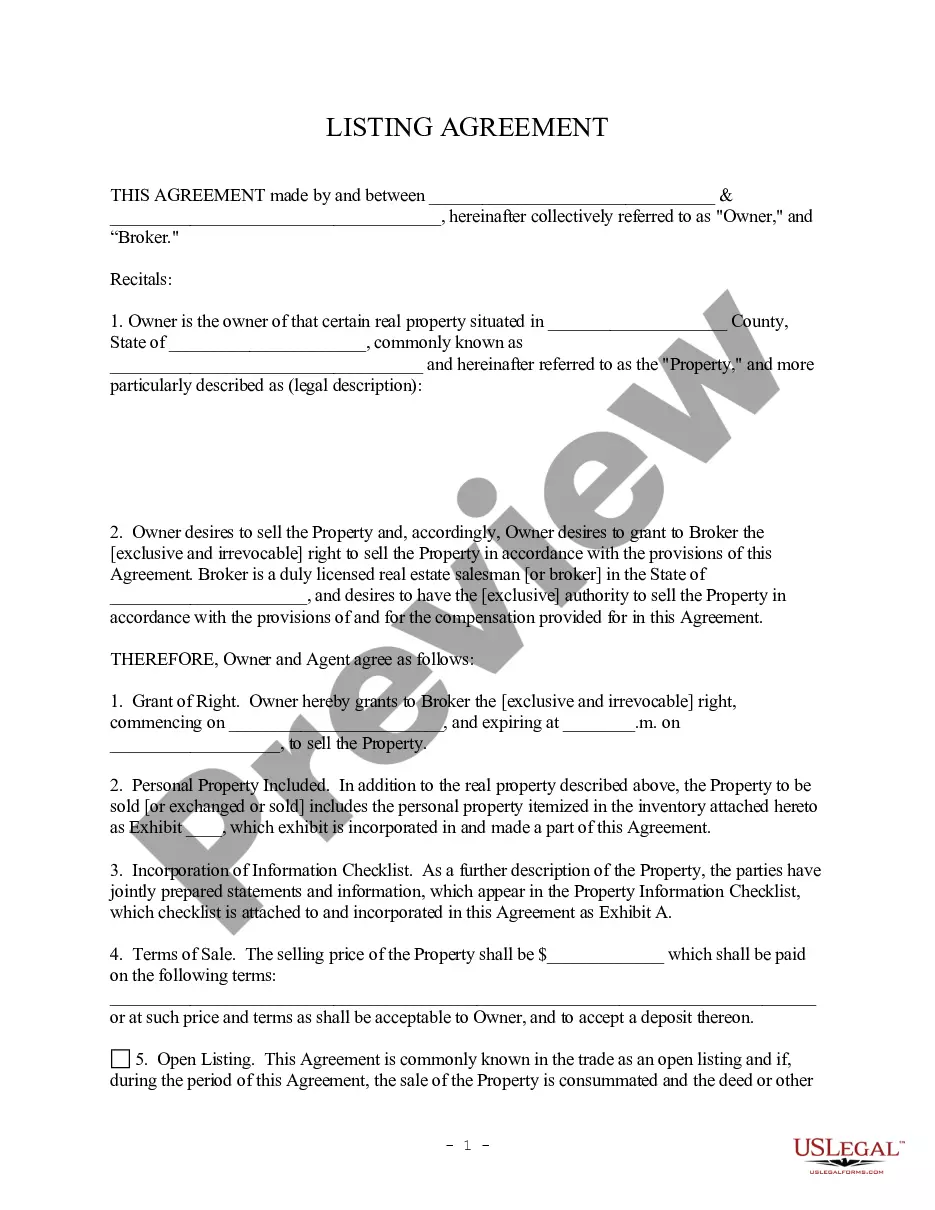
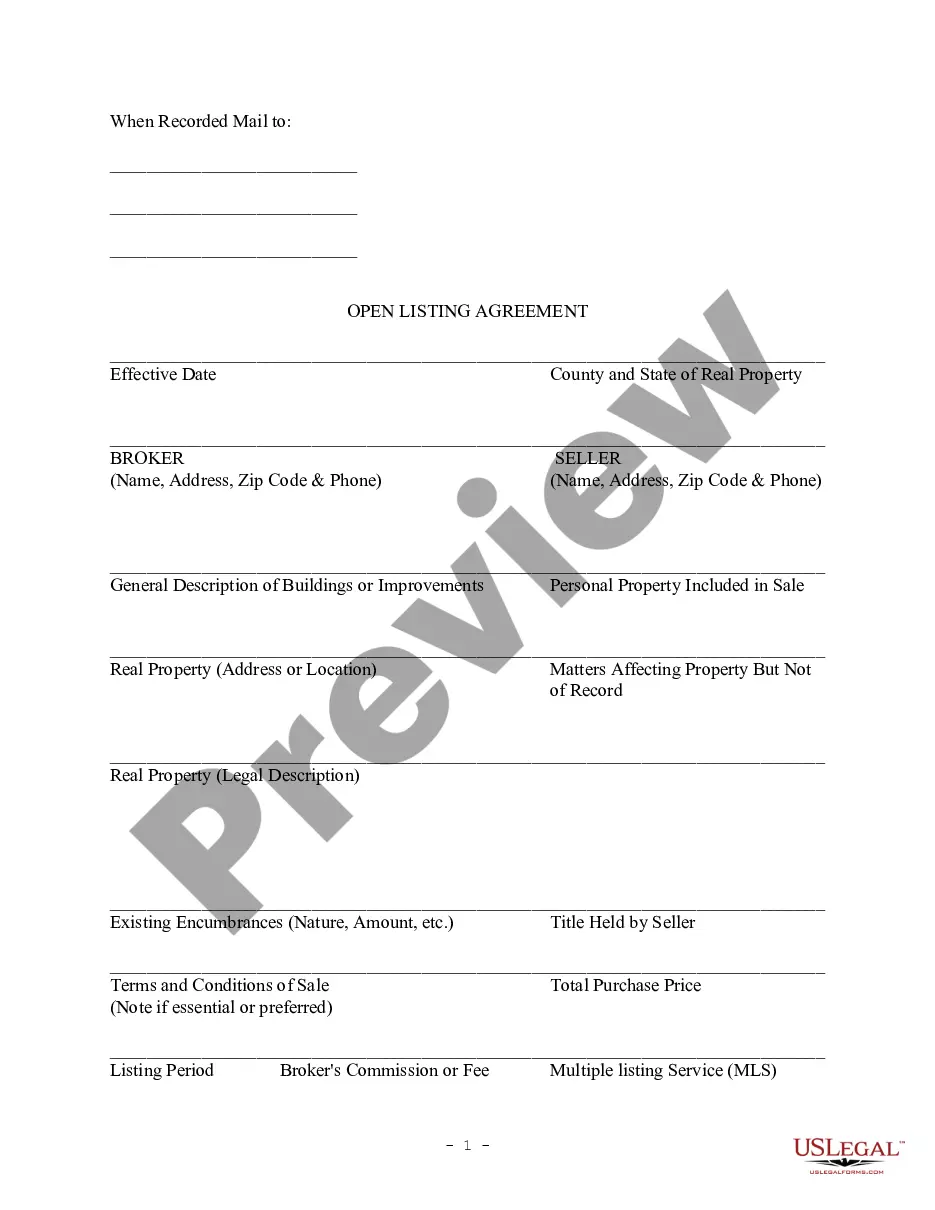

Get your form ready online
Our built-in tools help you complete, sign, share, and store your documents in one place.
Make edits, fill in missing information, and update formatting in US Legal Forms—just like you would in MS Word.
Download a copy, print it, send it by email, or mail it via USPS—whatever works best for your next step.
Sign and collect signatures with our SignNow integration. Send to multiple recipients, set reminders, and more. Go Premium to unlock E-Sign.
If this form requires notarization, complete it online through a secure video call—no need to meet a notary in person or wait for an appointment.
We protect your documents and personal data by following strict security and privacy standards.

Make edits, fill in missing information, and update formatting in US Legal Forms—just like you would in MS Word.

Download a copy, print it, send it by email, or mail it via USPS—whatever works best for your next step.

Sign and collect signatures with our SignNow integration. Send to multiple recipients, set reminders, and more. Go Premium to unlock E-Sign.

If this form requires notarization, complete it online through a secure video call—no need to meet a notary in person or wait for an appointment.

We protect your documents and personal data by following strict security and privacy standards.
Looking for another form?

Form popularity
FAQ
You can easily calculate your effective tax rate as an individual taxpayer. Do this by dividing your total tax by your taxable income. To get the rate, multiply by 100. You can find your total tax on line 24 of Form 1040 and your taxable income on line 15 of the form.
For example, if the sales tax is 6%, divide 6 by 100 to get 0.06. Take the percentage value, here it's 6%. Divide by 100: 6 ÷ 100. This results in 0.06, which is the decimal form of 6%.
Sales Tax Calculation Formula and Example Transaction AmountSales Tax RateSales Tax $10 7% $0.70 $50 7% $3.50 $100 7% $7.00
Log-in to your TPT account on AZTaxes. Complete a new TPT return that includes original entries and new adjustments or corrections. An amended return overrides the original return. Make sure to check the 'Amended Return' box.
First, determine the sales tax rate. Then convert that to a decimal by dividing the tax rate by 100. For example, if you have a tax rate of 8%, the decimal would be . 08.
How to fill out the Child Support Guidelines Worksheet? Collect your gross weekly income and related expenses. Enter all deductions applicable to your income. Calculate your available income by subtracting expenses from income. Determine the combined available income with the second parent.
Filing Form TPT-2/Amended Return(s) Log-in to your TPT account on AZTaxes. Complete a new TPT return that includes original entries and new adjustments or corrections. An amended return overrides the original return. Make sure to check the 'Amended Return' box. Click Submit and get a Return Confirmation.
State electronic filing details You must file a federal return with, or prior to filing, the AZ return. Arizona does not accept amended returns for any tax year.
A tax correction notice (TCN) is a correspondence sent out by the department to inform a taxpayer that a correction has been made on a specific return that was filed.
