Office Resign Format In Broward
Description


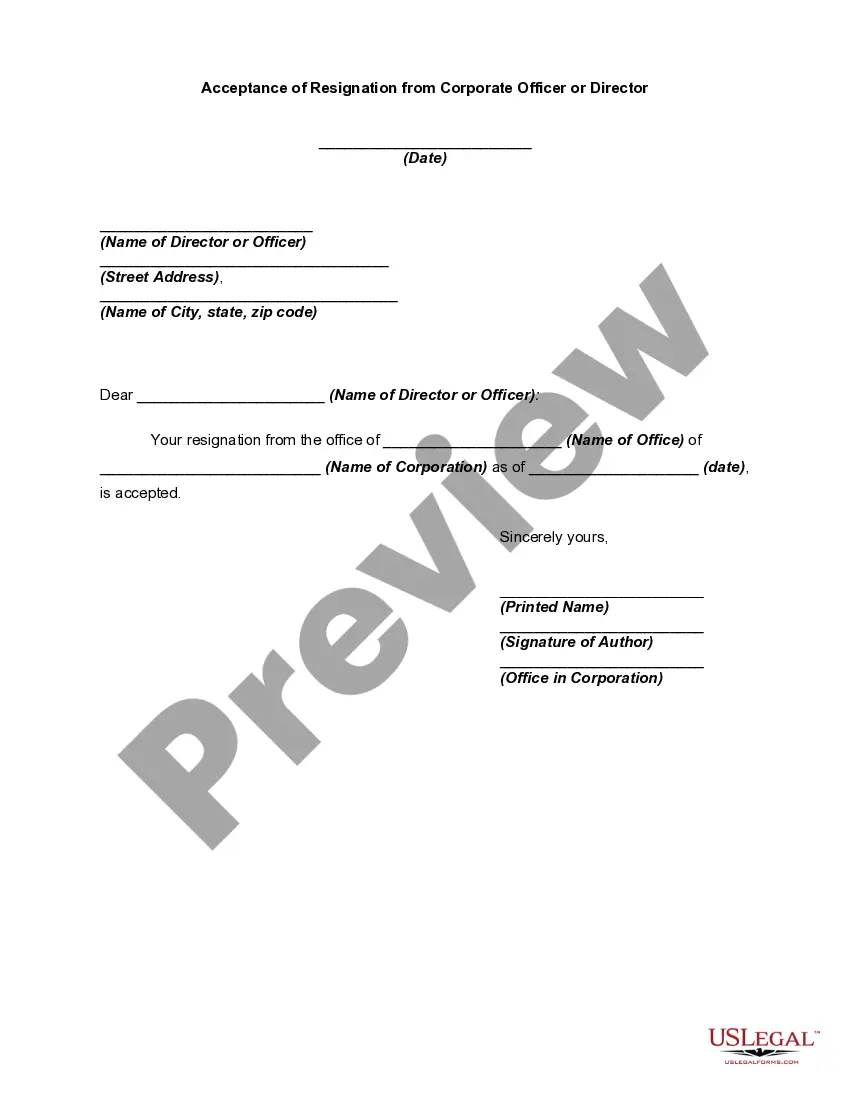
Get your form ready online
Our built-in tools help you complete, sign, share, and store your documents in one place.
Make edits, fill in missing information, and update formatting in US Legal Forms—just like you would in MS Word.
Download a copy, print it, send it by email, or mail it via USPS—whatever works best for your next step.
Sign and collect signatures with our SignNow integration. Send to multiple recipients, set reminders, and more. Go Premium to unlock E-Sign.
If this form requires notarization, complete it online through a secure video call—no need to meet a notary in person or wait for an appointment.
We protect your documents and personal data by following strict security and privacy standards.

Make edits, fill in missing information, and update formatting in US Legal Forms—just like you would in MS Word.

Download a copy, print it, send it by email, or mail it via USPS—whatever works best for your next step.

Sign and collect signatures with our SignNow integration. Send to multiple recipients, set reminders, and more. Go Premium to unlock E-Sign.

If this form requires notarization, complete it online through a secure video call—no need to meet a notary in person or wait for an appointment.

We protect your documents and personal data by following strict security and privacy standards.
Looking for another form?








Form popularity
FAQ
Button under the job change section choose resign enter resignation details fill out the resignationMoreButton under the job change section choose resign enter resignation details fill out the resignation. Form including your last working. Day provide the reason for for your resignation.
Log into your Workday account and navigate to the “My Team” or “My Profile” section. Select the option to “Submit a Job Change” or “Request Leave”. Choose the appropriate resignation option and provide any required details or documents. Review your resignation submission and click “Submit” to finalize the process.
1. From the Home Screen click the Photo > View Profile. 2. Under your name, click Actions > Job Change > Resign.
1. From the Home Screen click the Photo > View Profile. 2. Under your name, click Actions > Job Change > Resign.
Resignation letters are an important part of the employee-employer relationship and can help ensure a smooth transition while maintaining a positive professional relationship. They should be written in a respectful and professional tone, and be submitted directly to the employee's supervisor or manager.
Time and date, address, statement of resignation, last day of work, statement of gratitude, next steps or important information, and your signature. Done.
3. State your decision to resign and last day of work I am writing to inform you of my resignation, effective Date. After careful consideration, I am writing to announce my resignation from my position as Job Title at Company. My last day of work will be Date. Please accept this letter as my formal resignation.
How to Resign From a Job in 9 Steps Step 1: Have your next steps planned. Step 2: Prepare your resignation letter. Step 3: Resign in person. Step 4: Give adequate notice, but be prepared to leave right away. Step 5: Make a transition plan. Step 6: Save your personal files. Step 7: Ask for a recommendation.
Here are the steps to resign professionally: Provide a respectable reason. Provide a formal resignation letter. Be prepared for situations that may arise during your resignation. Keep it positive. Resign in person. Give a reasonable amount of notice. Offer to train your replacement. Let your close coworkers know personally.
Give proper notice. Provide the standard two weeks' notice, or more if required by your employer. Resign in person. Schedule a meeting with your manager to resign face-to-face. Be gracious and appreciative. Offer to help transition your work.

