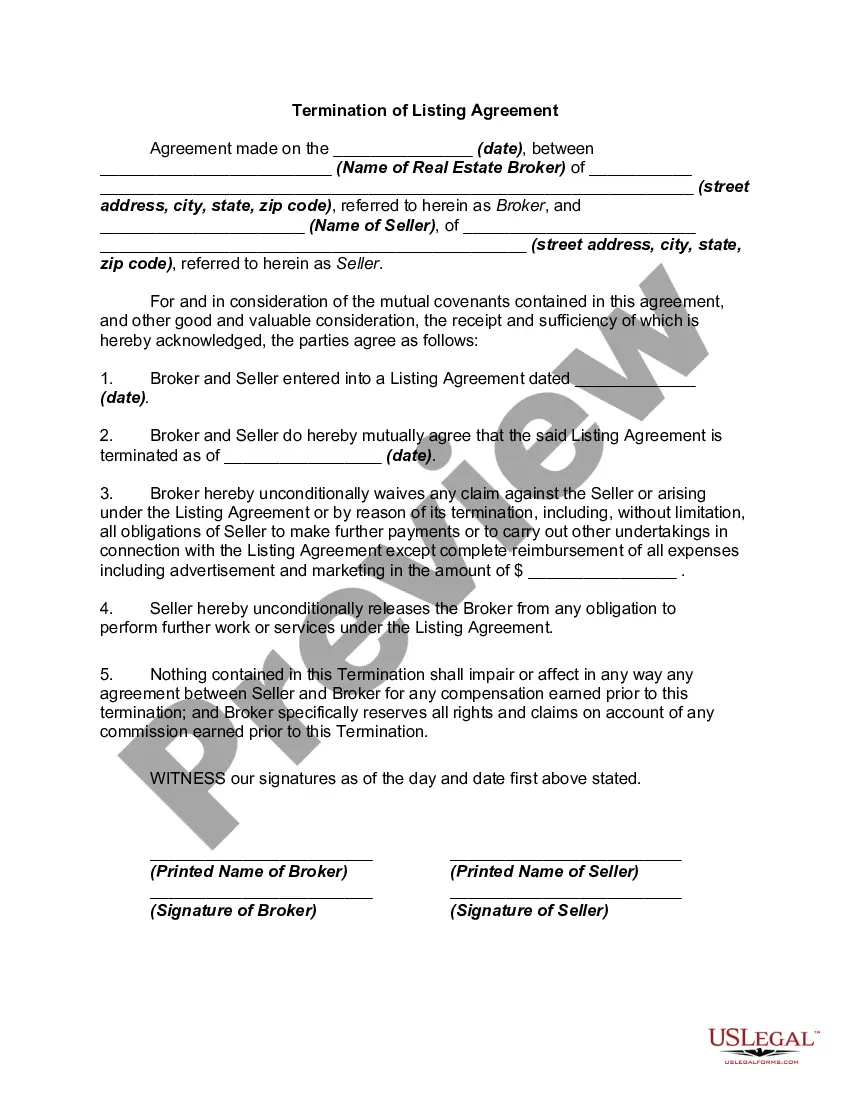
Cancellation Of Listing Agreement Form Cla
Description
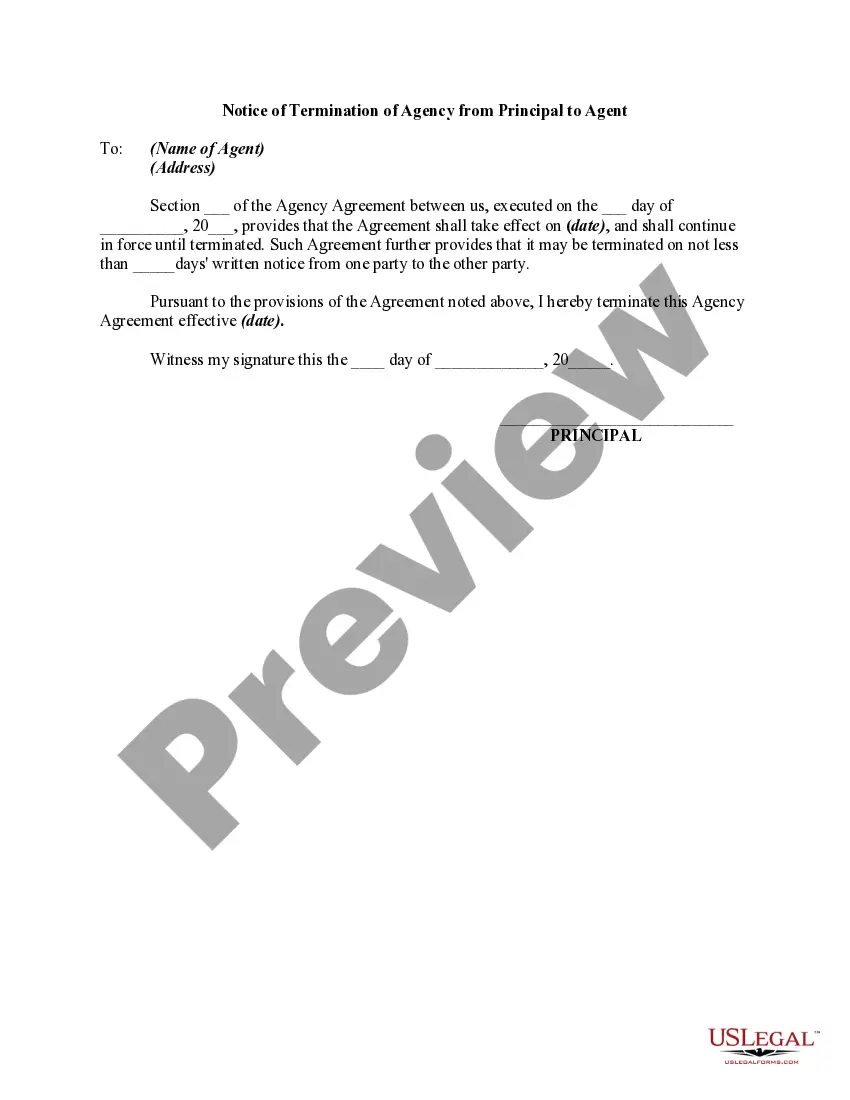
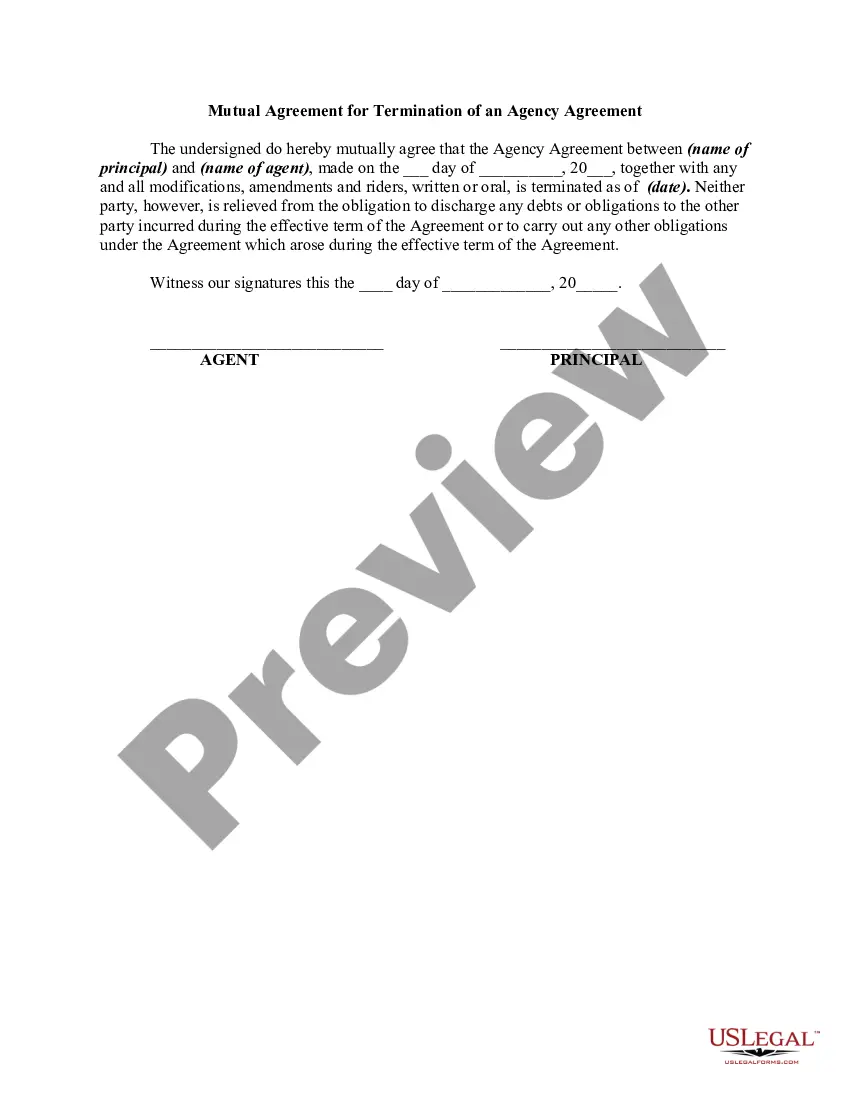
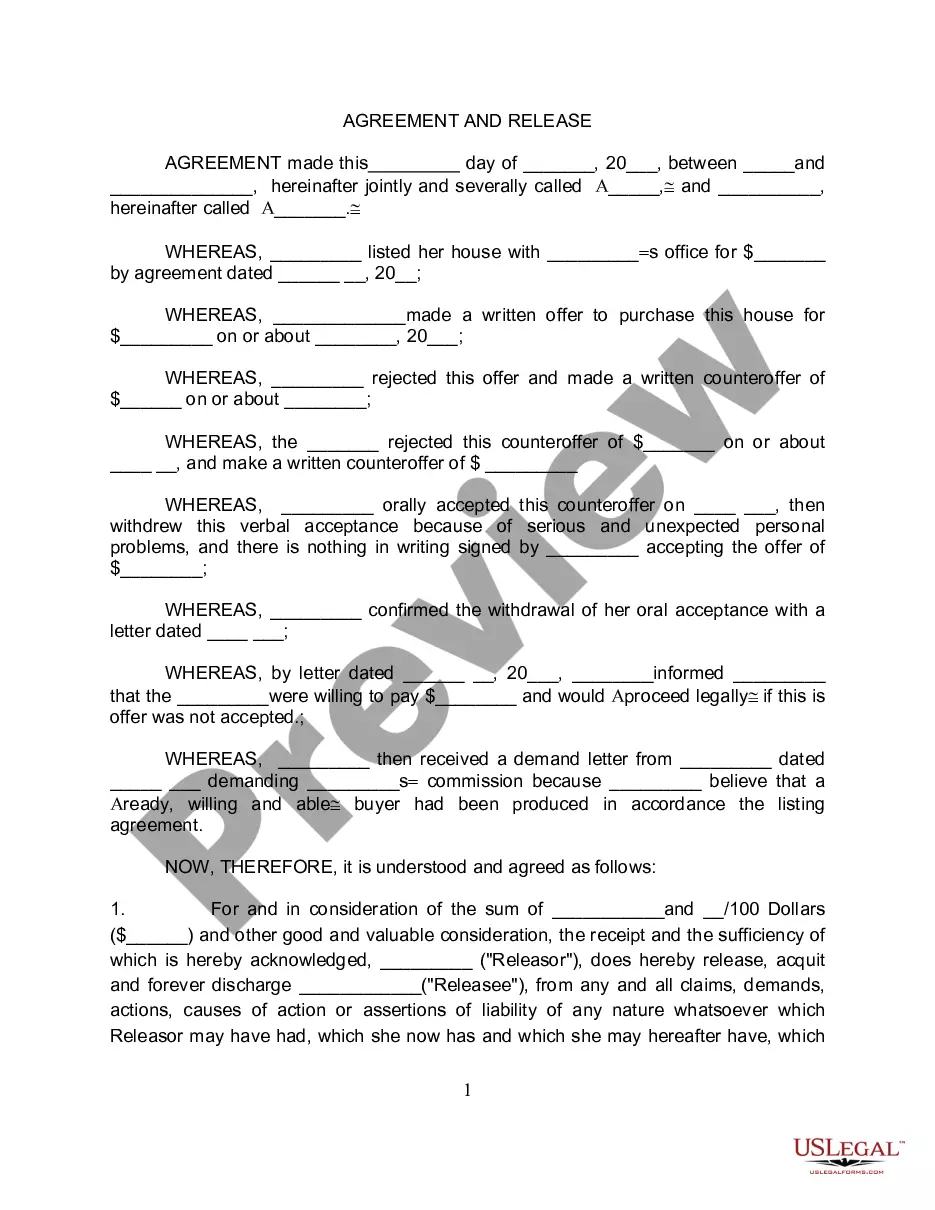
Get your form ready online
Our built-in tools help you complete, sign, share, and store your documents in one place.
Make edits, fill in missing information, and update formatting in US Legal Forms—just like you would in MS Word.
Download a copy, print it, send it by email, or mail it via USPS—whatever works best for your next step.
Sign and collect signatures with our SignNow integration. Send to multiple recipients, set reminders, and more. Go Premium to unlock E-Sign.
If this form requires notarization, complete it online through a secure video call—no need to meet a notary in person or wait for an appointment.
We protect your documents and personal data by following strict security and privacy standards.

Make edits, fill in missing information, and update formatting in US Legal Forms—just like you would in MS Word.

Download a copy, print it, send it by email, or mail it via USPS—whatever works best for your next step.

Sign and collect signatures with our SignNow integration. Send to multiple recipients, set reminders, and more. Go Premium to unlock E-Sign.

If this form requires notarization, complete it online through a secure video call—no need to meet a notary in person or wait for an appointment.

We protect your documents and personal data by following strict security and privacy standards.
Looking for another form?
How to fill out Termination Or Cancellation Of Listing Agreement?
Handling legal documentation and processes can be a lengthy addition to your whole day.
Cancellation Of Listing Agreement Form Cla and similar documents typically require you to locate them and comprehend how to fill them out efficiently.
Thus, whether you are managing financial, legal, or personal affairs, having a thorough and user-friendly online directory of forms at your disposal will be immensely beneficial.
US Legal Forms is the premier online platform for legal templates, providing over 85,000 state-specific documents and various resources to assist you in completing your paperwork effortlessly.
Is this your first time utilizing US Legal Forms? Sign up and create an account in just a few minutes and you’ll gain access to the form directory and Cancellation Of Listing Agreement Form Cla. Then, follow the steps outlined below to fill out your form: Ensure you have identified the correct form by using the Preview feature and reviewing the form details. Choose Buy Now when you are ready, and select the subscription plan that best fits your needs. Click Download, then complete, sign, and print the form. US Legal Forms has 25 years of expertise helping users handle their legal paperwork. Acquire the form you need today and simplify any process without stress.
- Explore the collection of relevant documents accessible to you with just one click.
- US Legal Forms provides you with state- and county-specific forms available for download at any time.
- Protect your document management processes with a high-quality service that enables you to assemble any form within minutes without extra or concealed charges.
- Simply Log In to your account, locate the Cancellation Of Listing Agreement Form Cla, and download it instantly from the My documents section.
- You can also retrieve previously stored forms.
Form popularity
FAQ
Re-read the listing contract that you signed with your agent. Look for verbiage such as ?cancellation? or ?termination.? Many contracts allow you, the seller, to cancel the listing without penalty, as long as the agent agrees to cancel it, too.? 2) Communication between a realtor and a homeowner is extremely important.
From your My Listings page, click Change Status under Select an Action. Assuming that you are changing the Status of an Active listing, choose the option to either Canceled or Withdrawn.
The short answer is yes, but it can be complicated. The agreement you signed is a legal contract between you and a real estate brokerage to sell your home. It contains a start date and an end date, as well as provisions for ending the agreement early.
There are three initial steps: contact the agent directly and get a response (you might be quite satisfied), contact the brokerage and inquire about switching agents or having an additional agent appointed as well, contact your lawyer and proceed with early termination.
There may be many reasons you may want to end the contract, the best ones (and the ones that will get you out of it the simplest) are related to the performance of the real estate agent ? poor communication, bad marketing, no showings, unethical behavior, etc.