Sample Letter With Signature In Travis
Description


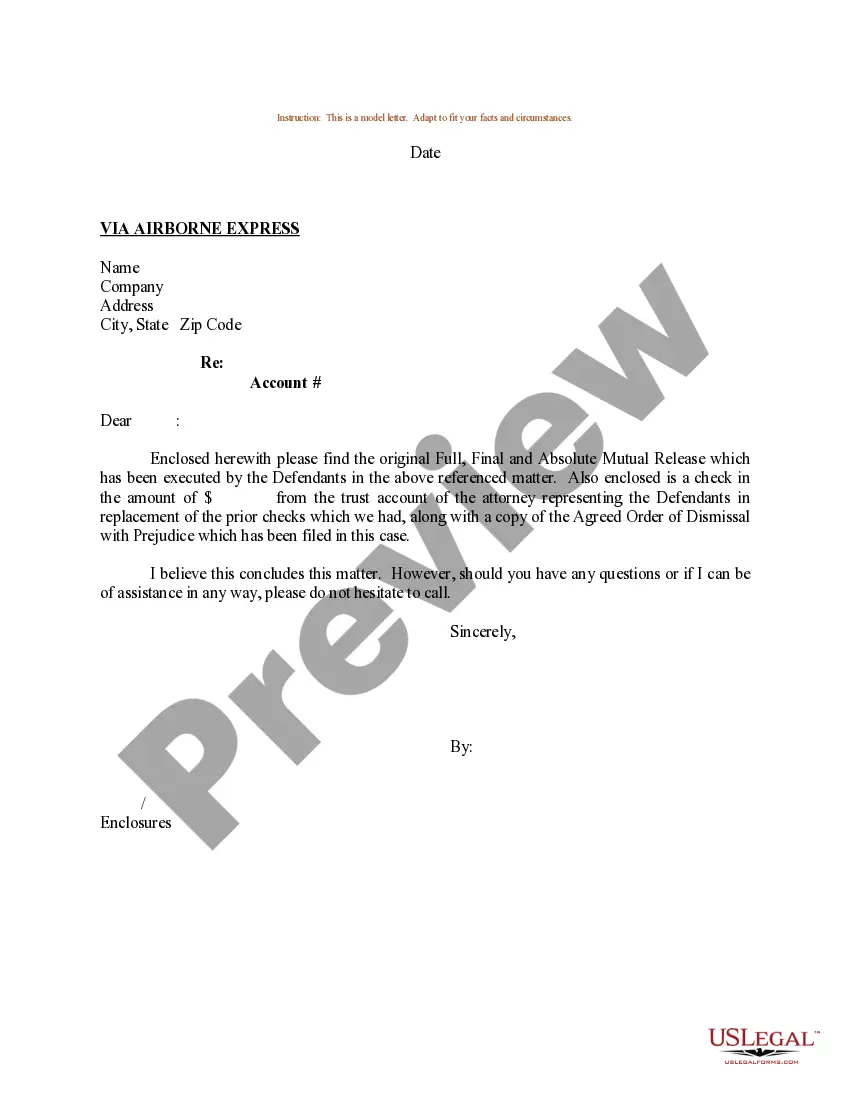
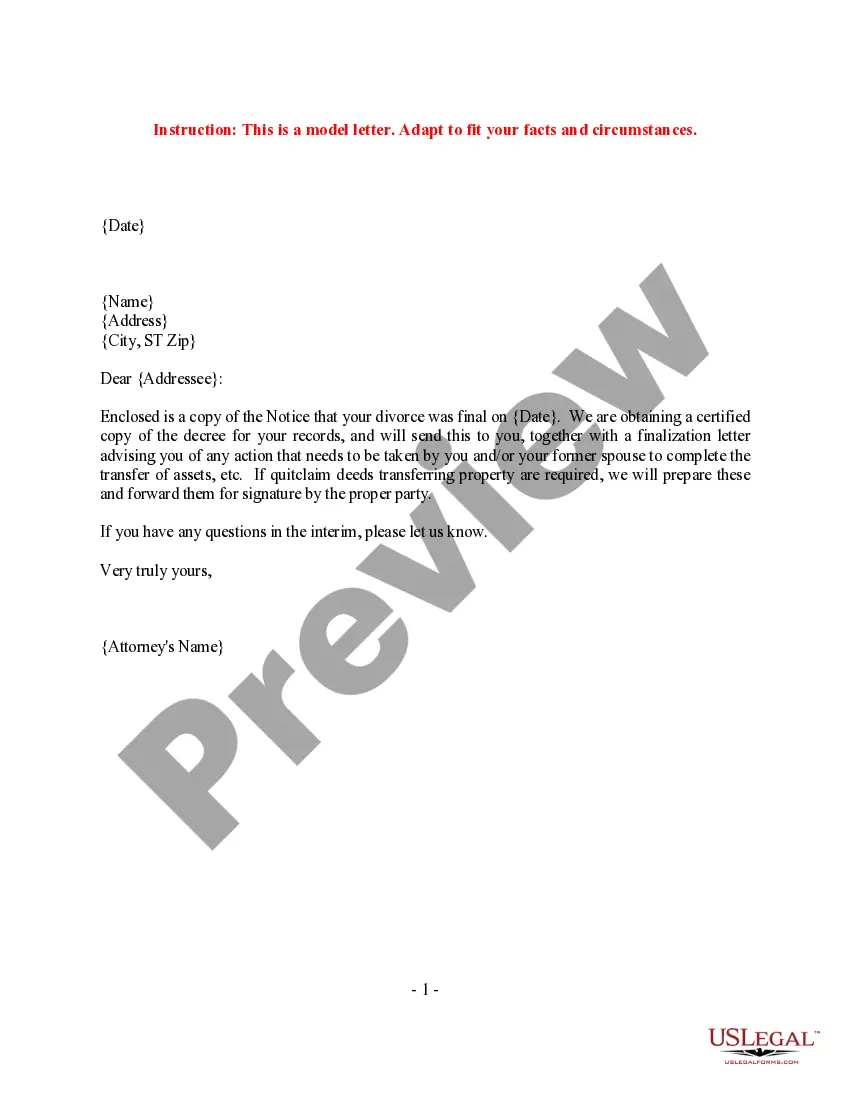

Get your form ready online
Our built-in tools help you complete, sign, share, and store your documents in one place.
Make edits, fill in missing information, and update formatting in US Legal Forms—just like you would in MS Word.
Download a copy, print it, send it by email, or mail it via USPS—whatever works best for your next step.
Sign and collect signatures with our SignNow integration. Send to multiple recipients, set reminders, and more. Go Premium to unlock E-Sign.
If this form requires notarization, complete it online through a secure video call—no need to meet a notary in person or wait for an appointment.
We protect your documents and personal data by following strict security and privacy standards.

Make edits, fill in missing information, and update formatting in US Legal Forms—just like you would in MS Word.

Download a copy, print it, send it by email, or mail it via USPS—whatever works best for your next step.

Sign and collect signatures with our SignNow integration. Send to multiple recipients, set reminders, and more. Go Premium to unlock E-Sign.

If this form requires notarization, complete it online through a secure video call—no need to meet a notary in person or wait for an appointment.

We protect your documents and personal data by following strict security and privacy standards.
Looking for another form?









Form popularity
FAQ
How to write a signature Decide what you want your signature to convey. Analyze the letters in your name. Determine what parts of your name you want to include. Experiment with different styles. Think outside of the box. Choose your favorite signature.
Four lines below the closing phrase, write your full name. If you are writing in an official capacity that is not included in the stationery's letterhead, write your title on the next line. Your signature goes above your typed name.
Signature and name: When you're typing your letter, leave a space in between your closing and printed name so you can handwrite your signature. Handwriting a signature adds a personal tone to your letter and shows you put effort into it.
Therefore, it is important not to use any symbol or character that is clearly not a letter in the alphabet when writing your signature on a legal document. Next, it is important to make sure that your signature show your full name as it appears on any government issued identification.
“Sincerely,” “Regards,” and “Appreciatively” are all appropriate closings for formal letters. “Take care,” “Have a good day,” and “Thanks!” work for a more informal approach.
Simply sign your name by hand directly under the letter closing. Use your first and last name when signing. Sign with your first and last name if you're writing to someone you've never met face to face. Use your first name or nickname on letters to friends or business associates who know you.
You can E-File using this link: eFileTexas | Official E-Filing System for Texas, mail to Travis County District Clerk, PO Box 679003, Austin, TX 78767 or hand deliver documents to us by appointment only. Call (512) 854-9457 or send an email to District.eFile@traviscountytx for any questions.
You can typically find county property tax rates listed on their website or by calling the county department that manages taxation. Example: If your property tax bill is $3,400 and your county's department of finance tells you the real-estate tax rate is 1%, you can see that your assessed value is $340,000.
Appraisal districts, administered by a chief appraiser, appraise your property's value as of Jan. 1 each year. Market conditions and who owns the property on that date determine whether the property is taxable, the value at which it can be taxed and who is responsible for paying the tax.
Per the Texas Property Tax Code, all taxable property must be valued at 100% of market value as of January 1 each year. This value is shown on your notice as “Total Market Value”.

