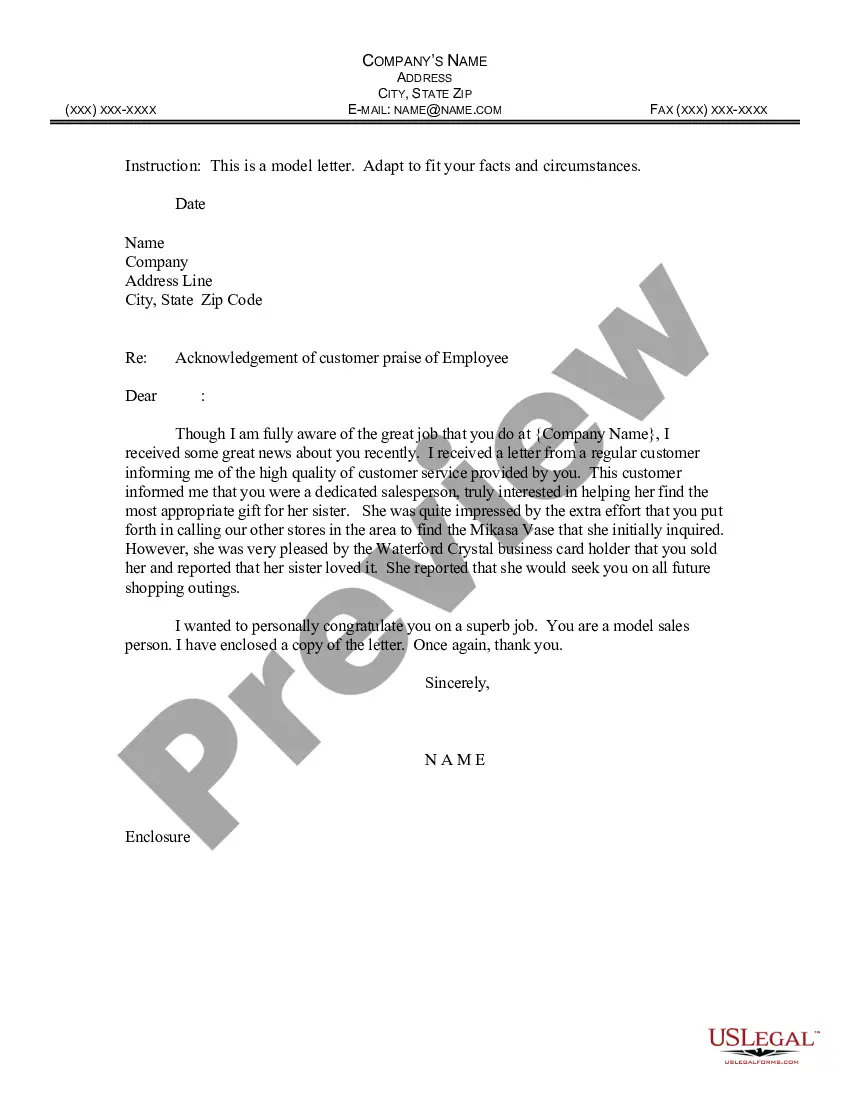
Employee Form Document With Attachment In King
Description














Get your form ready online
Our built-in tools help you complete, sign, share, and store your documents in one place.
Make edits, fill in missing information, and update formatting in US Legal Forms—just like you would in MS Word.
Download a copy, print it, send it by email, or mail it via USPS—whatever works best for your next step.
Sign and collect signatures with our SignNow integration. Send to multiple recipients, set reminders, and more. Go Premium to unlock E-Sign.
If this form requires notarization, complete it online through a secure video call—no need to meet a notary in person or wait for an appointment.
We protect your documents and personal data by following strict security and privacy standards.

Make edits, fill in missing information, and update formatting in US Legal Forms—just like you would in MS Word.

Download a copy, print it, send it by email, or mail it via USPS—whatever works best for your next step.

Sign and collect signatures with our SignNow integration. Send to multiple recipients, set reminders, and more. Go Premium to unlock E-Sign.

If this form requires notarization, complete it online through a secure video call—no need to meet a notary in person or wait for an appointment.

We protect your documents and personal data by following strict security and privacy standards.
Looking for another form?
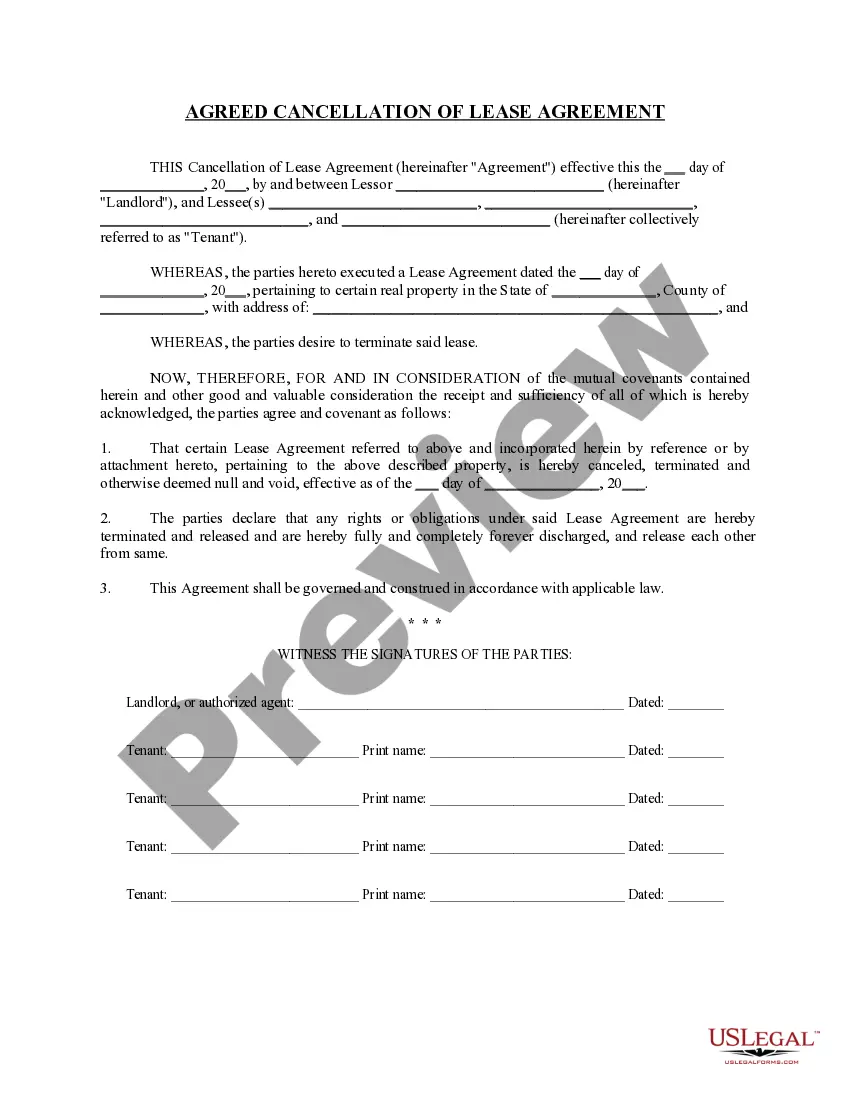



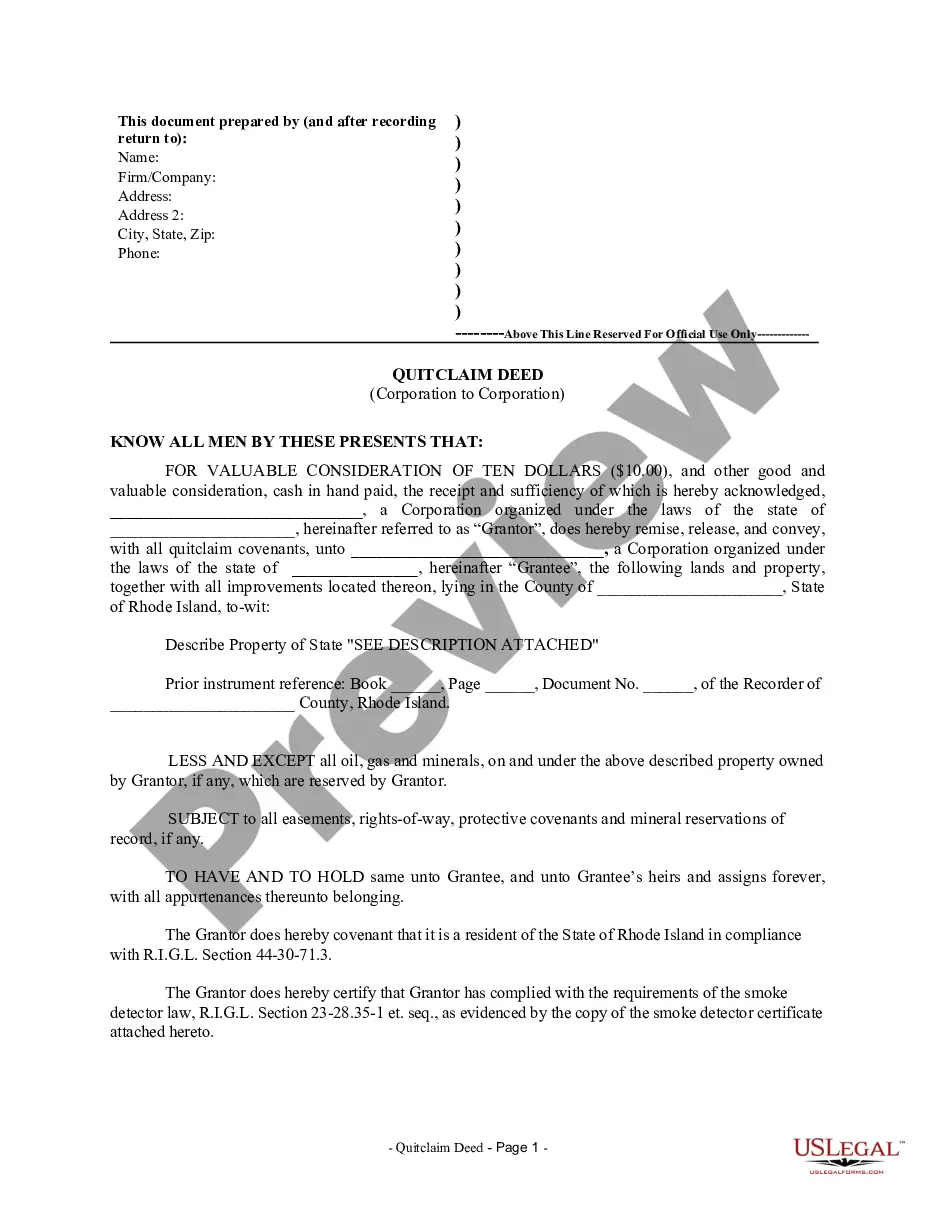

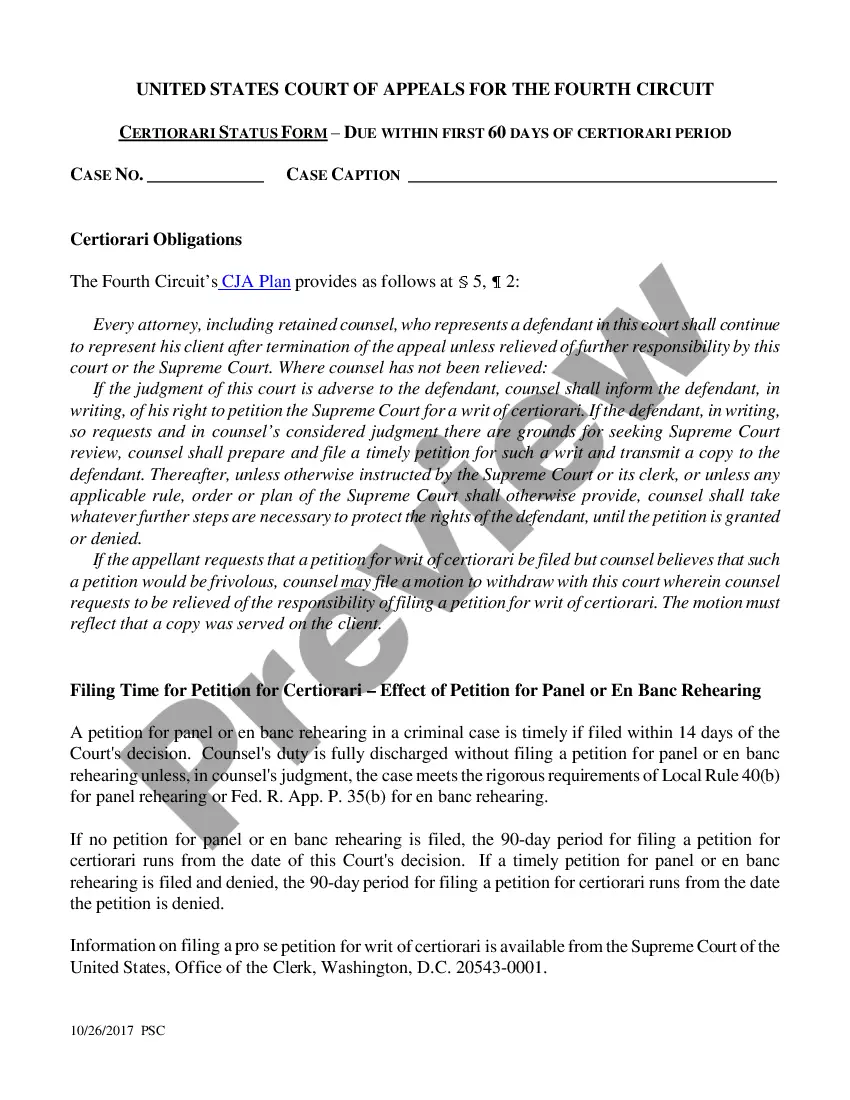
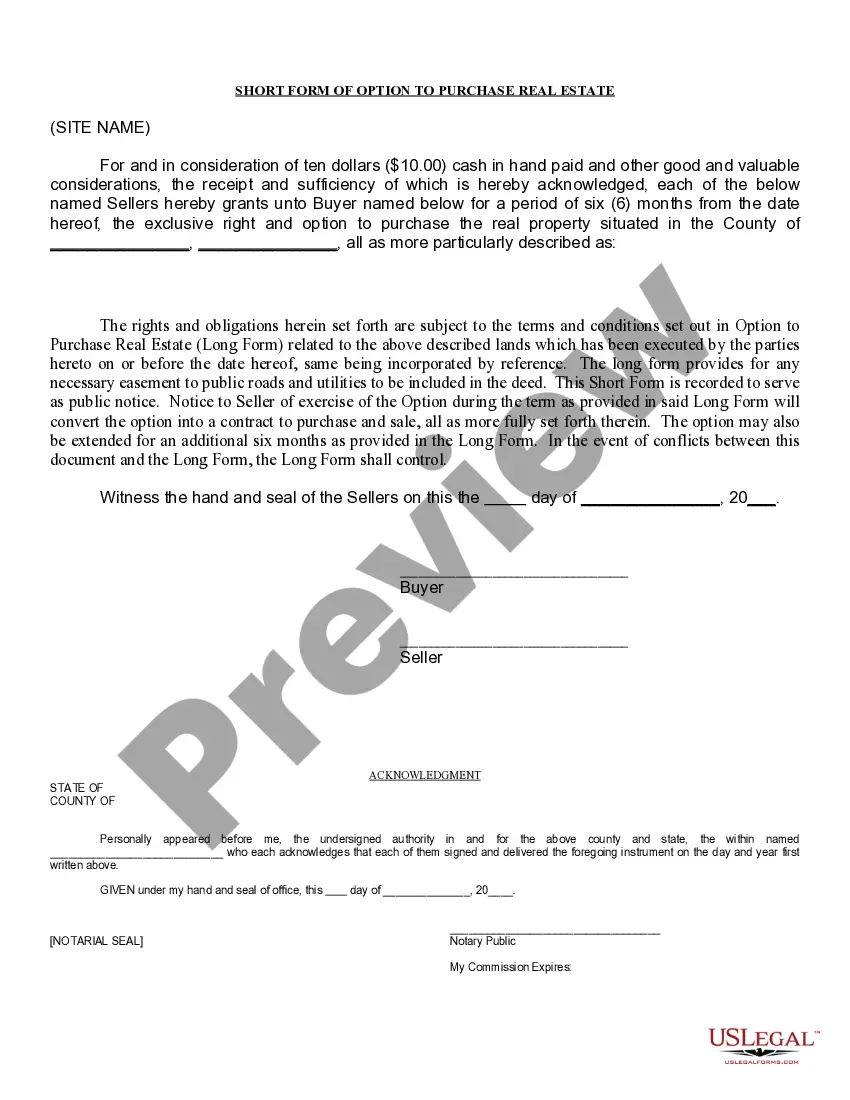
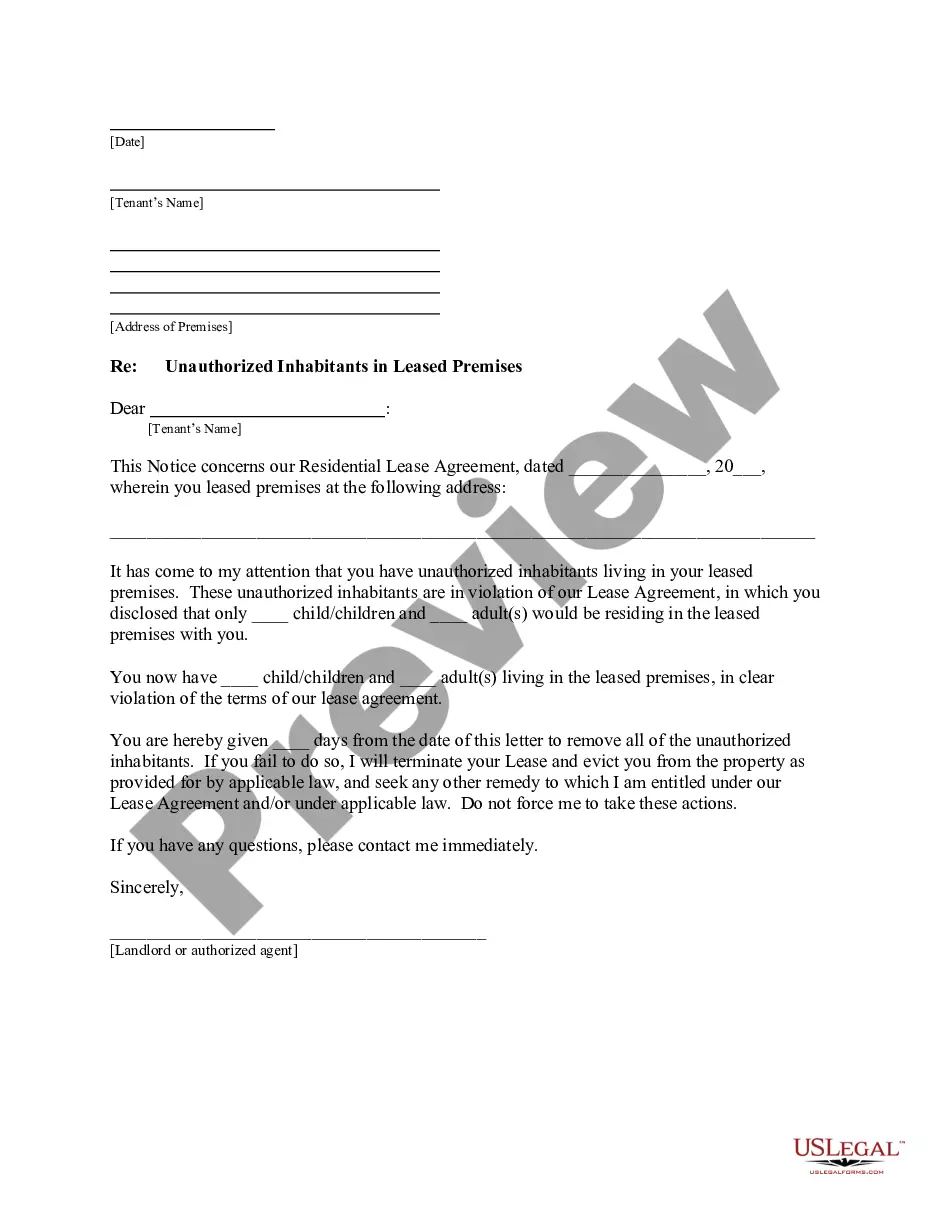

Form popularity
FAQ
How to fill out an I-9 form in 6 steps Designate your authorized representative. Have the new hire complete Section 1: Employee Information and Attestation. Inspect the new hire's I-9 identification documents. Complete Section 2: Employer Review and Verification. Complete I-9 supplements, if applicable.
Figure 9: Completing Supplement B, Reverification and Rehires Enter the employee's full name from the original Form I-9 at the top of the supplement. Enter any name change in the New Name fields. Enter the rehire date in the Date of Rehire field. Reverify their employment authorization in the Expiration Date fields.
How to fill out an I-9 form in 6 steps Designate your authorized representative. Have the new hire complete Section 1: Employee Information and Attestation. Inspect the new hire's I-9 identification documents. Complete Section 2: Employer Review and Verification. Complete I-9 supplements, if applicable.
If you are self-employed, you do not need to complete Form I-9 on your own behalf unless you are an employee of a separate business entity, such as a corporation or partnership. In that case, you and any other employees must complete Form I-9.
Per federal regulations, employers must complete a Form I-9 for every new employee. Employers who fail to properly complete Forms I-9 can be fined $110 for each missing or incorrect item on a form, up to $1,100 per form, even if the employee is legally authorized to work in the U.S.
This means that as an employer, you should only ask a candidate to present one of the following acceptable documents. Make note that all documents must be unexpired. U.S. passport or U.S. passport card. Alien Registration Receipt Card or Permanent Resident Card with photograph, also known as a Green Card (Form I-551)
Completing the I-9 Form Enter full name and maiden name, if applicable. Enter current address and date of birth. Enter his/her city, state and social security number. Read warning and attest to immigration status. Sign and date the form.
Documents that Establish Both Identity and Employment Authorization U.S. Passport or U.S. Passport Card. Permanent Resident Card or Alien Registration Receipt Card (Form I-551) ... Foreign passport that contains a temporary I-551 stamp or temporary I-551 printed notation on a machine-readable immigrant visa.
The following documents show the applicant's right to work in the UK. Passport. Permanent resident card. National identity card. Registration certificate. Biometric immigration document. Immigration status document. Birth or adoption certificate. Certificate of registration or naturalisation.
No matter which method you use, there are a few key steps to process documentation. Identify the process. First, identify the process you are documenting. Place boundaries. List the expected result. Detail the inputs. Walk through the process. Determine who's involved. Utilize your process documentation system.