Agreement General Form For Employee In Miami-Dade
Description

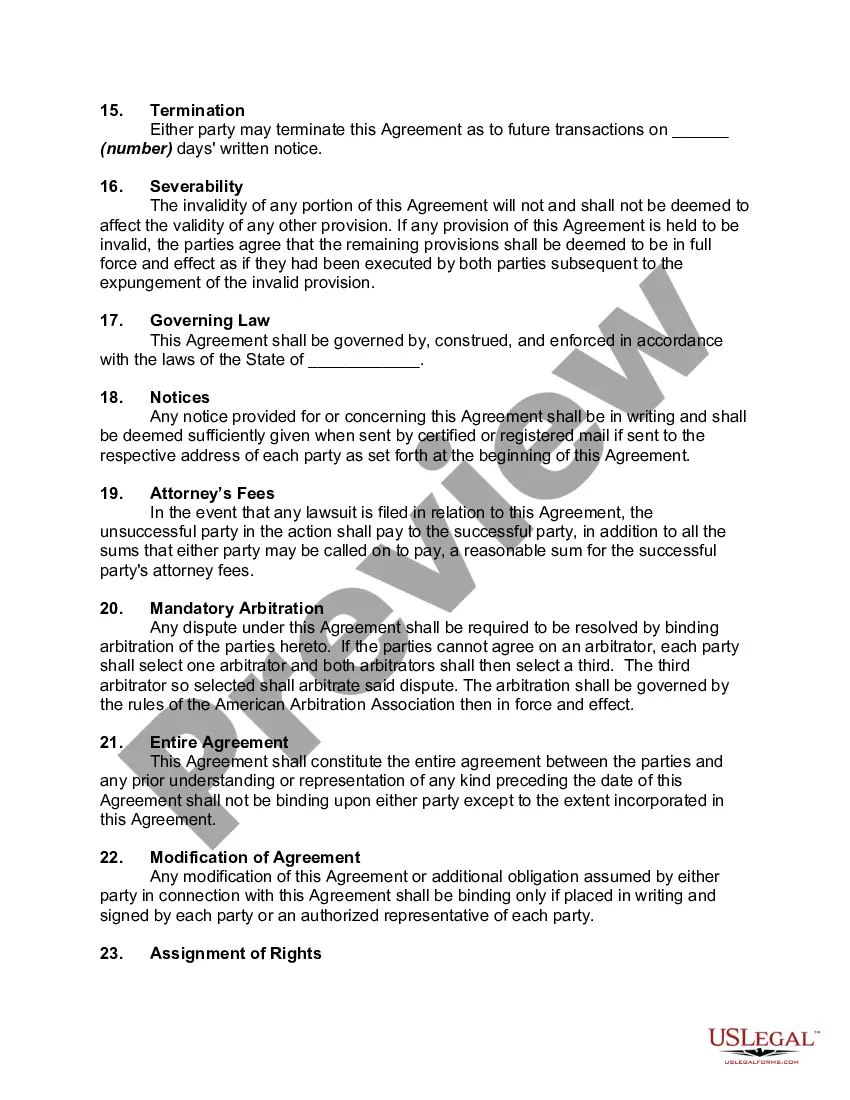

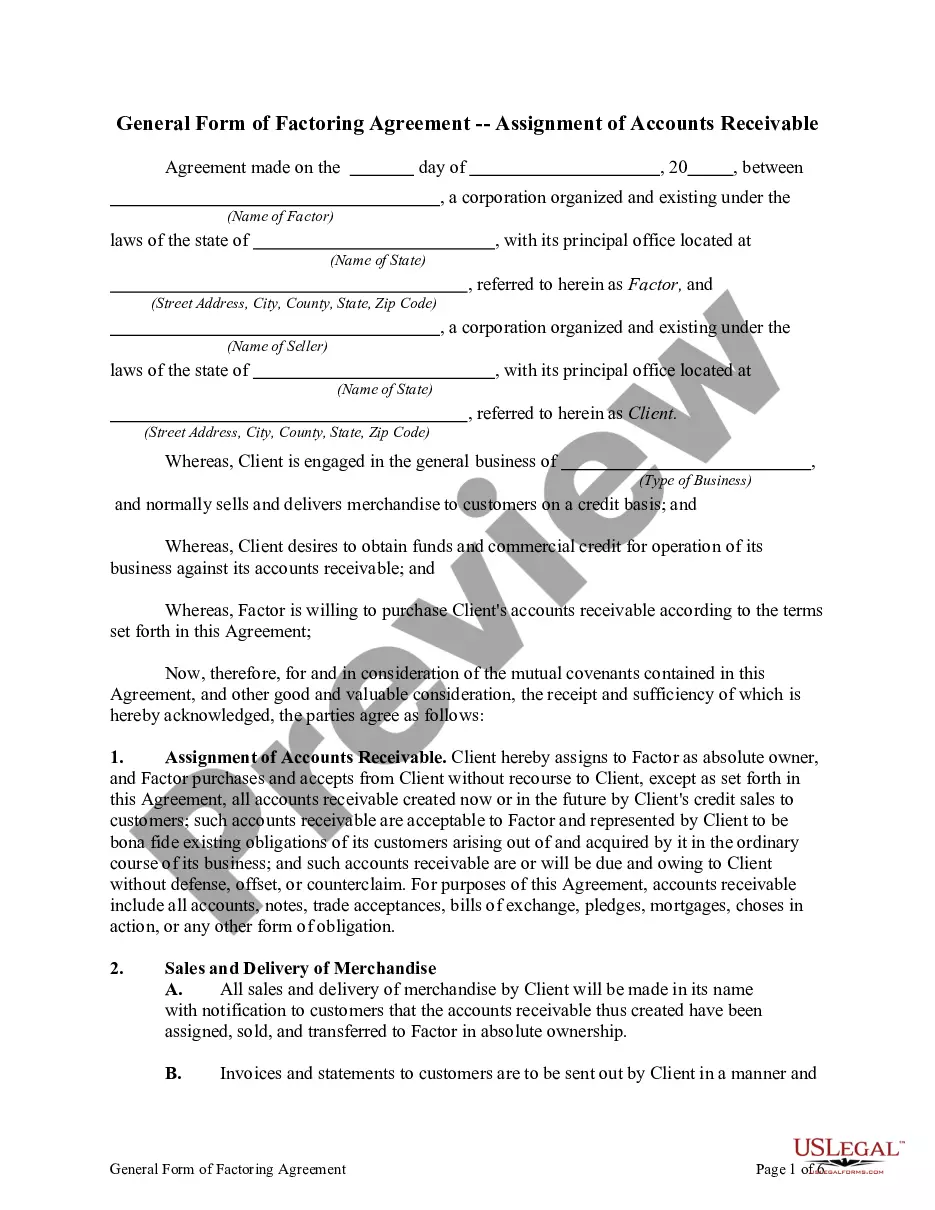
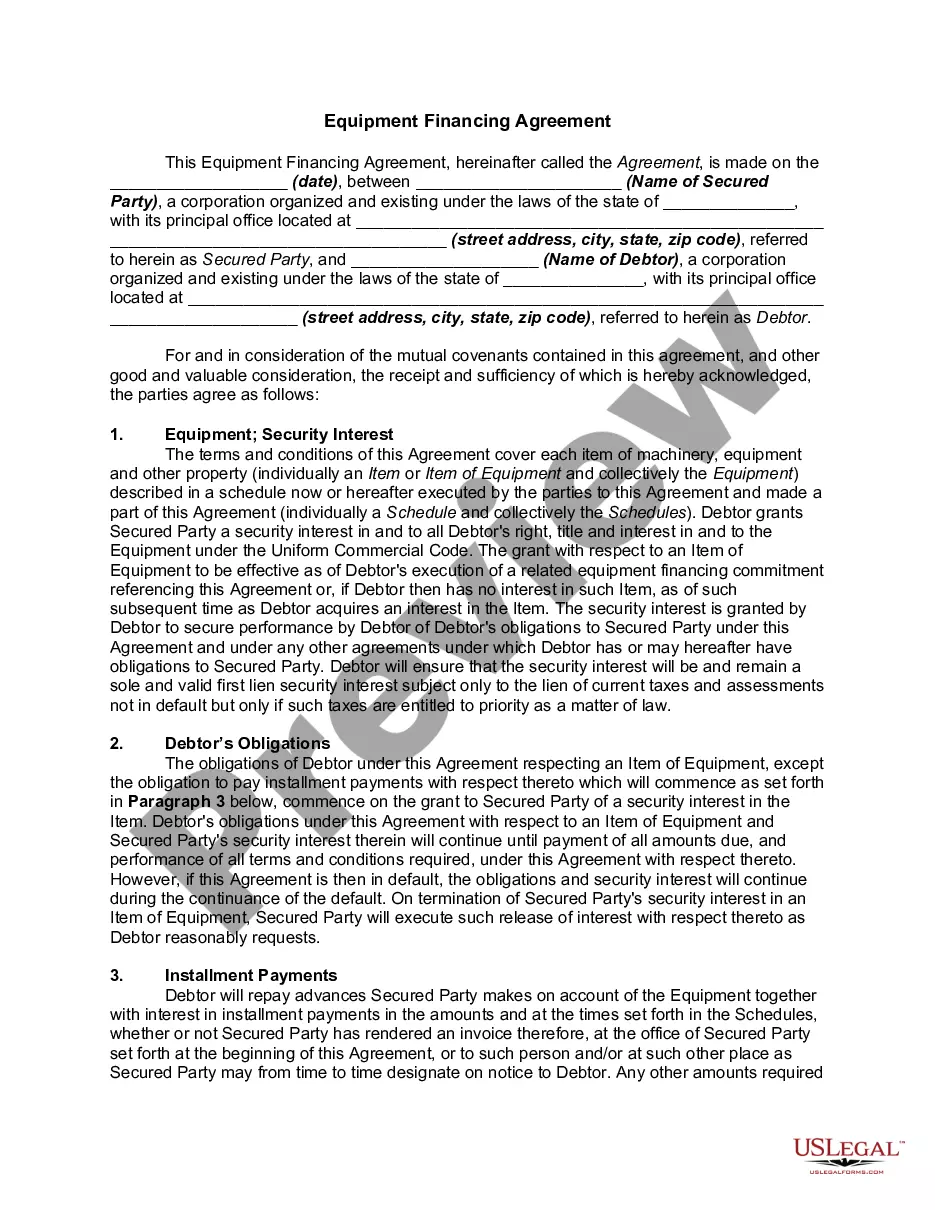
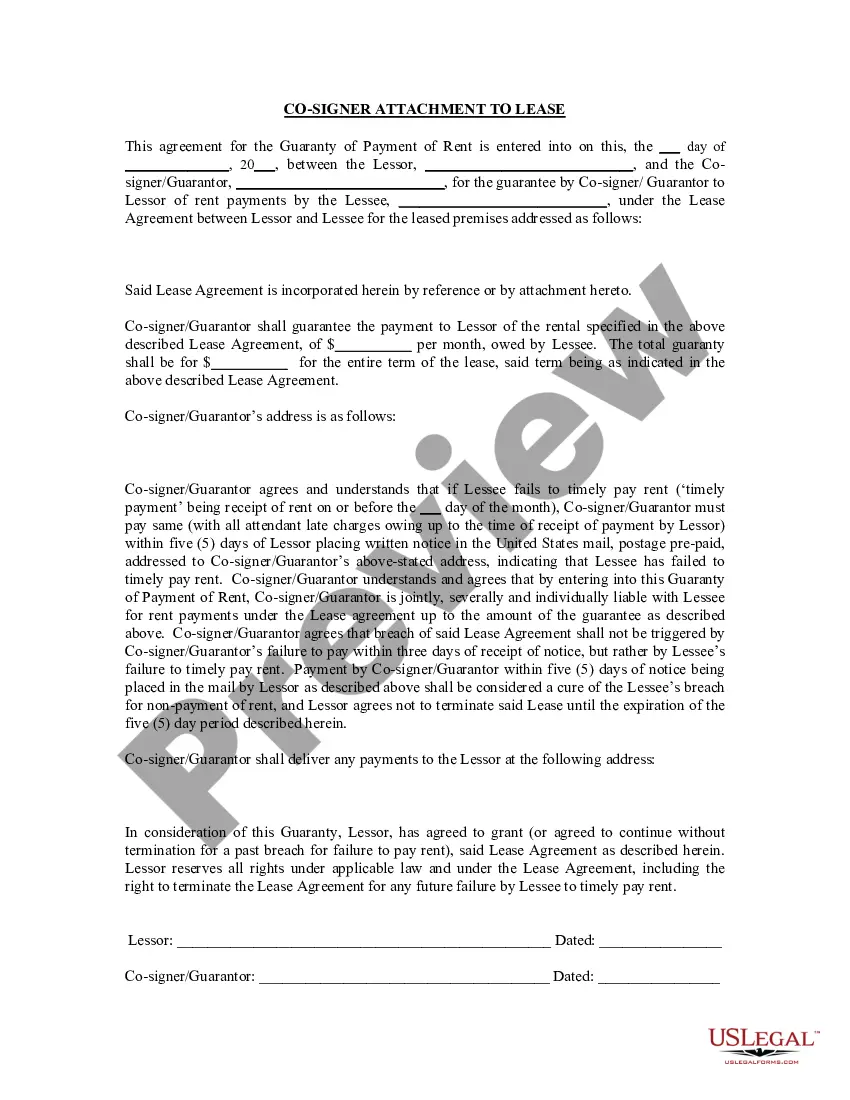
Get your form ready online
Our built-in tools help you complete, sign, share, and store your documents in one place.
Make edits, fill in missing information, and update formatting in US Legal Forms—just like you would in MS Word.
Download a copy, print it, send it by email, or mail it via USPS—whatever works best for your next step.
Sign and collect signatures with our SignNow integration. Send to multiple recipients, set reminders, and more. Go Premium to unlock E-Sign.
If this form requires notarization, complete it online through a secure video call—no need to meet a notary in person or wait for an appointment.
We protect your documents and personal data by following strict security and privacy standards.

Make edits, fill in missing information, and update formatting in US Legal Forms—just like you would in MS Word.

Download a copy, print it, send it by email, or mail it via USPS—whatever works best for your next step.

Sign and collect signatures with our SignNow integration. Send to multiple recipients, set reminders, and more. Go Premium to unlock E-Sign.

If this form requires notarization, complete it online through a secure video call—no need to meet a notary in person or wait for an appointment.

We protect your documents and personal data by following strict security and privacy standards.
Looking for another form?
Form popularity
FAQ
To write a simple contract, title it clearly, identify all parties and specify terms (services or payments). Include an offer, acceptance, consideration, and intent. Add a signature and date for enforceability. Written contracts reduce disputes and offer better legal security than verbal ones.
Here are some steps you may use to guide you when you write an employment contract: Title the employment contract. Identify the parties. List the term and conditions. Outline the job responsibilities. Include compensation details. Use specific contract terms. Consult with an employment lawyer. Employment.
How to write a contract agreement in 7 steps. Determine the type of contract required. Confirm the necessary parties. Choose someone to draft the contract. Write the contract with the proper formatting. Review the written contract with a lawyer. Send the contract agreement for review or revisions.
Generally, an employment contract does not need to be notarized – the parties only need to sign the document to make it legally enforceable. A witness may be helpful if the other party attempts to contest the document, but a notary is not necessary.
Local Business Tax Receipt: All businesses operating within Miami-Dade County are required to obtain a Miami-Dade County Local Business Tax Receipt (formerly known as Occupational License). If your business is located within a municipality, you will need a Business Tax Receipt from the County and the municipality.
How long does it take to get hired at Miami Dade County? The hiring process at Miami Dade County takes an average of 55.51 days when considering 69 user submitted interviews across all job titles.
The best place to look your employer's EIN (Employer Identification Number) or Tax ID is in Box b of your W-2 form. Look for a 9-digit number with a dash separating the second and third digit (NN-NNNNNNN). It's usually right above your employer's name or below their address. Don't have your W-2 yet?
The collective bargaining agreement determines the wages, hours, and terms and conditions of employment of all bargaining unit members, regardless of whether they are also members of the union. Individual employees must negotiate with their employer through the certified agent, rather than on an individual basis.
Federal Employer Identification Number 59-6000572 is to be used when School Board clubs or organizations receive payment for services (wages).
Employer Name: Miami Dade County 4. Employer Identification Number: (EIN) 59-6000573 5.
