Share Agreement Contract With Vendor In Queens
Description






Get your form ready online
Our built-in tools help you complete, sign, share, and store your documents in one place.
Make edits, fill in missing information, and update formatting in US Legal Forms—just like you would in MS Word.
Download a copy, print it, send it by email, or mail it via USPS—whatever works best for your next step.
Sign and collect signatures with our SignNow integration. Send to multiple recipients, set reminders, and more. Go Premium to unlock E-Sign.
If this form requires notarization, complete it online through a secure video call—no need to meet a notary in person or wait for an appointment.
We protect your documents and personal data by following strict security and privacy standards.

Make edits, fill in missing information, and update formatting in US Legal Forms—just like you would in MS Word.

Download a copy, print it, send it by email, or mail it via USPS—whatever works best for your next step.

Sign and collect signatures with our SignNow integration. Send to multiple recipients, set reminders, and more. Go Premium to unlock E-Sign.

If this form requires notarization, complete it online through a secure video call—no need to meet a notary in person or wait for an appointment.

We protect your documents and personal data by following strict security and privacy standards.
Looking for another form?
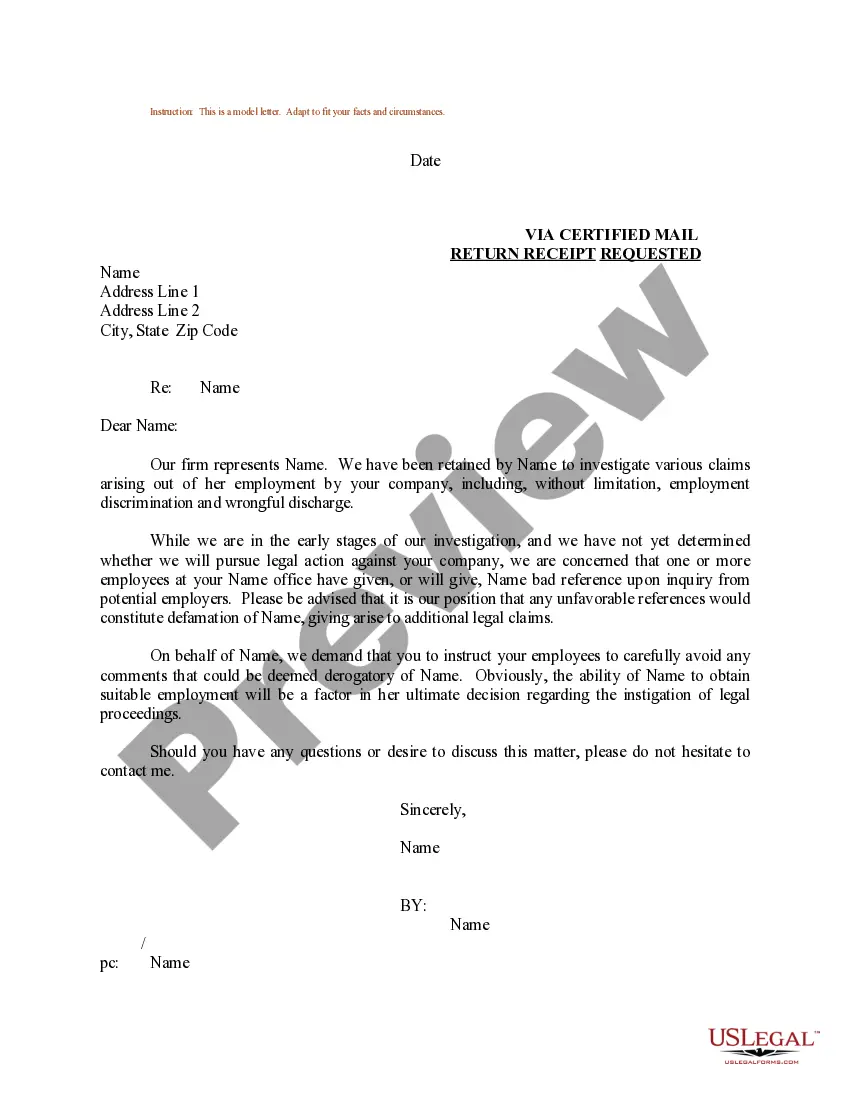
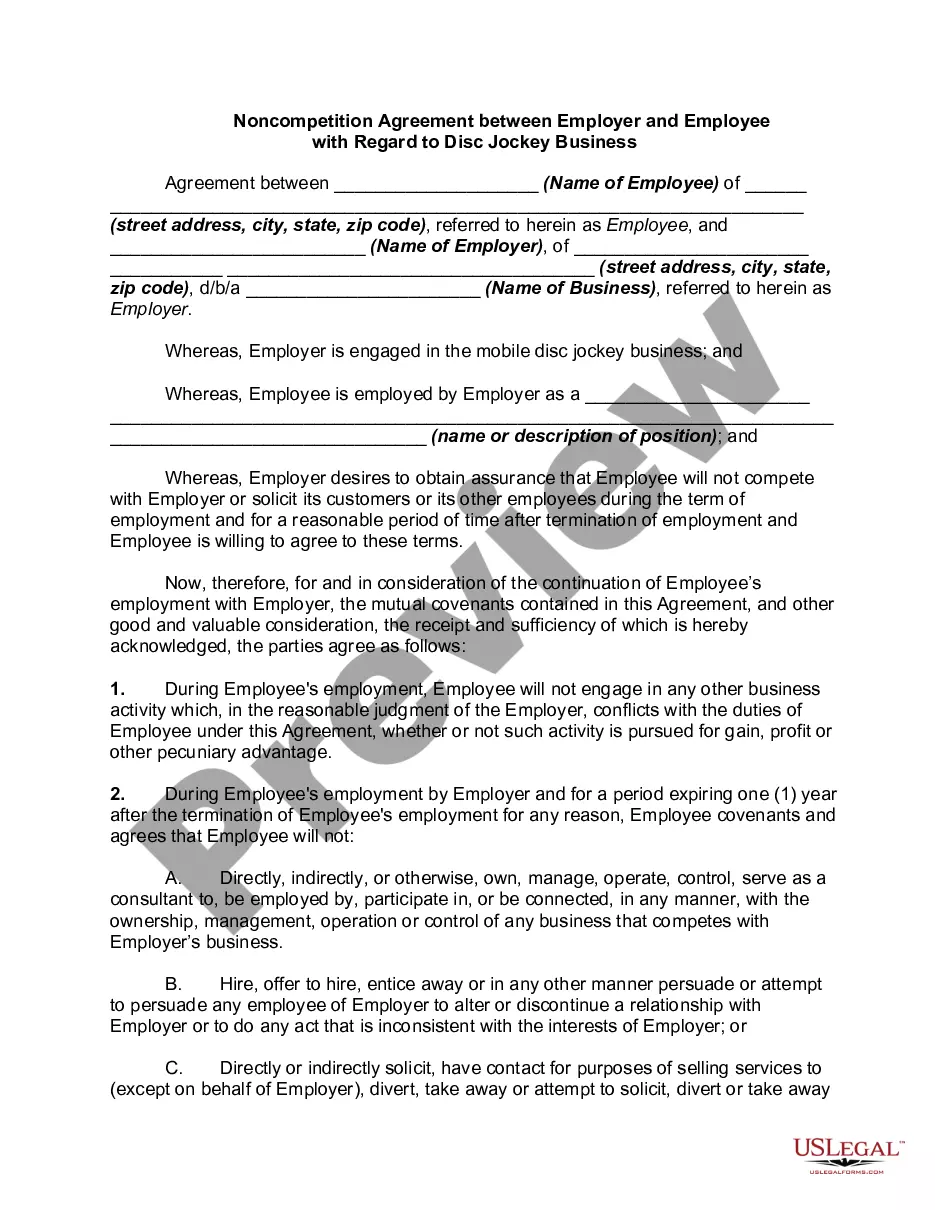

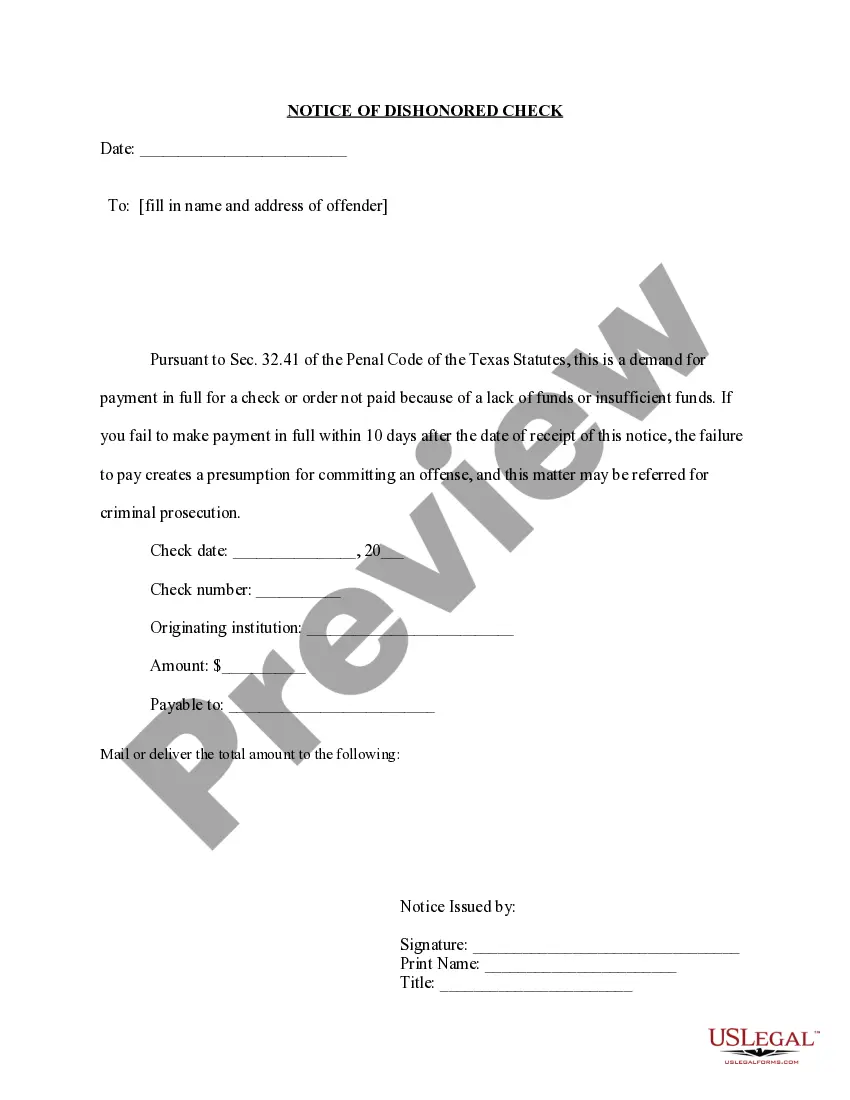





Form popularity
FAQ
If you're trying to break into federal contracting, or you're looking for an easy win, look into religious services contracts. The federal government purchases religious services regularly, and these contracts are easier to win than you think. There are tons of religious opportunities there.
Be sure to work with a contract search tool which uses 'Or' search logic. This provides much more relevant search results, allows you to quickly sort through the contracts that are right for you and allows you to find and therefore bid for opportunities much more easily.
Federal business opportunities for contractors are listed at SAM. Government agencies are required to use SAM to advertise all contracts over $25,000.
A vendor contract (otherwise known as a vendor agreement) is a business contract between two parties covering the exchange of goods or services in return for compensation. Vendor contracts establish the business relationship conditions and include details on each party's obligations under the contract.
A signed contract is a formal agreement between two parties that is legally binding once both parties have signed the contract document(s). It is a more complex and comprehensive legal document that outlines the specific terms and conditions of a business agreement between two parties.
Shareholders agreements: important points to consider Introduction. Step 1: Decide on the issues the agreement should cover. Step 2: Identify the interests of shareholders. Step 4: Identify who will make decisions - shareholders or directors. Step 5: Decide how voting power of shareholders should add up.
Write the contract in six steps Start with a contract template. Open with the basic information. Describe in detail what you have agreed to. Include a description of how the contract will be ended. Write into the contract which laws apply and how disputes will be resolved. Include space for signatures.
Creating a vendor contract Step 1: Specify business terms. The first part of each vendor contract usually outlines the business terms including. Step 2: Outline legal concepts. This section usually begins with the representations and warranties section. Step 3: Address consequences.
How to draft a contract between two parties: A step-by-step checklist Know your parties. Agree on the terms. Set clear boundaries. Spell out the consequences. Specify how you will resolve disputes. Cover confidentiality. Check the legality of the contract. Open it up to negotiation.
How to write a contract agreement in 7 steps. Determine the type of contract required. Confirm the necessary parties. Choose someone to draft the contract. Write the contract with the proper formatting. Review the written contract with a lawyer. Send the contract agreement for review or revisions.
