Sample Contract Agreement For Services In Florida
Description

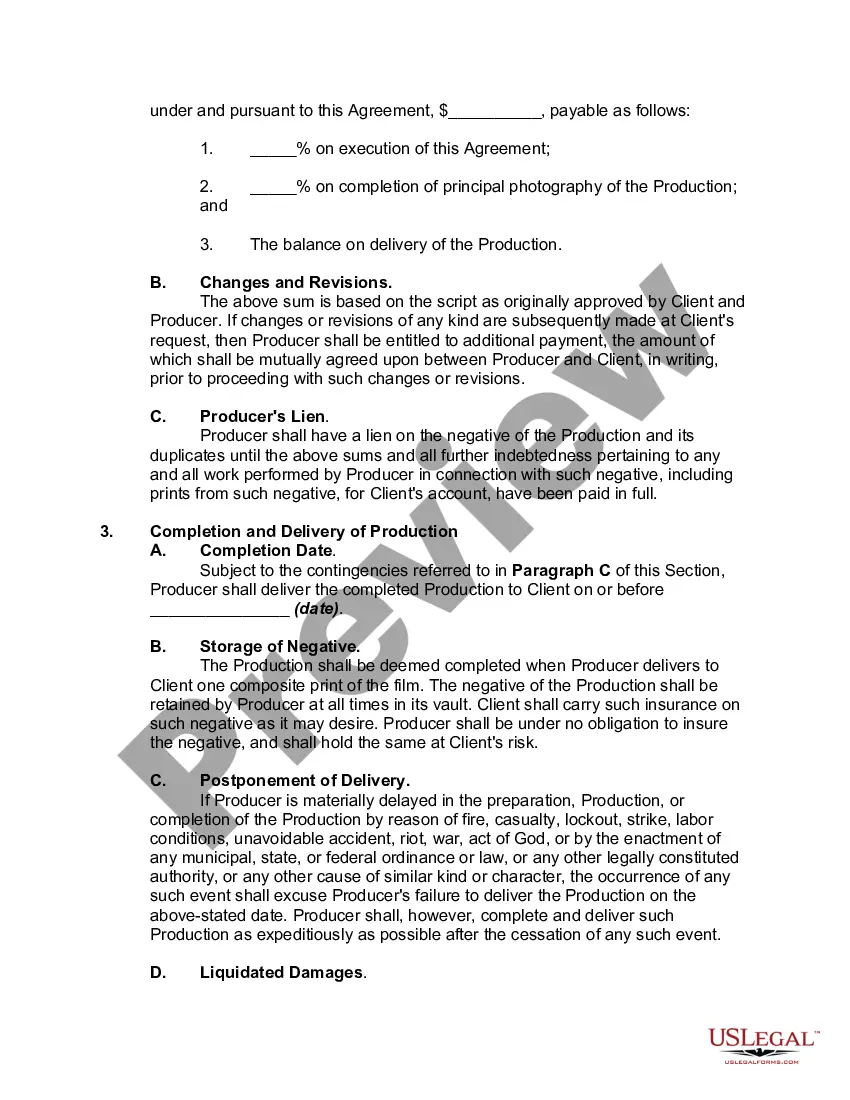
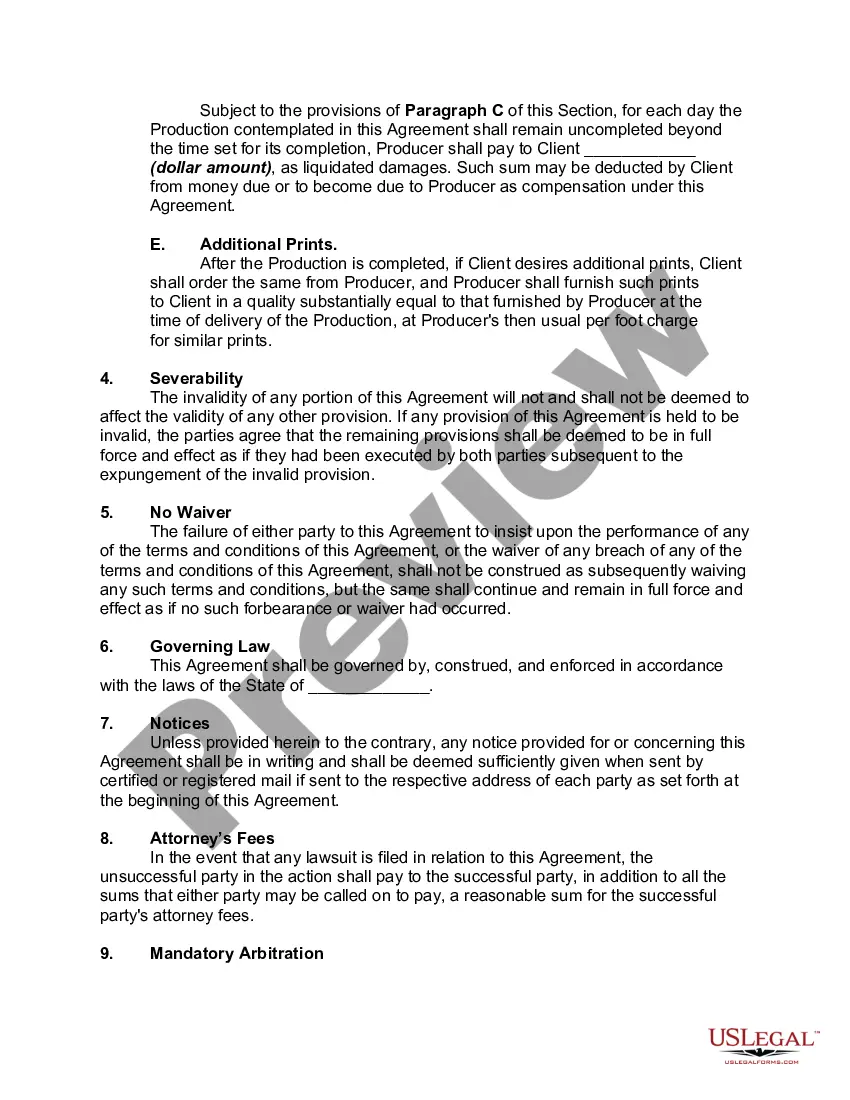
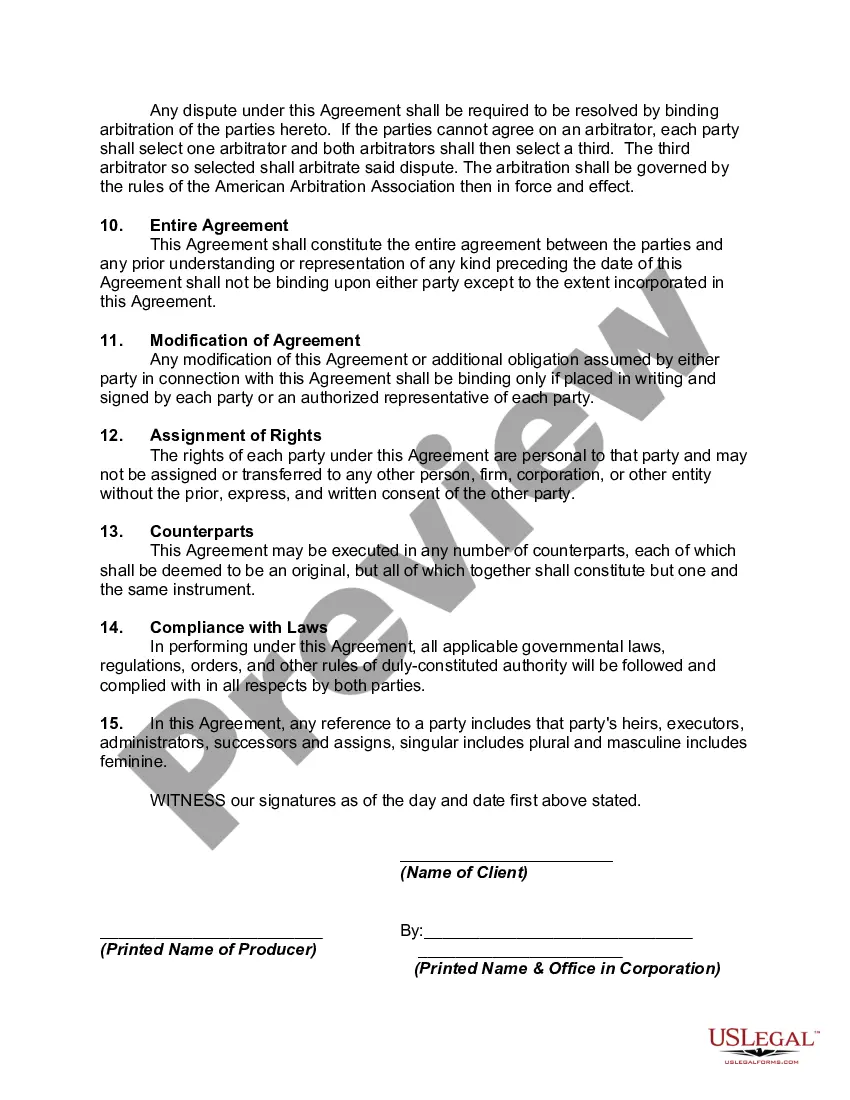
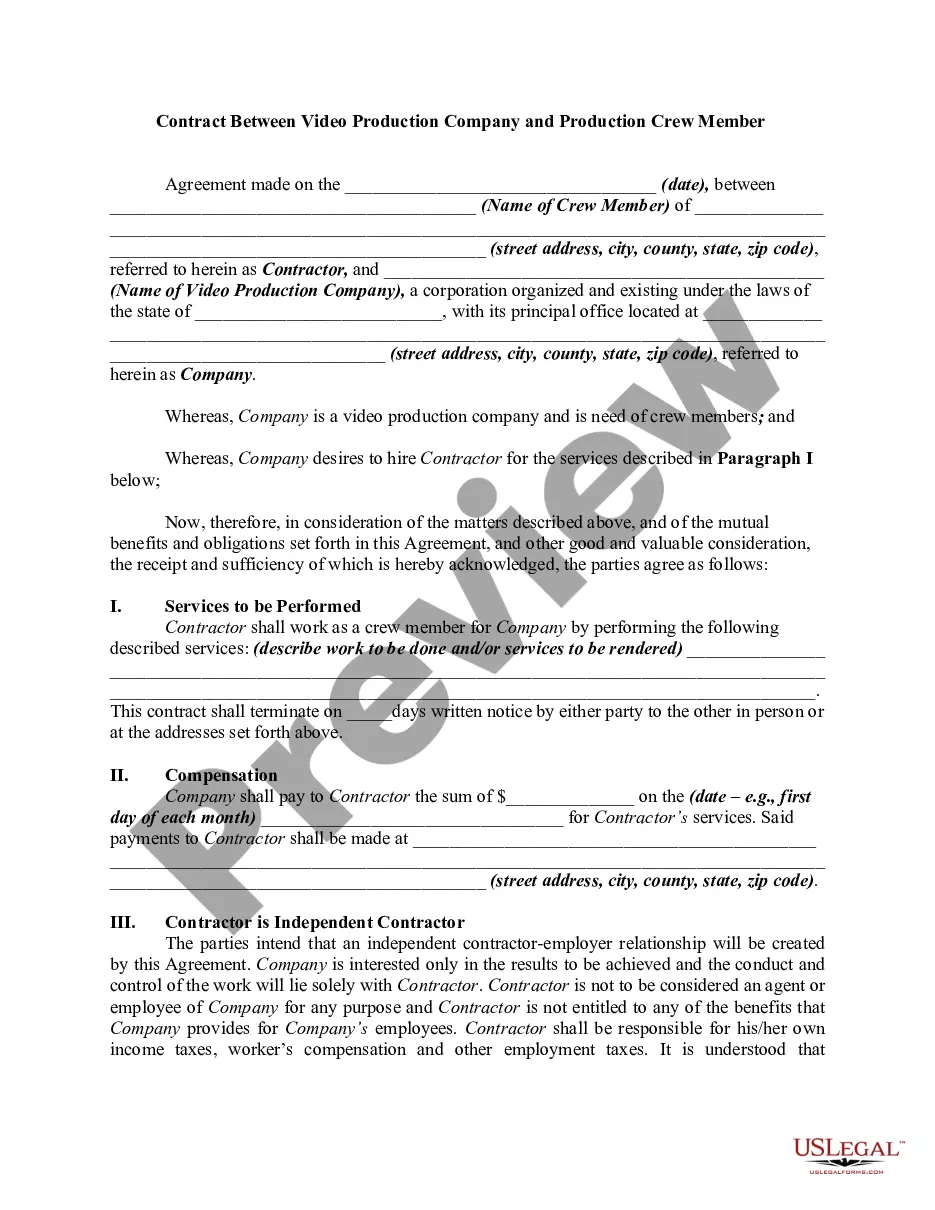
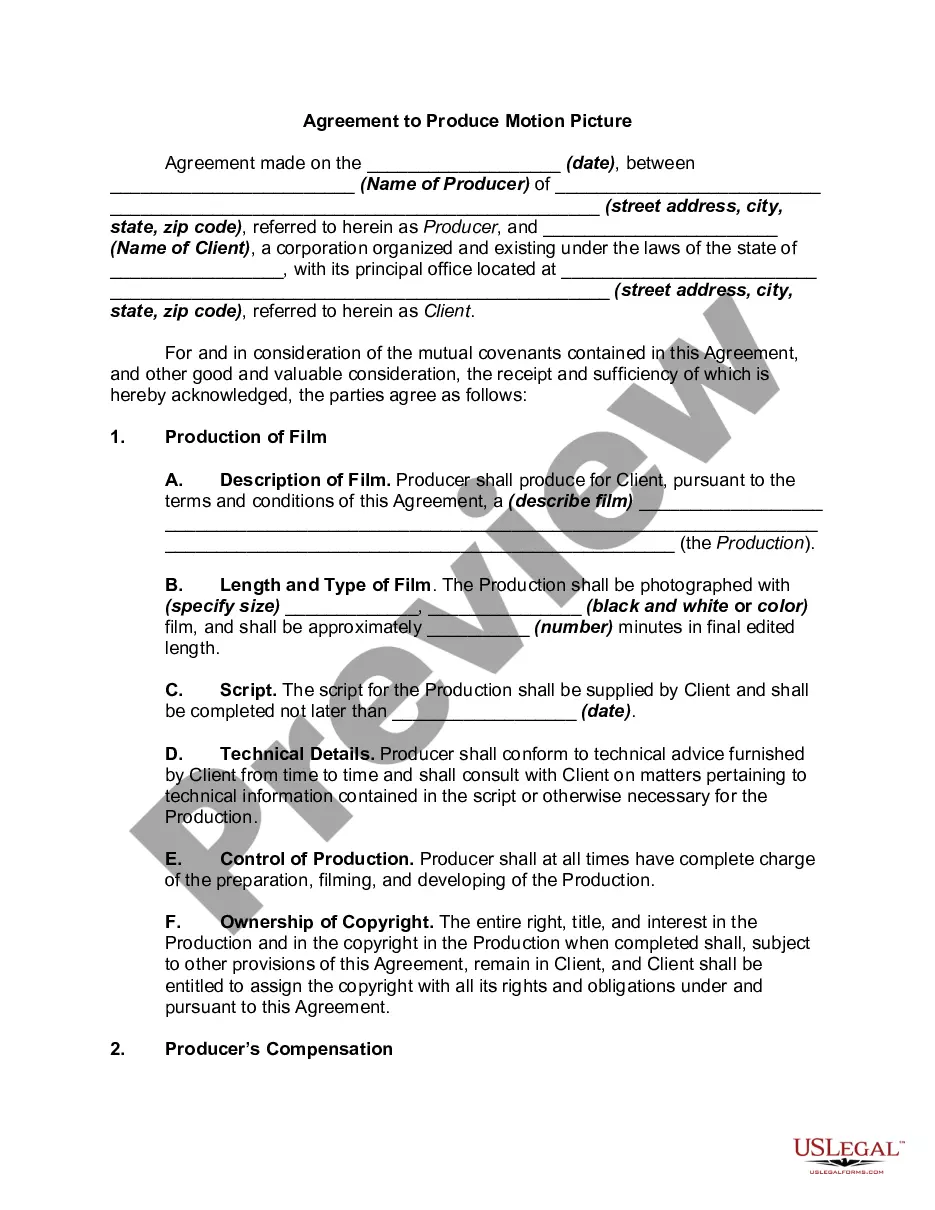
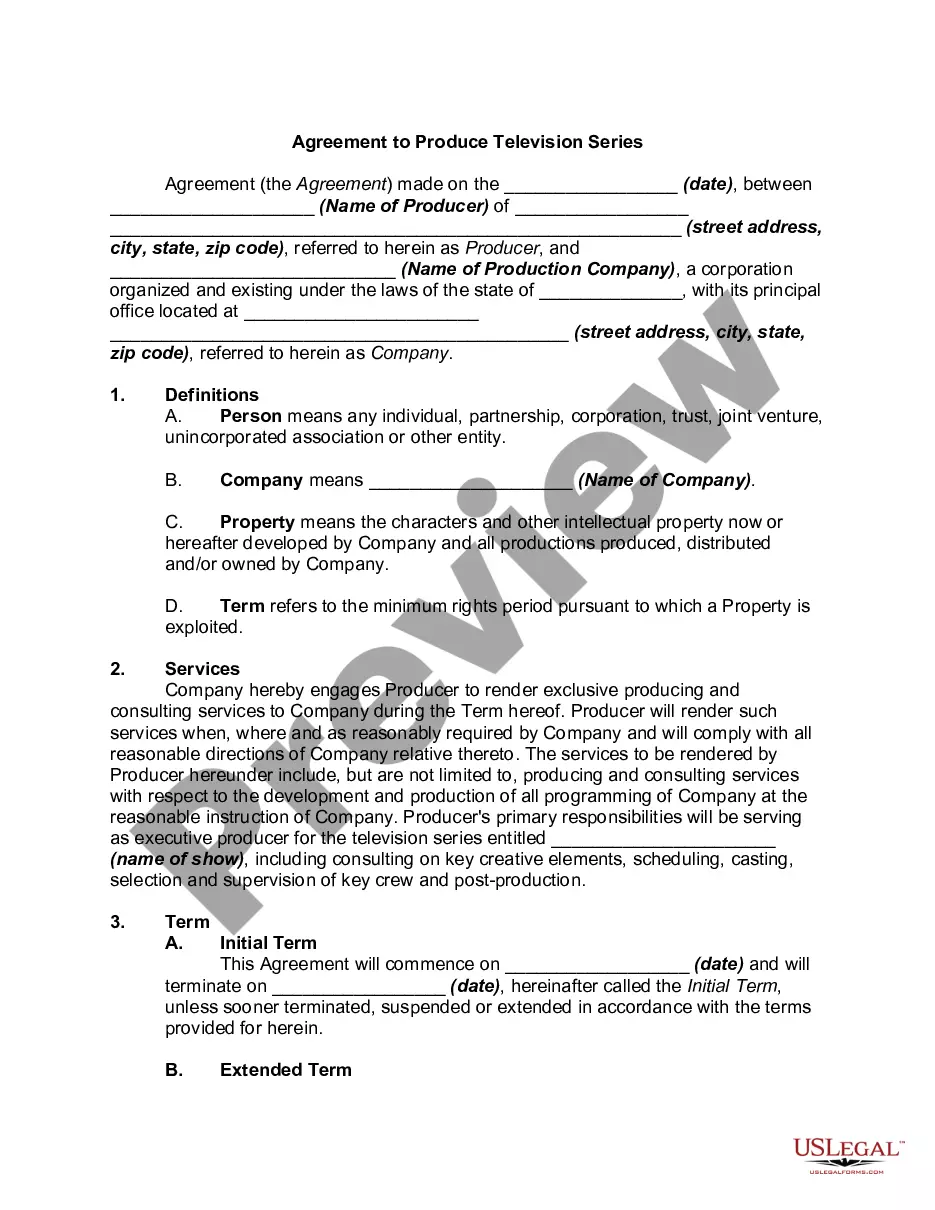
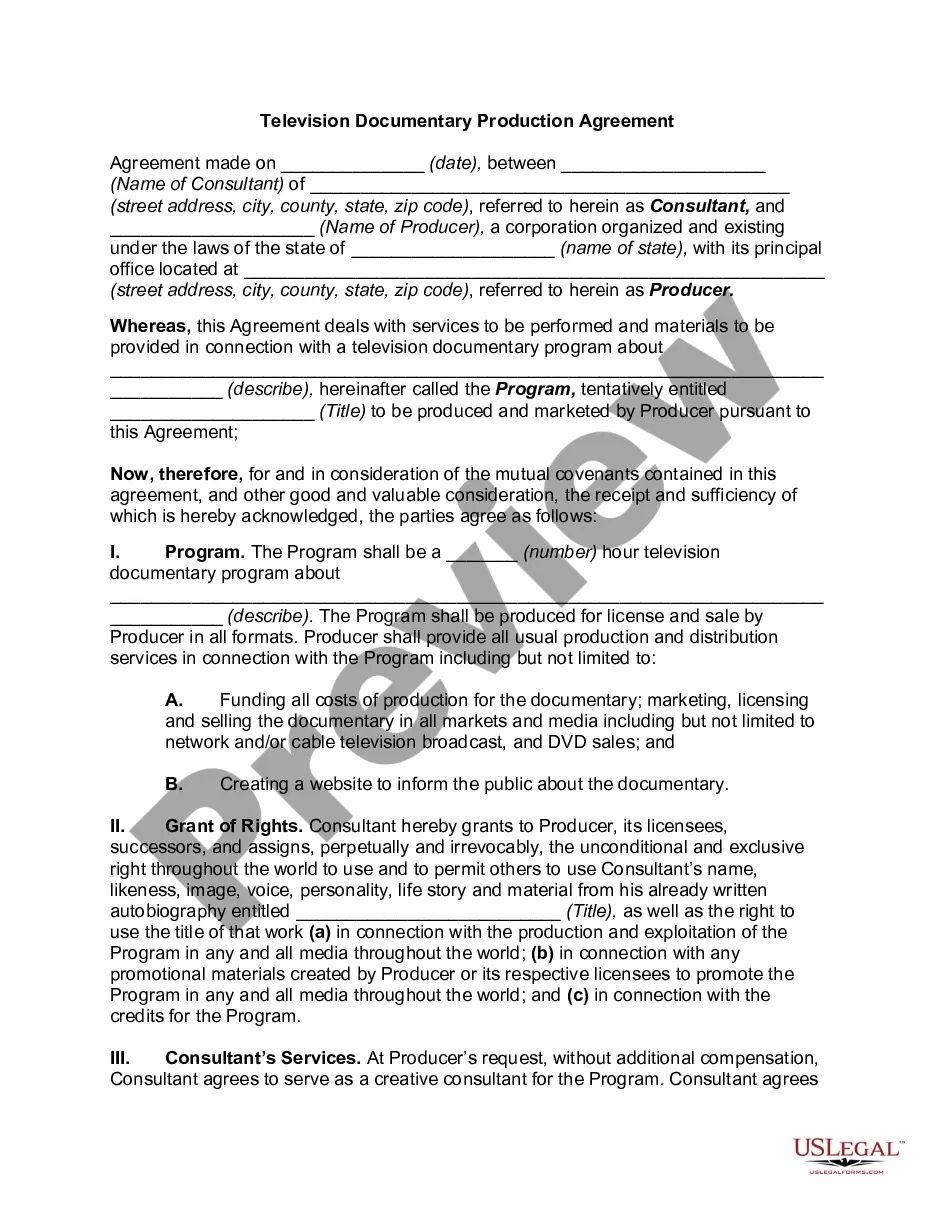
Get your form ready online
Our built-in tools help you complete, sign, share, and store your documents in one place.
Make edits, fill in missing information, and update formatting in US Legal Forms—just like you would in MS Word.
Download a copy, print it, send it by email, or mail it via USPS—whatever works best for your next step.
Sign and collect signatures with our SignNow integration. Send to multiple recipients, set reminders, and more. Go Premium to unlock E-Sign.
If this form requires notarization, complete it online through a secure video call—no need to meet a notary in person or wait for an appointment.
We protect your documents and personal data by following strict security and privacy standards.

Make edits, fill in missing information, and update formatting in US Legal Forms—just like you would in MS Word.

Download a copy, print it, send it by email, or mail it via USPS—whatever works best for your next step.

Sign and collect signatures with our SignNow integration. Send to multiple recipients, set reminders, and more. Go Premium to unlock E-Sign.

If this form requires notarization, complete it online through a secure video call—no need to meet a notary in person or wait for an appointment.

We protect your documents and personal data by following strict security and privacy standards.
Looking for another form?







Form popularity
FAQ
Parties – The names, addresses, and signatures of the service provider and the client should be included. Duration – Both parties should agree on the contract's beginning and ending date. They must also agree on the notice either party must give when terminating the agreement early.
Write the contract in six steps Start with a contract template. Open with the basic information. Describe in detail what you have agreed to. Include a description of how the contract will be ended. Write into the contract which laws apply and how disputes will be resolved. Include space for signatures.
In Florida, a contract is established through a simple but vital process: offer, acceptance, and exchange of value (consideration). This means that a contract comes into existence when one party presents a clear offer, and the other party accepts it, coupled with an exchange of something of value.
How To Write Terms and Conditions – Step by Step Write the Introduction. Draft the Terms of Service. Create an Acknowledgment Statement. Limit Your Liability. List Who Owns Intellectual Property Rights. Generate a Privacy Policy. Spell Out What Happens for Non-Compliance. Add a Signature and Dateline for Both Parties.
Yes, you can write your own Terms and Conditions. Many large companies hire lawyers to write their Terms and Conditions. However, you don't need a lawyer or attorney to create legally enforceable Terms and Conditions.
First, let's walk through all the steps you should plan to take when writing your own terms and conditions agreement: Step One: Determine what laws apply to your business. Step Two: Make an outline. Step Three: Pick all clauses relevant to your business. Step Four: Start writing using clear, straightforward language.
How do I write a Service Agreement? State how long the services are needed. Include the state where the work is taking place. Provide the contractor's and client's information. Describe the service being provided. Outline the compensation. State the agreement's terms. Include any additional clauses.
Write the contract in six steps Start with a contract template. Open with the basic information. Describe in detail what you have agreed to. Include a description of how the contract will be ended. Write into the contract which laws apply and how disputes will be resolved. Include space for signatures.
A service agreement is a legal document that outlines the terms and conditions of a specific service, while a contract is a more complex legal document that can cover a wider range of transactions. Services agreements are frequently less formal and might include a wide range of terms and conditions.
