Complaint Relief With Contacts In Pima

State:
Multi-State
County:
Pima
Control #:
US-000302
Format:
Word; 
Rich Text
Instant download

Description

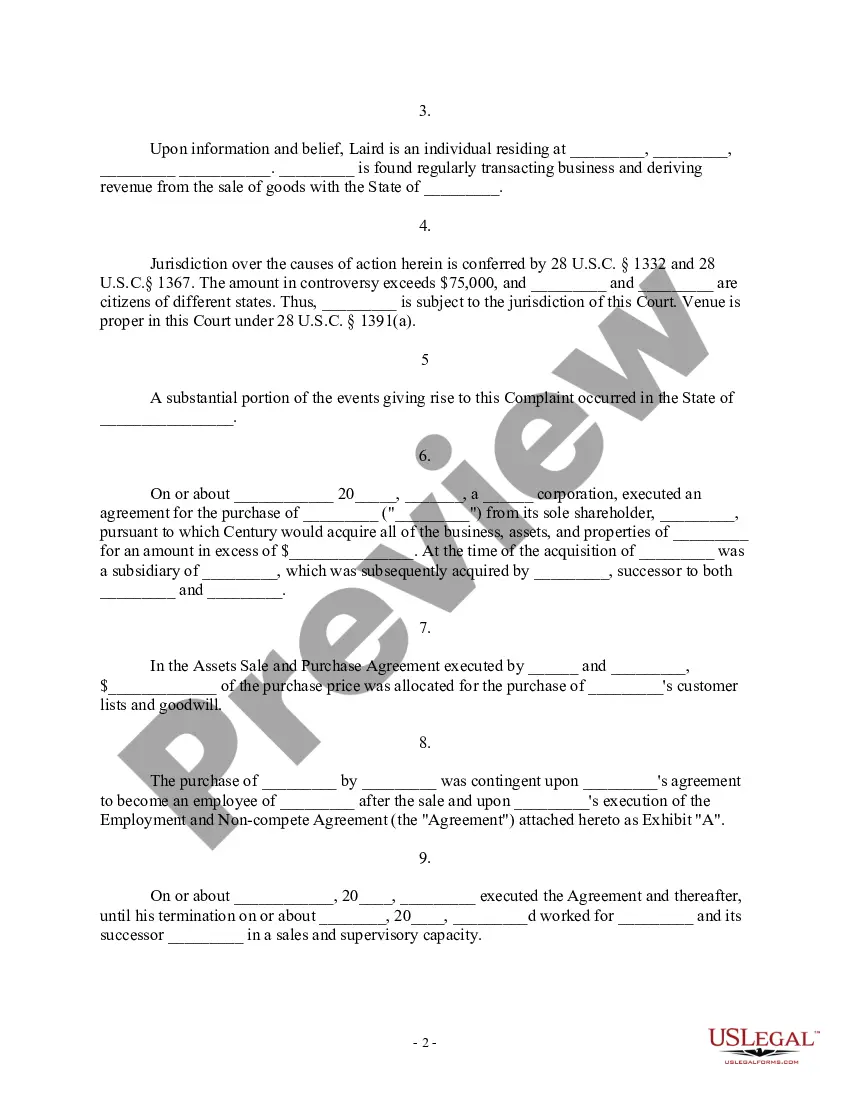
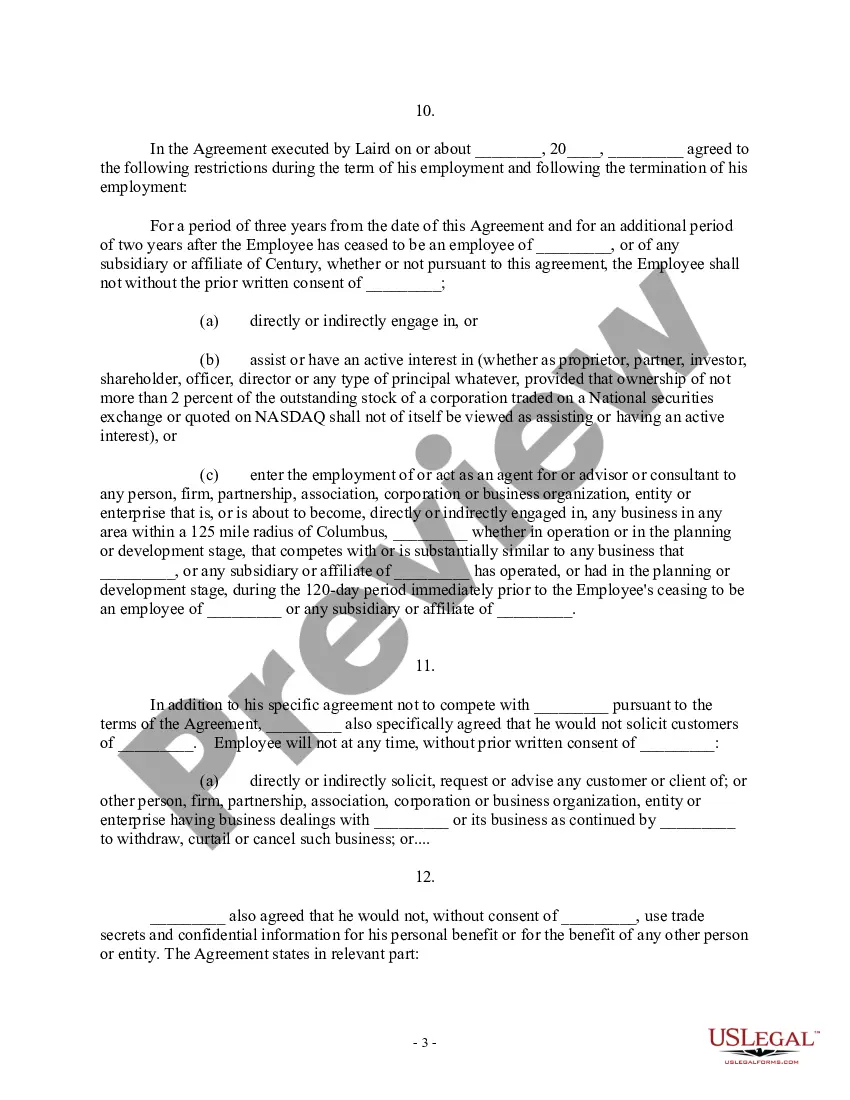
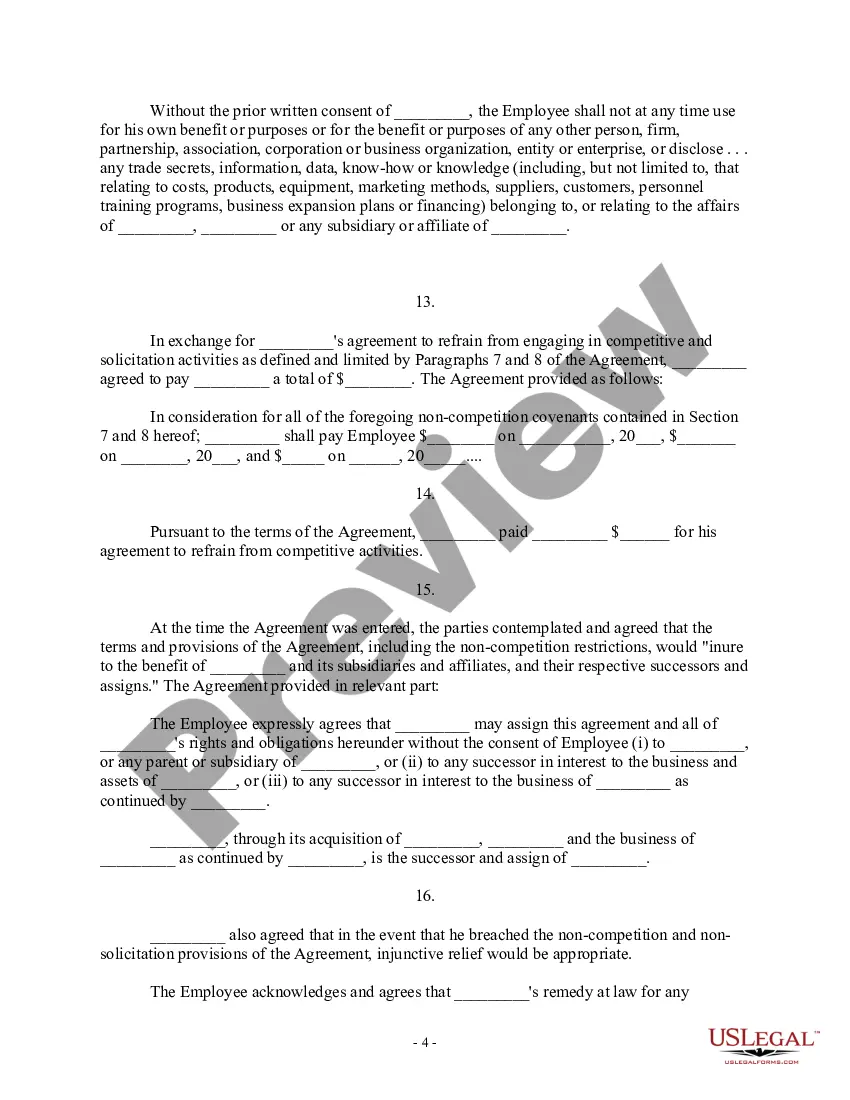
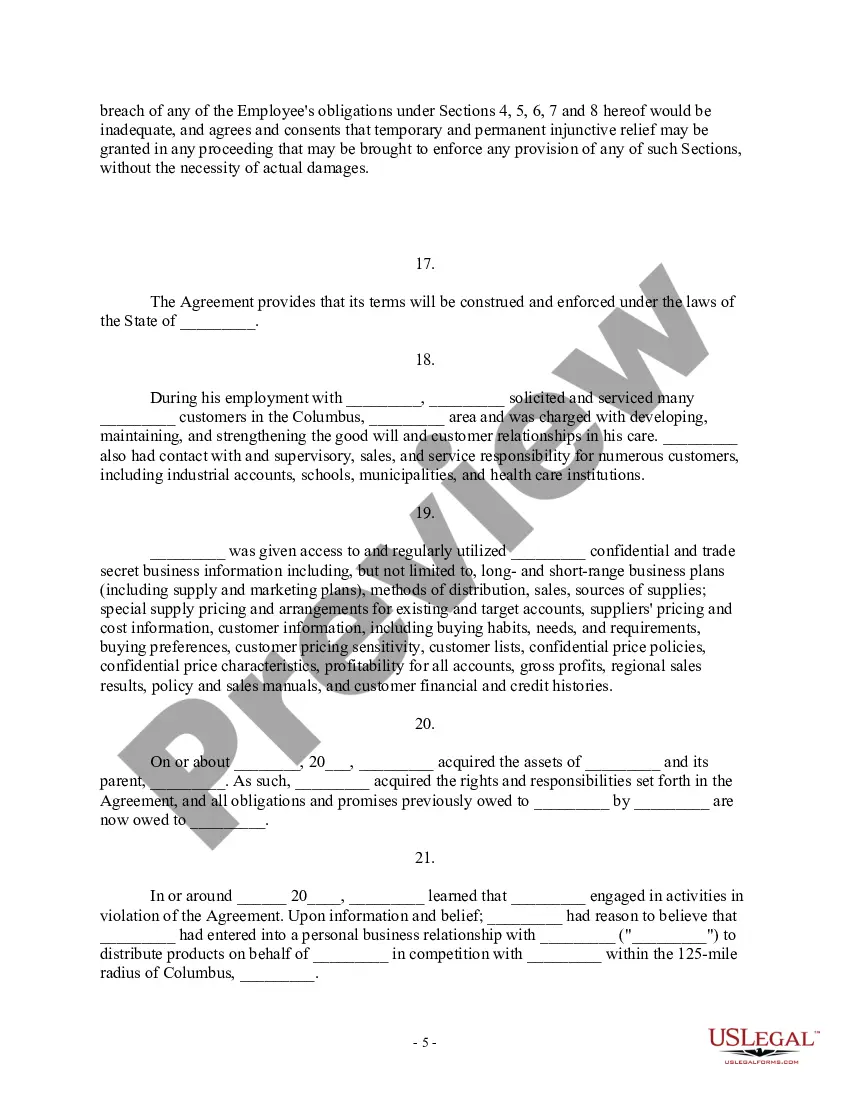
The Complaint for Injunctive Relief and Damages serves as a legal document filed in the United States District Court, intended for plaintiffs seeking redress for breaches of contractual agreements. Specifically structured for cases involving non-competition agreements, this complaint outlines the defendant's alleged violations that have resulted in harm to the plaintiff's business interests. Key features include the identification of jurisdiction and venue, a detailed account of the contractual obligations that the defendant allegedly breached, and the relief sought, such as injunctive relief and damages. For the target audience of attorneys, partners, owners, associates, paralegals, and legal assistants in Pima, this form should be filled out with attention to detail, ensuring all relevant facts, including parties' names, jurisdiction, and specifics of the agreements are accurately reflected. The form may also require substantial editing to suit individual circumstances or to highlight unique aspects of the case. Use cases include litigation over non-compete clauses, cases of tortious interference with business relations, and actions where trade secrets are at risk. Understanding the detailed legal language is essential for effective navigation through this complaint process. Overall, this document assists legal professionals in systematically presenting their case to enforce contractual rights and seek appropriate legal remedies.
Free preview
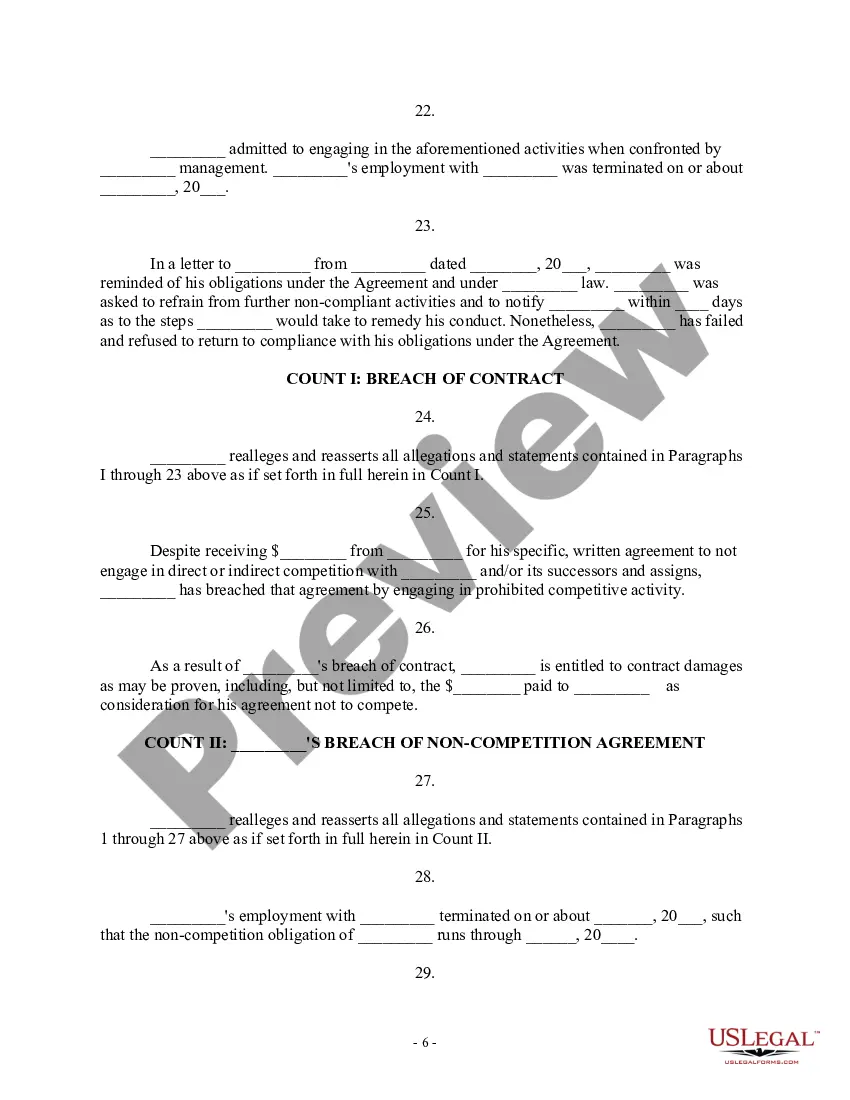
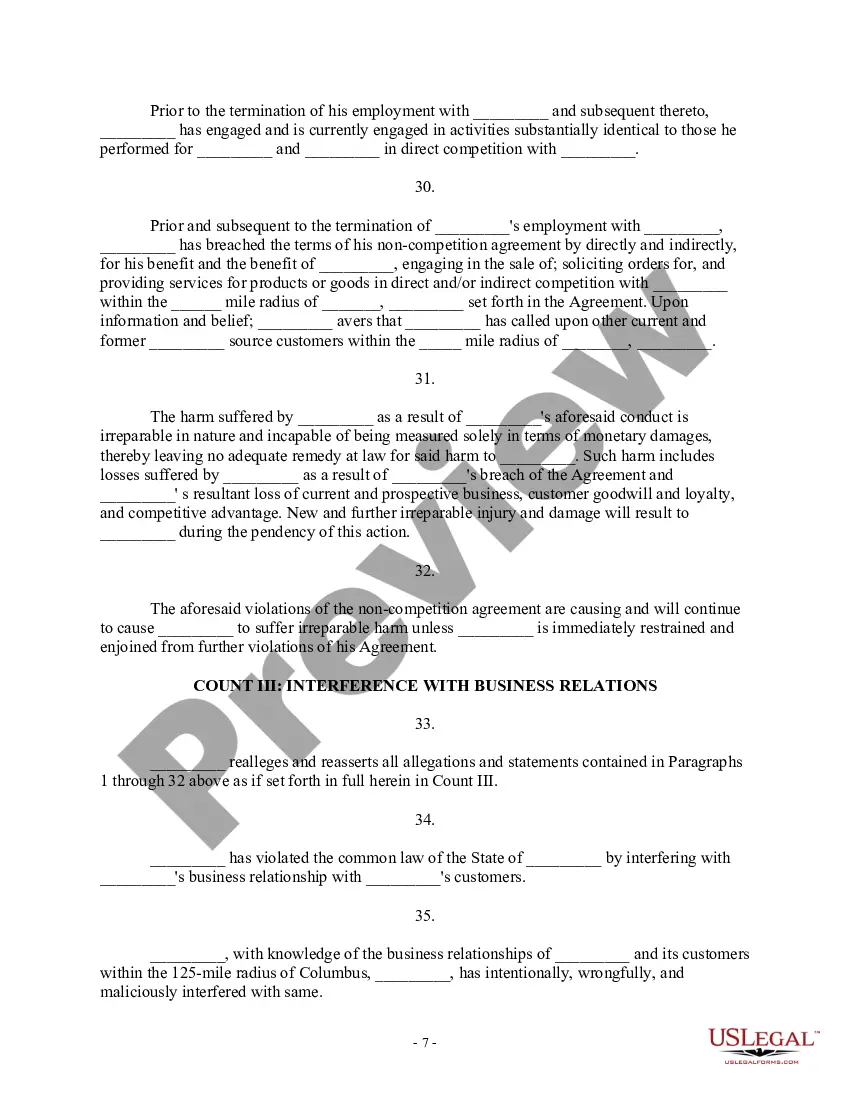
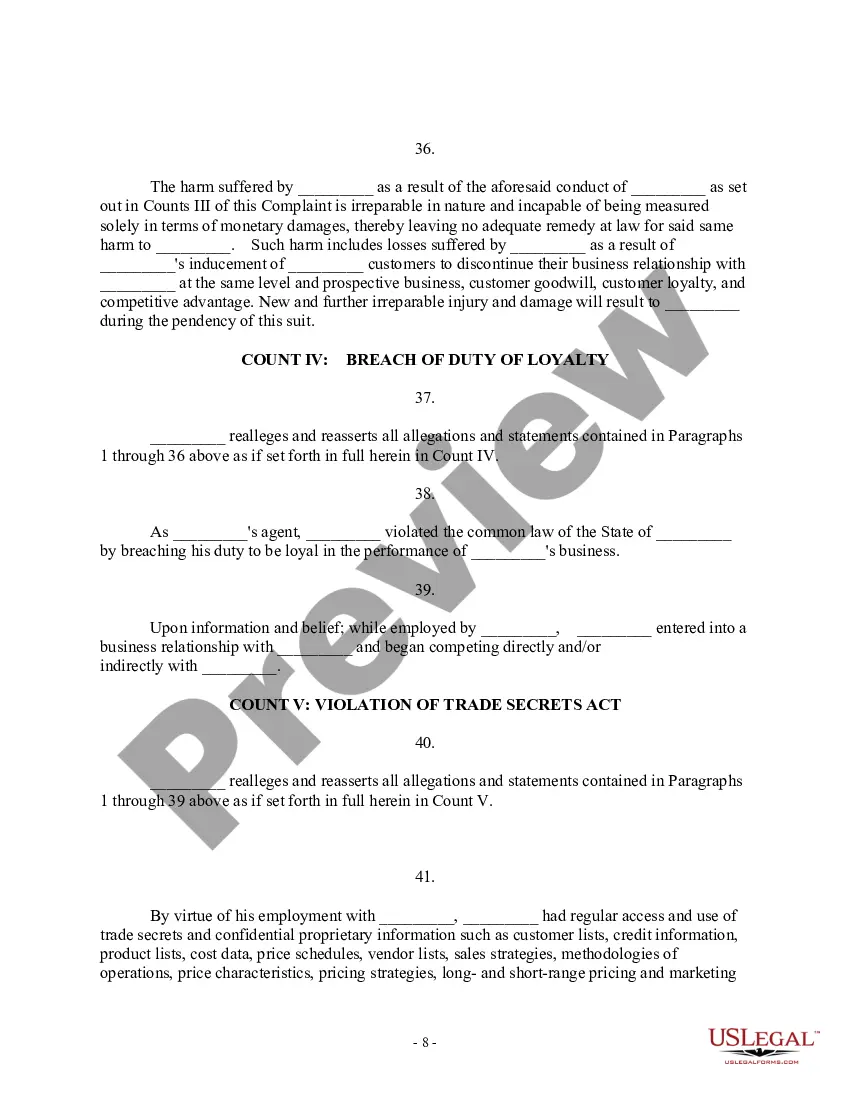
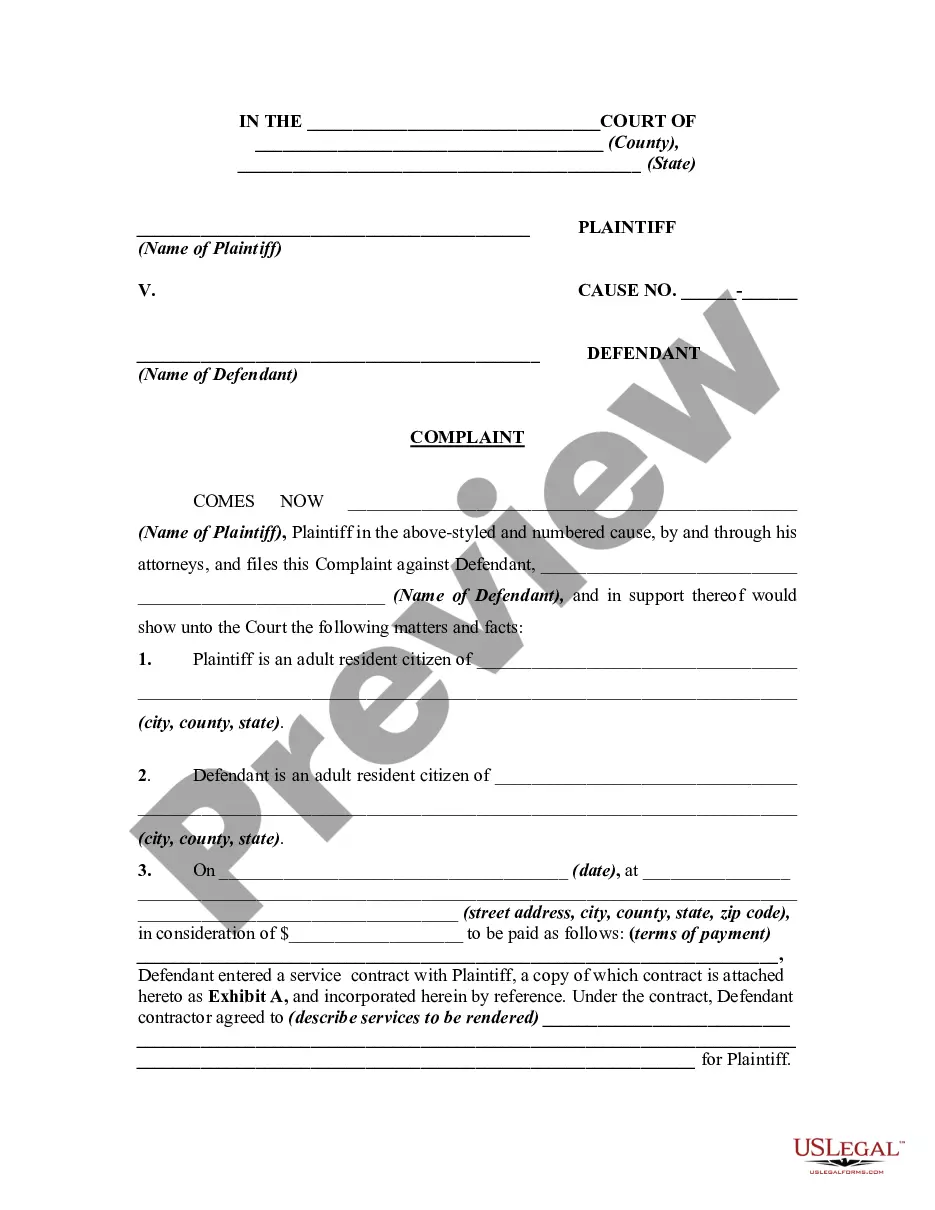
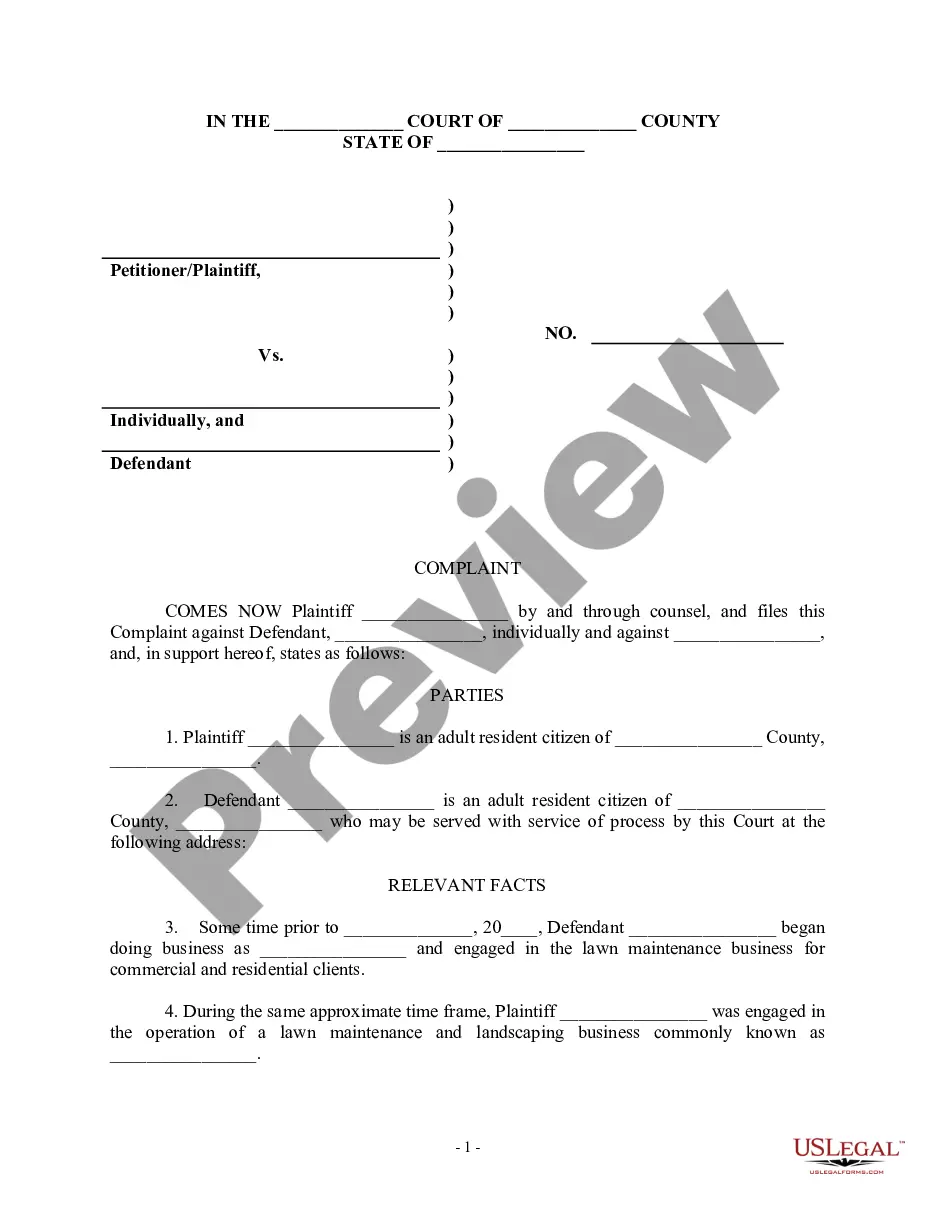
  • Preview Complaint for Injunctive Relief and Damages for Breach of Noncompetition Agreement - Breach of Contract - Violation of Trade Secrets Act
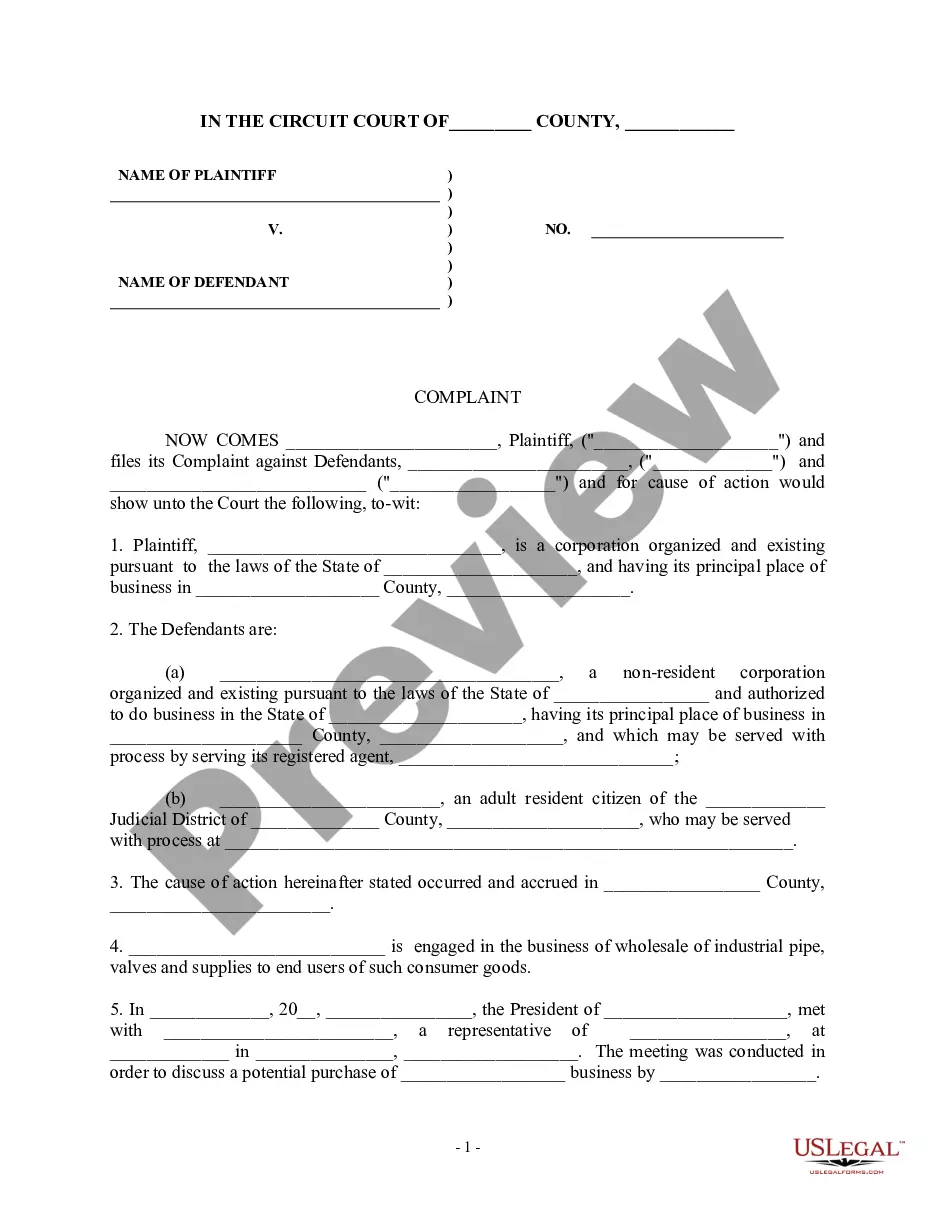
  • Preview Complaint for Injunctive Relief and Damages for Breach of Noncompetition Agreement - Breach of Contract - Violation of Trade Secrets Act
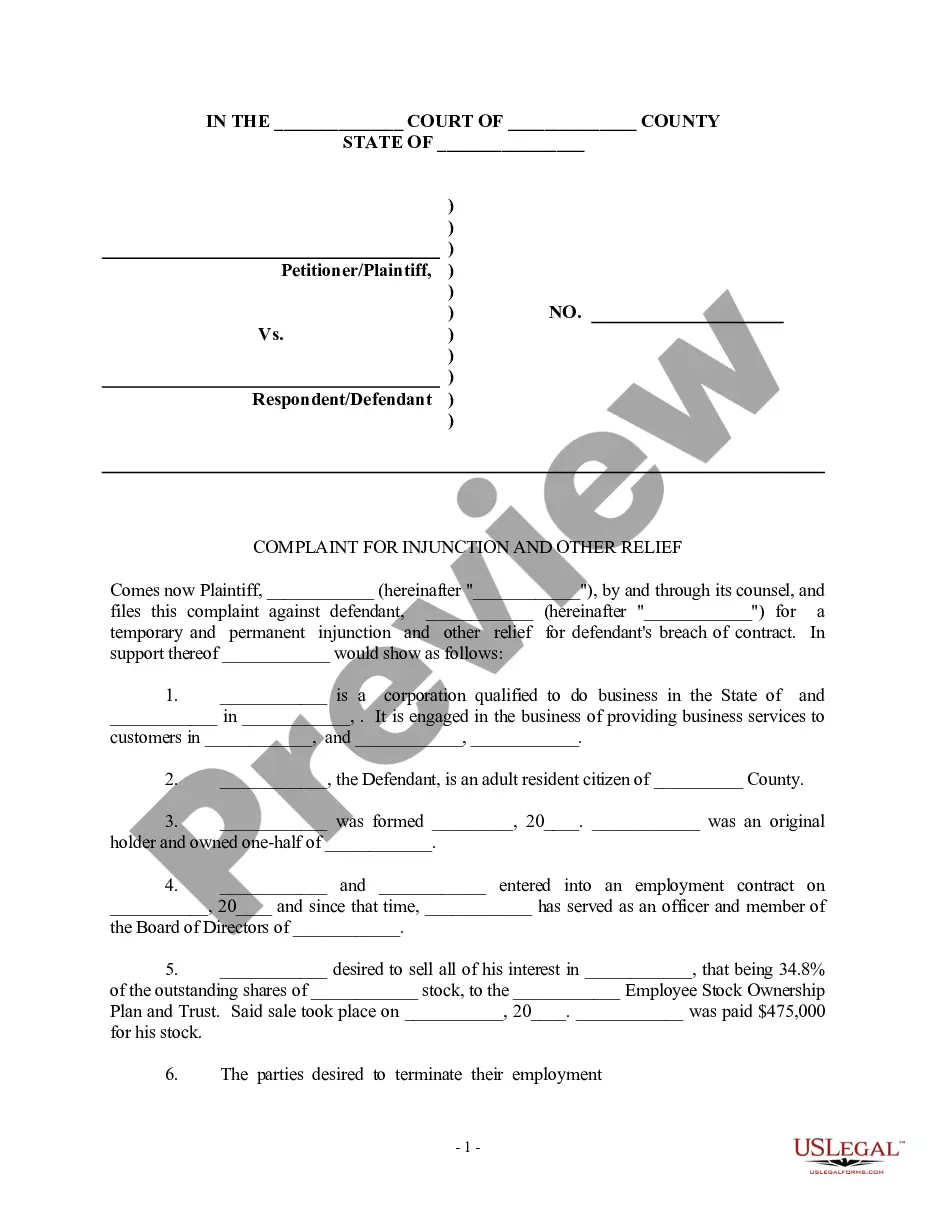
  • Preview Complaint for Injunctive Relief and Damages for Breach of Noncompetition Agreement - Breach of Contract - Violation of Trade Secrets Act
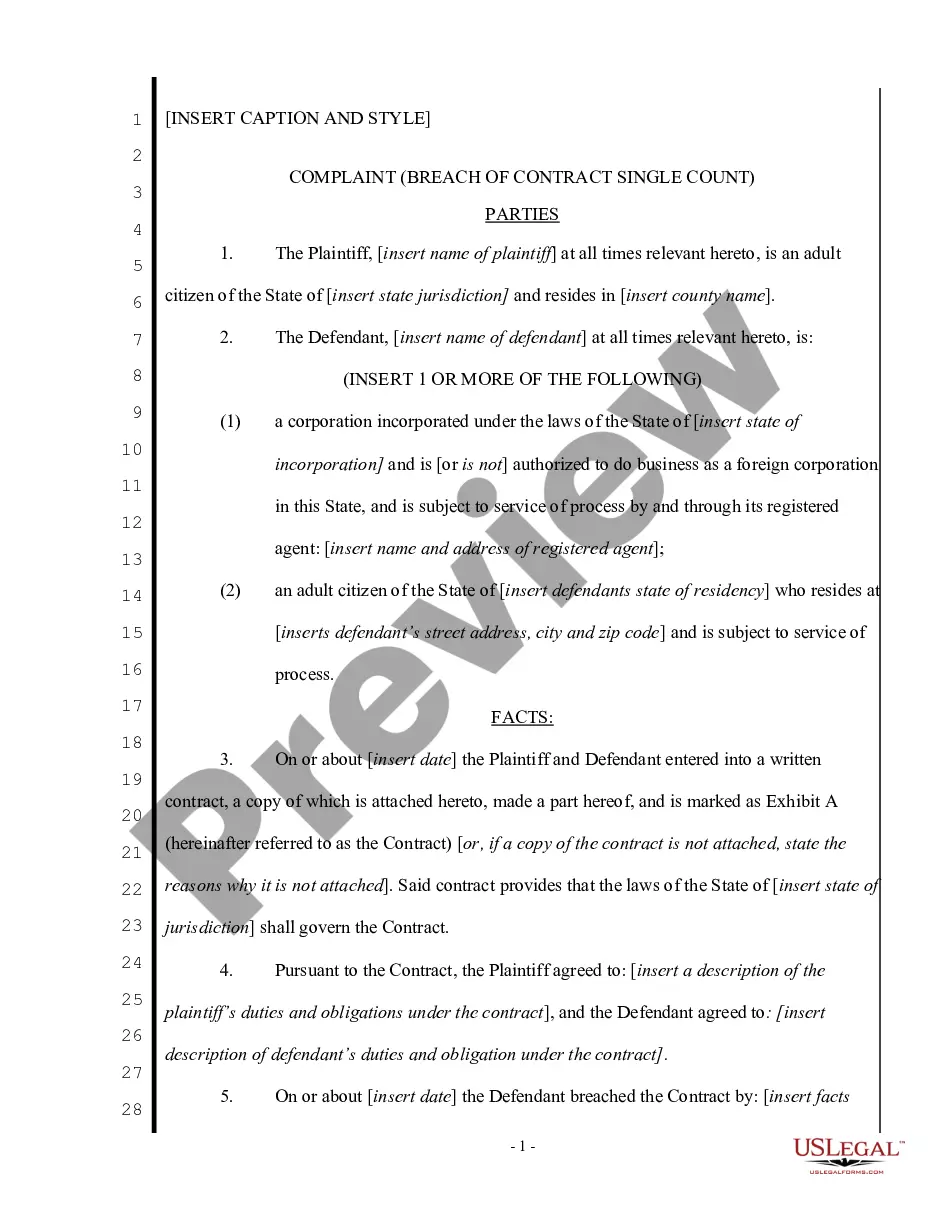
  • Preview Complaint for Injunctive Relief and Damages for Breach of Noncompetition Agreement - Breach of Contract - Violation of Trade Secrets Act
  • Preview Complaint for Injunctive Relief and Damages for Breach of Noncompetition Agreement - Breach of Contract - Violation of Trade Secrets Act
  • Preview Complaint for Injunctive Relief and Damages for Breach of Noncompetition Agreement - Breach of Contract - Violation of Trade Secrets Act
  • Preview Complaint for Injunctive Relief and Damages for Breach of Noncompetition Agreement - Breach of Contract - Violation of Trade Secrets Act
  • Preview Complaint for Injunctive Relief and Damages for Breach of Noncompetition Agreement - Breach of Contract - Violation of Trade Secrets Act

Get your form ready online

Our built-in tools help you complete, sign, share, and store your documents in one place.

Built-in online Word editor

Make edits, fill in missing information, and update formatting in US Legal Forms—just like you would in MS Word.

Export easily

Download a copy, print it, send it by email, or mail it via USPS—whatever works best for your next step.

E-sign your document

Sign and collect signatures with our SignNow integration. Send to multiple recipients, set reminders, and more. Go Premium to unlock E-Sign.

Notarize online 24/7

If this form requires notarization, complete it online through a secure video call—no need to meet a notary in person or wait for an appointment.

Store your document securely

We protect your documents and personal data by following strict security and privacy standards.

Form selector

Make edits, fill in missing information, and update formatting in US Legal Forms—just like you would in MS Word.

Form selector

Download a copy, print it, send it by email, or mail it via USPS—whatever works best for your next step.

Form selector

Sign and collect signatures with our SignNow integration. Send to multiple recipients, set reminders, and more. Go Premium to unlock E-Sign.

Form selector

If this form requires notarization, complete it online through a secure video call—no need to meet a notary in person or wait for an appointment.

Form selector

We protect your documents and personal data by following strict security and privacy standards.

Looking for another form?

This field is required
Ohio
Select state

Form popularity

FAQ

General Information and After Hours Support Phone: 520.206.6408 (available 24/7) Email: virtualsupport@pima.

If you have not been present in class during the last 10 days, please know that after 14 days of non-attendance, your registration status will be changed to "Registered but Not Attending." This means your instructor or the College may withdraw you from the class.

To find out more about the dual enrollment program, call 520.206. 6076 or fill out the form below: Generating PDF Please Wait..!

After orientation you can register online through MyPima. Once you're on MyPima, you can also manage your student account, explore classes, see your grades, and make payments. If you prefer, walk-in registration is available—dates and times vary by semester.

Email us at infocenter@pima or call 520-206-4500.

First time logging into MyPima? Go to MyPima. Under the “Login” button, select "Activate your account." You will need your student ID number (A-number) provided when you completed your online admission. Enter your student ID and birthdate to find your username and set your password.

Trusted and secure by over 3 million people of the world’s leading companies

Complaint Relief With Contacts In Pima