Acceptance Speech For Appointment In Palm Beach
Description


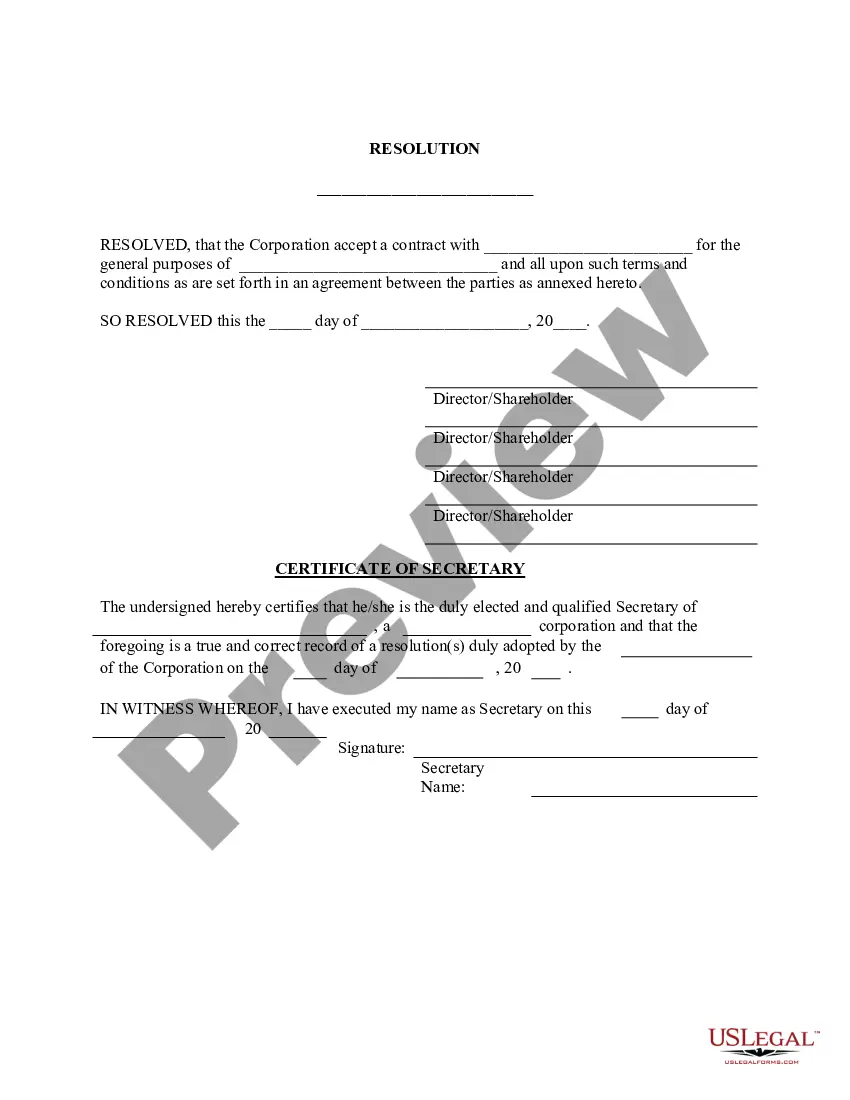
Get your form ready online
Our built-in tools help you complete, sign, share, and store your documents in one place.
Make edits, fill in missing information, and update formatting in US Legal Forms—just like you would in MS Word.
Download a copy, print it, send it by email, or mail it via USPS—whatever works best for your next step.
Sign and collect signatures with our SignNow integration. Send to multiple recipients, set reminders, and more. Go Premium to unlock E-Sign.
If this form requires notarization, complete it online through a secure video call—no need to meet a notary in person or wait for an appointment.
We protect your documents and personal data by following strict security and privacy standards.

Make edits, fill in missing information, and update formatting in US Legal Forms—just like you would in MS Word.

Download a copy, print it, send it by email, or mail it via USPS—whatever works best for your next step.

Sign and collect signatures with our SignNow integration. Send to multiple recipients, set reminders, and more. Go Premium to unlock E-Sign.

If this form requires notarization, complete it online through a secure video call—no need to meet a notary in person or wait for an appointment.

We protect your documents and personal data by following strict security and privacy standards.
Looking for another form?



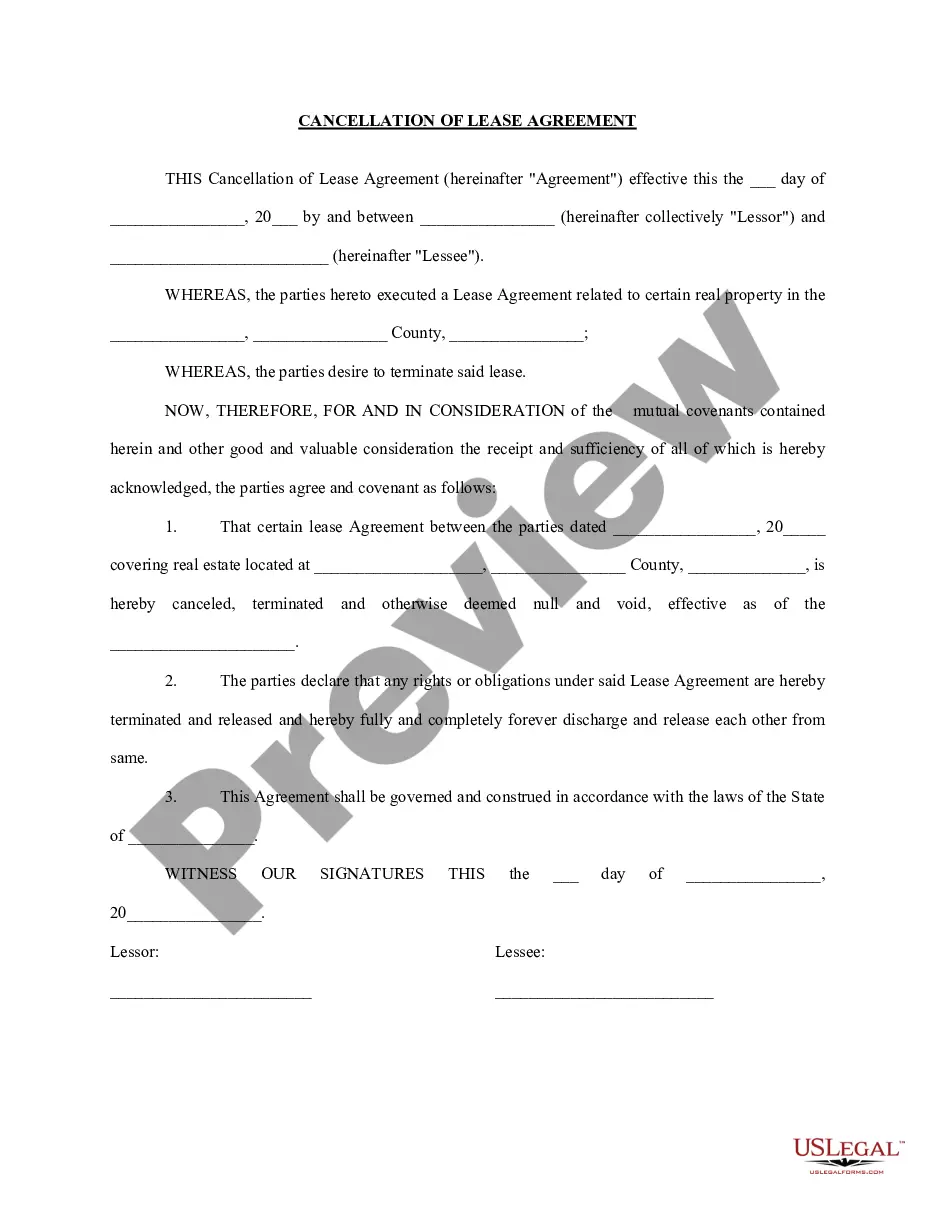
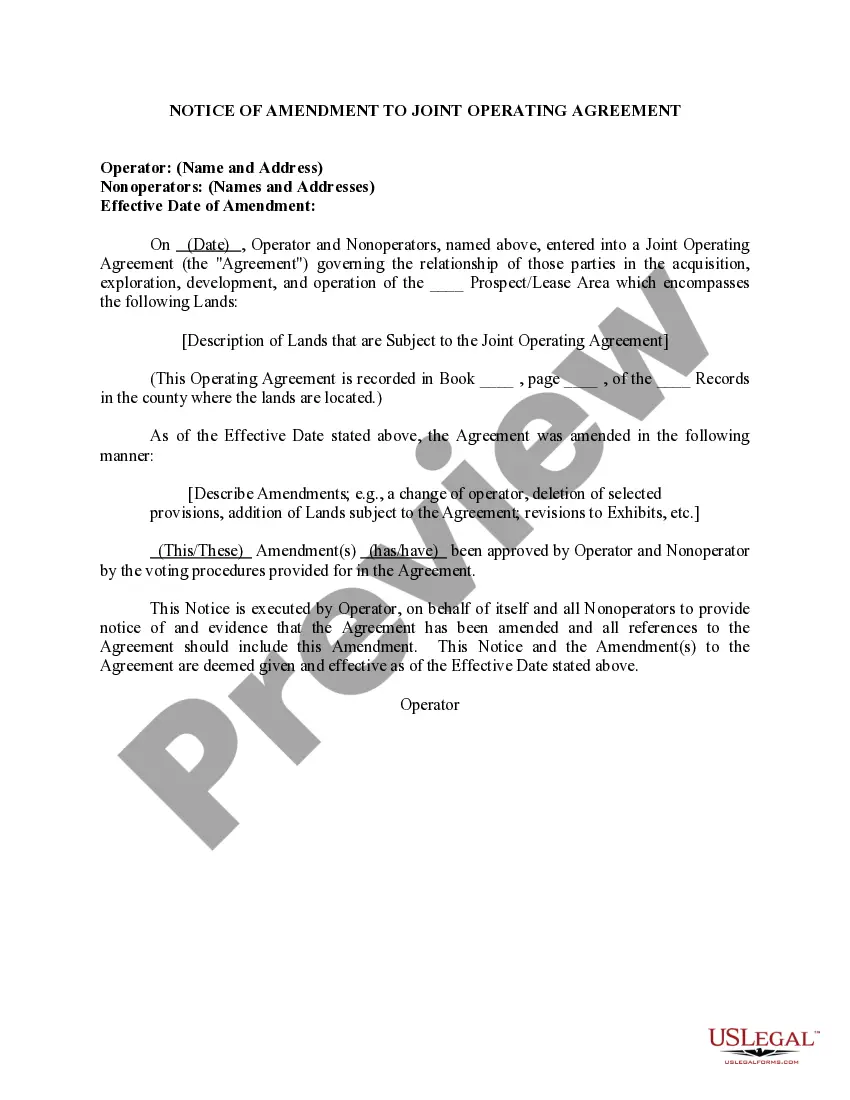
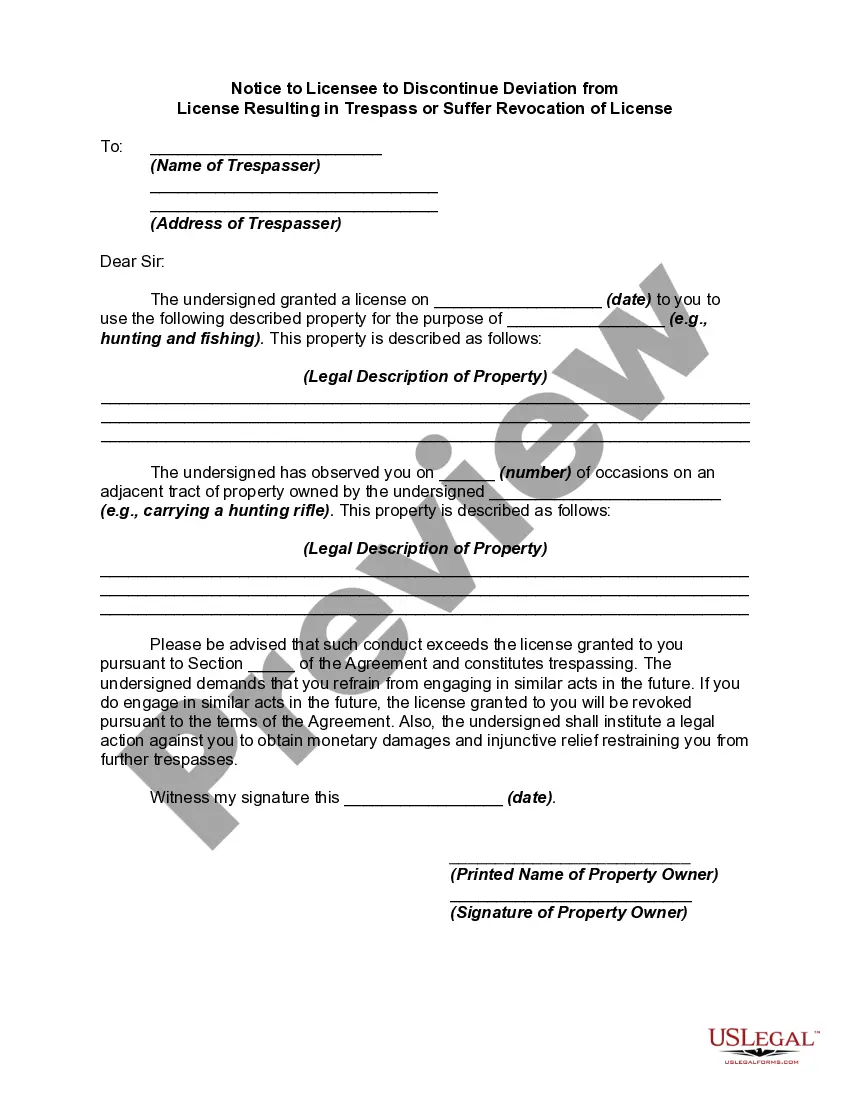

Form popularity
FAQ
What are the file size limitations for a filing? The aggregate size for the Trial Court cannot exceed 50 megabytes for one submission. The aggregate size for the Appellate Court and The Florida Supreme Court cannot exceed 200 megabytes for one submission.
The Florida Courts E-Filing Portal is a statewide website mandated by the Florida Legislature and the E-Filing Authority that provides E-Filing capability to users with a single login.
Divisions - Department of State Division of Administrative Services. 850.245.6550. 850.245.6598 (fax) ... Division of Arts and Culture. 850.245.6470. Division of Elections. 850.245.6200. Division of Historical Resources. 850.245.6300. Division of Library and Information Services. 850.245.6600. Secretary of State. R.A. Gray Building.
For ePortal technical support, attorneys may contact the Florida Courts eFiling Portal via email support@myflcourtaccess, or call the Florida Courts eFiling Portal Support Desk at 850-577-4609.
Proposed orders for all Civil Court case types must be submitted directly to the court through the 15th Judicial Circuit's Online Scheduling System (OLS). Proposed orders cannot be submitted in person, by mail, by fax or by email to the court or to the Clerk's office.
For technical assistance with the Florida Courts E-Filing Portal, please email support@myflcourtaccess or call 850-577-4609.

