Alimony Form For Taxes In Franklin
Description

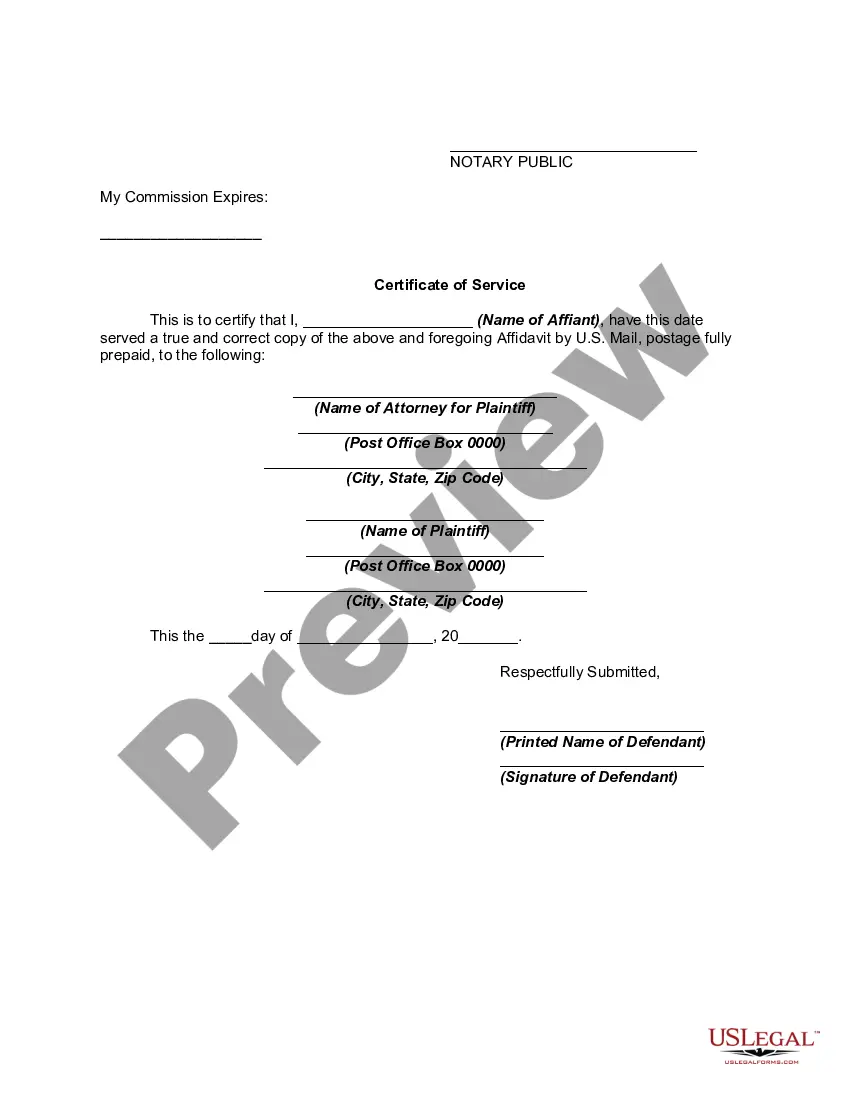




Get your form ready online
Our built-in tools help you complete, sign, share, and store your documents in one place.
Make edits, fill in missing information, and update formatting in US Legal Forms—just like you would in MS Word.
Download a copy, print it, send it by email, or mail it via USPS—whatever works best for your next step.
Sign and collect signatures with our SignNow integration. Send to multiple recipients, set reminders, and more. Go Premium to unlock E-Sign.
If this form requires notarization, complete it online through a secure video call—no need to meet a notary in person or wait for an appointment.
We protect your documents and personal data by following strict security and privacy standards.

Make edits, fill in missing information, and update formatting in US Legal Forms—just like you would in MS Word.

Download a copy, print it, send it by email, or mail it via USPS—whatever works best for your next step.

Sign and collect signatures with our SignNow integration. Send to multiple recipients, set reminders, and more. Go Premium to unlock E-Sign.

If this form requires notarization, complete it online through a secure video call—no need to meet a notary in person or wait for an appointment.

We protect your documents and personal data by following strict security and privacy standards.
Looking for another form?






Form popularity
FAQ
Report alimony received on Form 1040 or Form 1040-SR (attach Schedule 1 (Form 1040) PDF) or on Form 1040-NR, U.S. Nonresident Alien Income Tax Return (attach Schedule NEC (Form 1040-NR) PDF).
To report alimony you received: Open or continue your return. Navigate to the alimony section: TurboTax Online/Mobile: Go to alimony received. TurboTax Desktop: Search for alimony received and then select the Jump to link. Answer Yes to Did you receive alimony or spousal support? and follow the onscreen instructions.
Bank statements or copies of checks deposited for the most recent 12 months or applicable period showing receipt of payments. Both must indicate the originating entity.
Reporting taxable alimony or separate maintenance Deduct alimony or separate maintenance payments on Form 1040, U.S. Individual Income Tax Return or Form 1040-SR, U.S. Tax Return for Seniors (attach Schedule 1 (Form 1040), Additional Income and Adjustments to Income PDF).
§ 1.71-1 Alimony and separate maintenance payments; income to wife or former wife. (a) In general. Section 71 provides rules for treatment in certain cases of payments in the nature of or in lieu of alimony or an allowance for support as between spouses who are divorced or separated.
The IRS now treats all alimony payments the same as child support—meaning, there's no deduction or credit for the paying spouse and no income reporting requirement for the recipient.
California Alimony California determines alimony based on the recipient's “marital standard of living,” which aims to allow the spouse to continue living in a similar manner as during the marriage.
The person asking for alimony must show the court that he or she needs financial support, and that the other spouse has the ability to provide financial support.
You are not legally obligated to support her. If a divorce is filed the court could make alimony retroactive.
