Nebraska Memorandum of Option
About this form
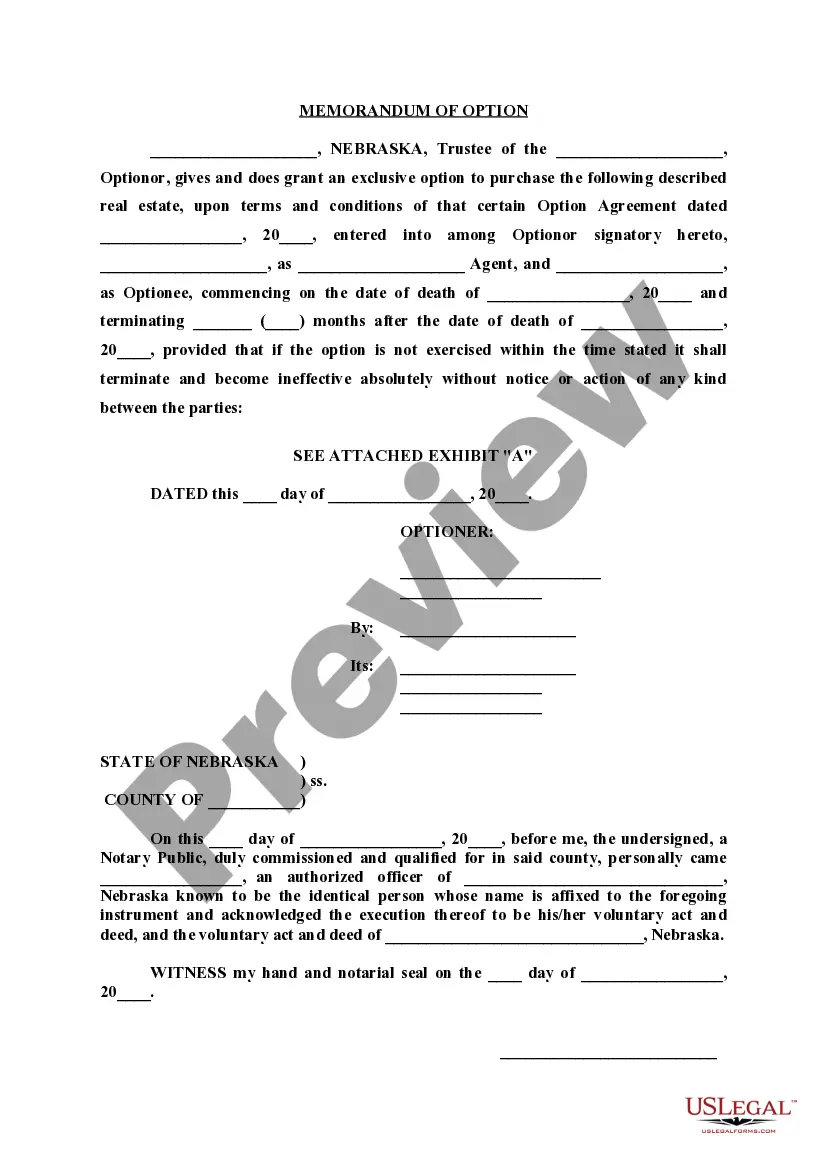
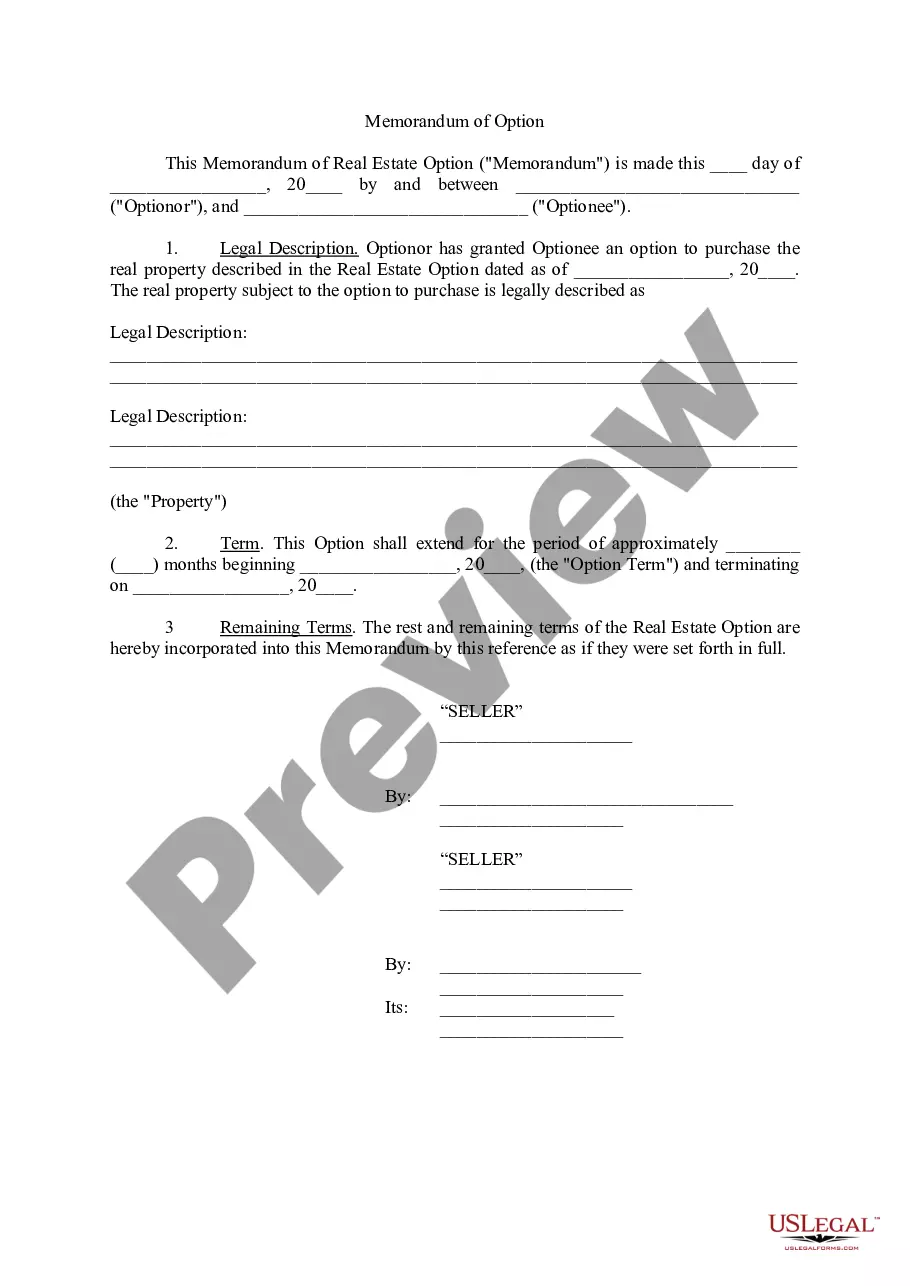
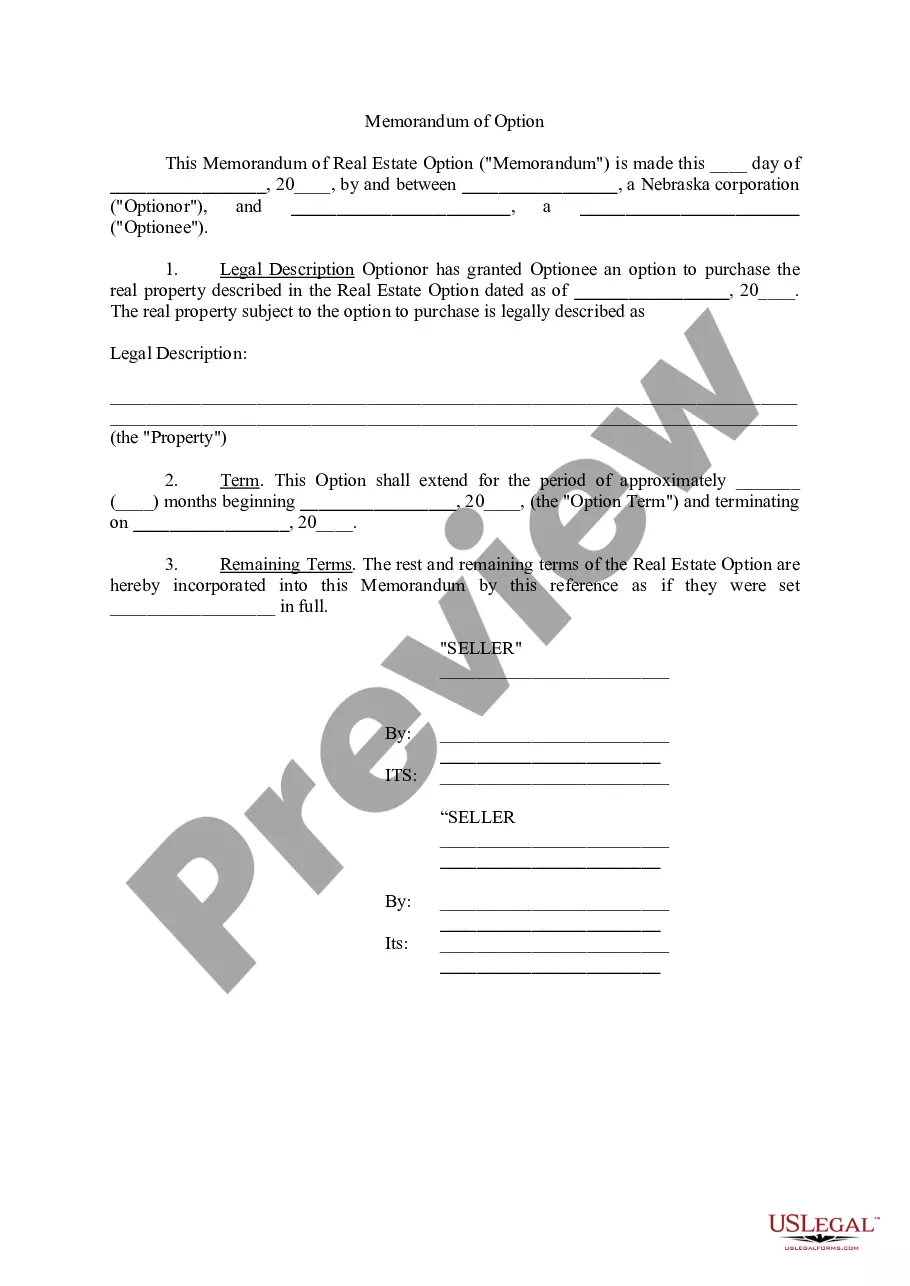
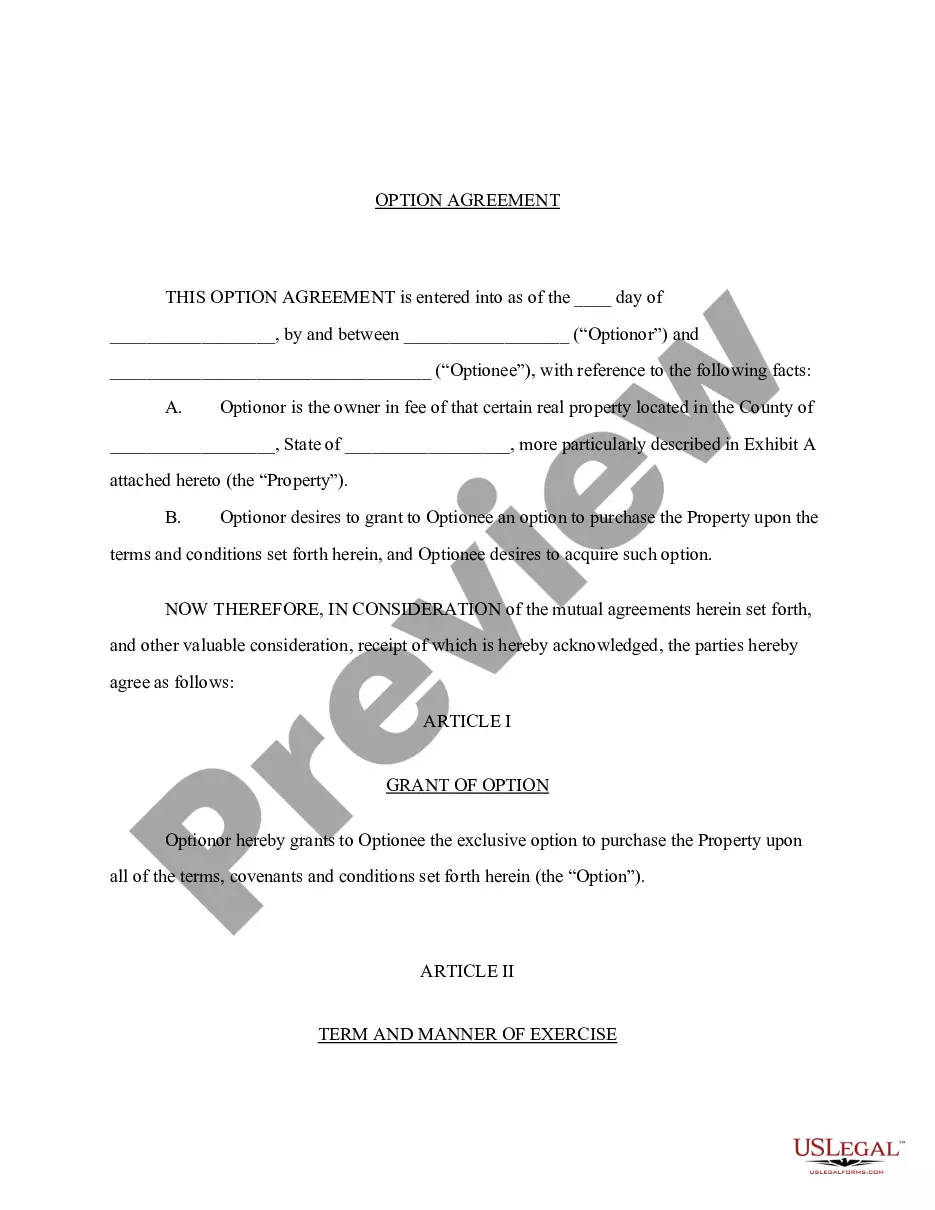
The Memorandum of Option is a legal document used in real estate transactions to provide notice of a potential buyer's right to purchase a property under an option agreement. By recording this memorandum in the real estate records, it ensures that anyone searching for property records is aware of the option to buy the specified real estate. This form serves to protect the rights of the option holder and is different from a standard real estate purchase agreement, as it focuses specifically on the right to acquire the property at a future date rather than the immediate sale.
Key parts of this document
- Identification of the Optionor and Optionee
- Details of the property under option
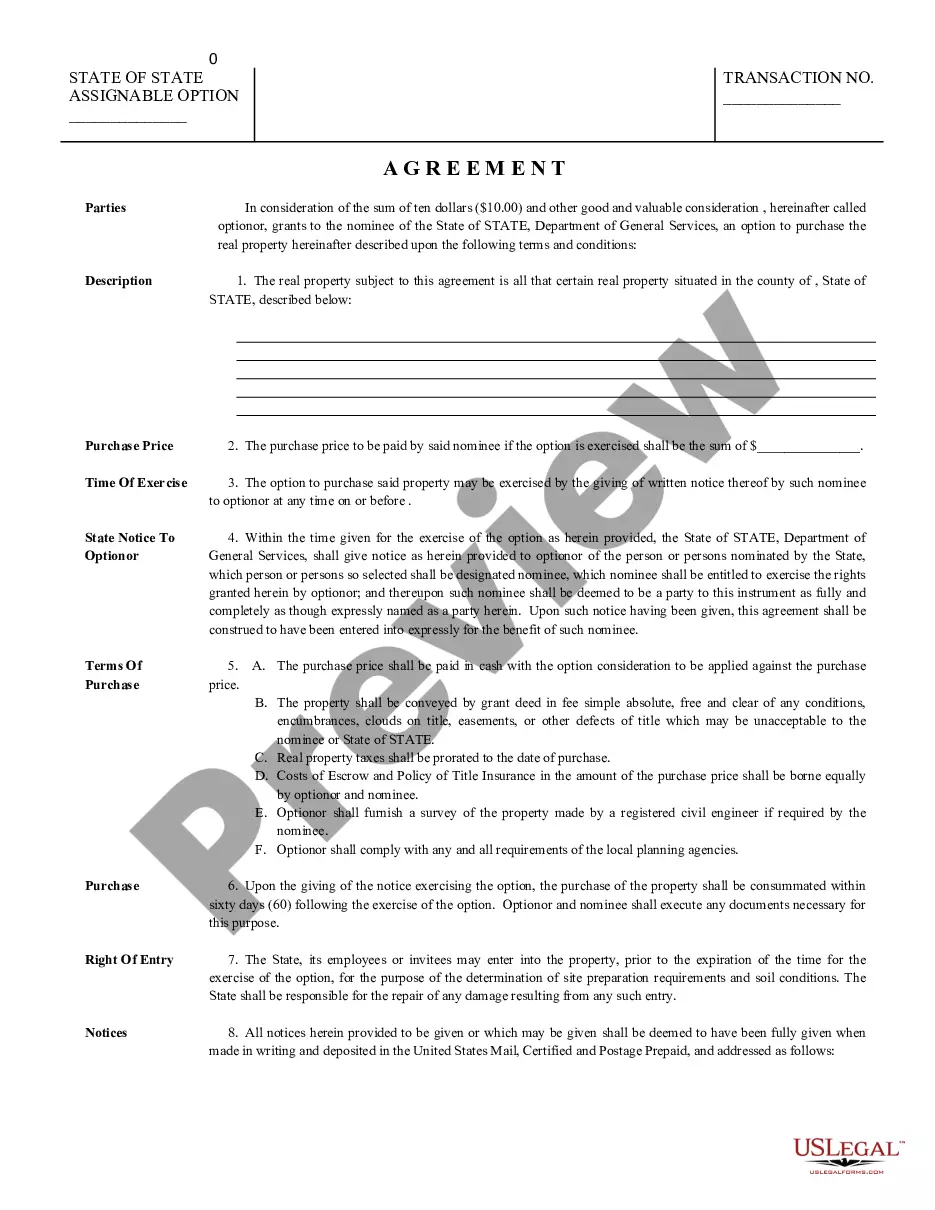
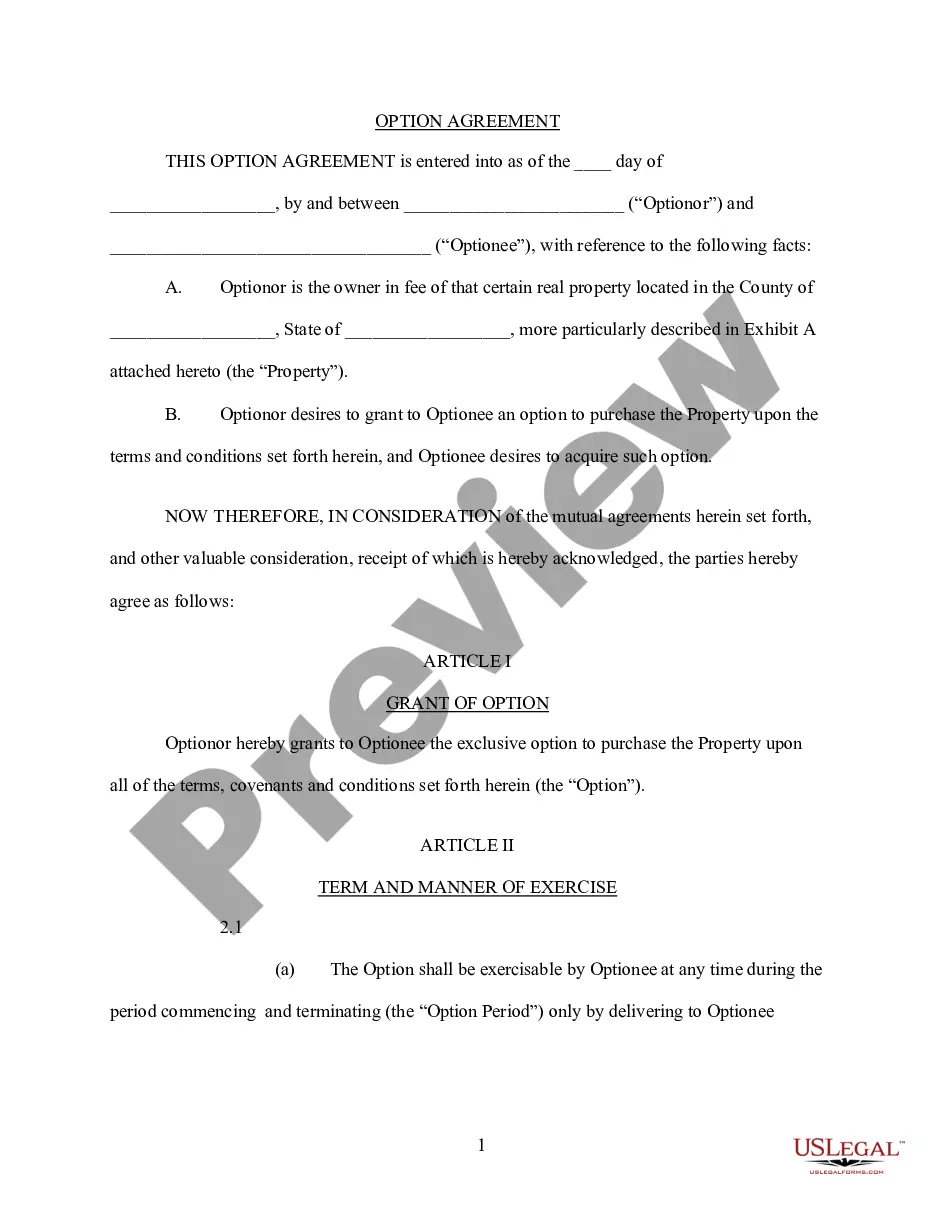
- Terms and conditions related to the option agreement
- Start and termination dates for the option
- Notarization section for legally binding acknowledgment
When this form is needed
This form should be used when a property owner (the Optionor) and a potential buyer (the Optionee) enter into an option agreement. It is commonly utilized when the Optionor wishes to allow the Optionee the right to purchase the property at a later date while retaining ownership in the meantime. Situations may include estate planning or when a seller wants to secure a buyer before completing a sale.
Intended users of this form
This form is intended for:
- Property owners wishing to grant a purchase option to a potential buyer
- Individuals involved in real estate transactions who require a clear record of purchase options
- Trustees managing real estate under a trust agreement
- Anyone who seeks to formalize an option agreement within real estate dealings
How to prepare this document
- Identify the parties involved: the Optionor (seller) and the Optionee (buyer).
- Clearly describe the property that is the subject of the option.
- Enter the details of the underlying option agreement, including the date it was executed.
- Specify the start and termination dates of the option.
- Ensure the form is signed by the Optionor and include notarization as required.
Notarization requirements for this form
Yes, this form must be notarized to be legally valid. Notarization verifies the identities of the parties signing the document and confirms that they are executing the memorandum voluntarily. US Legal Forms offers integrated online notarization, available twenty-four hours a day, providing a secure video call option with a notary public, ensuring compliance without the need to travel.
Get your form ready online
Our built-in tools help you complete, sign, share, and store your documents in one place.
Make edits, fill in missing information, and update formatting in US Legal Forms—just like you would in MS Word.
Download a copy, print it, send it by email, or mail it via USPS—whatever works best for your next step.
Sign and collect signatures with our SignNow integration. Send to multiple recipients, set reminders, and more. Go Premium to unlock E-Sign.
If this form requires notarization, complete it online through a secure video call—no need to meet a notary in person or wait for an appointment.
We protect your documents and personal data by following strict security and privacy standards.

Make edits, fill in missing information, and update formatting in US Legal Forms—just like you would in MS Word.

Download a copy, print it, send it by email, or mail it via USPS—whatever works best for your next step.

Sign and collect signatures with our SignNow integration. Send to multiple recipients, set reminders, and more. Go Premium to unlock E-Sign.

If this form requires notarization, complete it online through a secure video call—no need to meet a notary in person or wait for an appointment.

We protect your documents and personal data by following strict security and privacy standards.
Common mistakes
- Failing to accurately describe the property, which may lead to disputes.
- Not including complete information about the Optionor and Optionee.
- Leaving out the dates, which can cause confusion about the option period.
- Not notarizing the document, which may affect its validity.
Why use this form online
- Convenience of downloading and completing forms at your own pace.
- Editability allows for adjustments based on specific needs.
- Reliable templates drafted by licensed attorneys, ensuring legal compliance.
- Fast access to legal forms without requiring in-person visits to a lawyer.